Schenectady Photographic Society

Menu

Featured

Are Select Subject and Select Sky Missing From Lightroom on your Phone or Tablet?

Are Select Subject and Select Sky Missing From Lightroom on your Phone or Tablet?

If they are, there’s a reason – the new AI-powered features won’t work on older phones or tablets. In fact, here’s a list of the devices the AI WON’T work on: Apple:iPod Touch 7, iPhone 6s, iPhone 6s Plus, iPhone SE, iPhone 7, iPad (5th Gen), iPad (6th Gen), and iPad Pro 9.7. Android:  Those AI featureS only work on Android devices with […]

Read more: Are Select Subject and Select Sky Missing From Lightroom on your Phone or Tablet?
Photoshop for Lightroom Users: Removing Distracting Things, Part II

Photoshop for Lightroom Users: Removing Distracting Things, Part II

We’re picking up where we left off (removing distracting stuff), but we’re going in a different direction with it because we’re not using a Healing Brush or Clone tool this time; we’re using some real Photoshop magic: Content-Aware Fill. This is Photoshop doing some crazy math behind the scenes to either cover over something we […]

Read more: Photoshop for Lightroom Users: Removing Distracting Things, Part II
How To Sync Raw Photos From Your Phone To LR Classic Without Eating Up Your 20GB of Cloud Storage

How To Sync Raw Photos From Your Phone To LR Classic Without Eating Up Your 20GB of Cloud Storage

When you import a photo (Raw, JPEG, HEIC, etc.) into Lightroom on your phone (or if you shoot using Lightroom Mobile’s own built-in camera) once that image is in Lightroom on your phone, it automatically syncs the high-resolution original over to Lightroom Classic on your computer (if you look in the “All Photos” collection a […]

Read more: How To Sync Raw Photos From Your Phone To LR Classic Without Eating Up Your 20GB of Cloud Storage
How To Move Your Lightroom Catalog From An External Drive Back to Your Computer

How To Move Your Lightroom Catalog From An External Drive Back to Your Computer

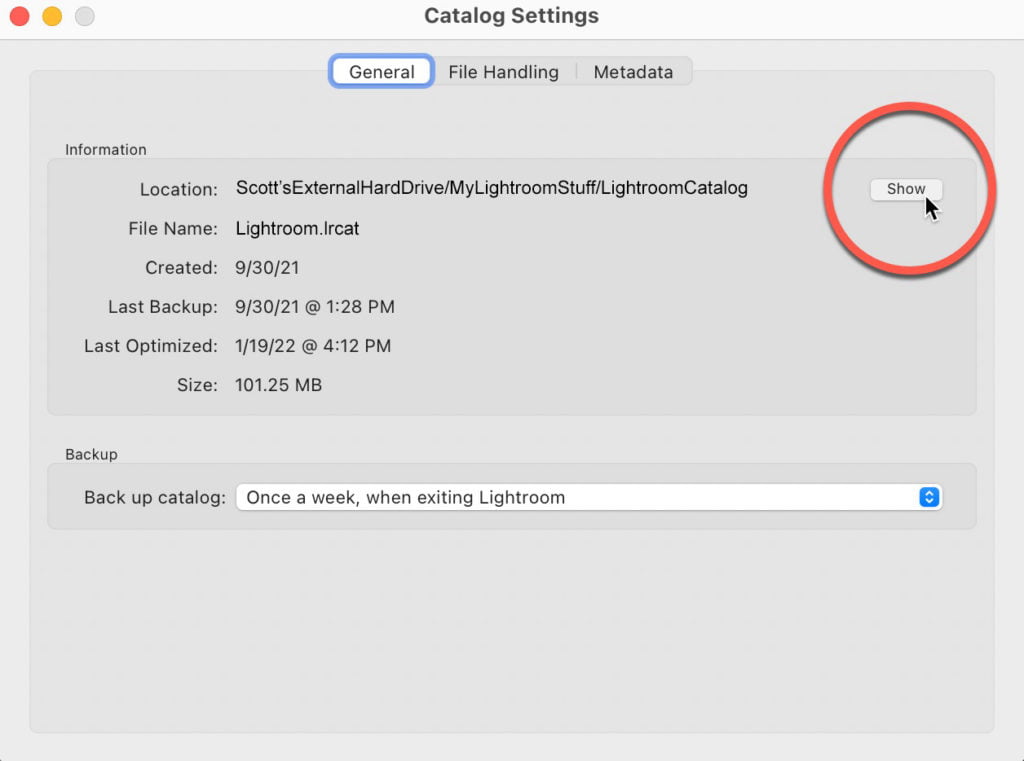
This is a question that came up numerous times during this week’s Lightroom Conference because you’ll get way better performance (LR Classic will run a lot faster) by having your catalog right on your computer or laptop, rather than over on an external hard drive (by the way – thank you to everyone here who attended […]

Read more: How To Move Your Lightroom Catalog From An External Drive Back to Your Computer
Making Connections in Lightroom

Making Connections in Lightroom

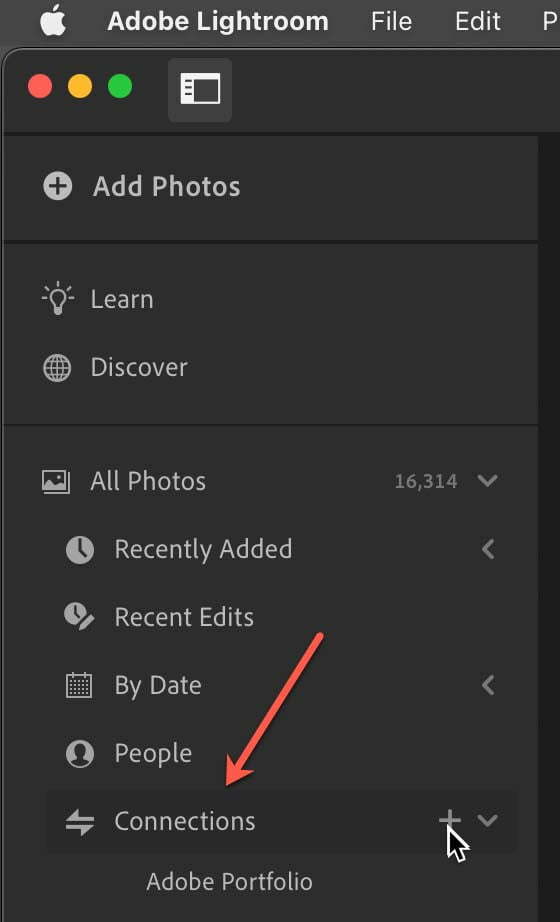
In the desktop (Mac/Windows) version of the Lightroom (Lr) app it is possible to create connections to several online resources for making prints and books. It’s even available via the lightroom.adobe.com site. When it comes to printing I always turn to Lightroom Classic (LrC) and the Print module, but I’ve been testing out the connections […]

Read more: Making Connections in Lightroom