Schenectady Photographic Society

Menu

Lightroom Classic

The January 2021 Issue of Photoshop User Is Now Available!

The January 2021 Issue of Photoshop User Is Now Available!

The January 2021 issue of Photoshop User is now live on the KelbyOne site and KelbyOne Mags for iOS and Android. By the way, don’t forget that we have moved all the Lightroom content from Lightroom Magazine into Photoshop User, so it’s now “The Magazine for Lightroom and Photoshop Users.” Plus, Photoshop User now comes out every month! In this issue, learn how taking advantage of Content-Aware […]

Read more: The January 2021 Issue of Photoshop User Is Now Available!
Transferring Your Lightroom Classic Catalog and Photos to a New Computer: Part 2

Transferring Your Lightroom Classic Catalog and Photos to a New Computer: Part 2

Ok, last week we went over what to do first, getting the new computer prepped, and migrating your photos. Let’s wrap this up with bringing your presets, templates, plugins, and most importantly, your catalog to the new computer and making them work. Presets, Templates, and Plugins Time to gather up all your custom presets, plugins, […]

Read more: Transferring Your Lightroom Classic Catalog and Photos to a New Computer: Part 2
Syncing Automated Settings

Syncing Automated Settings

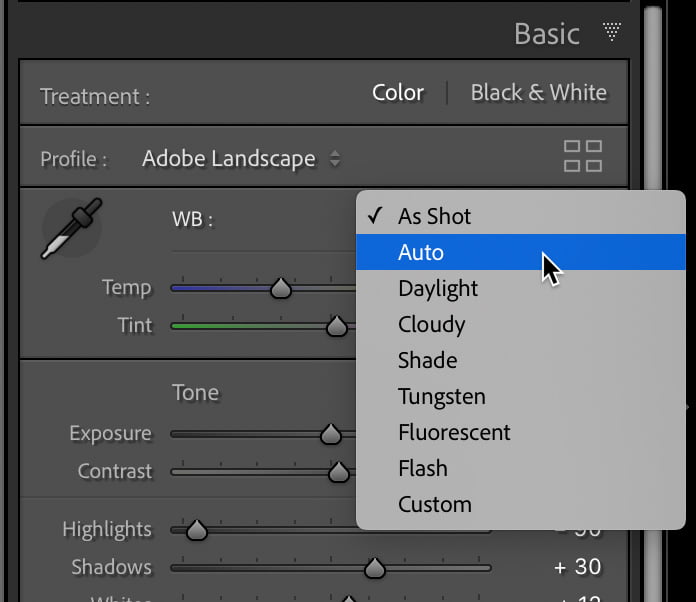
There are a few different ways that Lightroom Classic can analyze a photo and apply an auto setting based on that analysis. Quite often we may have multiple photos that we want to batch apply one or more of those automated settings to all photos at once. However, you need to be mindful of how […]

Read more: Syncing Automated Settings
Merging Two Drives Into One

Merging Two Drives Into One

… And keeping Lightroom Classic from freaking out. That was just too long for a title, but that’s what I set out to do. I’ve had the bulk of my photo library stored on two external drives (each 2TB capacity), and one of them started making that weird sound of doom that you never want […]

Read more: Merging Two Drives Into One