Skip to content
Schenectady Photographic Society

Schenectady Photographic Society

Established 1932
Schenectady Photographic Society
Menu
  • Home
  • Downloads
    • The Focus
    • Annual Reports
    • New Member Info
  • Competitions
    • Assigned Topics for 2025-2027
    • Print
      • Competition Galleries
      • Competition Results
        • 2024-2025
        • 2023-2024
        • 2019-2020
        • 2018-2019
        • 2017-2018
        • 2016-2017
        • 2015-2016
      • Competition Rules
      • Submission Card Creator
    • Digital Image
      • Submit Images
      • Submissions
        • 2024-2025
        • 2023-2024
        • 2022-2023
        • 2021-2022
        • 2020-2021
        • 2019-2020
        • 2018-2019
        • 2017-2018
        • 2016-2017
        • 2015-2016
      • Competition Results
        • 2025-2026
        • 2024-2025
        • 2023-2024
        • 2022-2023
        • 2021-2022
        • 2020-2021
        • 2019-2020
        • 2018-2019
        • 2017-2018
        • 2016-2017
        • 2015-2016
      • Preparation Guidelines
      • Competition Rules
    • Photo Essay
      • Competition Rules
  • Programs
    • Mentoring
    • Field Trips
    • Traveling Exhibits
  • Events
    • Full Events Calendar
    • Luba Ricket Creativity Award
      • Submission Form
  • News
    • Announcements
    • Photoshop
    • Lightroom
  • Links
  • About SPS
    • Our FAQ
    • Directions
    • By-Laws
    • Constitution
    • Board of Directors
    • Betty Barker Award
    • Liability Waiver and Safety Requirements Agreement
    • SPS In the News
      • Heritage of Vision - 518 Profiles Magazine
      • 80th Anniversary - Daily Gazette
  • Join Us
CLOSE
Schenectady Photographic Society

Upcoming Events

Nothing from January 12, 2026 to January 12, 2027.

Tag: lightroom-killer-tips

Transferring Your Lightroom Classic Catalog and Photos to a New Computer

The holidays are often a time when people get a new computer, and the idea of transferring your Lightroom Classic catalog and all of your photos to a new computer can seem daunting at first,…

View More Transferring Your Lightroom Classic Catalog and Photos to a New Computer

It’s Christmas Break Time For Me :)

You know it’s a holiday, when I’m posting on a Monday at 10:50 am. As you might have guessed from the headline, I’m taking this week and next week off to enjoy some time with…

View More It’s Christmas Break Time For Me :)

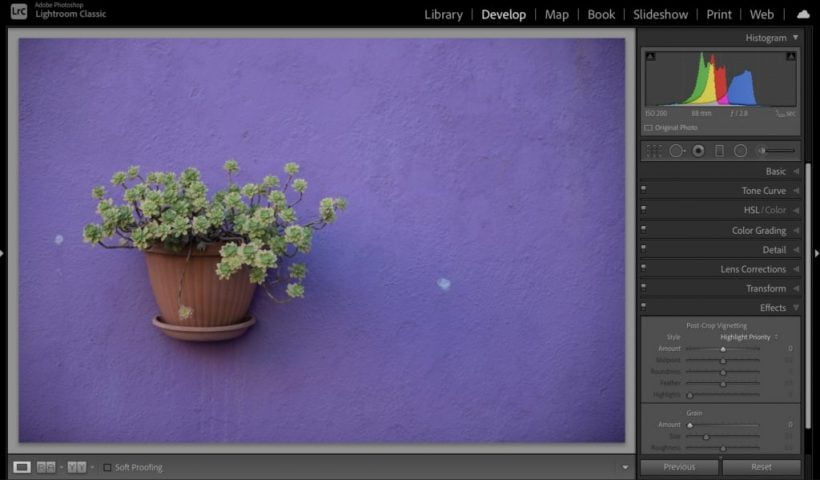
How To Remove Lens Vignetting (darkening in the corners) in Lightroom

Hi, gang, and happy Friday. I know we talk a lot here about adding subtle edge darkening to some of our images, but in this case, we’re not talking about darkening the edges evenly all…

View More How To Remove Lens Vignetting (darkening in the corners) in Lightroom

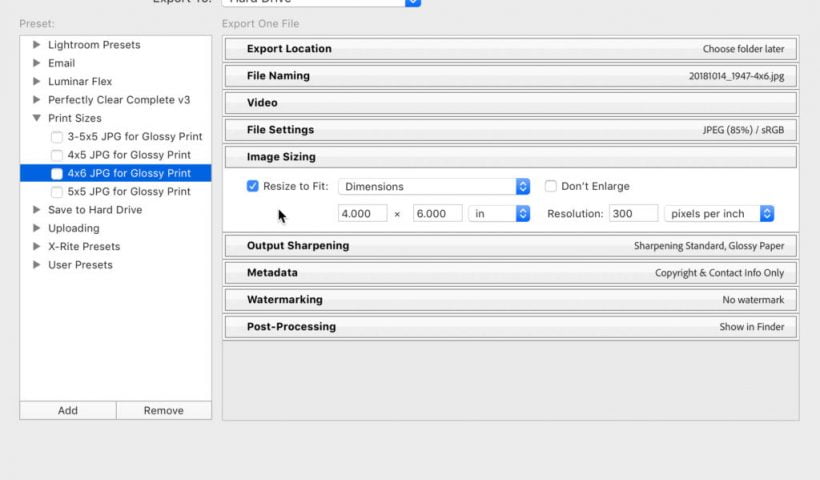
Exporting Copies at Different Print Sizes

When family and friends ask me for copies of photos that they can get printed online I try to make it as easy as possible for them to get good quality at a range of…

View More Exporting Copies at Different Print Sizes

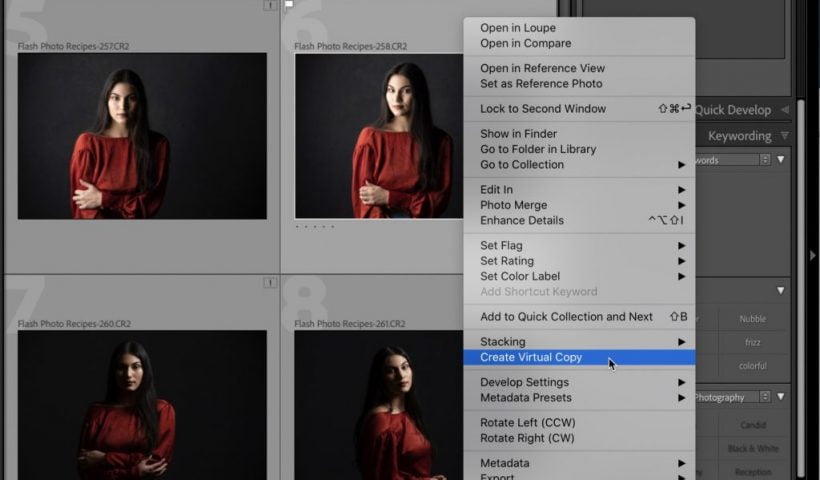
The Advantage of Using Virtual Copies in Lightroom

Although we’ve talked about Virtual Copies here on the blog from time to time, I realized that I haven’t done anything on it for people who are new to Lightroom Classic, so today that’s what…

View More The Advantage of Using Virtual Copies in Lightroom

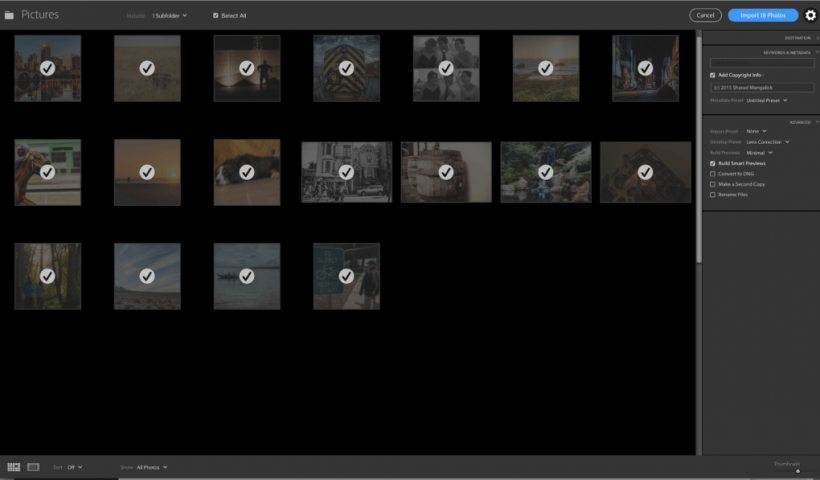
The Most Intimidating Window in Lightroom (and how Adobe can make better)

Yesterday I was in the studio recording an entire online class just on getting your images into Lightroom Classic. When it’s edited and ready to post, I imagine it will be around 45-minutes to an…

View More The Most Intimidating Window in Lightroom (and how Adobe can make better)

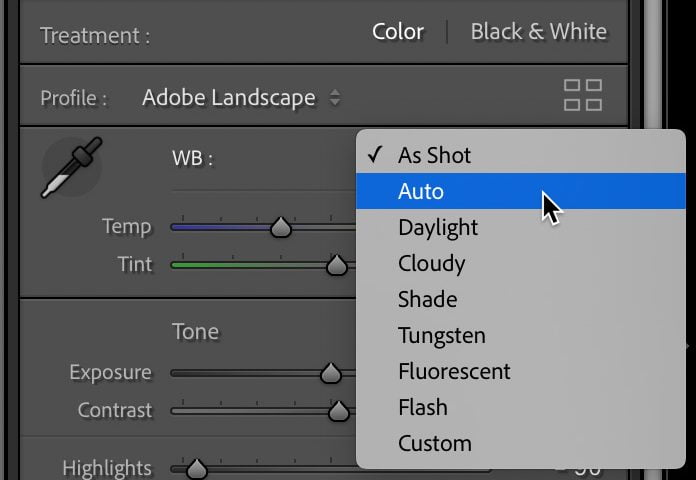
Syncing Automated Settings

There are a few different ways that Lightroom Classic can analyze a photo and apply an auto setting based on that analysis. Quite often we may have multiple photos that we want to batch apply…

View More Syncing Automated Settings

Seeing a Before/After of Just The Panel You’re Working In

You probably already know that pressing the backslash key on your keyboard gives you a before/after of all the changes you’ve made to the image since you imported it. but what if you want to…

View More Seeing a Before/After of Just The Panel You’re Working In

Posts pagination

Previous page Page 1 … Page 68 Page 69 Page 70 … Page 83 Next page
Schenectady Photographic Society
Established 1931
Site design by Sean P Sullivan
Copyright © SPS|Concepts
Terms of Service/Privacy Policy