Schenectady Photographic Society

Menu

Lightroom

Lindsay Adler Transforms Images On Location with OCF II Light Shaping Tools

Lindsay Adler Transforms Images On Location with OCF II Light Shaping Tools

By Steve Hanratty Sponsored Post For photographers everywhere, it’s important they find their unique style. That’s why light shaping tools can help them be more creative—and distinctive. Photo: Jen Helinga “Clean, bold, and graphic, presenting women with strength and elegance.” That’s how Lindsay Adler, New York-based fashion and beauty photographer, and in 2020 Rangefinder’s first-ever […]

Read more: Lindsay Adler Transforms Images On Location with OCF II Light Shaping Tools
Lightroom in 60-Seconds: Drawing Straight Lines With The Adjustment Brush

Lightroom in 60-Seconds: Drawing Straight Lines With The Adjustment Brush

It’s September (yo!) and I’m back with more Lightroom in 60-seconds videos, and this one is incredibly handy (I use it daily). Check it out: Hope you found that helpful. Don’t forget to come back tomorrow for Rob’s Lightroom tips. Have a great Tuesday, ya’ll. -Scott The post Lightroom in 60-Seconds: Drawing Straight Lines With […]

Read more: Lightroom in 60-Seconds: Drawing Straight Lines With The Adjustment Brush
Explore the New Hue Controls in the Local Adjustment Tools

Explore the New Hue Controls in the Local Adjustment Tools

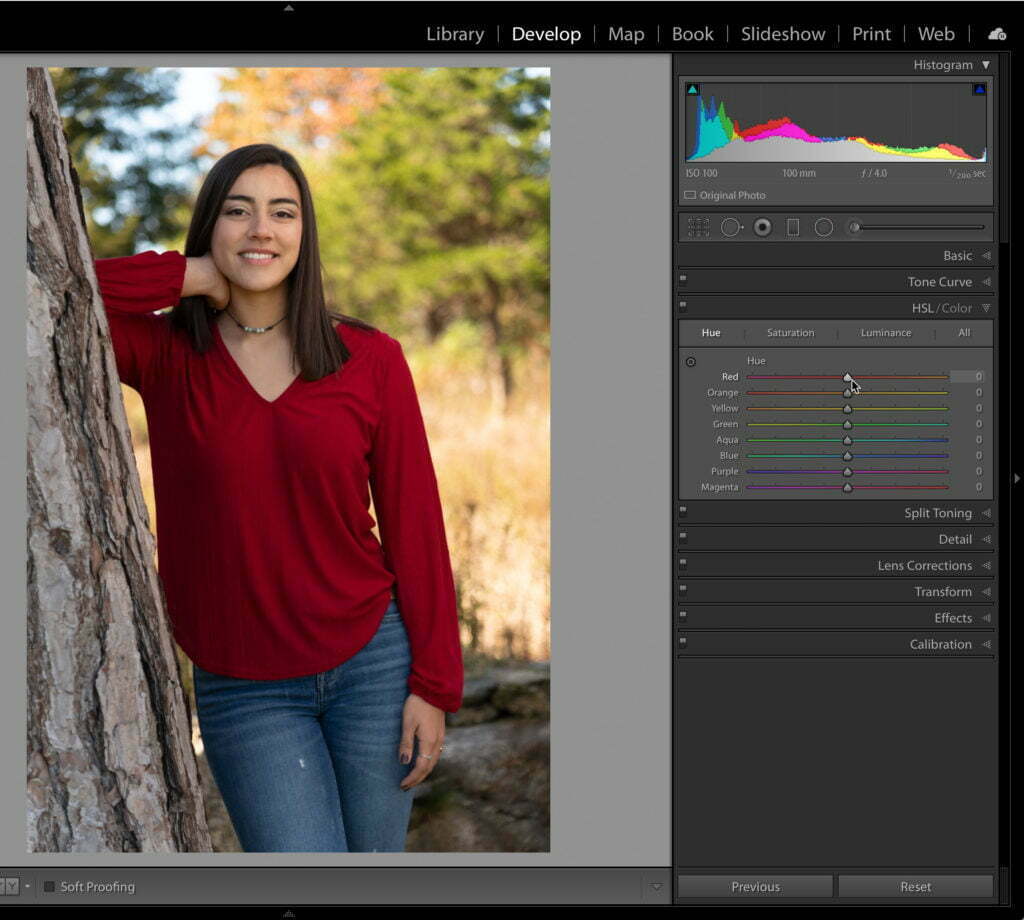
Adjusting, enhancing, and correcting color is often a necessary part of editing in Lightroom Classic. While we have been able to modify hue, saturation, and lightness (HSL) on a global level (using the HSL/Color panel), and adjust saturation and lightness (exposure) on a local level (using the Graduated Filter, Radial Filter or Adjustment Brush), we […]

Read more: Explore the New Hue Controls in the Local Adjustment Tools