Schenectady Photographic Society

Menu

Photo compositing

Photoshop Generative Fill for Retouching and Compositing

Photoshop Generative Fill for Retouching and Compositing

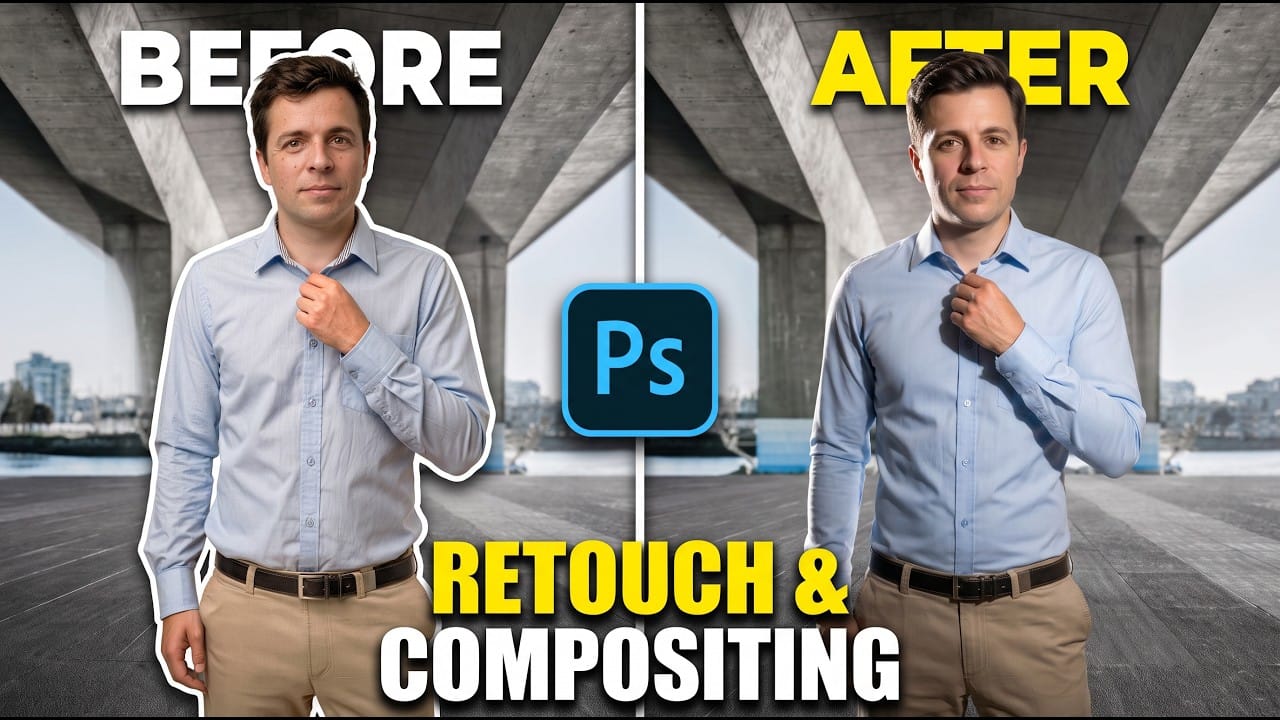
A polished composite starts with a well-retouched subject. Jesús Ramirez demonstrates how to use partner models for larger changes, Firefly for targeted cleanup, and separate editable layers to prepare a portrait for a new background. The workflow covers hair, skin, clothing, lighting, and background removal while keeping adjustments modular Read the full article here: Photoshop […]


Read more: Photoshop Generative Fill for Retouching and Compositing
Common Photoshop Compositing Mistakes and How to Fix Them

Common Photoshop Compositing Mistakes and How to Fix Them

Most compositing errors come down to a handful of repeatable problems: mismatched lighting direction, inconsistent white points, misaligned perspective, and atmosphere applied in the wrong layer order. Catching these issues early — ideally before you shoot — saves significant time in post. Watch the Video Practical Tips These corrections apply to nearly Read the full […]

Read more: Common Photoshop Compositing Mistakes and How to Fix Them
How to Build a Photo Manipulation in Photoshop: A 4-Step Compositing Workflow

How to Build a Photo Manipulation in Photoshop: A 4-Step Compositing Workflow

Building a convincing photo manipulation from scratch requires more than creativity — it demands a repeatable process. This breakdown covers the four core steps used to composite multiple images into a single cohesive scene, from rough layout through exposure matching, color balancing, and shadow painting. Watch the Video Practical Tips These Read the full article […]

Read more: How to Build a Photo Manipulation in Photoshop: A 4-Step Compositing Workflow
Turn a Single Photo into a Cinematic Movie Poster with Triadic Color Grading

Turn a Single Photo into a Cinematic Movie Poster with Triadic Color Grading

Color choice is what separates a flat photo edit from a convincing movie poster. This tutorial walks through how to apply triadic color harmony to a single street photograph, using yellow as the dominant tone with controlled accents of blue and red to create visual tension and draw the eye Read the full article here: […]

Read more: Turn a Single Photo into a Cinematic Movie Poster with Triadic Color Grading