Schenectady Photographic Society

Menu

Photo effects

How to Create a Grungy Pop Art Collage with Halftone Effects in Photoshop

How to Create a Grungy Pop Art Collage with Halftone Effects in Photoshop

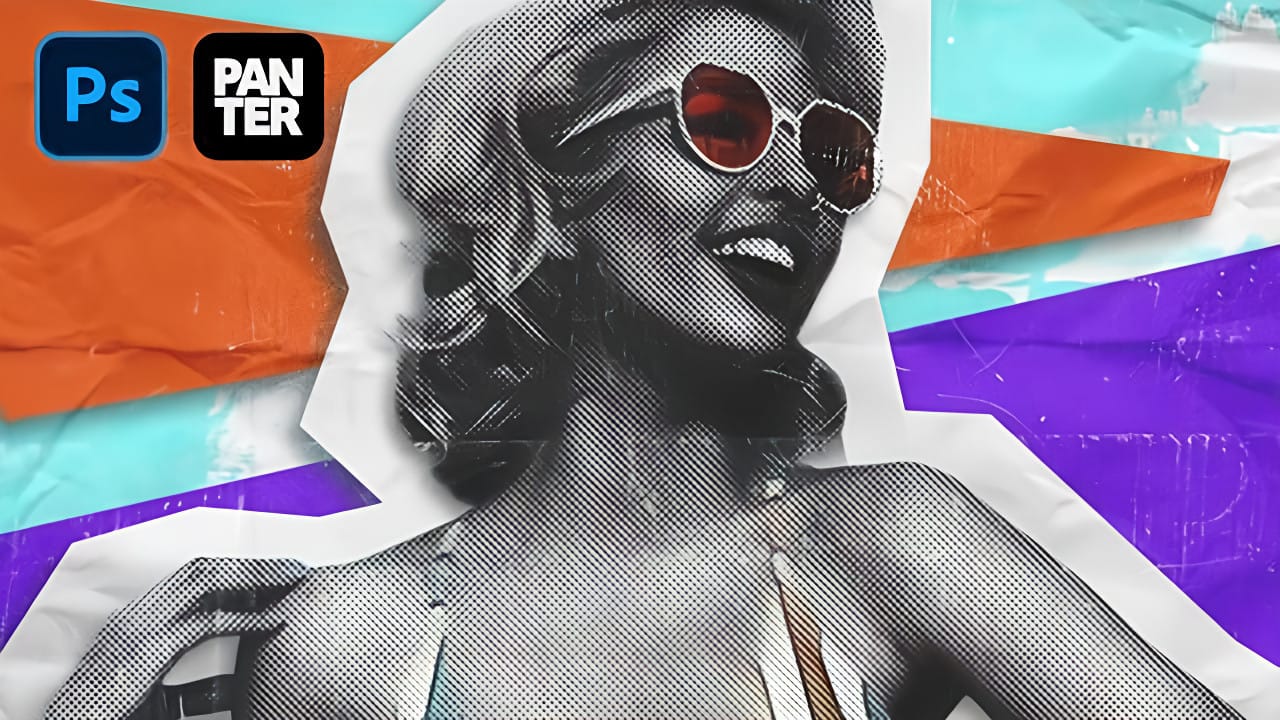
Pop art collages capture the bold, experimental spirit of 1960s graphic design through layered compositions and striking visual contrasts. This aesthetic combines commercial printing techniques with artistic rebellion, creating designs that feel both nostalgic and contemporary. This tutorial demonstrates how to build a complete pop art collage from a portrait Read the full article here: […]
Read more: How to Create a Grungy Pop Art Collage with Halftone Effects in Photoshop
How to Fuse Two Portrait Photos into One Model in Photoshop

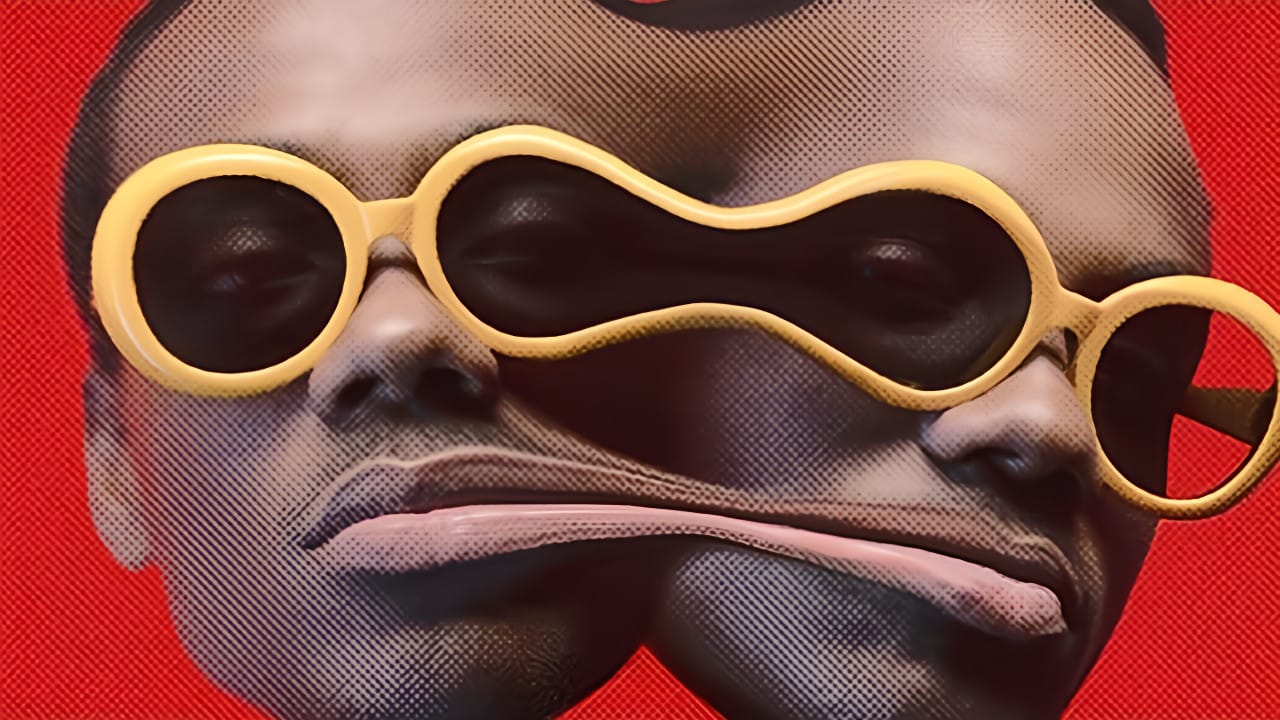
How to Fuse Two Portrait Photos into One Model in Photoshop

Portrait fusion opens up creative possibilities that go beyond traditional photo editing. By seamlessly blending facial features from two different models, you can create striking artistic compositions that challenge perception and explore identity. This advanced technique combines precise selection work with Photoshop's powerful distortion tools. The result transforms Read the full article here: How to […]

Read more: How to Fuse Two Portrait Photos into One Model in Photoshop
How to Transform Photos into Watercolor Paintings in Photoshop

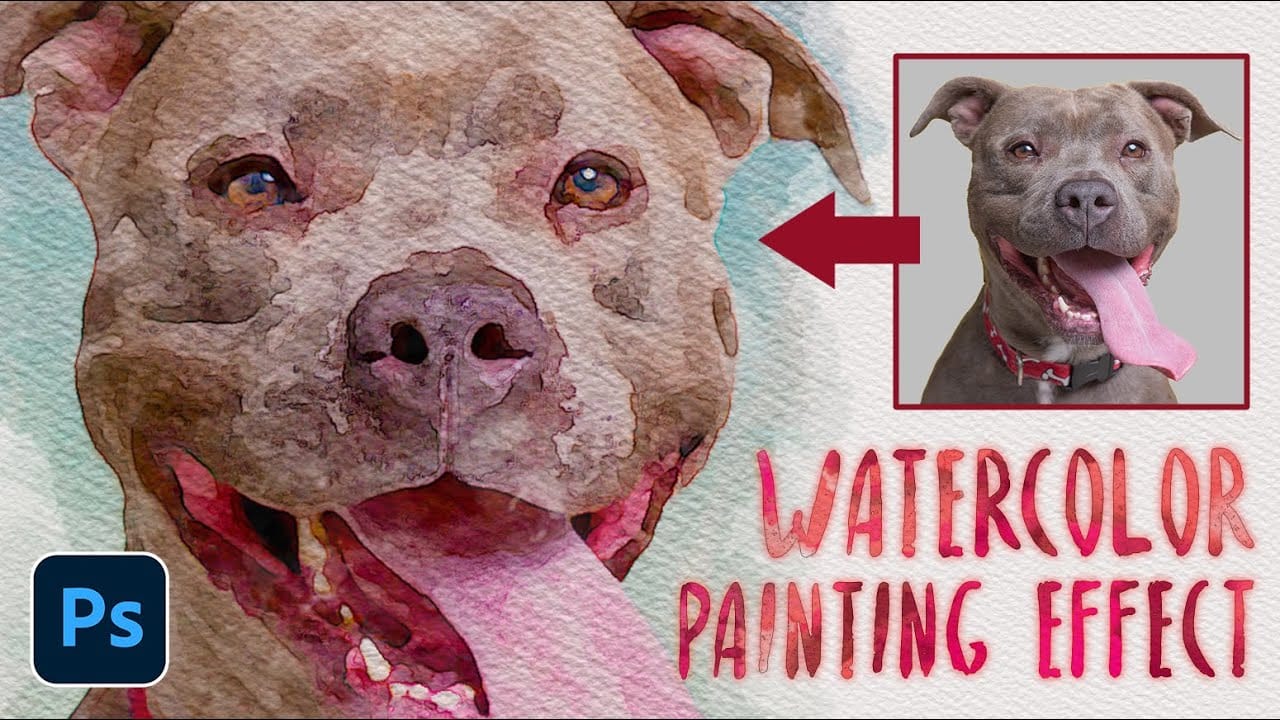
How to Transform Photos into Watercolor Paintings in Photoshop

Watercolor paintings capture light and emotion in ways that photography alone cannot achieve. The flowing pigments, soft edges, and organic textures create an artistic interpretation that transforms mundane subjects into compelling visual stories. This tutorial demonstrates how to recreate these traditional watercolor qualities digitally, combining Photoshop filters with custom brushwork Read the full article here: […]

Read more: How to Transform Photos into Watercolor Paintings in Photoshop
How to Create a VHS Glitch Effect in Photoshop

How to Create a VHS Glitch Effect in Photoshop

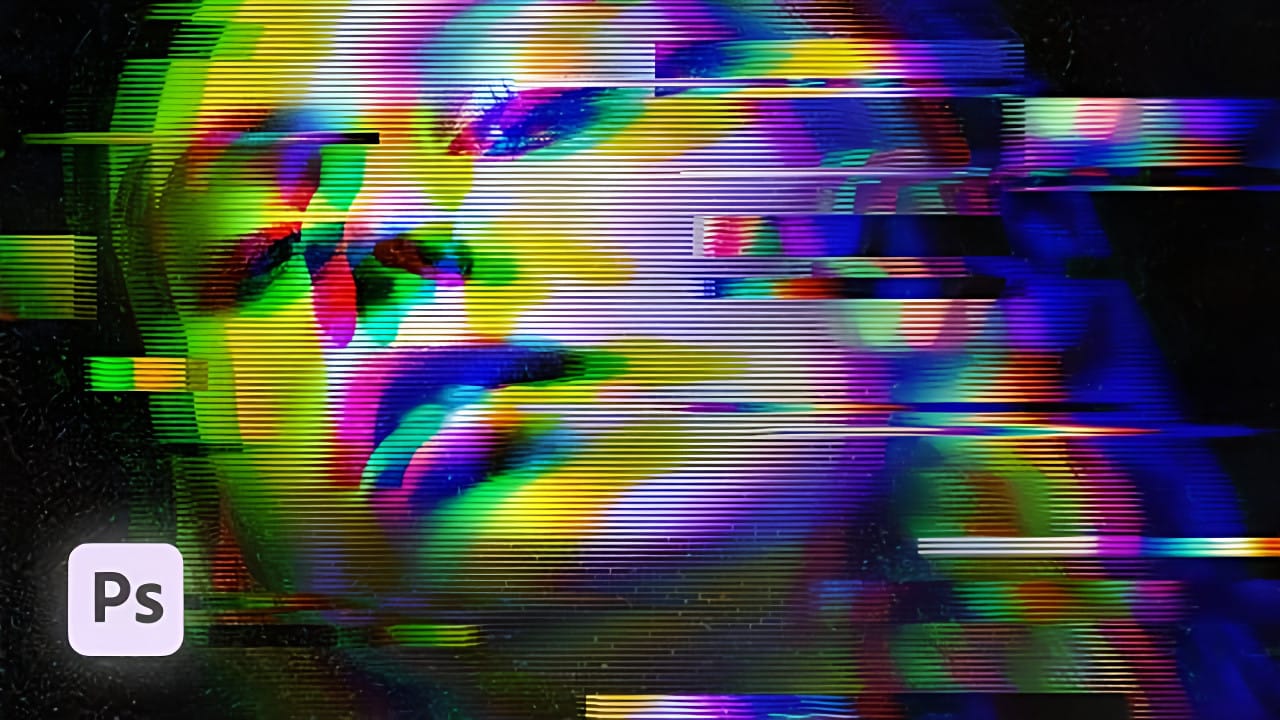
VHS glitch effects capture the nostalgic charm of analog video distortion, transforming clean digital images into retro masterpieces. These effects recreate the visual artifacts of old videotapes — horizontal scan lines, color channel separation, and pixelated interference that defined an entire era of visual media. This tutorial demonstrates how to build Read the full article […]

Read more: How to Create a VHS Glitch Effect in Photoshop
How to Create a Long Exposure Glow Effect in Photoshop

How to Create a Long Exposure Glow Effect in Photoshop

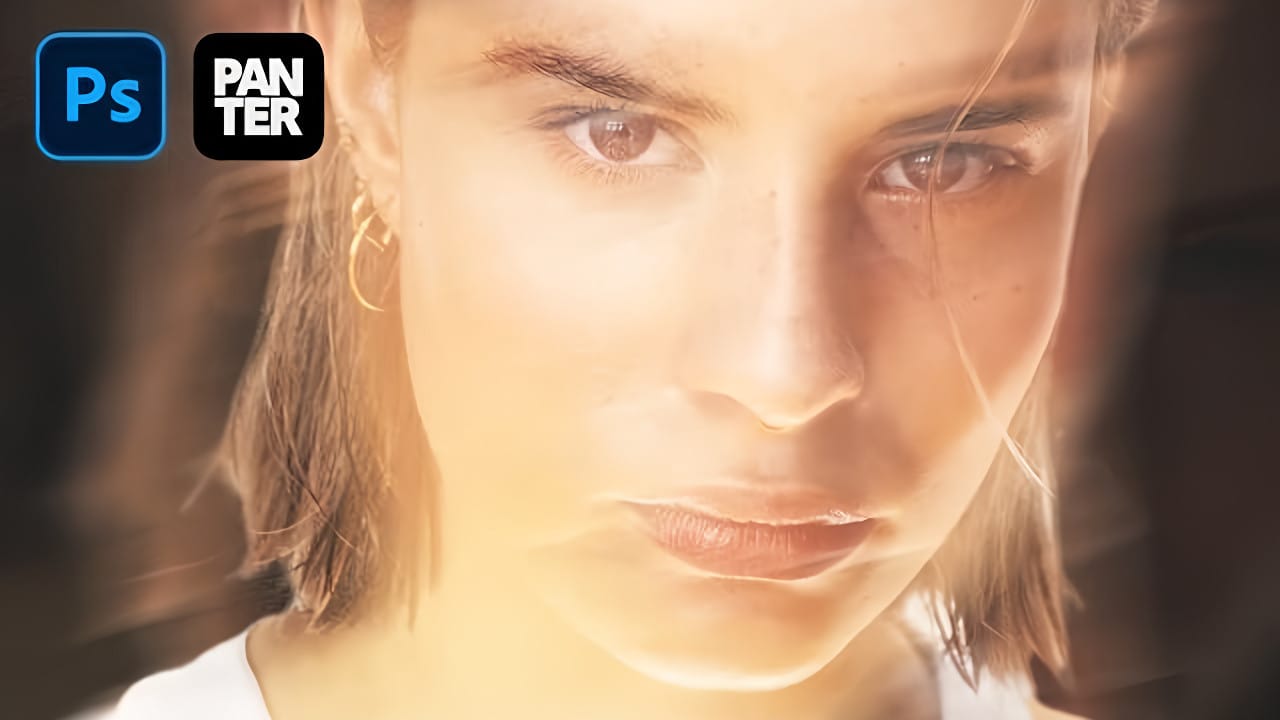
Motion blur and glowing light trails create some of photography's most captivating visual effects. The ethereal quality of long exposure photography transforms ordinary subjects into dreamlike compositions with flowing energy and luminous movement. This technique recreates that signature glow digitally, allowing you to achieve stunning motion effects without Read the full article here: How to […]

Read more: How to Create a Long Exposure Glow Effect in Photoshop
Creating a Colorful Pixelated Effect in Photoshop

Creating a Colorful Pixelated Effect in Photoshop

The colorful pixelated effect transforms ordinary photographs into vibrant, retro-style artwork reminiscent of 8-bit video games and digital pop art. This distinctive visual style combines traditional mosaic filtering with advanced color manipulation to create bold, simplified imagery that captures attention. This technique works particularly well for portraits, creating striking poster-like Read the full article here: […]

Read more: Creating a Colorful Pixelated Effect in Photoshop
Create a Distorted Photocopy Scan Effect in Photoshop

Create a Distorted Photocopy Scan Effect in Photoshop

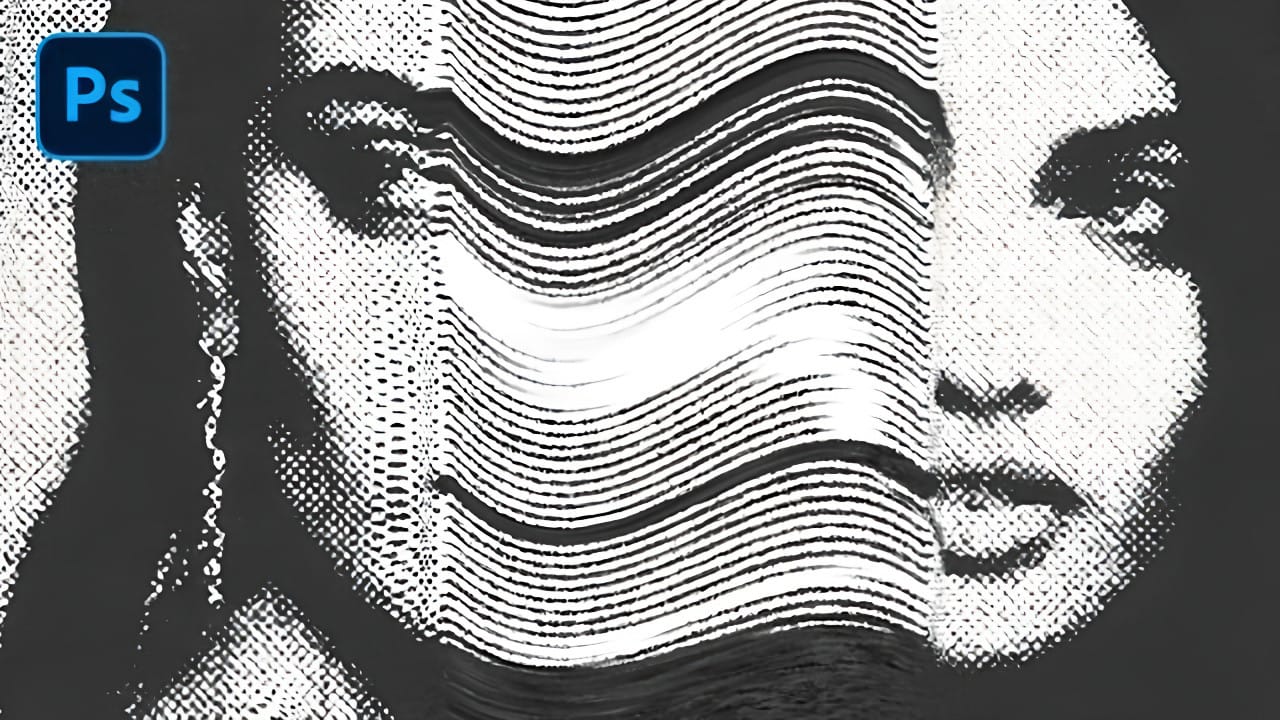
Vintage photocopy effects capture the imperfect charm of analog reproduction—those streaky scan lines, halftone dots, and mysterious distortions that made every copy slightly different. These gritty, mechanical textures add authentic character to digital designs, evoking the era when photocopiers were the primary way to duplicate documents and images. This Read the full article here: Create […]

Read more: Create a Distorted Photocopy Scan Effect in Photoshop
Creating Pixel Stretch Effects With Polar Coordinates in Photoshop

Creating Pixel Stretch Effects With Polar Coordinates in Photoshop

Digital artists often seek unique ways to extend and manipulate image elements beyond their original boundaries. The polar coordinates filter in Photoshop offers a powerful method for transforming linear pixel selections into curved, organic shapes that can enhance portraits and creative compositions. This technique combines strategic pixel sampling with coordinate Read the full article here: […]

Read more: Creating Pixel Stretch Effects With Polar Coordinates in Photoshop