Schenectady Photographic Society

Menu

Photo effects

How to Create a Daguerreotype Photo Effect in Photoshop

How to Create a Daguerreotype Photo Effect in Photoshop

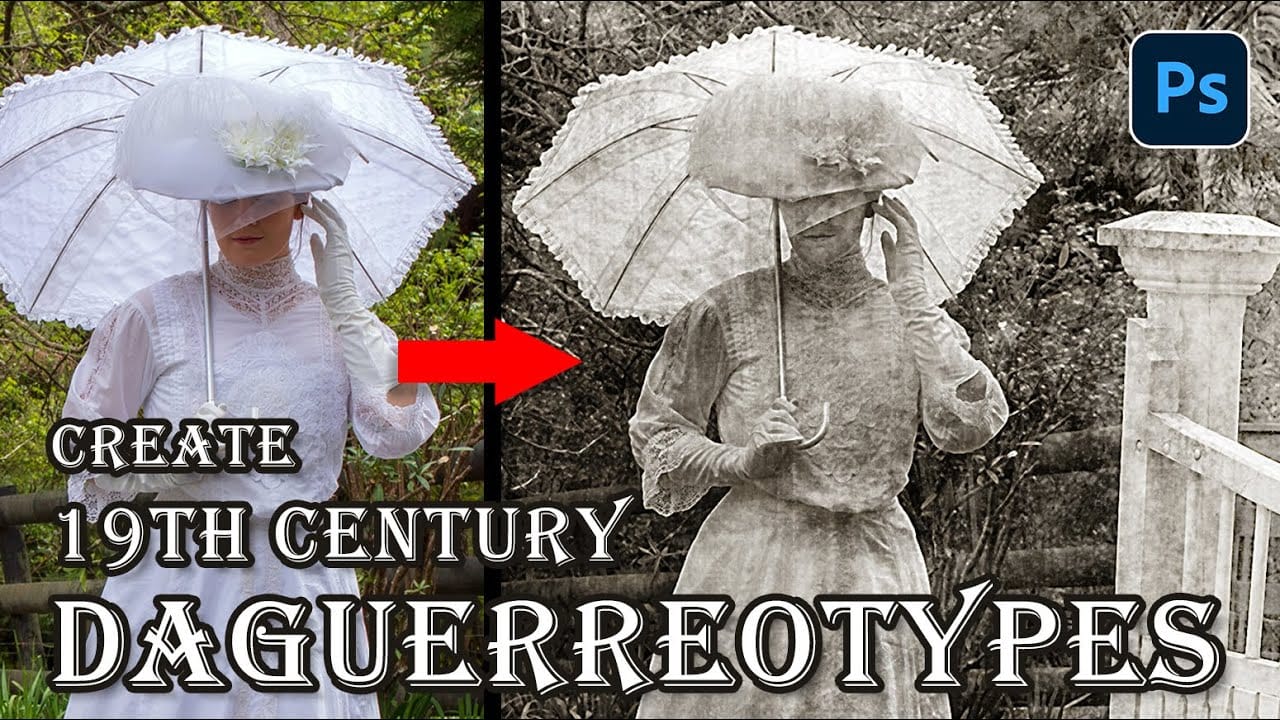
The mirror-like daguerreotypes of the 1840s and 1850s represent photography's earliest commercial success, capturing portraits with an ethereal quality unmatched by modern digital images. These delicate silver-plated photographs developed a distinctive aesthetic through their unique chemistry and fragile surfaces that scratched easily from dust, fingerprints, and handling. This Read the full article here: How to […]
Read more: How to Create a Daguerreotype Photo Effect in Photoshop
How to Create Realistic Crop Circles in Photoshop

How to Create Realistic Crop Circles in Photoshop

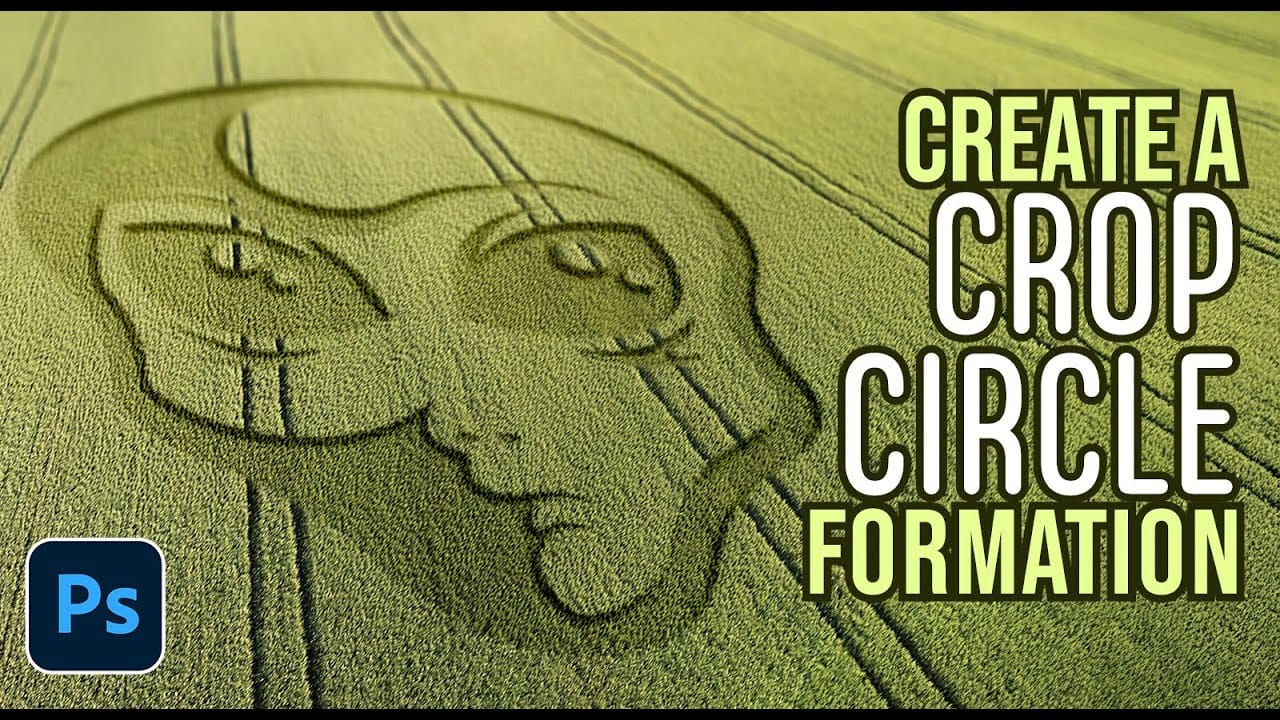
Ancient mysteries meet modern design in the world of crop circles. These intricate patterns carved into fields have captured imaginations for decades, inspiring countless theories about their origins. The geometric precision and otherworldly appearance of crop circles make them compelling subjects for digital art projects. This tutorial demonstrates how to Read the full article here: […]

Read more: How to Create Realistic Crop Circles in Photoshop
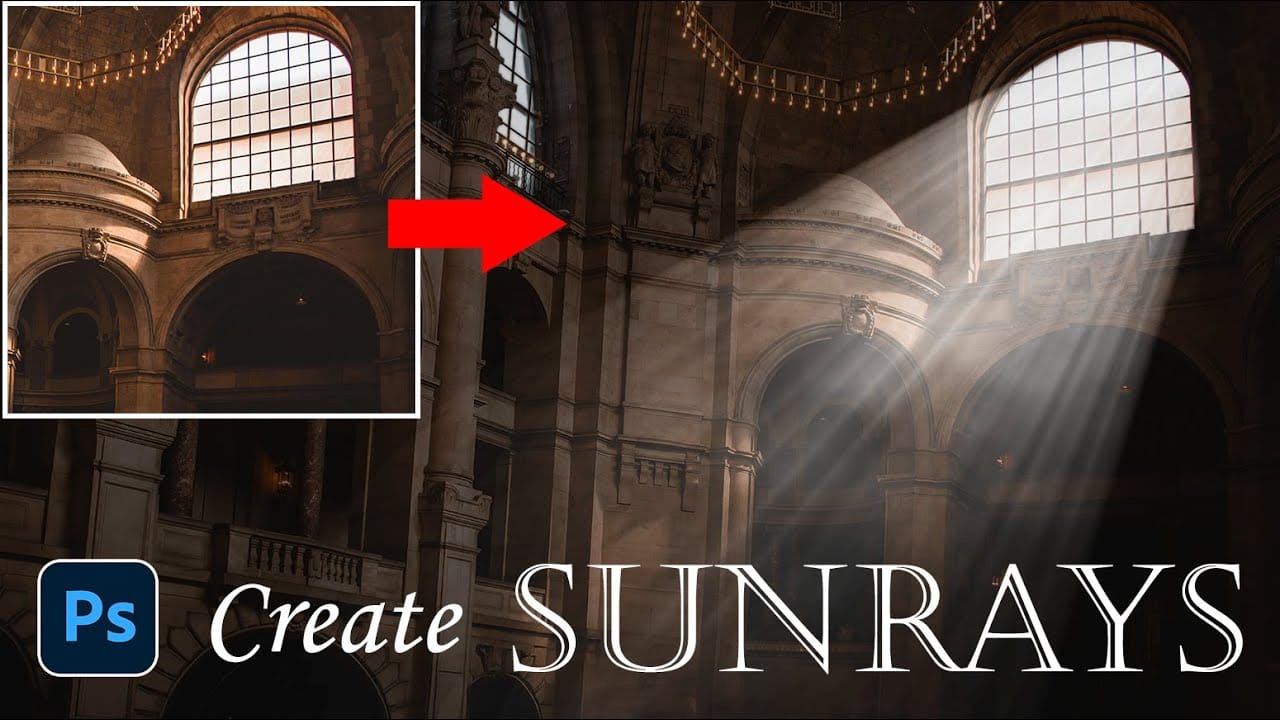
How to Add Dramatic Sunrays and Sunbeams to Photos in Photoshop

How to Add Dramatic Sunrays and Sunbeams to Photos in Photoshop

Sunrays streaming through windows create some of photography's most captivating moments. Natural sunbeams add drama, warmth, and visual interest that can transform an ordinary interior scene into something magical. This tutorial demonstrates how to recreate those stunning light effects in Photoshop using selection techniques, radial blur, and layer Read the full article here: How to […]
Read more: How to Add Dramatic Sunrays and Sunbeams to Photos in Photoshop
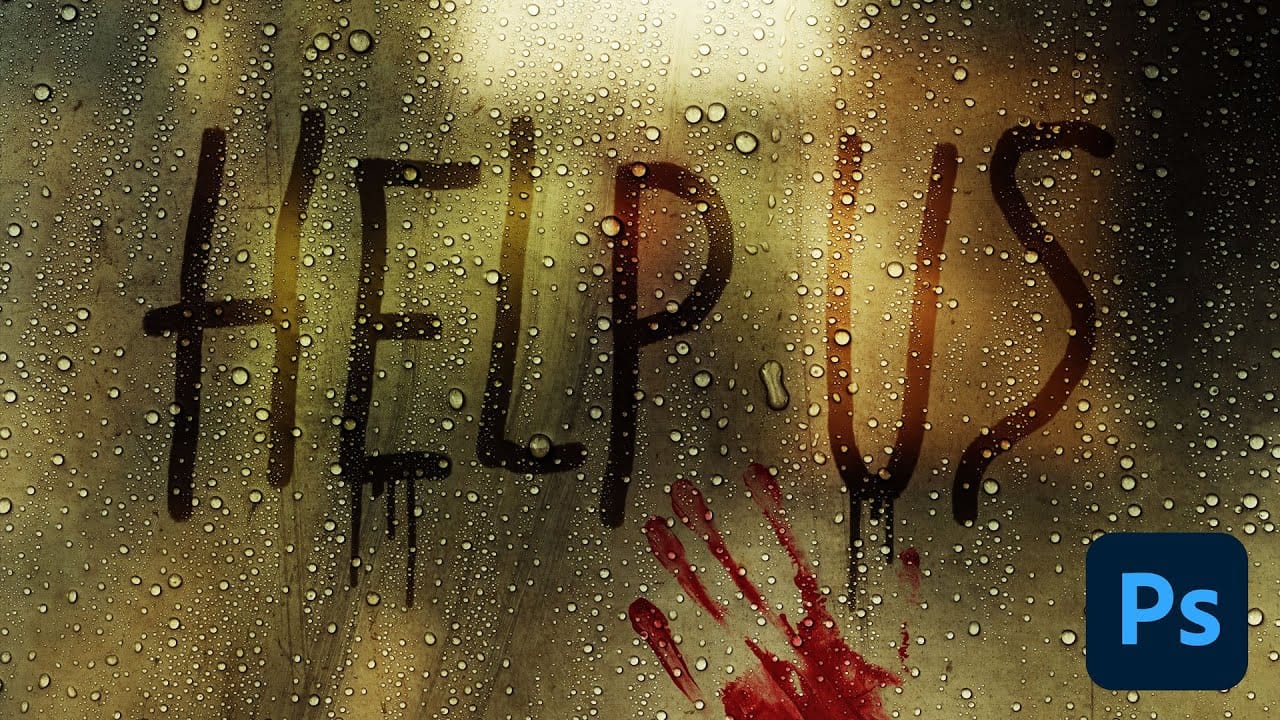
How to Create Realistic Water Droplets on Glass in Photoshop

How to Create Realistic Water Droplets on Glass in Photoshop

Water droplets on glass create one of the most captivating visual effects in photography and digital art. The interplay of refraction, reflection, and transparency transforms ordinary scenes into atmospheric masterpieces that draw viewers into the story. This comprehensive tutorial demonstrates how to recreate this cinematic effect using photographic textures, blend Read the full article here: […]

Read more: How to Create Realistic Water Droplets on Glass in Photoshop
12 Visually Striking Photoshop Effects You'll Want to Add to Your Portfolio Right Now

12 Visually Striking Photoshop Effects You'll Want to Add to Your Portfolio Right Now

Most people learning Photoshop quit way too early. Here's why: You start with excitement. Finally getting your hands on the world's most powerful image editing software. 'You'll create amazing things with just one click', they said. You eagerly dive into generative fill, Read the full article here: 12 Visually Striking Photoshop Effects You'll Want to […]

Read more: 12 Visually Striking Photoshop Effects You'll Want to Add to Your Portfolio Right Now
How to Add Realistic Light and Shadow Effects to Portraits in Photoshop

How to Add Realistic Light and Shadow Effects to Portraits in Photoshop

The difference between a flat portrait and one with captivating depth often comes down to how light and shadow play across the subject's features. Professional photographers spend thousands on studio lighting equipment, but digital artists can achieve dramatic lighting effects using only Photoshop tools. This technique transforms ordinary Read the full article here: How to […]

Read more: How to Add Realistic Light and Shadow Effects to Portraits in Photoshop
Create Grungy Retro Halftone Effect in Photoshop

Create Grungy Retro Halftone Effect in Photoshop

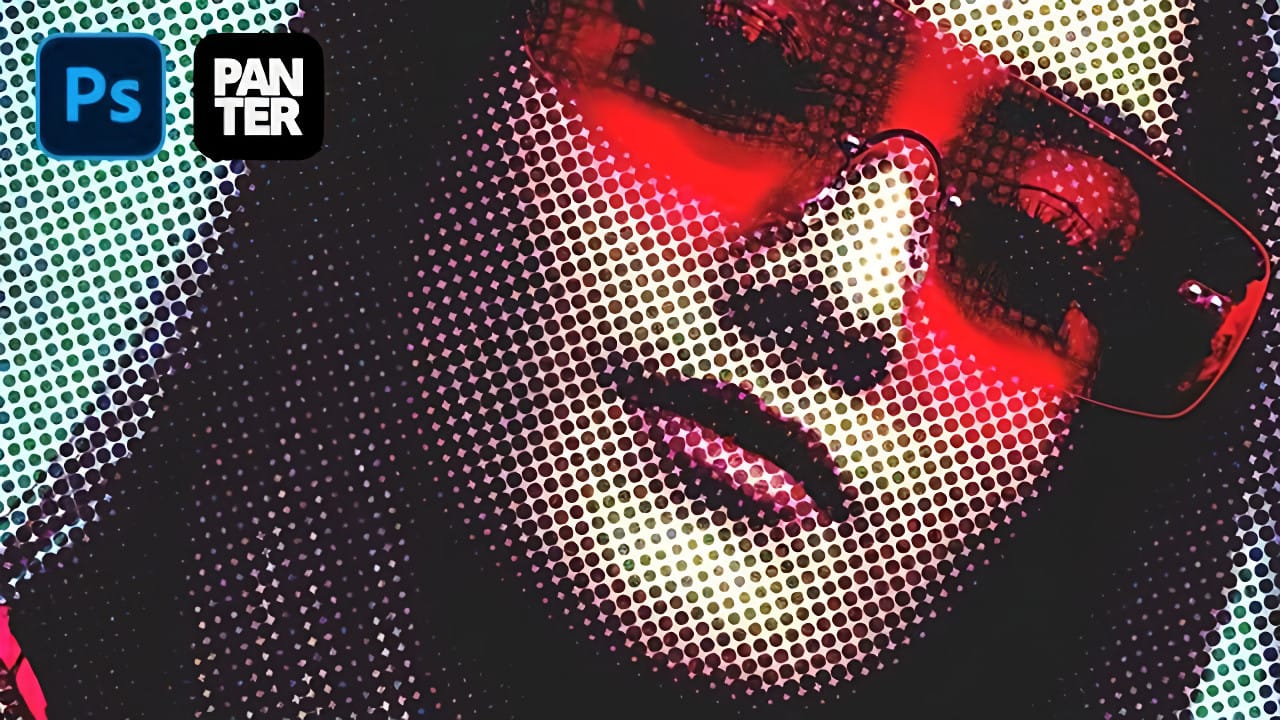
Vintage poster art captured attention through bold contrasts, visible printing dots, and rough textures that gave images character. The halftone effect recreates this aesthetic by breaking up continuous tones into distinct dots, mimicking old-school printing techniques. This technique transforms clean digital photos into gritty, retro-style artwork. The method combines Photoshop& Read the full article here: […]

Read more: Create Grungy Retro Halftone Effect in Photoshop
How to Create a Stippled Ink Drawing Effect in Photoshop

How to Create a Stippled Ink Drawing Effect in Photoshop

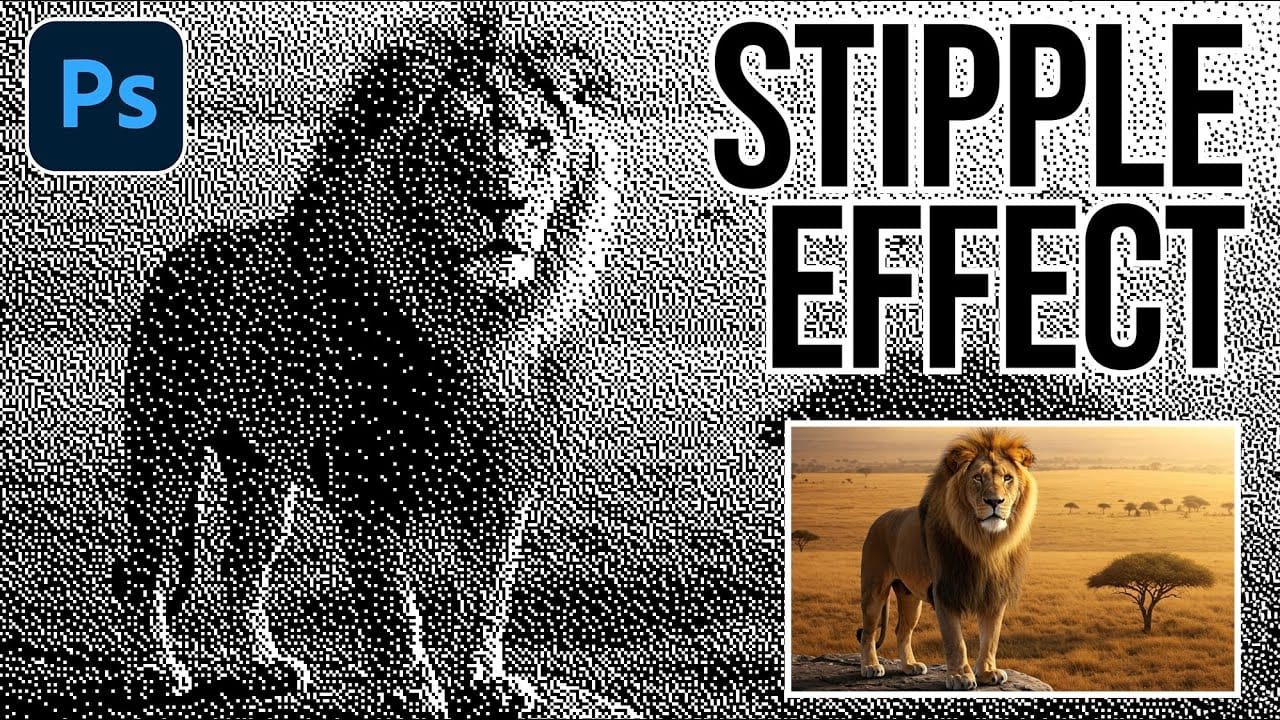
Hand-drawn stippled portraits have captivated artists for centuries with their unique texture created entirely from dots and speckles. This pointillistic technique transforms smooth photographic surfaces into artwork that feels both timeless and distinctly handcrafted. This tutorial demonstrates how to recreate that classic stippled ink effect digitally, giving you complete control Read the full article here: […]

Read more: How to Create a Stippled Ink Drawing Effect in Photoshop