Schenectady Photographic Society

Menu

Photo effects

How to Create a Torn Paper Portrait Effect in Photoshop

How to Create a Torn Paper Portrait Effect in Photoshop

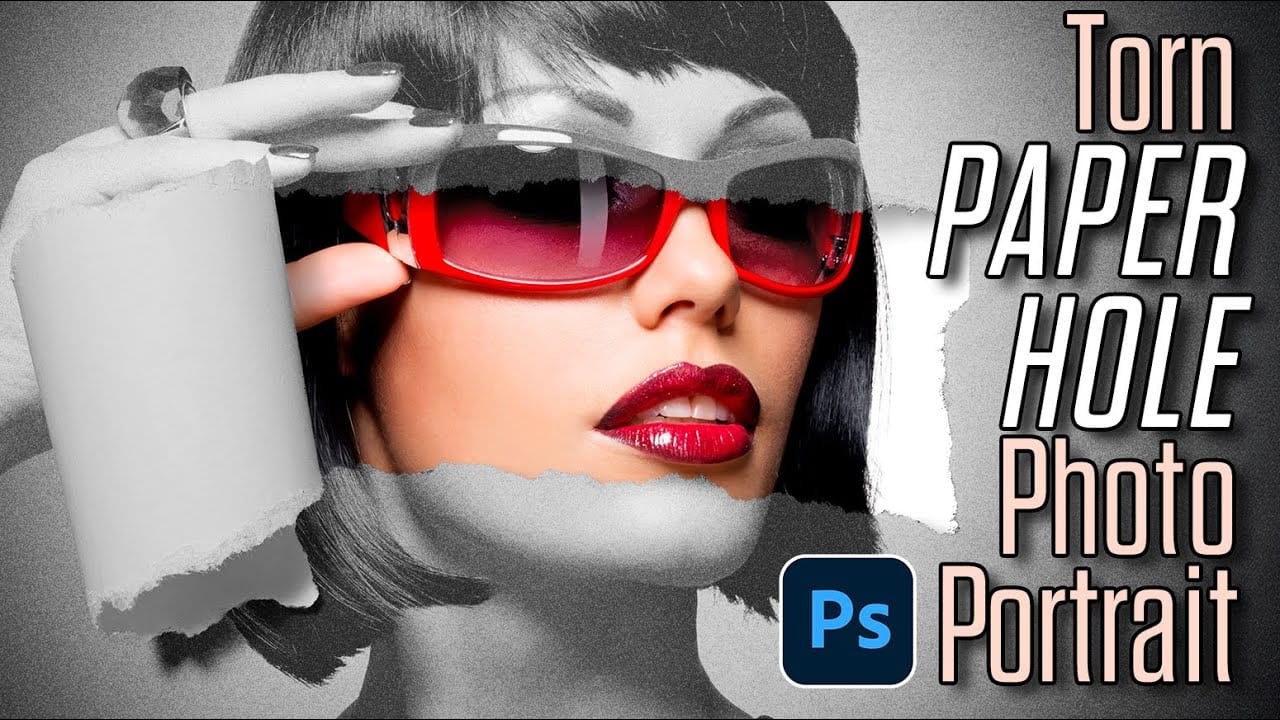
Torn paper portraits create dramatic visual storytelling by revealing layers of meaning beneath the surface. This artistic technique transforms ordinary portraits into compelling compositions that suggest hidden depths, contrasts, or dual perspectives. The effect works particularly well when combining different treatments of the same subject—such as color and black-and-white Read the full article here: How […]
Read more: How to Create a Torn Paper Portrait Effect in Photoshop
Create a Retro Pop Art Effect with Color Halftone in Photoshop

Create a Retro Pop Art Effect with Color Halftone in Photoshop

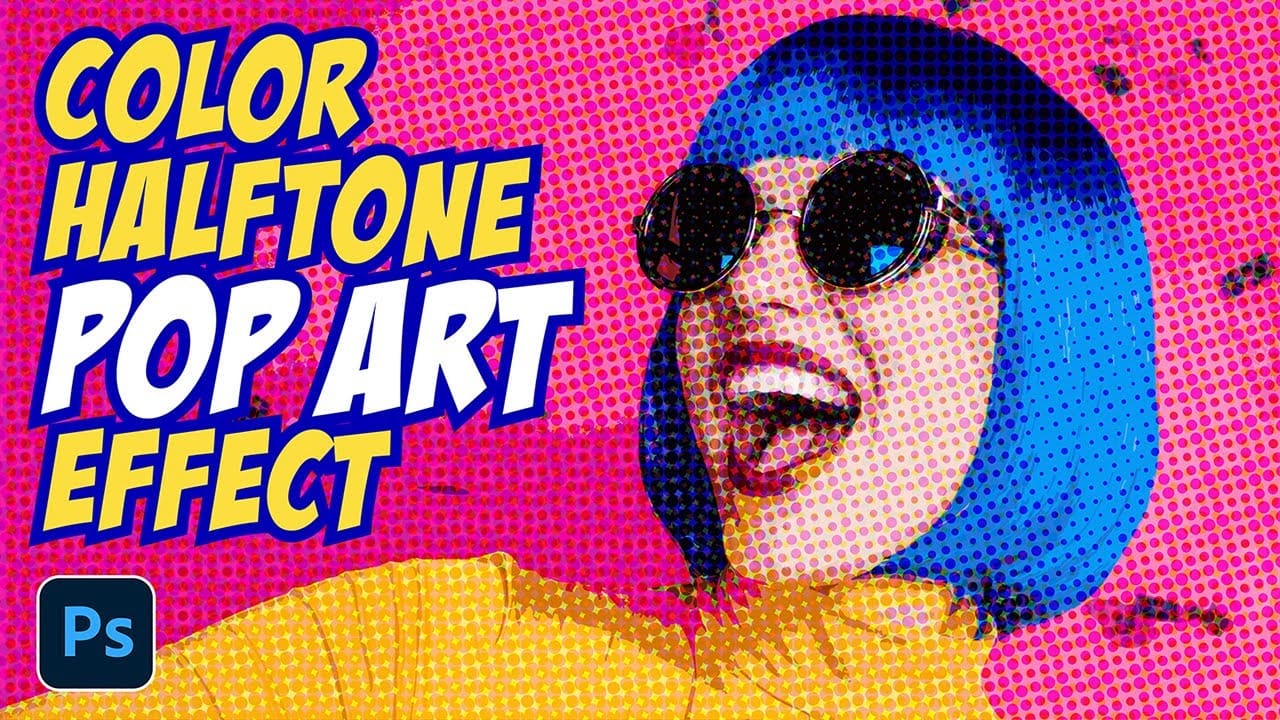
Pop art transformed ordinary subjects into bold, graphic statements through vibrant colors and distinctive printing techniques. The movement's signature look came from commercial printing methods, especially the visible halftone dots that created depth and texture in mass-produced images. This video demonstrates how to recreate that iconic aesthetic digitally, Read the full article here: Create a […]

Read more: Create a Retro Pop Art Effect with Color Halftone in Photoshop
Create an Analog Retro-Futuristic Monitor Effect in Photoshop

Create an Analog Retro-Futuristic Monitor Effect in Photoshop

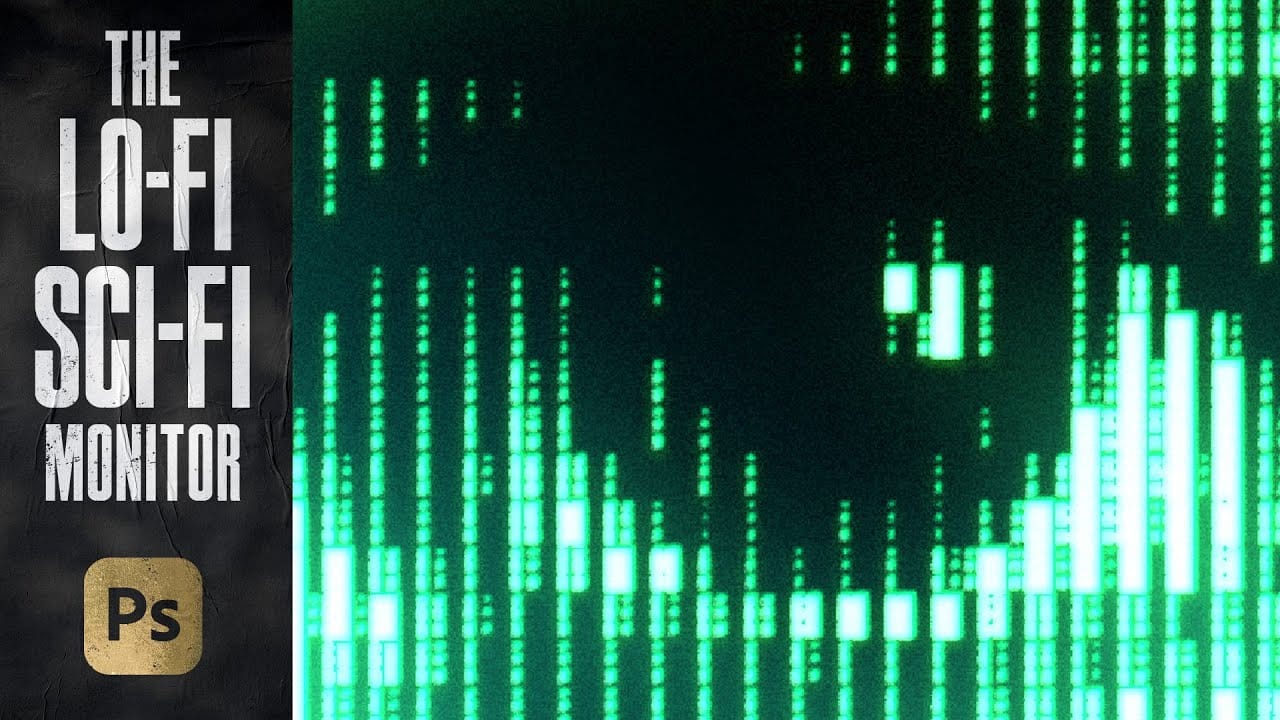
The distinctive glow of vintage computer monitors carries a powerful nostalgic appeal that transcends generations. Those chunky green pixels, flickering displays, and analog imperfections define an entire era of sci-fi aesthetics. From classic arcade games to retro-futuristic films, this visual language continues to captivate designers and artists. This tutorial demonstrates Read the full article here: […]

Read more: Create an Analog Retro-Futuristic Monitor Effect in Photoshop
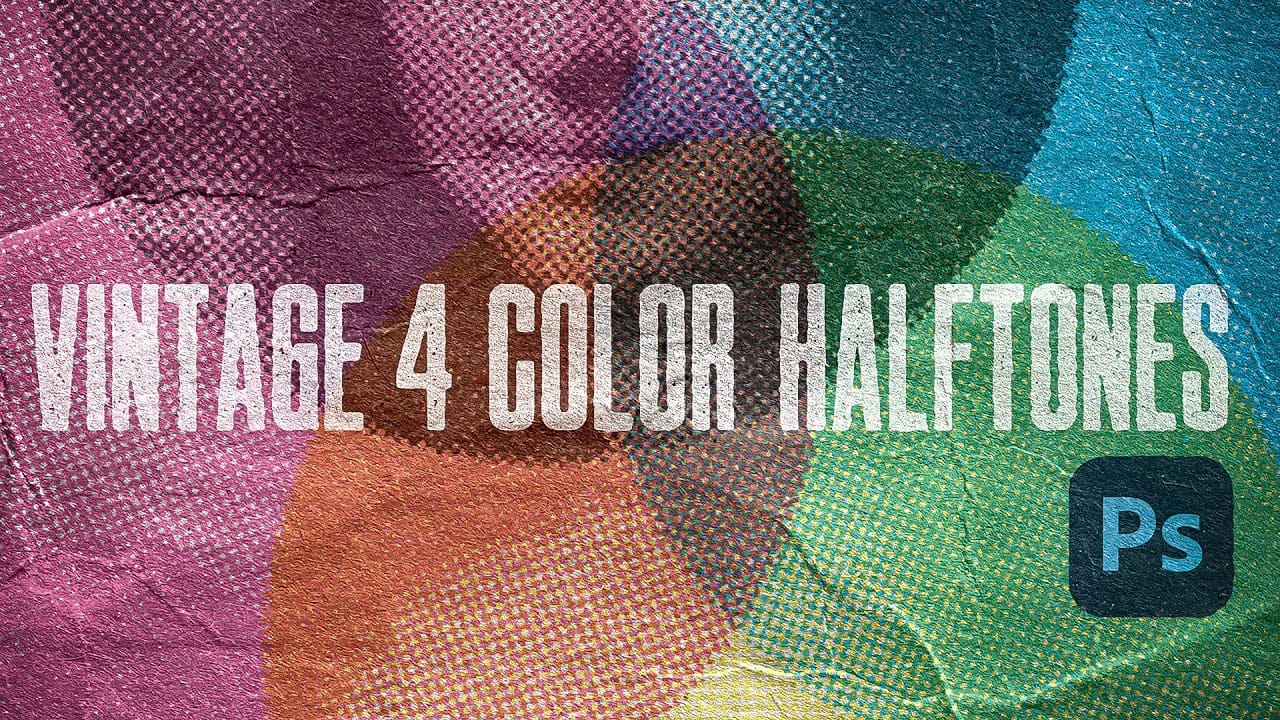
Create Authentic Vintage Halftone Effects with Custom Patterns in Photoshop

Create Authentic Vintage Halftone Effects with Custom Patterns in Photoshop

Photoshop's built-in Color Halftone filter creates rigid, geometric results that lack the authentic character of vintage print work. The filter also fails to produce true CMYK separations in RGB documents, missing the black channel entirely and creating an unconvincing simulation of traditional printing methods. This technique uses custom patterns and blend modes to create realistic, […]

Read more: Create Authentic Vintage Halftone Effects with Custom Patterns in Photoshop
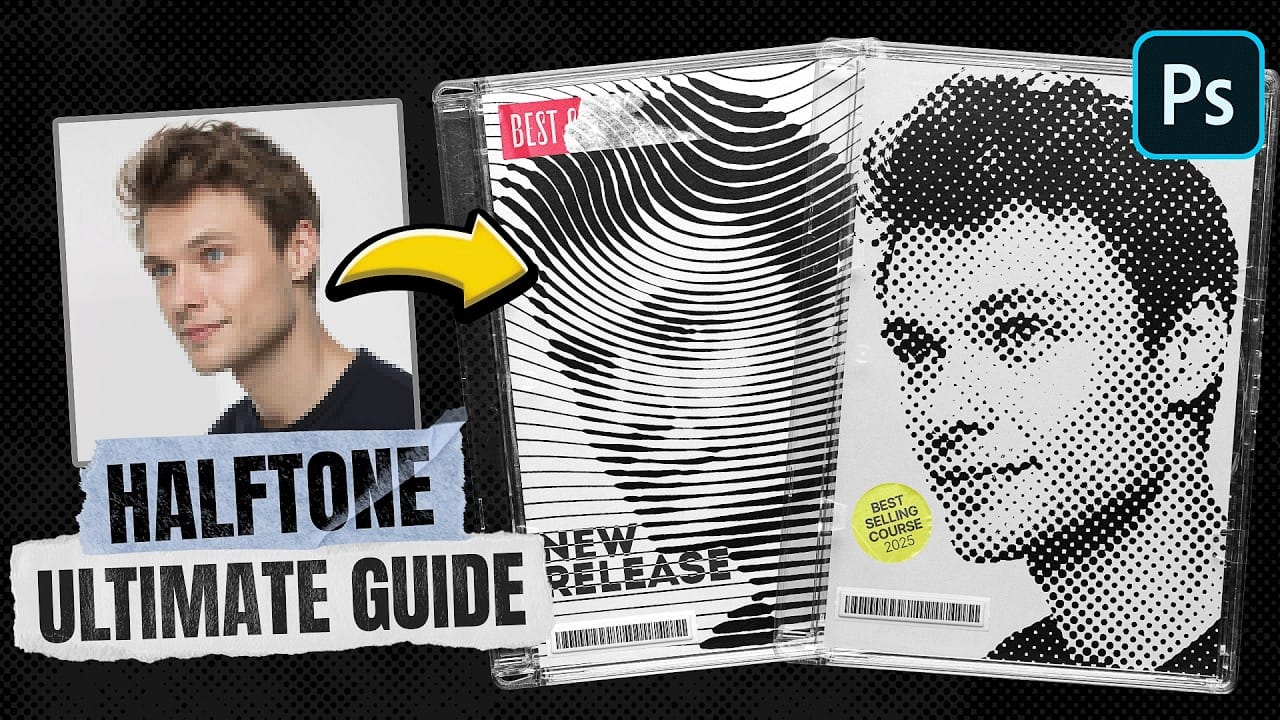
Ultimate Halftone Effect in Photoshop

Ultimate Halftone Effect in Photoshop

Learn how to create stunning halftone effects in Photoshop step by step with this comprehensive tutorial. Whether it’s a classic black-and-white halftone, a vibrant color halftone, or even a smooth gradient halftone, this guide will teach you everything you need to know. You’ll explore how to use the halftone filter, create custom patterns, and precisely […]

Read more: Ultimate Halftone Effect in Photoshop
Create Realistic Reflections in Photoshop: Boxes and Cylinders

Create Realistic Reflections in Photoshop: Boxes and Cylinders

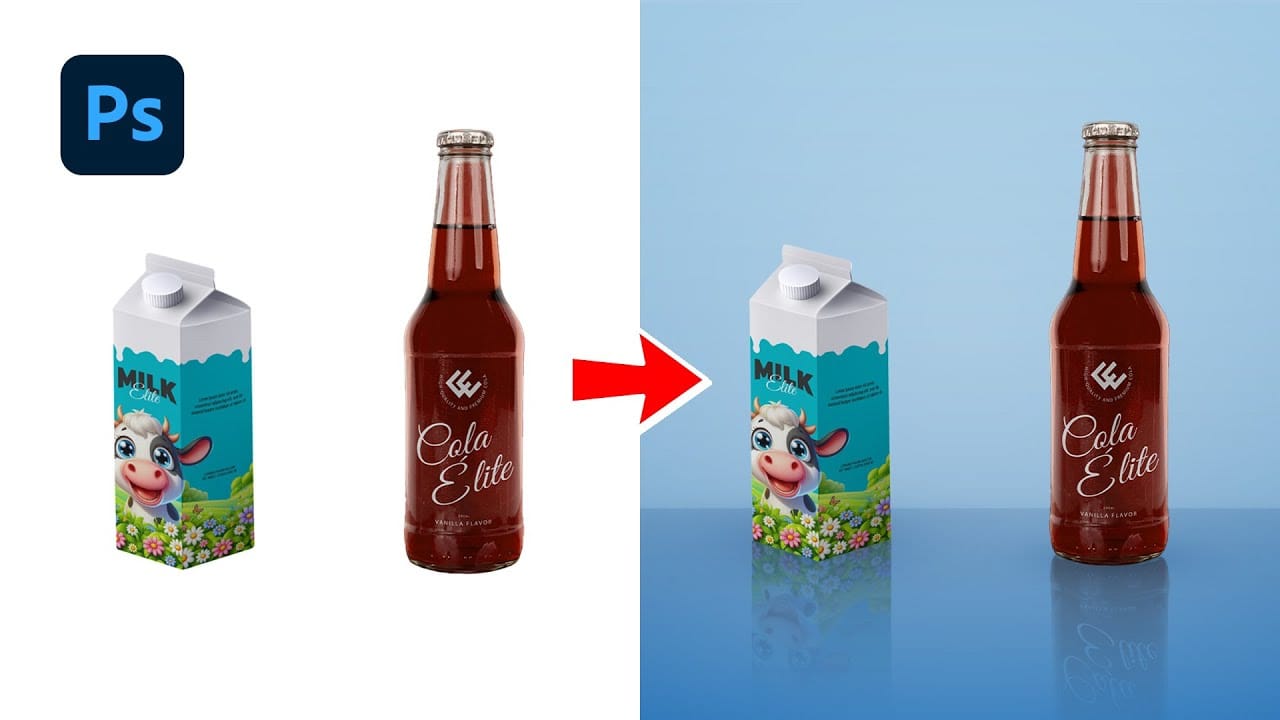
This Photoshop guide provides a straightforward method for adding realistic reflections to your projects. You'll learn how to create these effects for both boxy and curved objects, enhancing your digital artwork or product visuals. The tutorial covers creating reflections for box-shaped items using the Perspective Warp tool. Additionally, it demonstrates using the Warp Tool to […]

Read more: Create Realistic Reflections in Photoshop: Boxes and Cylinders