Schenectady Photographic Society

Menu

Photo effects

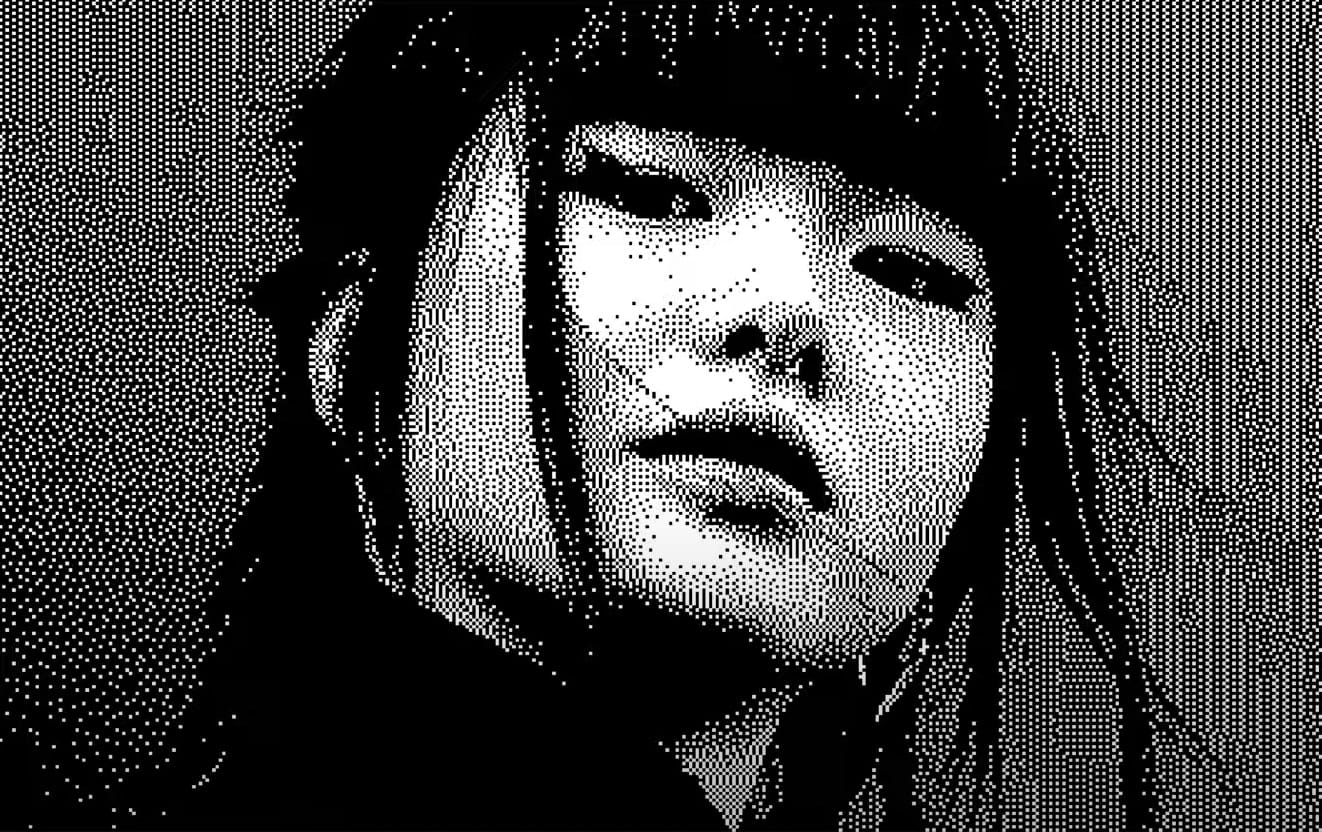
Creating a Bitmap Diffusion Dither Effect in Photoshop

Creating a Bitmap Diffusion Dither Effect in Photoshop

Ever wanted to give your images a unique, retro pixelated feel? Photoshop offers a powerful, yet often overlooked, method: the Bitmap Diffusion Dither effect. It's a process that converts your photos into striking black and white images with a textured, almost printed look. This technique leverages Photoshop's ability to reduce colors to the bare minimum, […]
Read more: Creating a Bitmap Diffusion Dither Effect in Photoshop
Create Fake Lights for Portraits in Photoshop

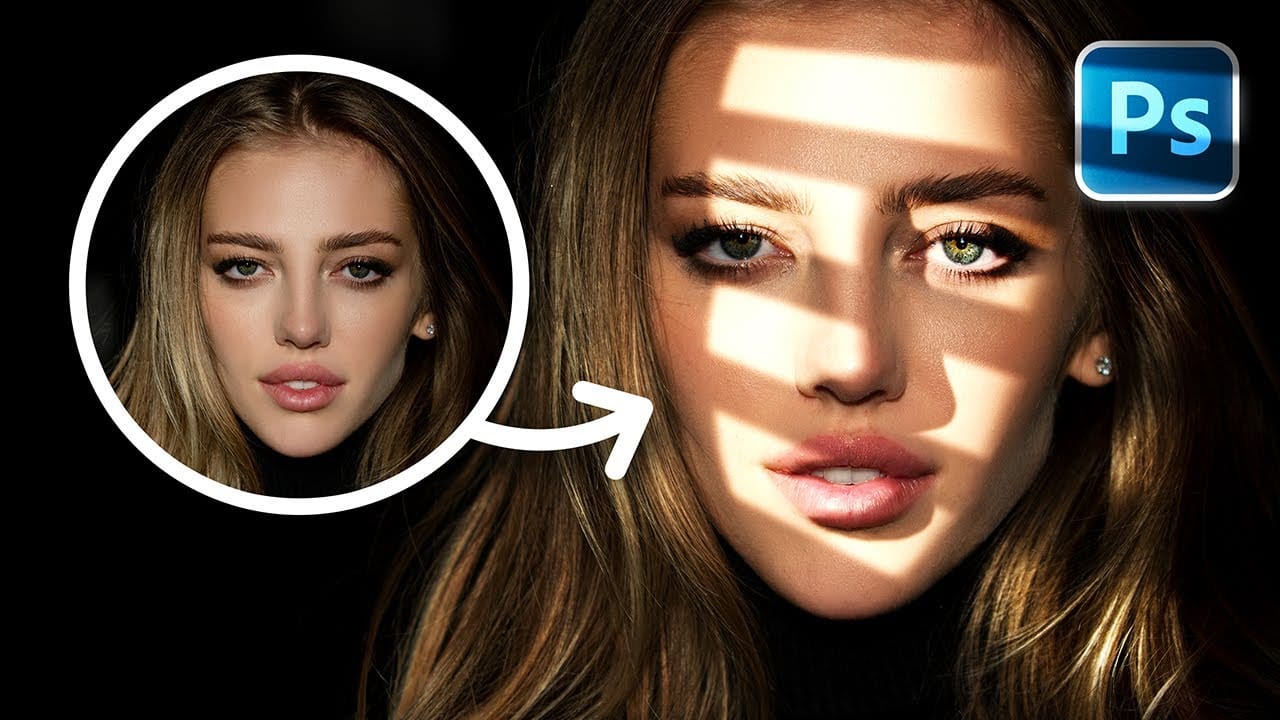
Create Fake Lights for Portraits in Photoshop

In this tutorial, you will explore the process of enhancing portraits by adding creative lighting effects. Using Photoshop, you can generate realistic sun rays that will transform your images, making them more vibrant and engaging. You will learn essential techniques such as creating highlights and shadows through simple adjustments and effective masking. These methods will […]

Read more: Create Fake Lights for Portraits in Photoshop
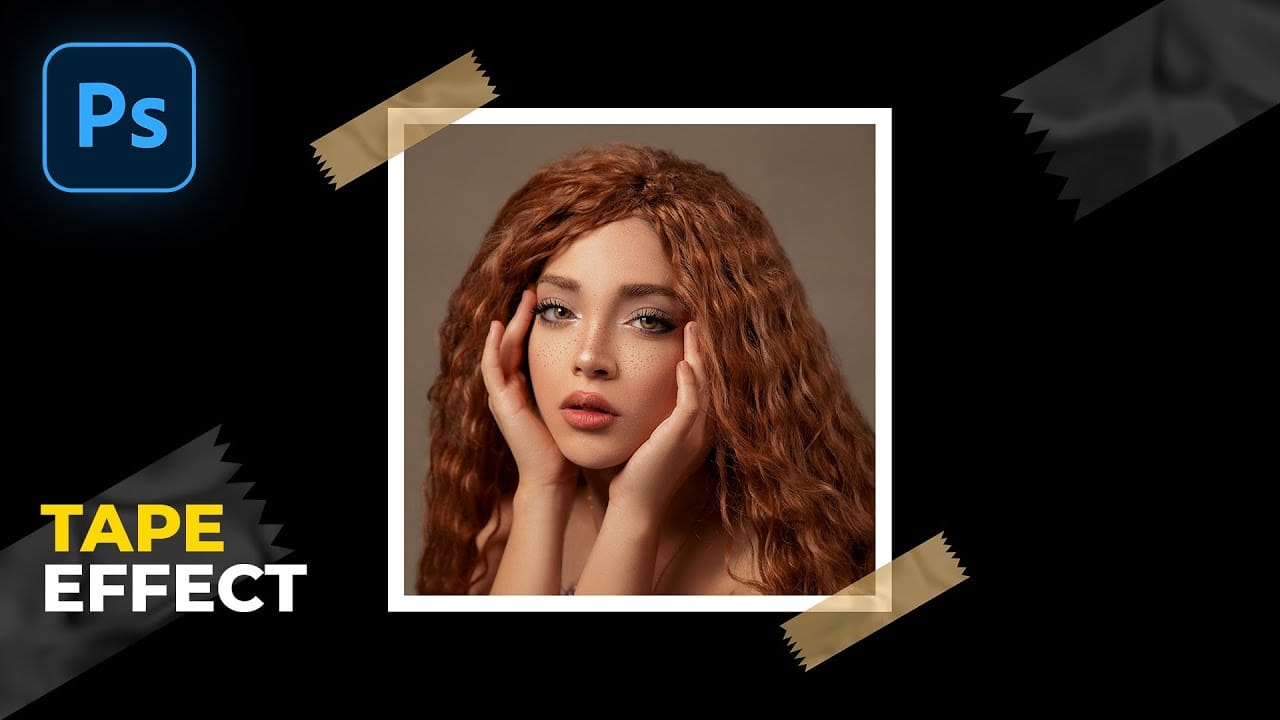
How to Make Tape Effect in Photoshop

How to Make Tape Effect in Photoshop

In this tutorial, you will learn how to create a realistic masking tape effect in Photoshop. The step-by-step instructions make it easy for anyone, regardless of skill level, to follow along and achieve impressive results. You will start by familiarizing yourself with the necessary tools and techniques. The tutorial guides you through each stage, ensuring […]

Read more: How to Make Tape Effect in Photoshop
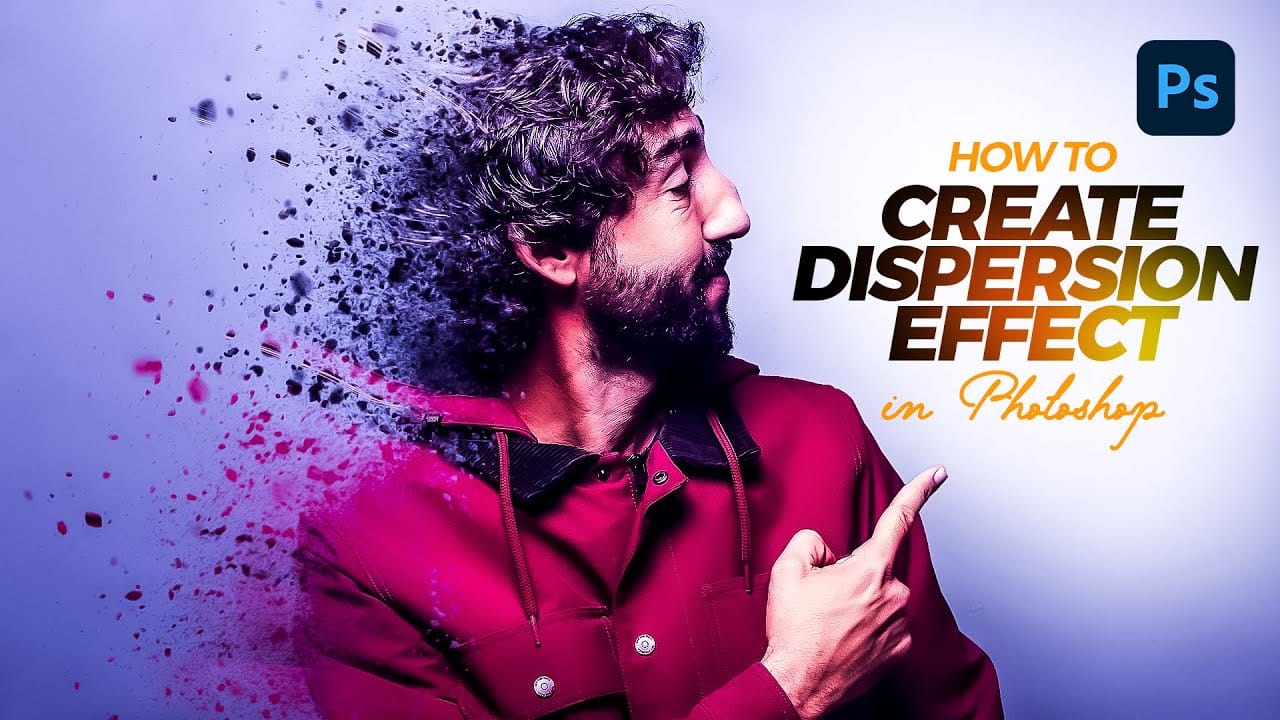
Create a Dispersion Effect in Photoshop

Create a Dispersion Effect in Photoshop

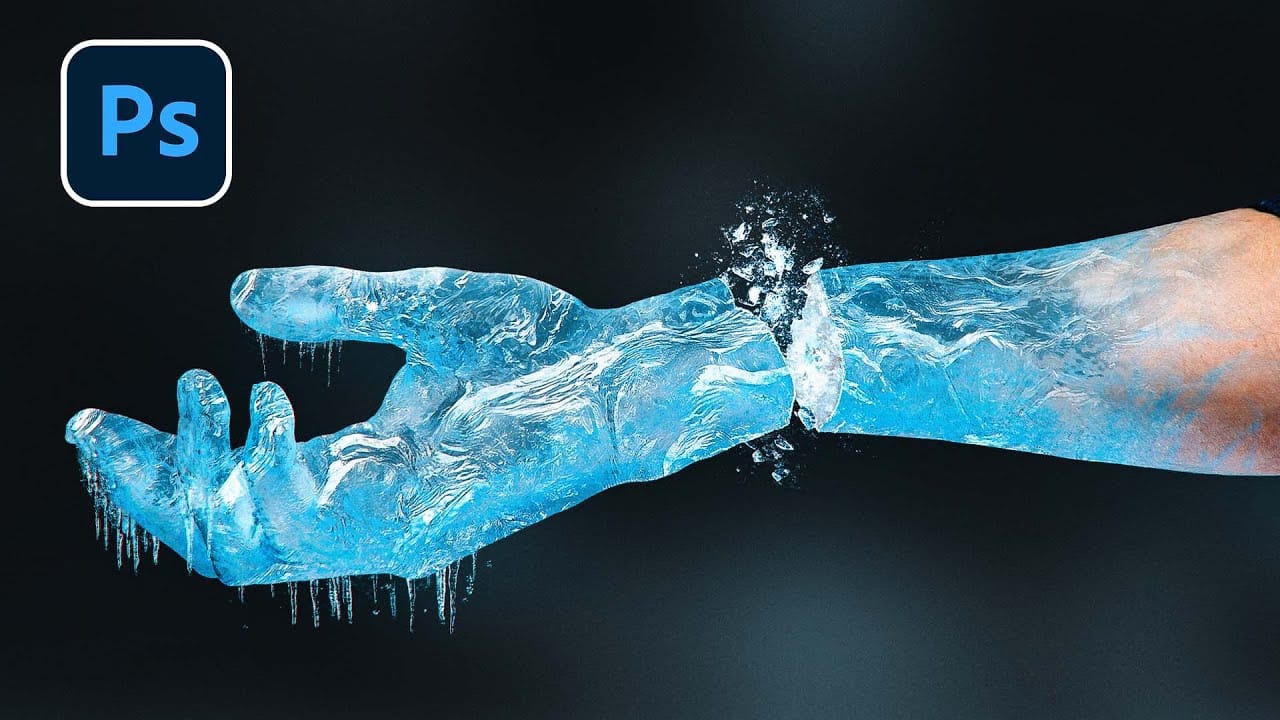
In this tutorial, you will learn how to create an eye-catching Dispersion Effect in Adobe Photoshop. This effect transforms your subject into numerous small pieces, giving the appearance that it is dissolving or breaking apart. It’s a visually stunning technique that adds a dynamic element to your images. You will start by selecting the subject […]

Read more: Create a Dispersion Effect in Photoshop
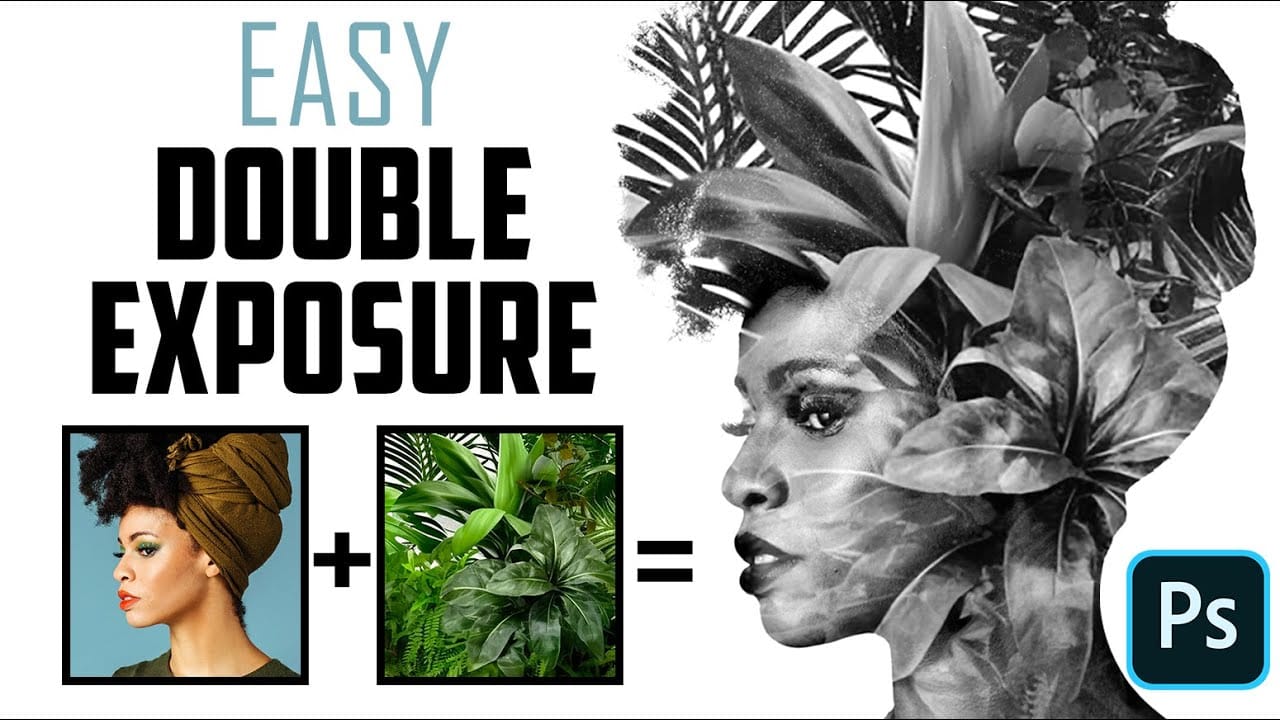
How to Quickly Create a Monochrome Double-Exposure Photo Portrait in Photoshop

How to Quickly Create a Monochrome Double-Exposure Photo Portrait in Photoshop

In this tutorial, you will learn how to efficiently create a striking monochrome double-exposure photo portrait using Photoshop. Marty Geller from Blue Lightning TV guides you through the steps in a clear and straightforward manner, making it accessible for both beginners and those with some experience in photo editing. The process is broken down into […]

Read more: How to Quickly Create a Monochrome Double-Exposure Photo Portrait in Photoshop