
Schenectady Photographic Society

Menu

Photo effects

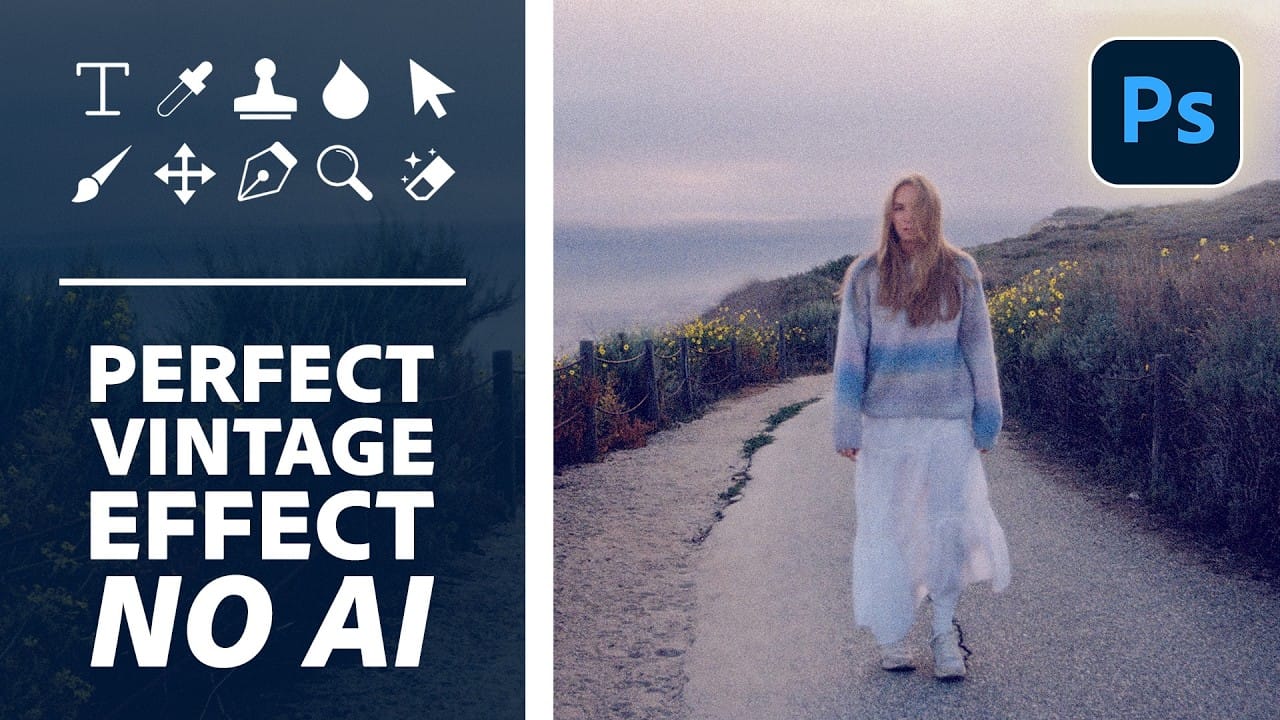
How to Create a Vintage Film Look in Photoshop Using Adjustment Layers

How to Create a Vintage Film Look in Photoshop Using Adjustment Layers

Aging a photo convincingly takes more than a preset — it requires control over highlights, color channels, and grain working together. This walkthrough covers a fully manual, non-destructive workflow for building a vintage film effect in Photoshop, using Color Range selections, Smart Filters, a Grain adjustment layer, and per-channel Read the full article here: How […]

Read more: How to Create a Vintage Film Look in Photoshop Using Adjustment Layers
Create Motion Blur Light Effects in Photoshop

Create Motion Blur Light Effects in Photoshop

Transform ordinary portraits into dynamic, cinematic images by combining path blur effects with creative background textures. This technique creates the illusion of camera movement while maintaining focus on key elements like the subject's eyes, resulting in professional-looking motion blur effects that add energy and visual interest to static Read the full article here: Create Motion […]

Read more: Create Motion Blur Light Effects in Photoshop
Transform Photos into Ink Drawings in Photoshop

Transform Photos into Ink Drawings in Photoshop

Traditional ink drawings capture bold contrasts and artistic expression through pure black and white elements. This technique transforms ordinary photographs into striking ink artwork by combining specific filters with smart object workflows for complete creative control. The method uses oil paint effects, shadow adjustments, and threshold conversion to create authentic Read the full article here: […]

Read more: Transform Photos into Ink Drawings in Photoshop
How to Add a Film Border to Any Image in Photoshop

How to Add a Film Border to Any Image in Photoshop

Film borders add instant vintage character to digital photos, recreating the nostalgic feel of analog photography. This technique combines layer masking, texture overlays, and strategic positioning to seamlessly frame your images with realistic film edges that look naturally weathered and imperfect. Watch the Video Practical Tips These essential techniques will Read the full article here: […]

Read more: How to Add a Film Border to Any Image in Photoshop
How to Create Double Exposure Portraits in Photoshop

How to Create Double Exposure Portraits in Photoshop

Double exposure portraits blend two images into one artistic composition, creating striking visuals where a silhouette merges with landscapes, textures, or abstract elements. This technique transforms ordinary portraits into compelling artwork by layering the second image inside the dark areas of your subject. The process relies on high contrast between Read the full article here: […]

Read more: How to Create Double Exposure Portraits in Photoshop
How to Create a Wood Engraving Effect from Photos in Photoshop

How to Create a Wood Engraving Effect from Photos in Photoshop

Wood engravings capture the timeless aesthetic of traditional printmaking, transforming ordinary photographs into artwork that resembles hand-carved illustrations. This technique combines the rustic charm of wood textures with the precise detail of engraved lines, creating images that feel both historical and artistic. The process uses non-destructive editing methods and smart Read the full article here: […]

Read more: How to Create a Wood Engraving Effect from Photos in Photoshop