Schenectady Photographic Society

Menu

Photo effects

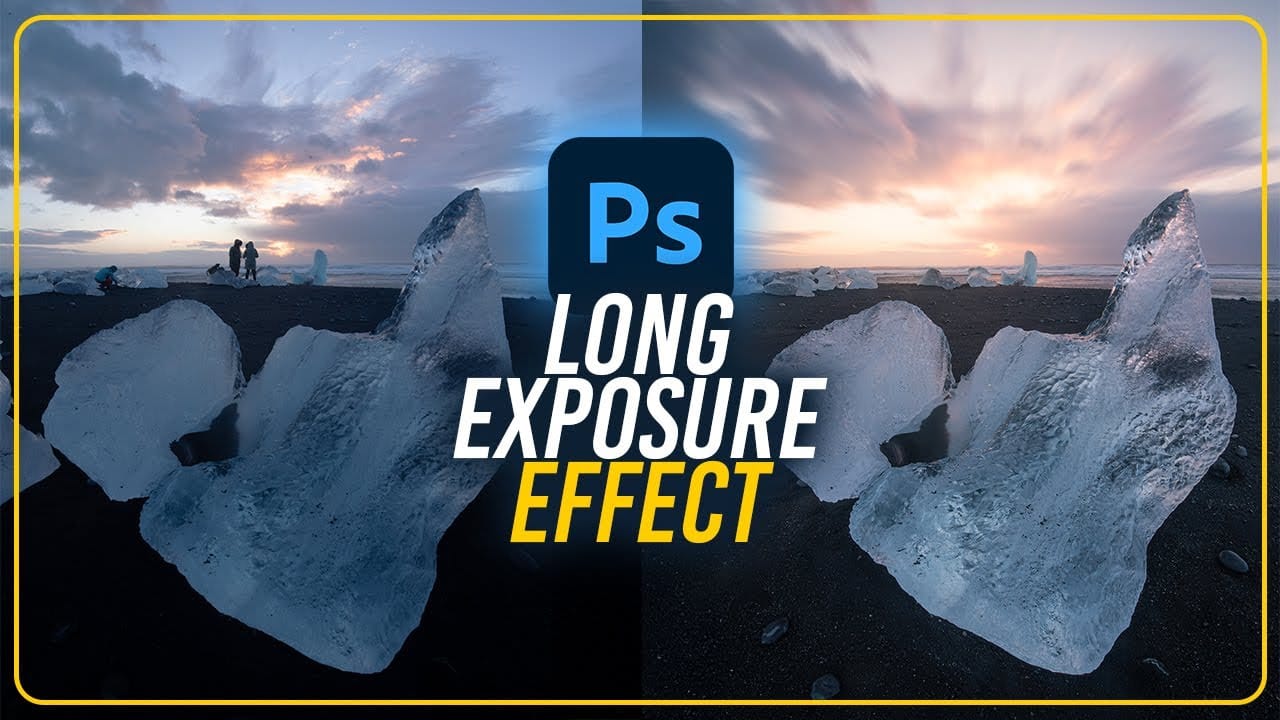
How to Create Fake Long Exposure Effects Using Radial Blur in Photoshop

How to Create Fake Long Exposure Effects Using Radial Blur in Photoshop

Long exposure photography creates ethereal, dreamy images with flowing cloud movement and soft pastel tones. This technique shows how to recreate that coveted look digitally using radial blur filters, transforming static landscape photos into dynamic compositions with realistic motion blur effects. The process combines careful raw processing to achieve pastel Read the full article here: […]
Read more: How to Create Fake Long Exposure Effects Using Radial Blur in Photoshop
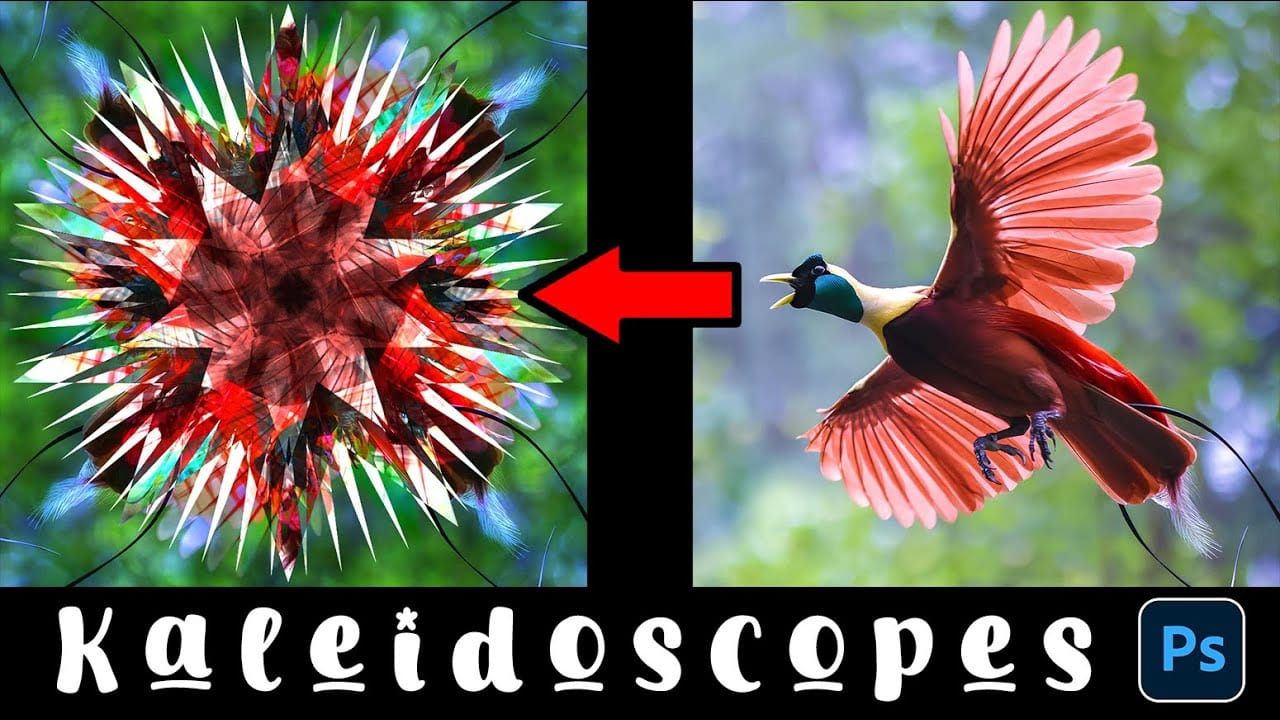
How to Create a Kaleidoscope Effect from Photos in Photoshop

How to Create a Kaleidoscope Effect from Photos in Photoshop

The kaleidoscope effect transforms ordinary photographs into mesmerizing, symmetrical patterns reminiscent of the classic toy. This technique uses smart objects, multiple rotated layers, and custom shapes to create stunning geometric designs that maintain the original photo's essence while adding artistic flair. By combining layer masks with various blend Read the full article here: How to […]

Read more: How to Create a Kaleidoscope Effect from Photos in Photoshop
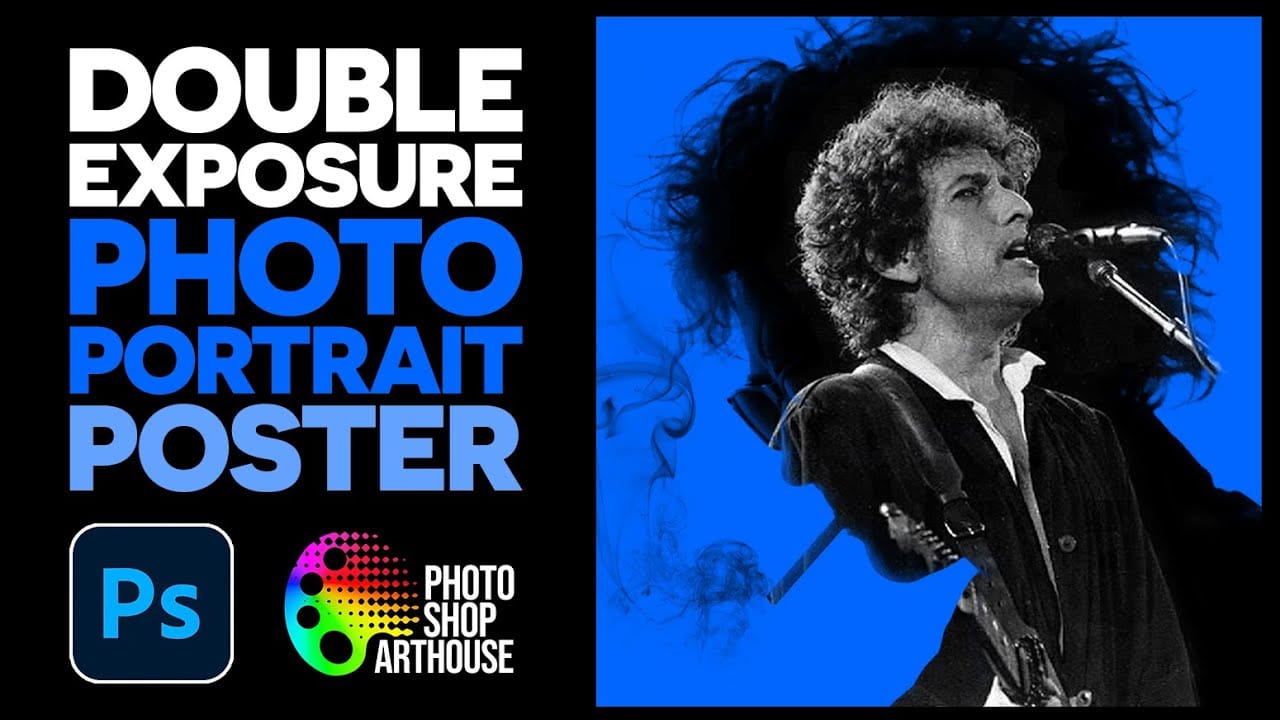
How to Create a Double Exposure Portrait Poster in Photoshop

How to Create a Double Exposure Portrait Poster in Photoshop

Double exposure effects transform ordinary portraits into striking artistic compositions by blending a silhouette with another image. This technique creates dramatic posters where the subject's profile becomes a window into landscapes, textures, or abstract elements. The process uses channel selections, layer masks, and clipping masks to seamlessly merge Read the full article here: How to […]

Read more: How to Create a Double Exposure Portrait Poster in Photoshop
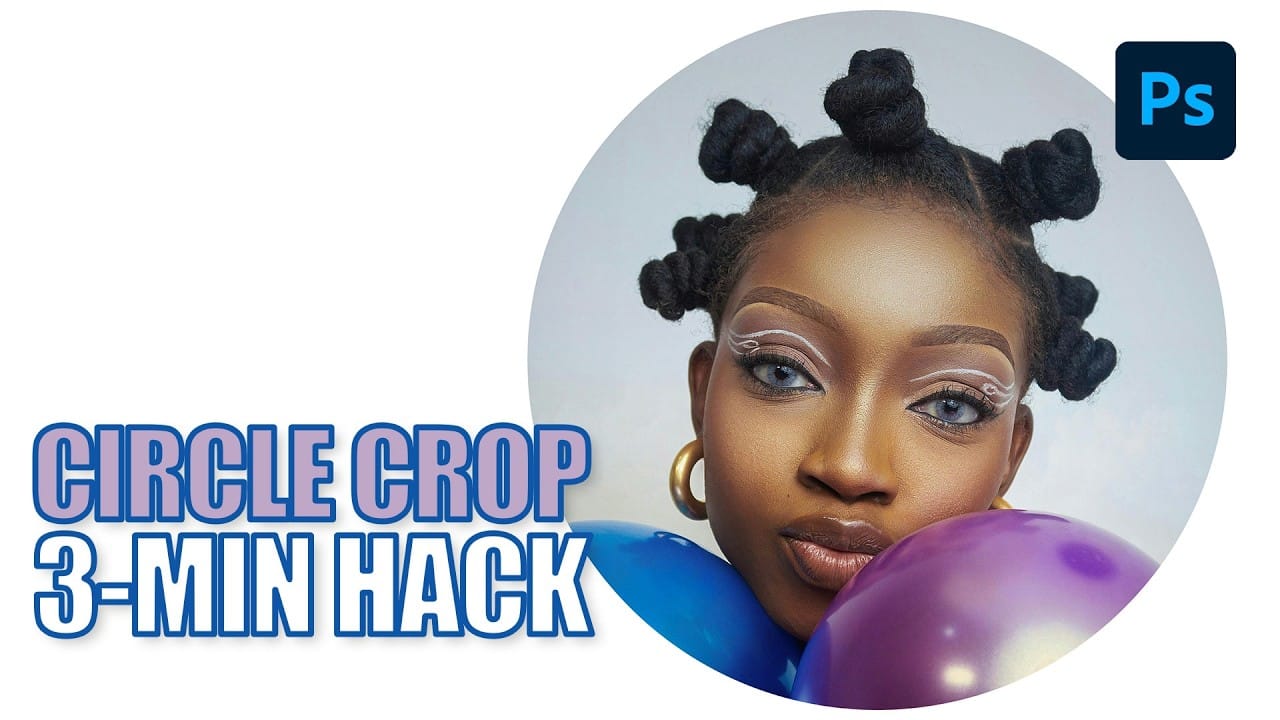
How to Create Circle Cropped Photos with Transparent Backgrounds in Photoshop

How to Create Circle Cropped Photos with Transparent Backgrounds in Photoshop

Circular cropping transforms standard photographs into clean, professional profile images perfect for websites, social media, and presentations. The frame tool method creates non-destructive crops with transparent backgrounds that export seamlessly across different platforms. This streamlined workflow eliminates the need for complex selections or masks while maintaining full control over image Read the full article here: […]

Read more: How to Create Circle Cropped Photos with Transparent Backgrounds in Photoshop
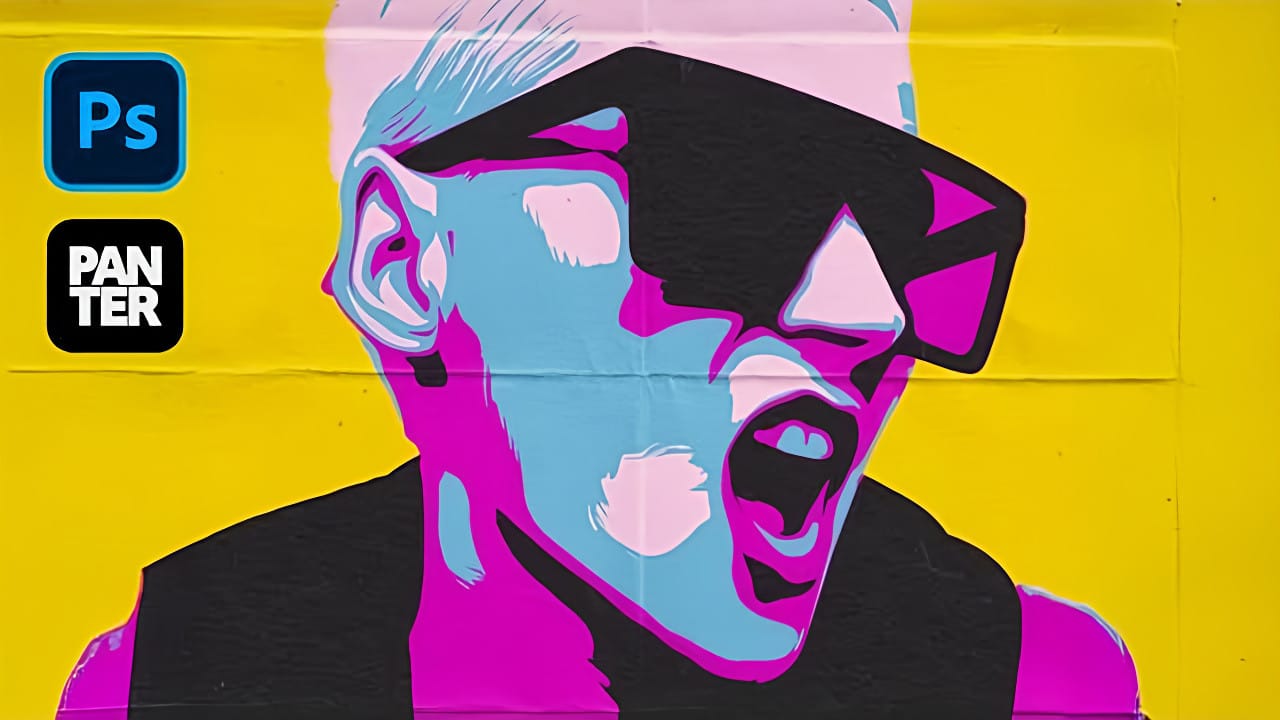
Create a Pop Art Stencil Effect from Photos in Photoshop

Create a Pop Art Stencil Effect from Photos in Photoshop

Pop art transforms ordinary portraits into bold, graphic statements using simplified colors and high contrast. This distinctive style, popularized by artists like Andy Warhol, reduces complex images to their essential elements while maintaining visual impact through strategic color choices. The stencil approach creates clean separations between color areas, producing artwork Read the full article here: […]

Read more: Create a Pop Art Stencil Effect from Photos in Photoshop
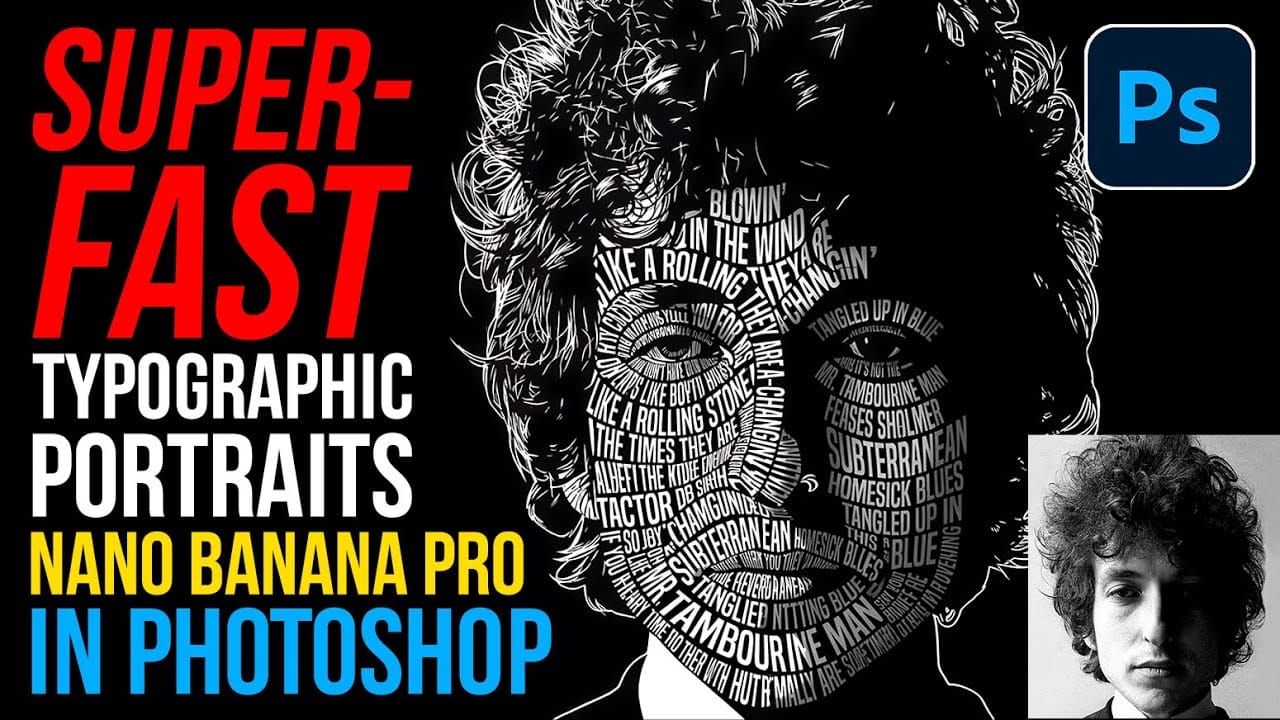
How to Create Typographic Portraits Using AI in Photoshop with Gemini 3

How to Create Typographic Portraits Using AI in Photoshop with Gemini 3

Typographic portraits transform ordinary photos into striking vector-style graphics where flowing text wraps naturally around facial contours and features. This AI-powered technique uses two strategic prompts to first create a high-contrast version of your portrait, then fills it with customizable text that follows the curves and shadows of the face. Read the full article here: […]

Read more: How to Create Typographic Portraits Using AI in Photoshop with Gemini 3
How to Create WPAP Pop Art Portraits Using Nano Banana in Photoshop

How to Create WPAP Pop Art Portraits Using Nano Banana in Photoshop

WPAP (Wedha's Pop Art Portrait) transforms ordinary photos into striking geometric art with sharp lines and vibrant contrasting colors. This Indonesian art style, created by Wedha Abdul Rasyid in the 1990s, features cubist-inspired deconstructions that turn portraits into dynamic visual statements. Using Google's Nano Banana AI Read the full article here: How to Create WPAP […]

Read more: How to Create WPAP Pop Art Portraits Using Nano Banana in Photoshop