Schenectady Photographic Society

Menu

Photo effects

The Beauty of Digital Mistakes: Glitch Effects and Visual Aberrations in Photoshop

The Beauty of Digital Mistakes: Glitch Effects and Visual Aberrations in Photoshop

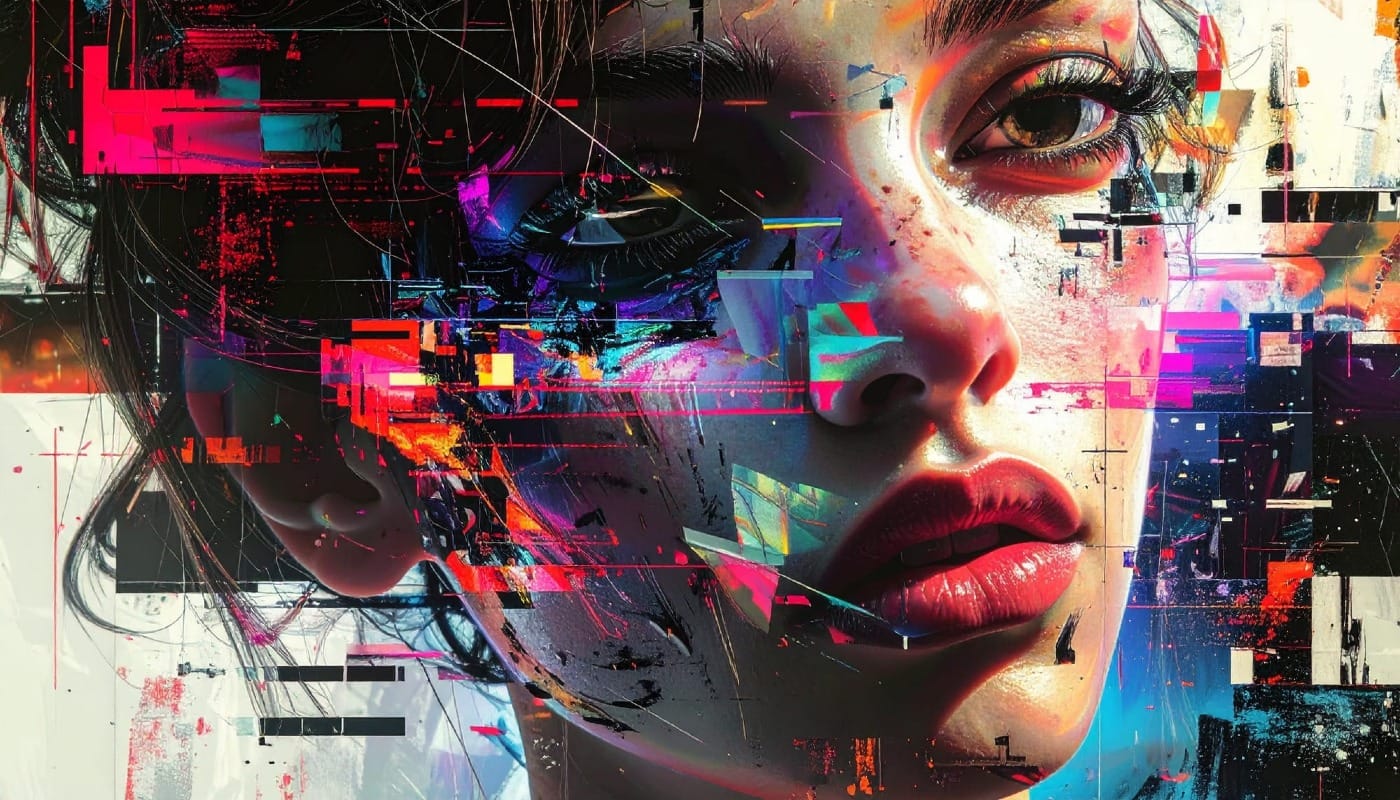
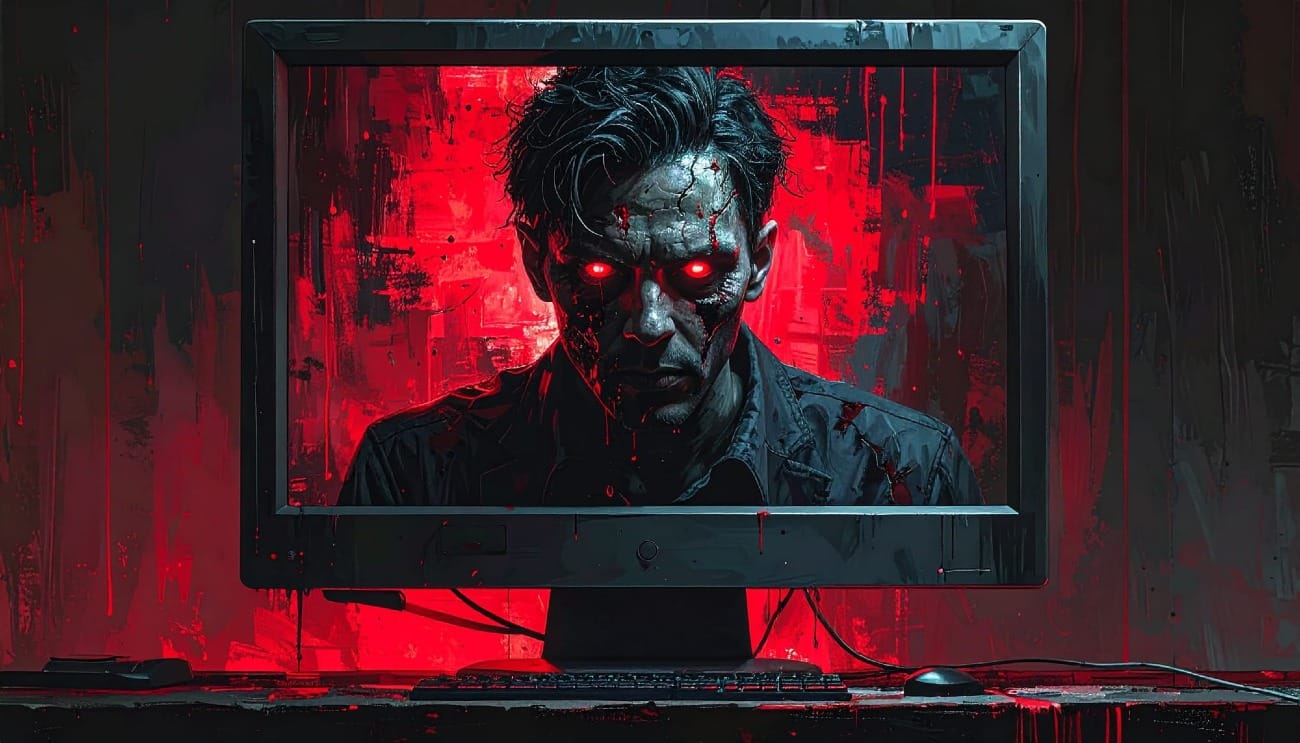
Once, a broken image or pixelated frame meant something had gone wrong. Now, those same visual errors are a creative choice. Designers and digital artists are using glitch effects to turn imperfections into style — bending pixels, breaking color channels, and distorting shapes until they feel alive again. Maybe it’s Read the full article here: […]
Read more: The Beauty of Digital Mistakes: Glitch Effects and Visual Aberrations in Photoshop
How to Create Textured Portrait Collages in Photoshop

How to Create Textured Portrait Collages in Photoshop

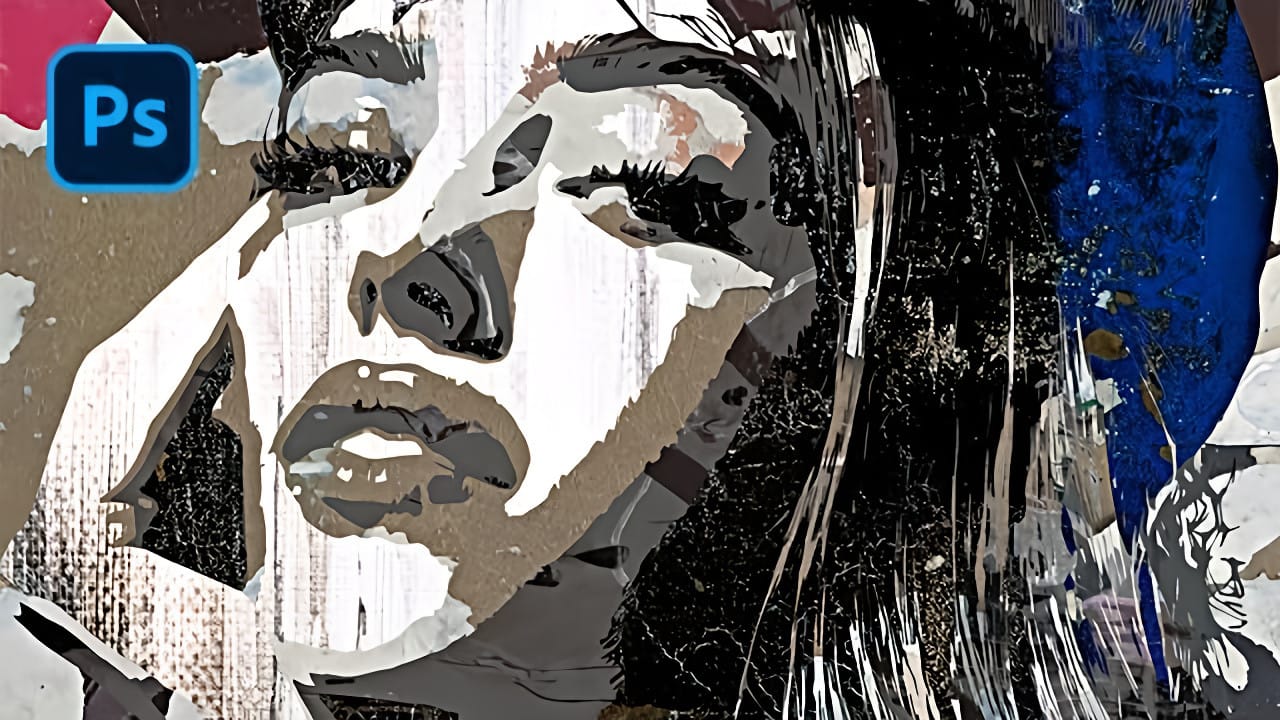
Portrait collages open up creative possibilities that go far beyond traditional photo editing. By combining artistic filters, color manipulation, and texture mapping, you can transform ordinary portraits into striking visual compositions that blend photography with graphic design elements. This technique breaks down complex imagery into simplified color zones, then maps Read the full article here: […]
Read more: How to Create Textured Portrait Collages in Photoshop
15 Fantastic Photoshop Portrait Effects You’ll Want to Slap on Every Selfie Right Now

15 Fantastic Photoshop Portrait Effects You’ll Want to Slap on Every Selfie Right Now

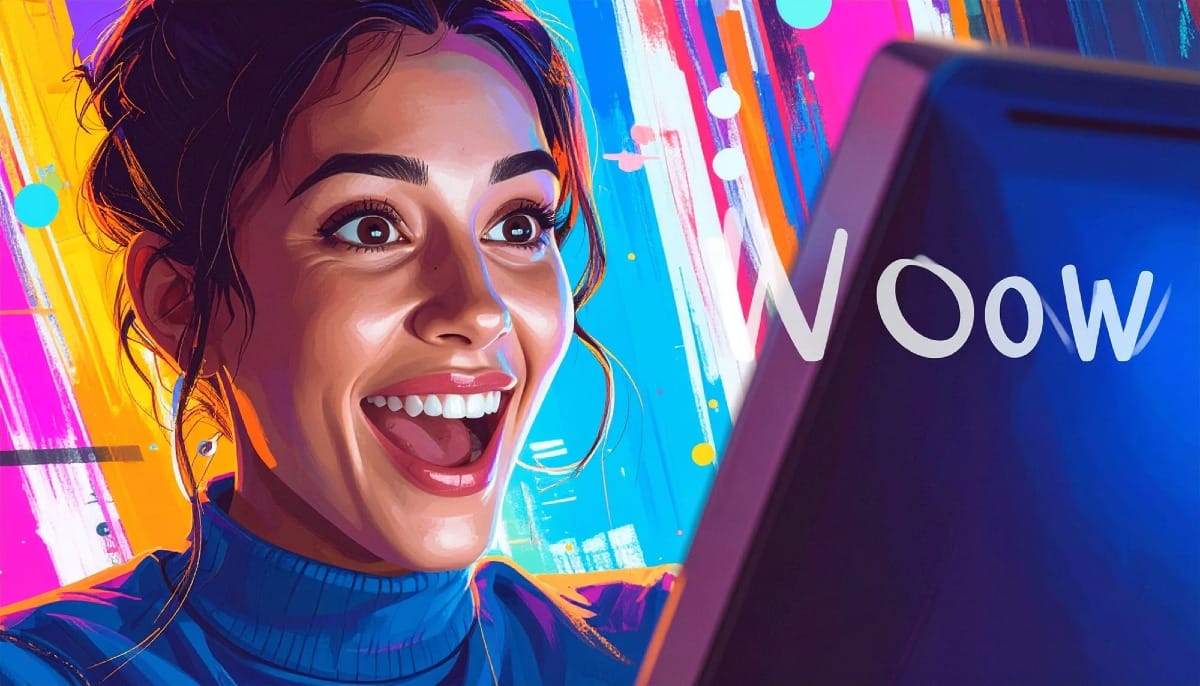
Sure, the title says you’ll want to slap these effects on every selfie (that was me trying to grab your attention 😅) — but let’s be honest: these aren’t one-tap filters. Every tutorial here is built on real Photoshop craftsmanship — lighting, masking, blending, and a good dose of creative Read the full article here: […]

Read more: 15 Fantastic Photoshop Portrait Effects You’ll Want to Slap on Every Selfie Right Now
Creating Pixelated Dither Effects in Photoshop

Creating Pixelated Dither Effects in Photoshop

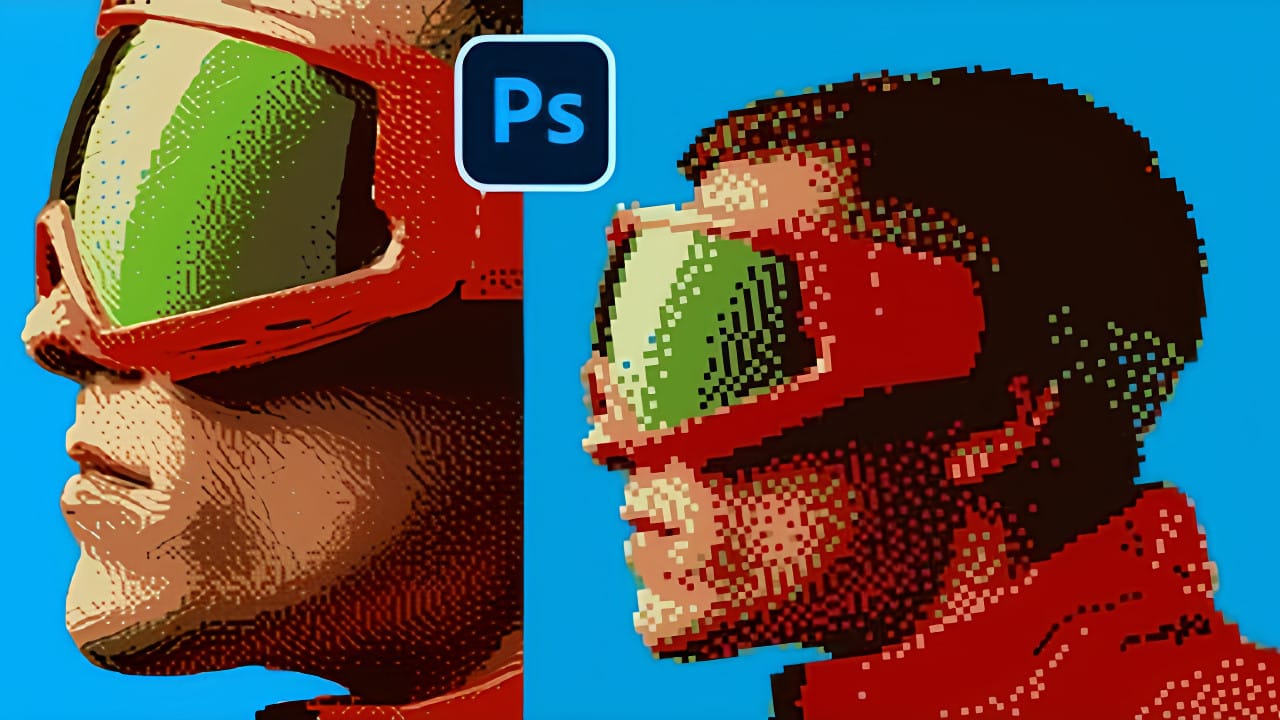
The pixelated dither effect transforms modern photographs into retro-inspired artwork reminiscent of early video games and vintage computer graphics. This distinctive visual style uses controlled color reduction and strategic pixelation to create images that balance nostalgic charm with contemporary design appeal. The technique relies on Photoshop's export settings Read the full article here: Creating Pixelated […]

Read more: Creating Pixelated Dither Effects in Photoshop
How to Create a Vector Stencil from a Portrait Using Photoshop and Illustrator

How to Create a Vector Stencil from a Portrait Using Photoshop and Illustrator

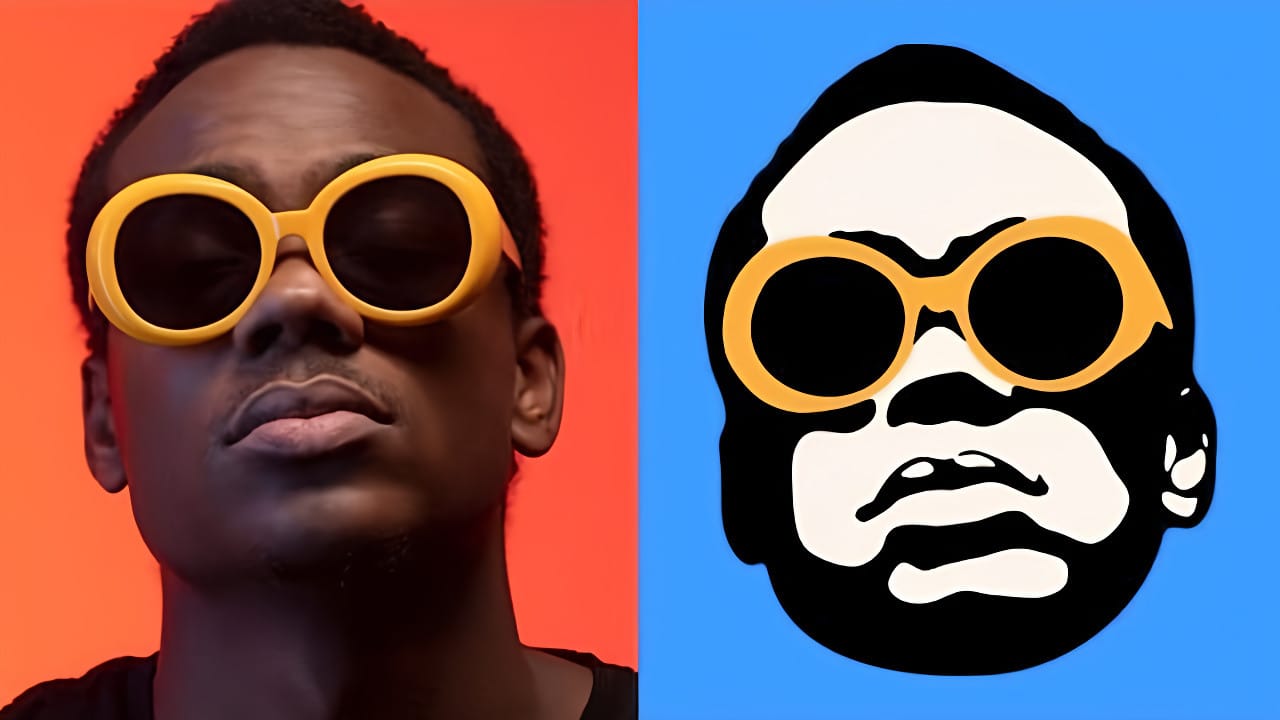
Stencil art transforms complex portraits into bold, graphic statements using just black and white shapes. This simplified aesthetic has defined everything from street art to commercial design, creating instantly recognizable images that work across any medium. This tutorial demonstrates the complete workflow for converting a photograph into a clean vector Read the full article here: […]

Read more: How to Create a Vector Stencil from a Portrait Using Photoshop and Illustrator
How to Create Dotted Halftone Motion Blur Effects in Photoshop

How to Create Dotted Halftone Motion Blur Effects in Photoshop

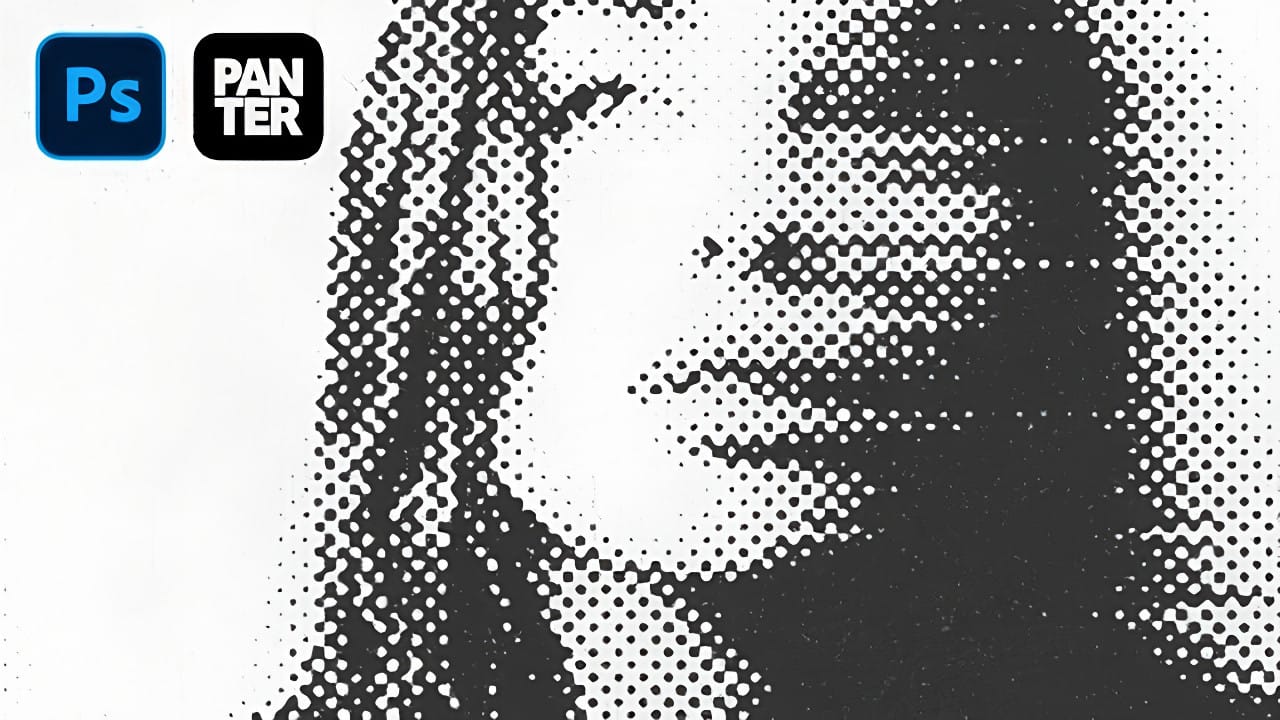
The distinctive look of dotted halftone patterns combined with dynamic motion blur creates striking visual effects that bridge vintage print aesthetics with modern digital design. This technique transforms portrait photography into graphic art pieces with flowing, particle-like textures. The process involves layering multiple filter effects to achieve that coveted Instagram-worthy Read the full article here: […]

Read more: How to Create Dotted Halftone Motion Blur Effects in Photoshop