Schenectady Photographic Society

Menu

Photo retouching

How to Use Photoshop’s AI Relight Layer

How to Use Photoshop’s AI Relight Layer

Photoshop’s Relight Layer lets you reposition and adjust up to three AI-generated light sources to change the direction, color, and softness of lighting in a photo. It’s available in Photoshop beta, where you can preview the effect before committing to a higher-resolution render. See how to Read the full article here: How to Use Photoshop’s […]

Read more: How to Use Photoshop’s AI Relight Layer
Restore Old Photos with Photoshop’s Photo Restoration Neural Filter

Restore Old Photos with Photoshop’s Photo Restoration Neural Filter

Scratches, faded color, and soft details can make an old family photograph difficult to enjoy. Photoshop’s Photo Restoration neural filter can help repair visible damage, followed by subtle color and clarity adjustments to bring the image back to life while keeping it natural. Watch the Video Practical Tips Use Read the full article here: Restore […]

Read more: Restore Old Photos with Photoshop’s Photo Restoration Neural Filter
Remove Objects and Related Elements with Photoshop’s Remove Tool

Remove Objects and Related Elements with Photoshop’s Remove Tool

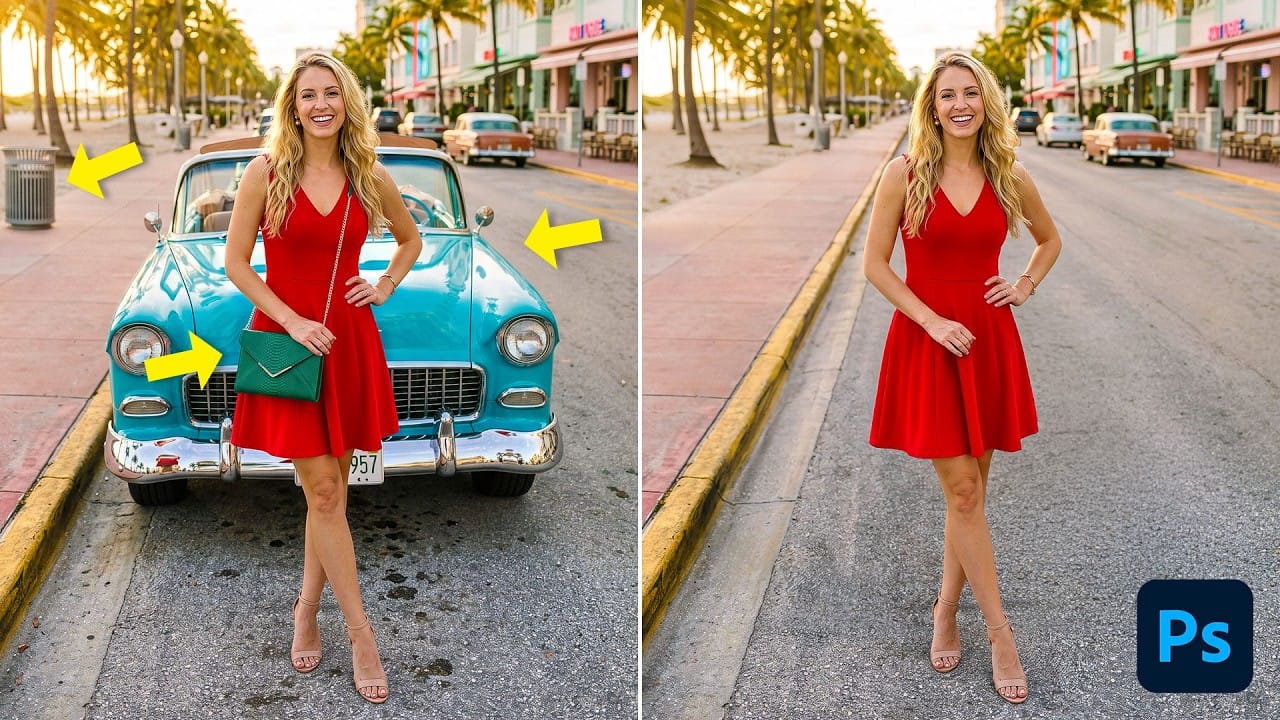
Photoshop’s Remove Tool can clear unwanted objects, but its Related Elements option can also target traces such as shadows, reflections, and lens flare. This guide explains how to set up a non-destructive workflow, choose between automatic and generative processing, and refine results when the first pass falls short. Read the full article here: Remove Objects […]

Read more: Remove Objects and Related Elements with Photoshop’s Remove Tool
How to Use the Automatic Blemish Removal Tool in Adobe Camera Raw

How to Use the Automatic Blemish Removal Tool in Adobe Camera Raw

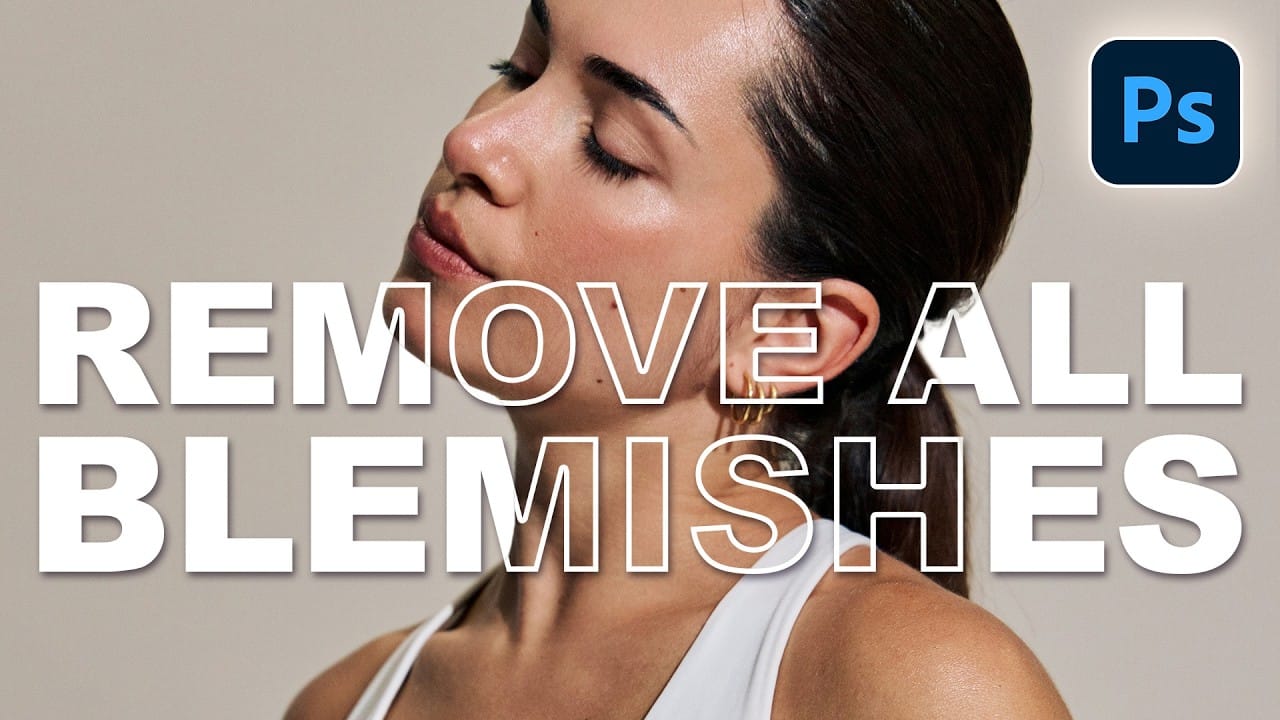
Adobe Camera Raw's blemish removal tool scans a portrait and cleans skin imperfections in seconds, without any manual selection. The workflow stays entirely non-destructive when the layer is converted to a smart object first, and a fade slider lets you control how much retouching is actually applied Read the full article here: How to Use […]

Read more: How to Use the Automatic Blemish Removal Tool in Adobe Camera Raw