Schenectady Photographic Society

Menu

Photo retouching

How to Use an Inverted Mask to Add Water Texture and Depth to Digital Art in Photoshop

How to Use an Inverted Mask to Add Water Texture and Depth to Digital Art in Photoshop

A single water photo, combined with an inverted mask and a blend mode, can add convincing foreground depth to digital art without disrupting the rest of the composition. This technique gives precise control over where the water texture appears, how strongly it shows, and how it interacts with underlying color. Read the full article here: […]

Read more: How to Use an Inverted Mask to Add Water Texture and Depth to Digital Art in Photoshop
Retouching Pet Portraits in Photoshop: Cleaning Fur, Eyes, and Fine Details

Retouching Pet Portraits in Photoshop: Cleaning Fur, Eyes, and Fine Details

Pet photos rarely arrive perfectly clean — staining around the eyes, discolored fur near the mouth, and stray hairs are common problems that need fixing before any serious portrait work begins. This workflow covers how to remove those distractions manually using overpaint and fur brushes, then finish with eye enhancement techniques Read the full article […]

Read more: Retouching Pet Portraits in Photoshop: Cleaning Fur, Eyes, and Fine Details
How to Use Floral Appliqué PNGs to Create Fine Art Portraits in Photoshop

How to Use Floral Appliqué PNGs to Create Fine Art Portraits in Photoshop

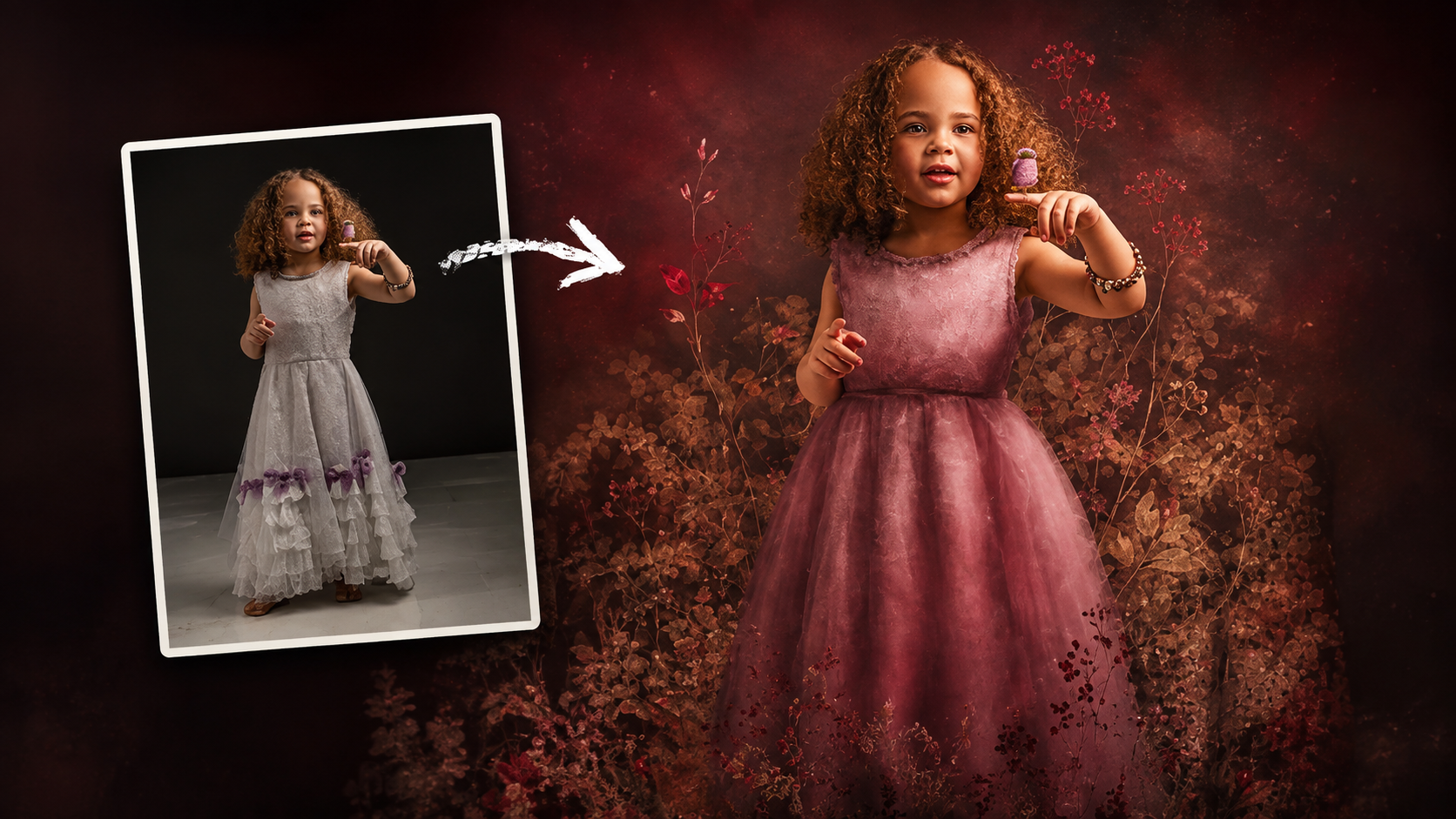
High-resolution floral appliqué PNGs on transparent layers open up a straightforward path to fine art portrait compositing. By combining them with subject cutouts, blend modes, clipped adjustment layers, and foliage brushes, a standard photograph can take on the depth and texture of a painted piece. Watch the Video Practical Read the full article here: How […]

Read more: How to Use Floral Appliqué PNGs to Create Fine Art Portraits in Photoshop
How to Remove Skin Blemishes and Fix Skin Tones in Camera Raw

How to Remove Skin Blemishes and Fix Skin Tones in Camera Raw

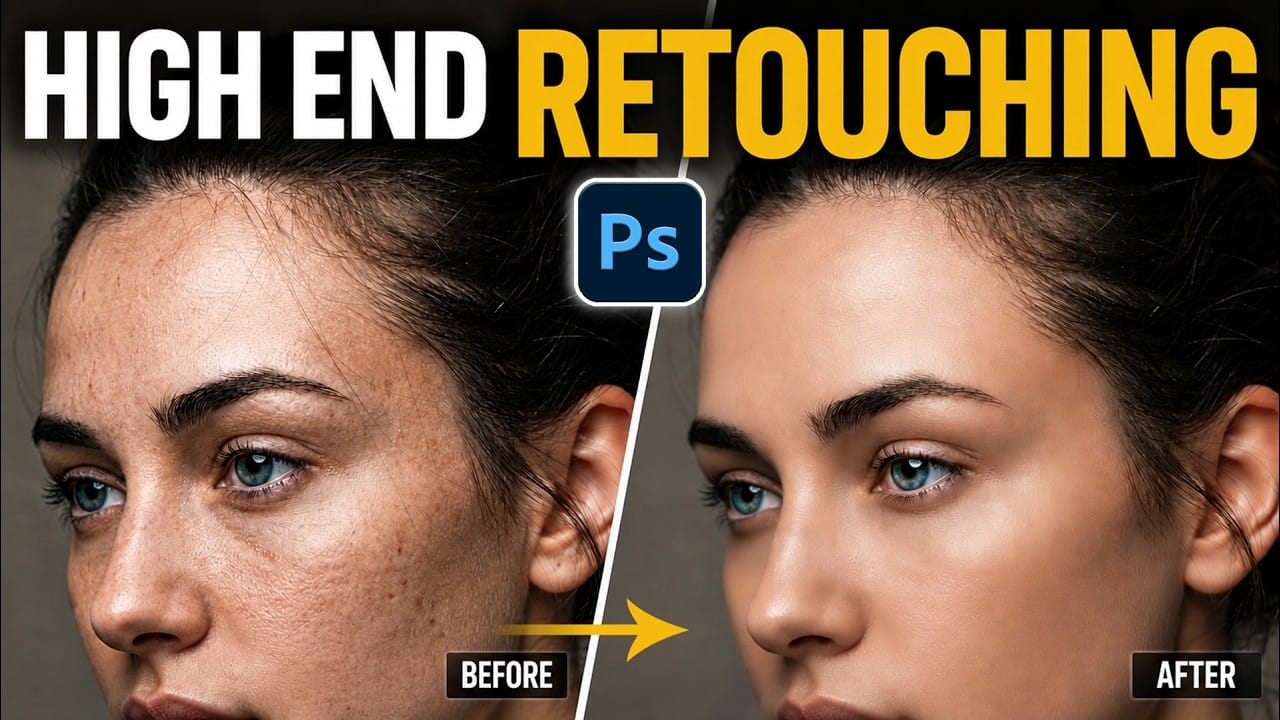
Two recent additions to Camera Raw make skin retouching significantly faster: an automatic blemish removal tool with separate controls for moles and freckles, and a vectorscope-based skin tone indicator for correcting off-color skin. Both features work non-destructively inside a smart object workflow, so no pixel data is Read the full article here: How to Remove […]

Read more: How to Remove Skin Blemishes and Fix Skin Tones in Camera Raw
Portrait Retouching in Photoshop: Smooth Skin While Keeping Natural Texture

Portrait Retouching in Photoshop: Smooth Skin While Keeping Natural Texture

Smooth skin and natural texture are not opposites — achieving both at once is the mark of a professional retouch. This workflow covers blemish removal, flyaway hair cleanup, dark under-eye correction, and eye brightening, all while keeping the skin looking like skin. Watch the Video Practical Tips These key points Read the full article here: […]

Read more: Portrait Retouching in Photoshop: Smooth Skin While Keeping Natural Texture
How to Use Camera Raw's Blemish Removal Tool in Photoshop

How to Use Camera Raw's Blemish Removal Tool in Photoshop

Camera Raw 18.5 introduced an automatic blemish removal tool that does something previous solutions rarely managed: it removes skin imperfections while preserving the underlying skin texture. It also distinguishes between temporary marks and permanent ones like moles, giving you separate controls for each. Watch the Video Practical Tips These Read the full article here: How […]

Read more: How to Use Camera Raw's Blemish Removal Tool in Photoshop
How to Remove Blemishes in Photoshop: Camera Raw vs. Generative AI

How to Remove Blemishes in Photoshop: Camera Raw vs. Generative AI

Photoshop now offers two distinct approaches to removing skin blemishes automatically. The Camera Raw Filter includes a dedicated Blemishes option that analyzes and cleans skin with a single checkbox, while Generative AI fills a face selection with clean, texture-consistent results using a simple text prompt. Each method has clear Read the full article here: How […]

Read more: How to Remove Blemishes in Photoshop: Camera Raw vs. Generative AI