Schenectady Photographic Society

Menu

Photoshop Basics

How to combine masks in Adobe Camera RAW + Lightroom for advanced masking

How to combine masks in Adobe Camera RAW + Lightroom for advanced masking

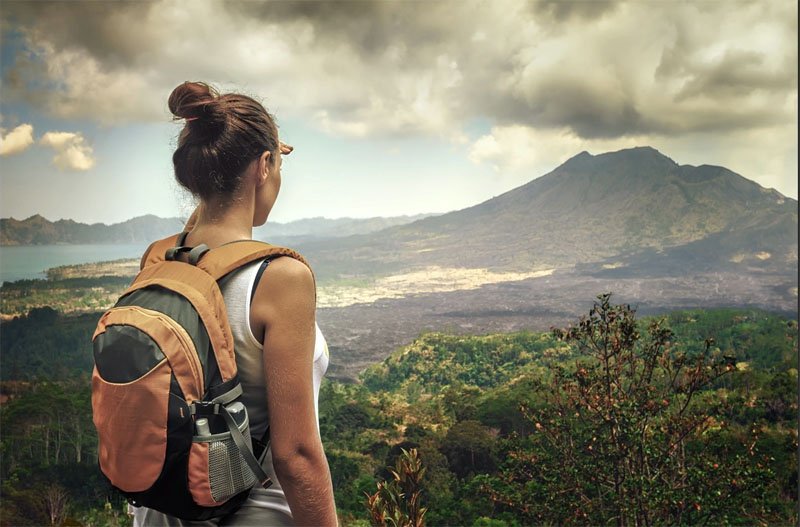
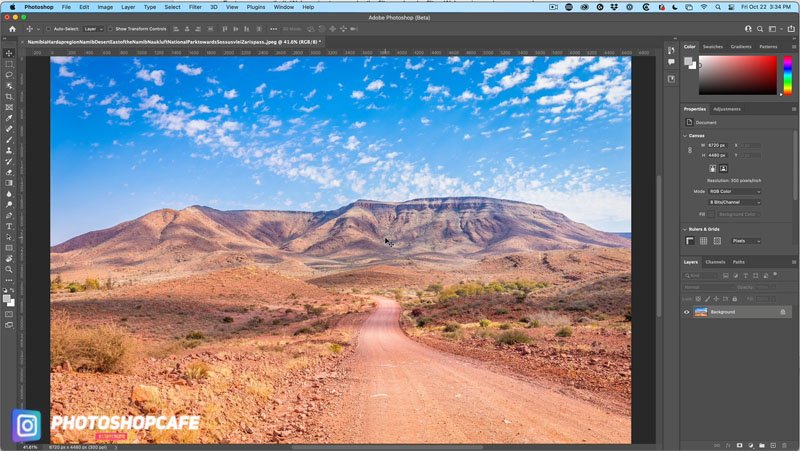
How to mask different things in Adobe Camera RAW and Lightroom Masking has been added to Camera RAW and Lightroom. This tutorial uses Camera Raw, but it’s identical in Lightroom. In this tutorial Im going to show you how to mask different parts of an image including subject, sky, foreground and a combination mask that […]
Read more: How to combine masks in Adobe Camera RAW + Lightroom for advanced masking
Automatically Match colors to the background of an image with harmonize in Photoshop

Automatically Match colors to the background of an image with harmonize in Photoshop

Match color and tone on background to layer in photoshop 2022 Use object selection to cut out 2 people from the background. Drop them onto a new background and use Harmonize Neural filter to make the colors and tones match automatically. Start with a photo of our 2 people. Choose the Object selection tool. A new […]

Read more: Automatically Match colors to the background of an image with harmonize in Photoshop
How to use amazing new Object finder in Photoshop 2022 for instant, automatic selections of all objects in an image

How to use amazing new Object finder in Photoshop 2022 for instant, automatic selections of all objects in an image

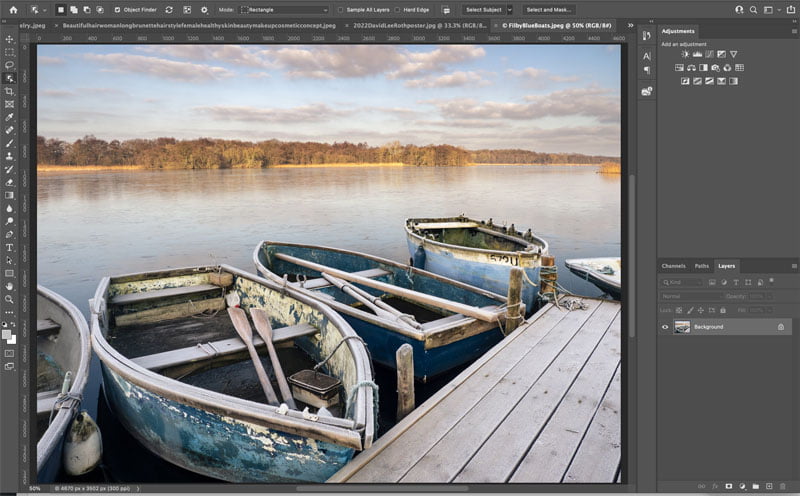
New in Photoshop 2022 selections with Object Finder So you know, when you see the movies and they say enhance, and then they just kind of select something thing by just clicking on it. It’s here. Let me show you. Choose object selection tool you’re going to see under Object Finders turned on and this […]

Read more: How to use amazing new Object finder in Photoshop 2022 for instant, automatic selections of all objects in an image