Schenectady Photographic Society

Menu

photoshop-roadmap

How to Use the Light Adjustment Layer in Photoshop

How to Use the Light Adjustment Layer in Photoshop

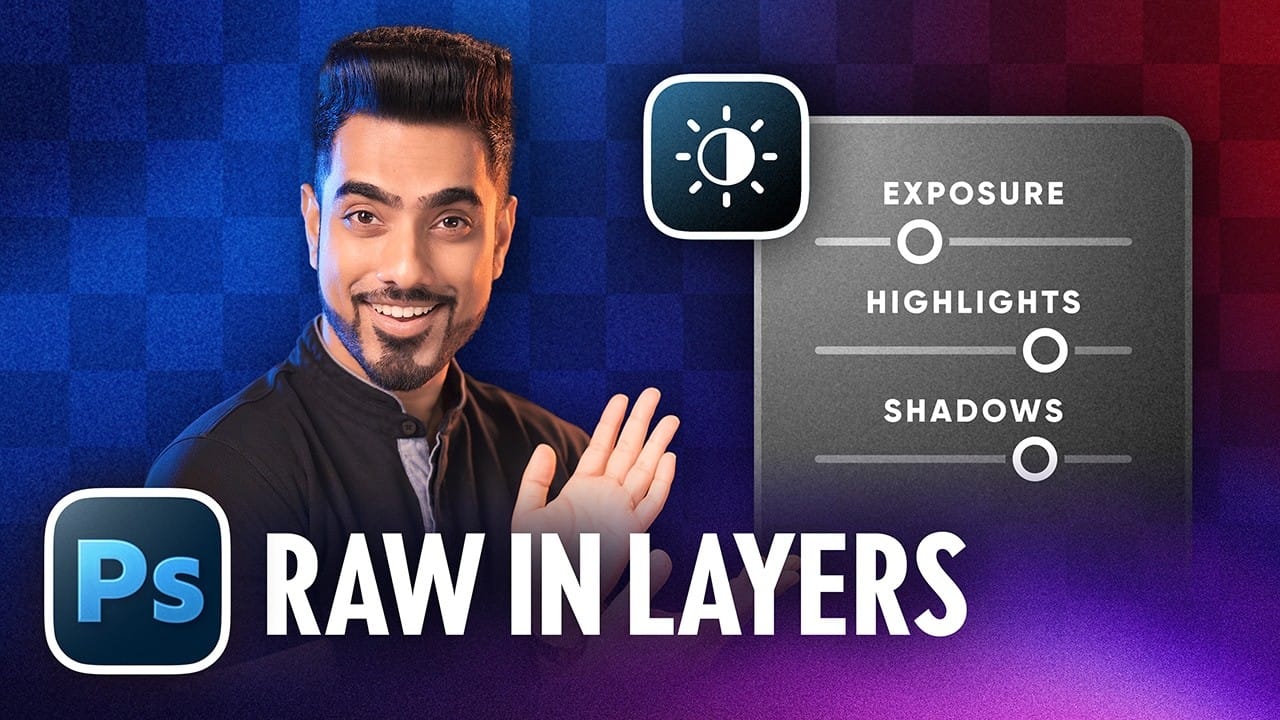
Photoshop's new Light adjustment layer brings Camera Raw controls — exposure, contrast, highlights, shadows, whites, and blacks — directly into the layers panel as a fully non-destructive, maskable layer. This means you can stack multiple light adjustments, target specific subjects, and combine them with Blend If and other adjustment Read the full article here: How […]

Read more: How to Use the Light Adjustment Layer in Photoshop
How to Use Object Selection, Remove Background, and the Selection Brush in Photoshop

How to Use Object Selection, Remove Background, and the Selection Brush in Photoshop

Selections determine the quality and flexibility of almost every edit you make in Photoshop. Three modern tools — the Object Selection tool, Remove Background with Harmonize, and the Selection Brush — handle the most common selection tasks with far less manual effort, while keeping your original image intact through non-destructive layers. Read the full article […]

Read more: How to Use Object Selection, Remove Background, and the Selection Brush in Photoshop
How to Paint a Digital Background and Composite Wildlife Into It

How to Paint a Digital Background and Composite Wildlife Into It

Building a painted digital background from scratch gives you full control over color, mood, and composition before a single wildlife photo is placed. This walkthrough covers the complete process: blocking in shadows on a black canvas, layering foliage with textured brushes, positioning bird subjects on hand-painted stones, and using Read the full article here: How […]

Read more: How to Paint a Digital Background and Composite Wildlife Into It
AI Reflection Removal in Photoshop 2026: Complete Workflow with Masking and Generative Fill

AI Reflection Removal in Photoshop 2026: Complete Workflow with Masking and Generative Fill

Photoshop 2026 introduces built-in AI reflection removal for the first time, bringing a capability previously limited to Lightroom and Camera Raw directly into a layer-based workflow. The key advantage here is control: results appear on a separate layer, which means you can mask out problem areas where the Read the full article here: AI Reflection […]

Read more: AI Reflection Removal in Photoshop 2026: Complete Workflow with Masking and Generative Fill
Firefly Image Model 5 in Photoshop: Generative Fill, Distraction Removal, and Color Finishing

Firefly Image Model 5 in Photoshop: Generative Fill, Distraction Removal, and Color Finishing

Firefly Image Model 5 brings noticeably higher output quality and more natural language prompting to Photoshop's generative fill workflow. Combined with an updated Remove tool that automatically detects distractions and a Camera Raw finishing pass using Point Color, the complete editing pipeline is now faster and more controllable Read the full article here: Firefly Image […]

Read more: Firefly Image Model 5 in Photoshop: Generative Fill, Distraction Removal, and Color Finishing
How to Remove Distractions, Expand Borders, and Polish a Portrait in Photoshop

How to Remove Distractions, Expand Borders, and Polish a Portrait in Photoshop

A cluttered background, tight framing, and flat lighting can undermine an otherwise strong portrait. This workflow covers the full process of cleaning up a photo using Photoshop's AI-powered Remove Tool, extending the canvas with Generative Expand, replacing the sky, and finishing with Camera Raw adjustments for grain, Read the full article here: How to Remove […]

Read more: How to Remove Distractions, Expand Borders, and Polish a Portrait in Photoshop