Schenectady Photographic Society

Menu

photoshop-roadmap

Transform Photos into Ink Drawings in Photoshop

Transform Photos into Ink Drawings in Photoshop

Traditional ink drawings capture bold contrasts and artistic expression through pure black and white elements. This technique transforms ordinary photographs into striking ink artwork by combining specific filters with smart object workflows for complete creative control. The method uses oil paint effects, shadow adjustments, and threshold conversion to create authentic Read the full article here: […]

Read more: Transform Photos into Ink Drawings in Photoshop
How to Build Monochromatic Color Palettes with Layers in Photoshop

How to Build Monochromatic Color Palettes with Layers in Photoshop

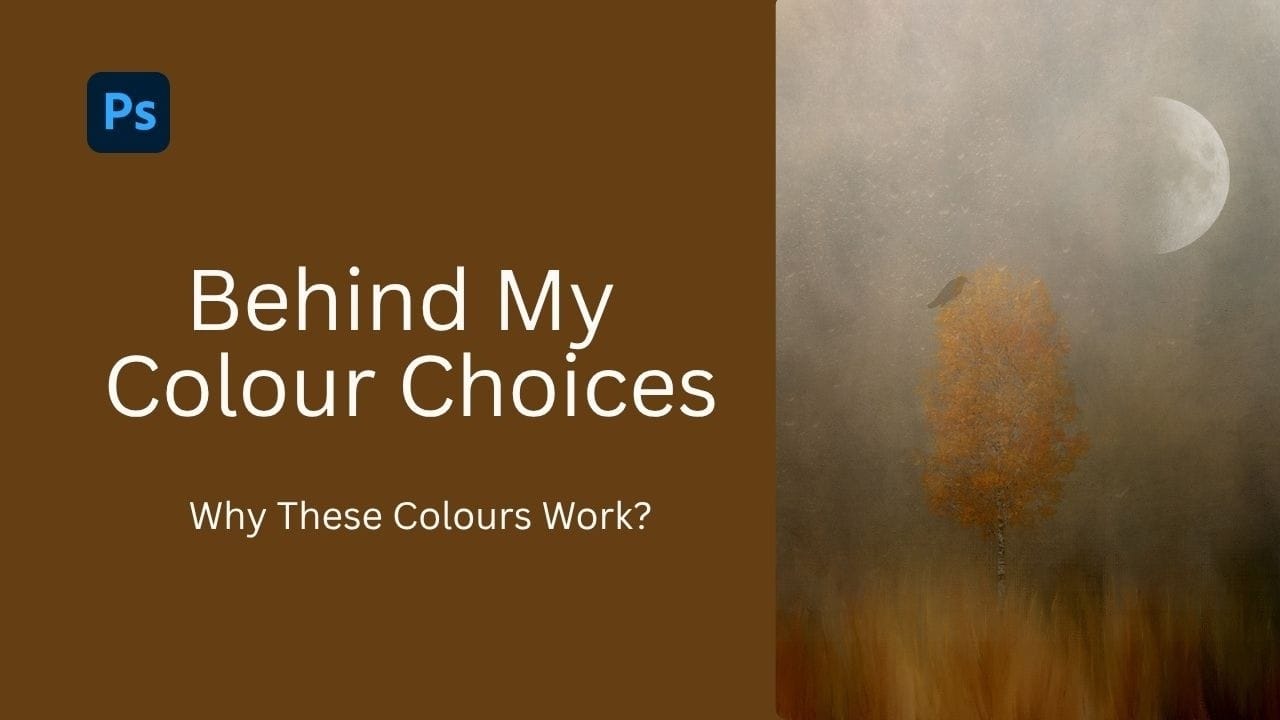
Creating harmonious color schemes requires understanding how to layer colors strategically rather than relying on single adjustments. A monochromatic palette uses tints, tones, and shades from the same color family to create depth and visual unity. This technique demonstrates how to build rich, textured backgrounds by combining solid color fills, Read the full article here: […]

Read more: How to Build Monochromatic Color Palettes with Layers in Photoshop
How to Use the New 3D Object Rotation Feature in Photoshop

How to Use the New 3D Object Rotation Feature in Photoshop

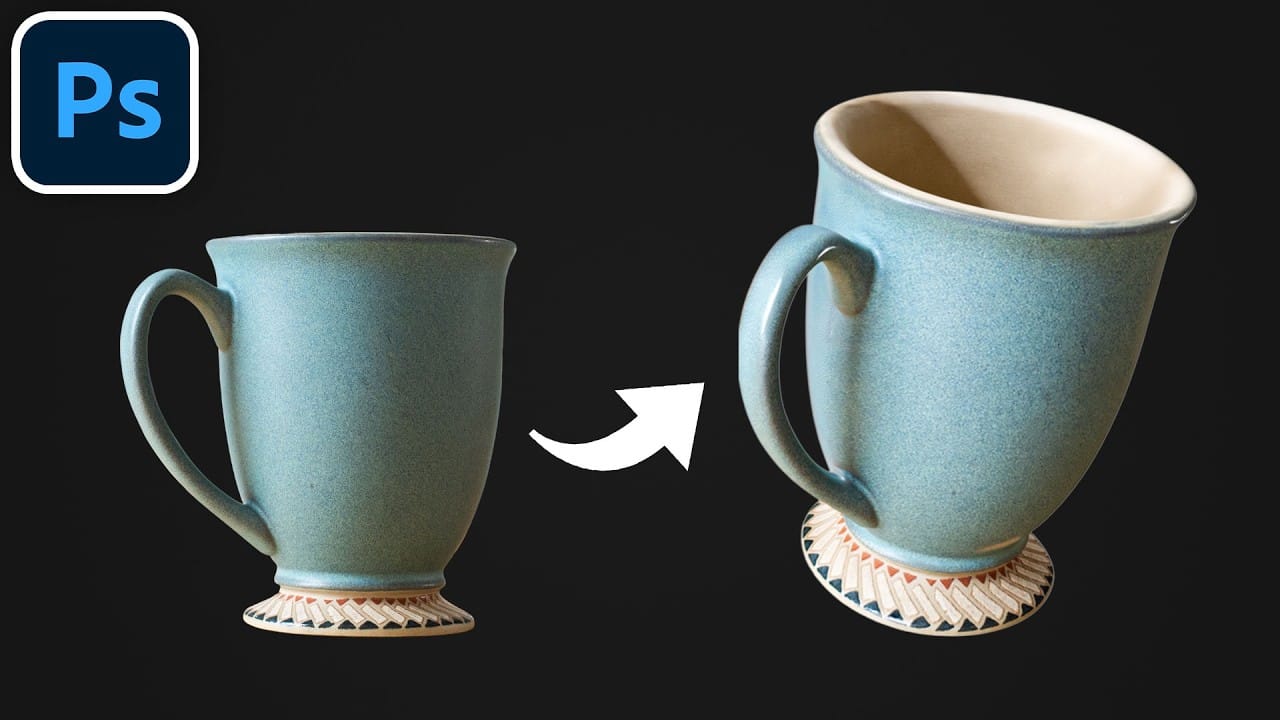
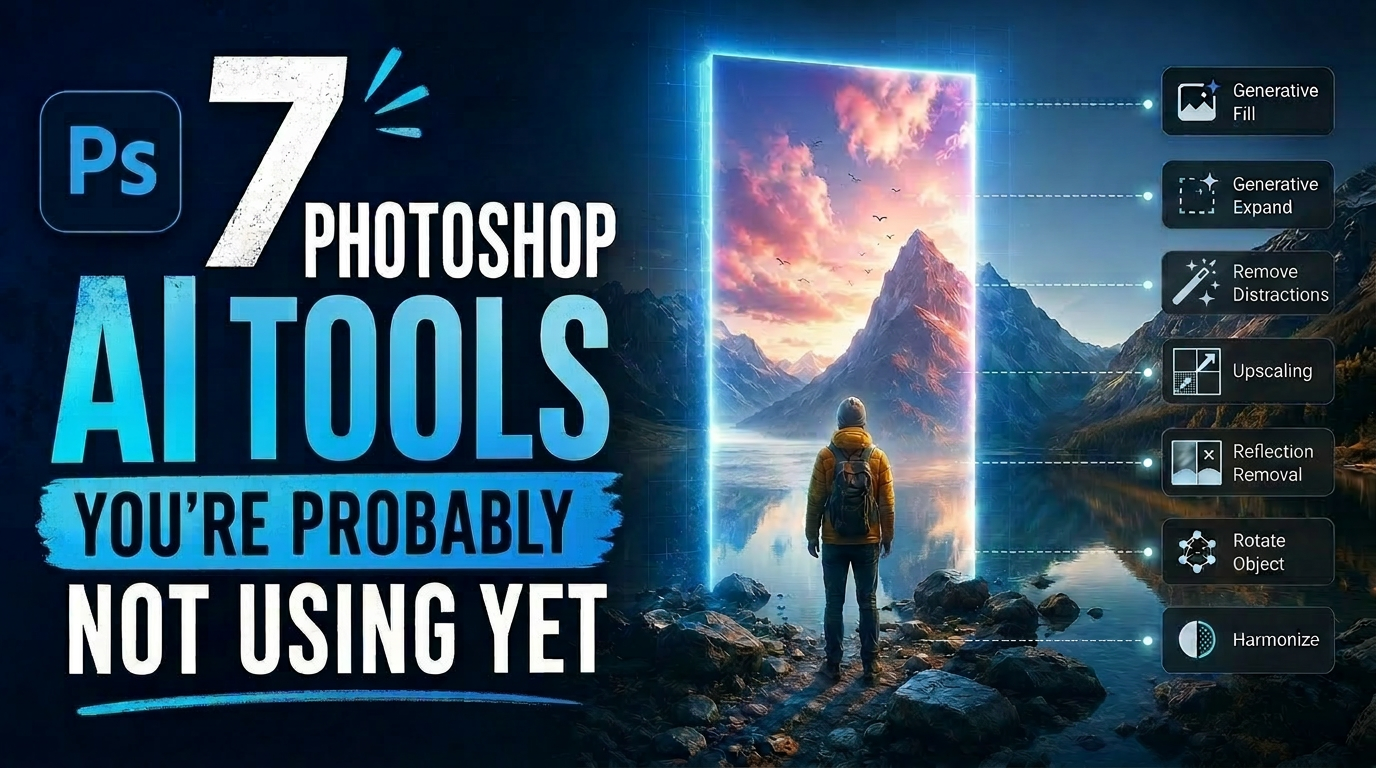
Photoshop's new Rotate Object feature transforms flat 2D images into interactive 3D models that can be repositioned from any angle. This AI-powered tool automatically creates cutouts, maintains original textures, and generates missing details when objects are rotated beyond their original perspective. The feature opens new possibilities for product Read the full article here: How to […]

Read more: How to Use the New 3D Object Rotation Feature in Photoshop
How to Remove Objects Using Photoshop's Updated Remove Tool Without Credits

How to Remove Objects Using Photoshop's Updated Remove Tool Without Credits

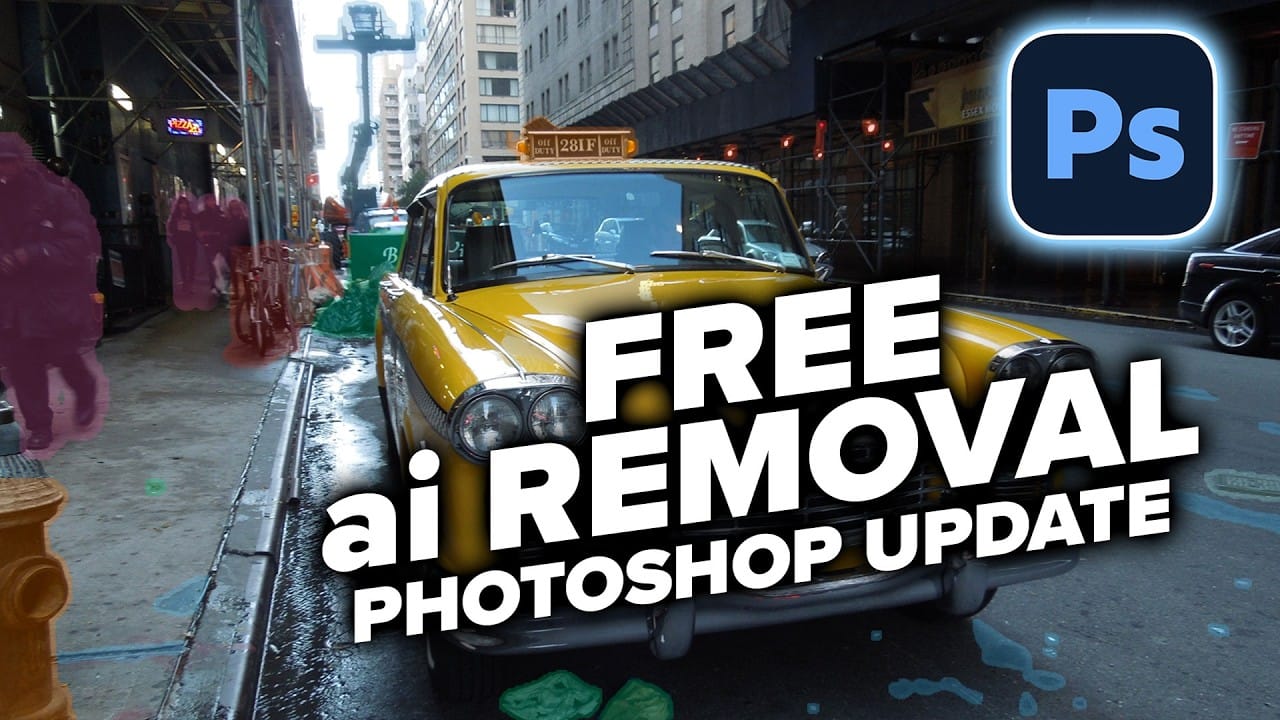
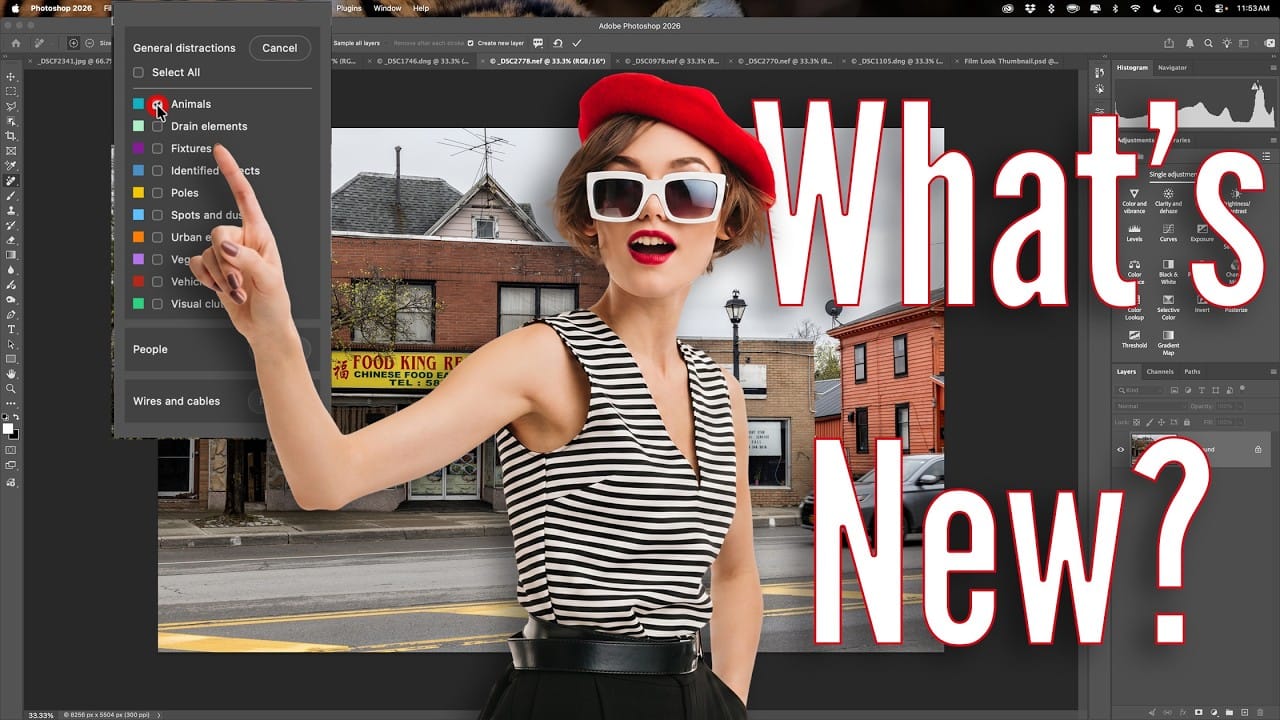
Photoshop's updated Remove tool offers powerful AI-powered object removal without consuming any generative credits, regardless of your subscription plan. The tool features automated distraction detection that categorizes different types of visual clutter—from trash and people to urban elements and blemishes—making it easy to selectively remove unwanted Read the full article here: How to Remove Objects […]

Read more: How to Remove Objects Using Photoshop's Updated Remove Tool Without Credits
Photoshop 27.6: Complete Guide to New Features and Tools

Photoshop 27.6: Complete Guide to New Features and Tools

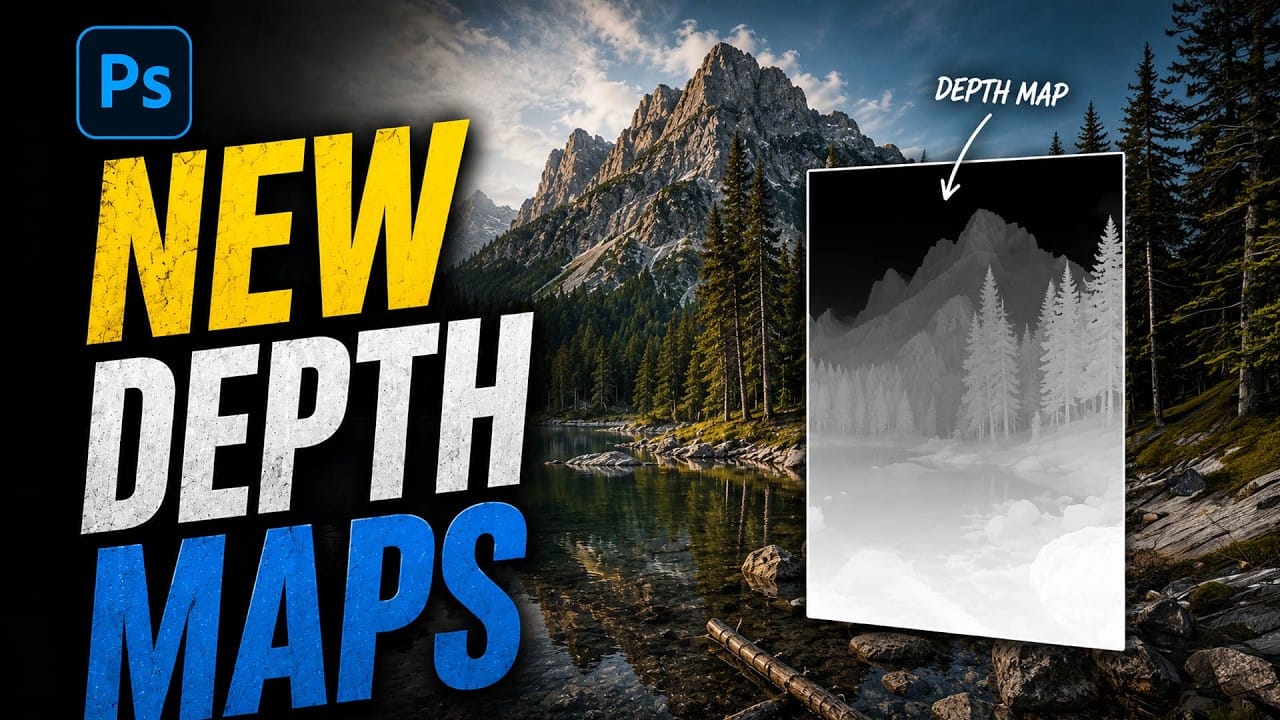
Photoshop 27.6 introduces several powerful features that streamline common editing tasks. From bringing reflection removal directly into the main interface to AI-powered distraction detection, these updates focus on making complex workflows more accessible and efficient. The update also includes enhanced generative models, improved layer management tools, and a redesigned Read the full article here: Photoshop […]

Read more: Photoshop 27.6: Complete Guide to New Features and Tools
How to Create Realistic Trees from Digital Stamp Brushes in Photoshop

How to Create Realistic Trees from Digital Stamp Brushes in Photoshop

Tree stamp brushes provide an efficient starting point for digital landscapes, but transforming flat stamps into convincing natural elements requires specific layering and painting techniques. This comprehensive tutorial demonstrates how to build complete environmental scenes by combining background creation, water effects, and detailed tree painting methods that add depth and Read the full article here: […]

Read more: How to Create Realistic Trees from Digital Stamp Brushes in Photoshop