Schenectady Photographic Society

Menu

photoshop-roadmap

How to Use the New Remove Tool to Automatically Find and Remove Image Distractions

How to Use the New Remove Tool to Automatically Find and Remove Image Distractions

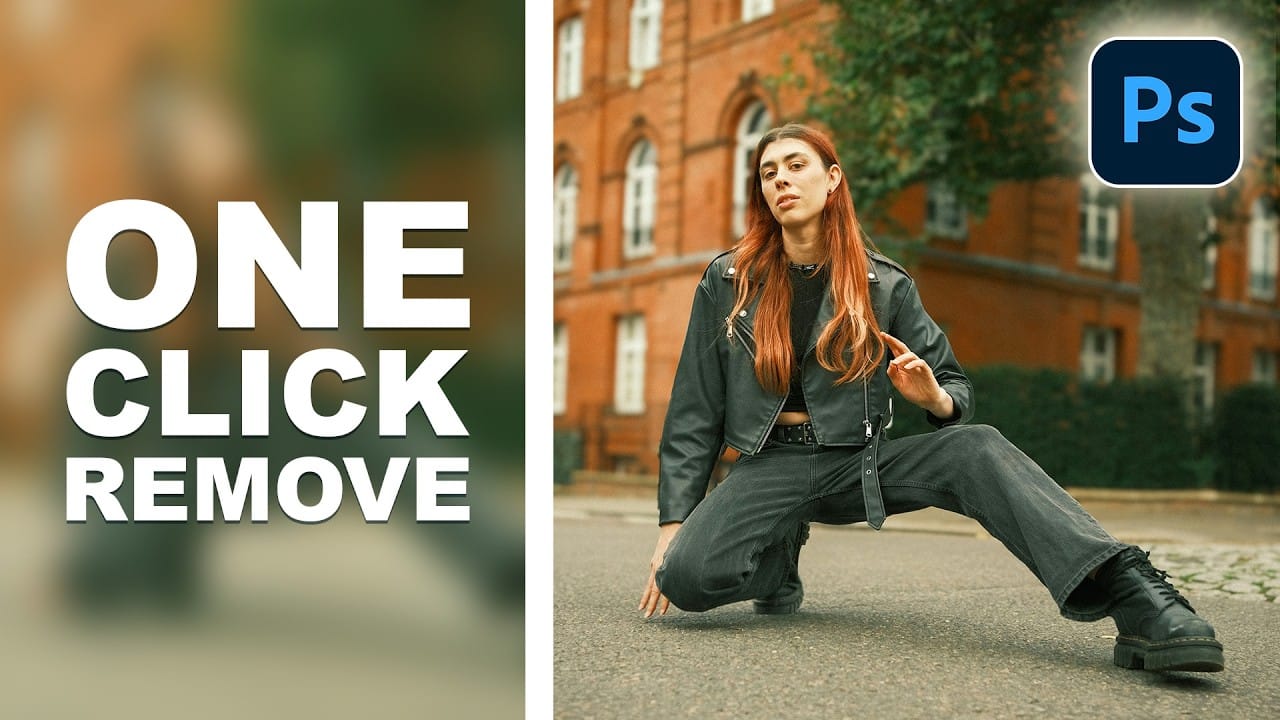
The updated Remove Tool now features AI-powered distraction detection that automatically identifies and categorizes unwanted elements in your photos. This new "Find Distractions" feature can locate cars, poles, fixtures, and visual clutter, then remove everything with a single click. The tutorial also demonstrates how to combine this automated Read the full article here: How to […]

Read more: How to Use the New Remove Tool to Automatically Find and Remove Image Distractions
14 New Features in Photoshop 27.6 You Need to Know

14 New Features in Photoshop 27.6 You Need to Know

Photoshop 27.6 brings significant updates that enhance workflow efficiency and creative possibilities. From improved reflection removal tools to smarter AI models, these features address real challenges photographers and designers face daily. This comprehensive overview covers 14 key additions, including enhanced distraction detection, new AI capabilities, and improved workspace organization Read the full article here: 14 […]

Read more: 14 New Features in Photoshop 27.6 You Need to Know
Create Film Looks with Custom LUTs and Profiles for Any Photo Editor

Create Film Looks with Custom LUTs and Profiles for Any Photo Editor

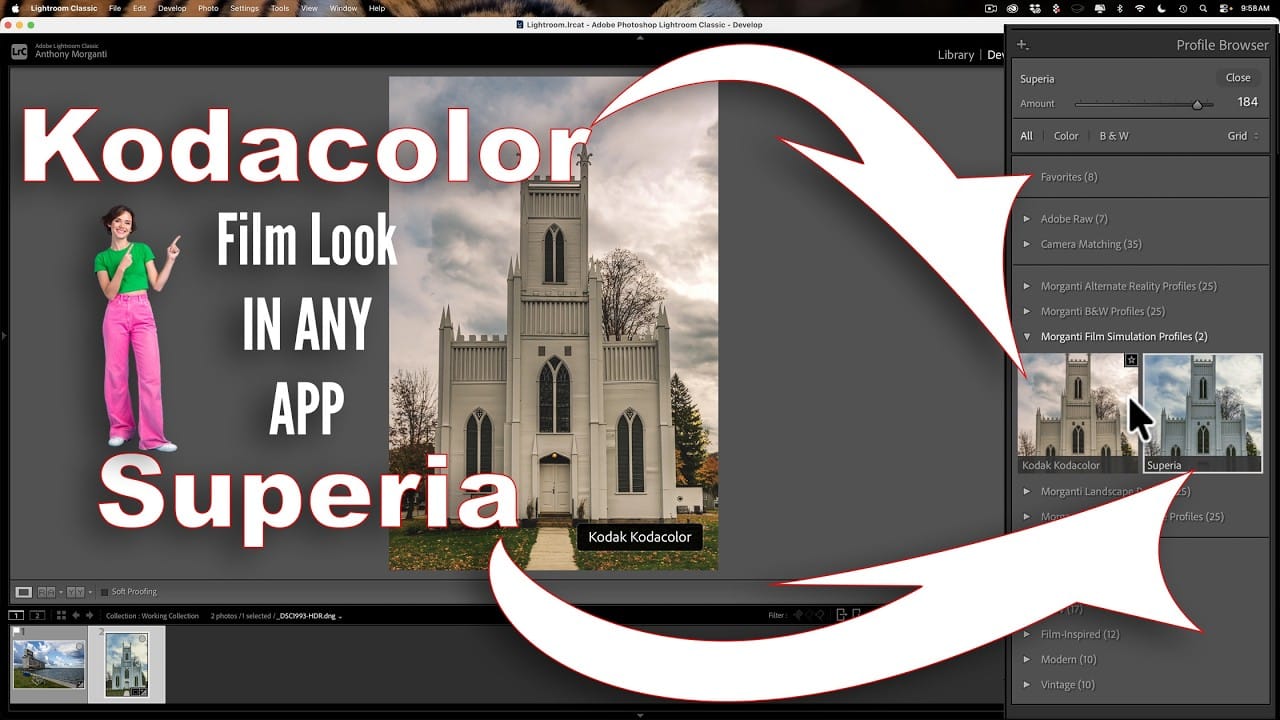
Film photography's nostalgic warmth and character continue to captivate photographers working in the digital realm. Creating authentic film looks requires understanding how vintage stocks like Kodak Kodacolor and Fujifilm Superia handled color, contrast, and tone. This comprehensive workflow shows you how to build these looks from scratch using Read the full article here: Create Film […]

Read more: Create Film Looks with Custom LUTs and Profiles for Any Photo Editor
Create Pixelated Liquid Typography with Chromatic Distortion in Photoshop

Create Pixelated Liquid Typography with Chromatic Distortion in Photoshop

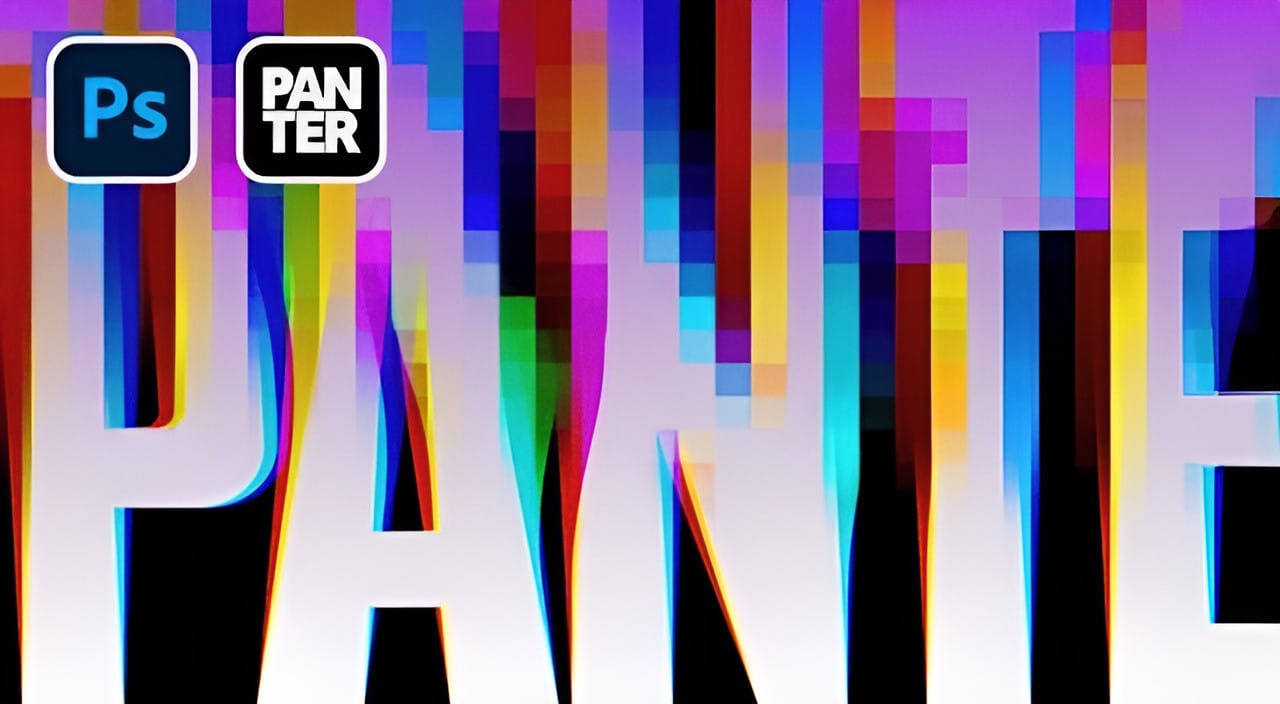
Liquid typography combines flowing, organic distortions with digital glitch aesthetics to create text that appears to melt and separate into colorful chromatic components. This technique transforms static letters into dynamic, pixelated designs that suggest movement and technological breakdown. The method uses the Liquify filter to create fluid distortions, then separates Read the full article here: […]

Read more: Create Pixelated Liquid Typography with Chromatic Distortion in Photoshop
How to Create Cinematic Color Grading Using Camera Raw Filter in Photoshop

How to Create Cinematic Color Grading Using Camera Raw Filter in Photoshop

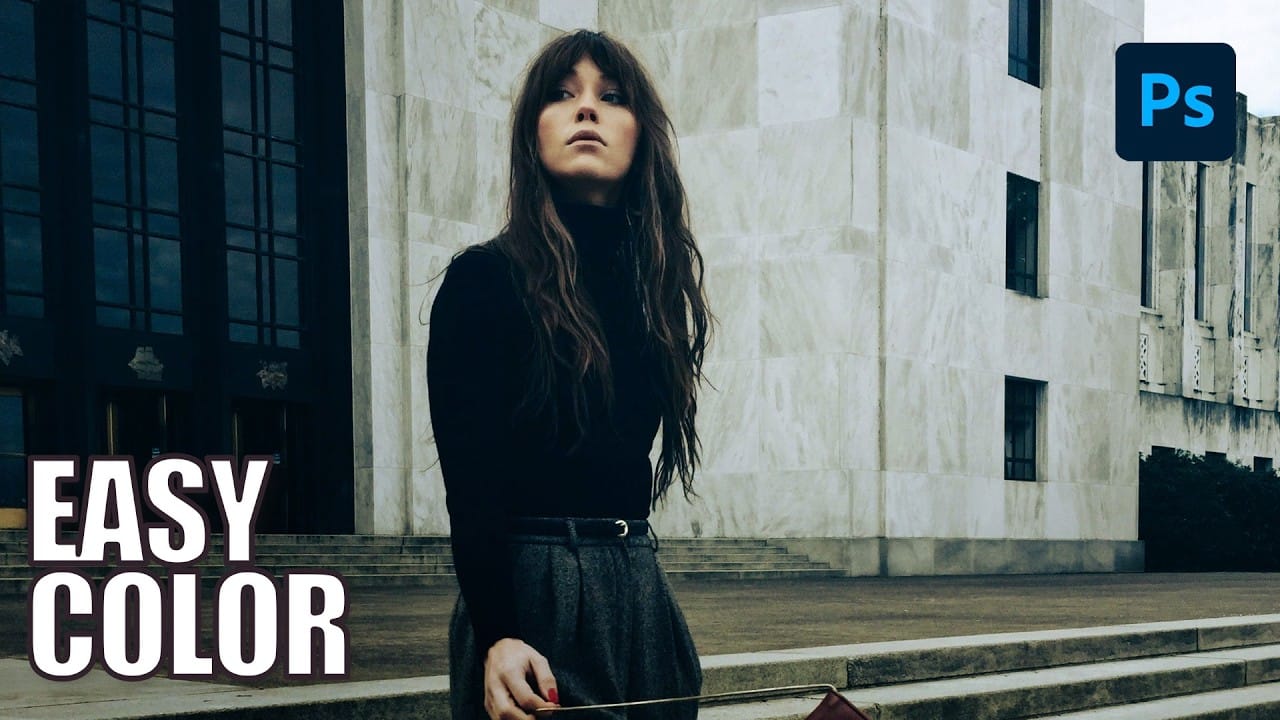
Color grading transforms ordinary photos into cinematic masterpieces by adding mood and visual depth. The Camera Raw filter built into Photoshop provides professional-level color grading tools that rival dedicated editing software, allowing you to adjust shadows, midtones, and highlights with precision. This technique uses smart filters to ensure non-destructive editing, Read the full article here: […]

Read more: How to Create Cinematic Color Grading Using Camera Raw Filter in Photoshop
Creative Tools in Photoshop: Brush, Remove Tool, and Selection Techniques for Beginners

Creative Tools in Photoshop: Brush, Remove Tool, and Selection Techniques for Beginners

Mastering creative tools transforms basic photo editing into artistic expression. This comprehensive tutorial covers the brush tool's painting capabilities, blend modes that create unique effects, and the powerful remove tool for cleaning up images. You'll also discover selection techniques that let you target specific areas for Read the full article here: Creative Tools in Photoshop: […]

Read more: Creative Tools in Photoshop: Brush, Remove Tool, and Selection Techniques for Beginners
Using Foliage Brushes for Photo Enhancement and Digital Art

Using Foliage Brushes for Photo Enhancement and Digital Art

Transforming ordinary photographs into whimsical, romantic scenes often requires replacing or enhancing natural environments. Foliage brushes offer photographers and digital artists a powerful way to overpaint backgrounds, create dimensional leaf structures, and build entirely new environmental elements that feel both surreal and believable. The key to realistic foliage work lies Read the full article here: […]

Read more: Using Foliage Brushes for Photo Enhancement and Digital Art