Schenectady Photographic Society

Menu

photoshop-roadmap

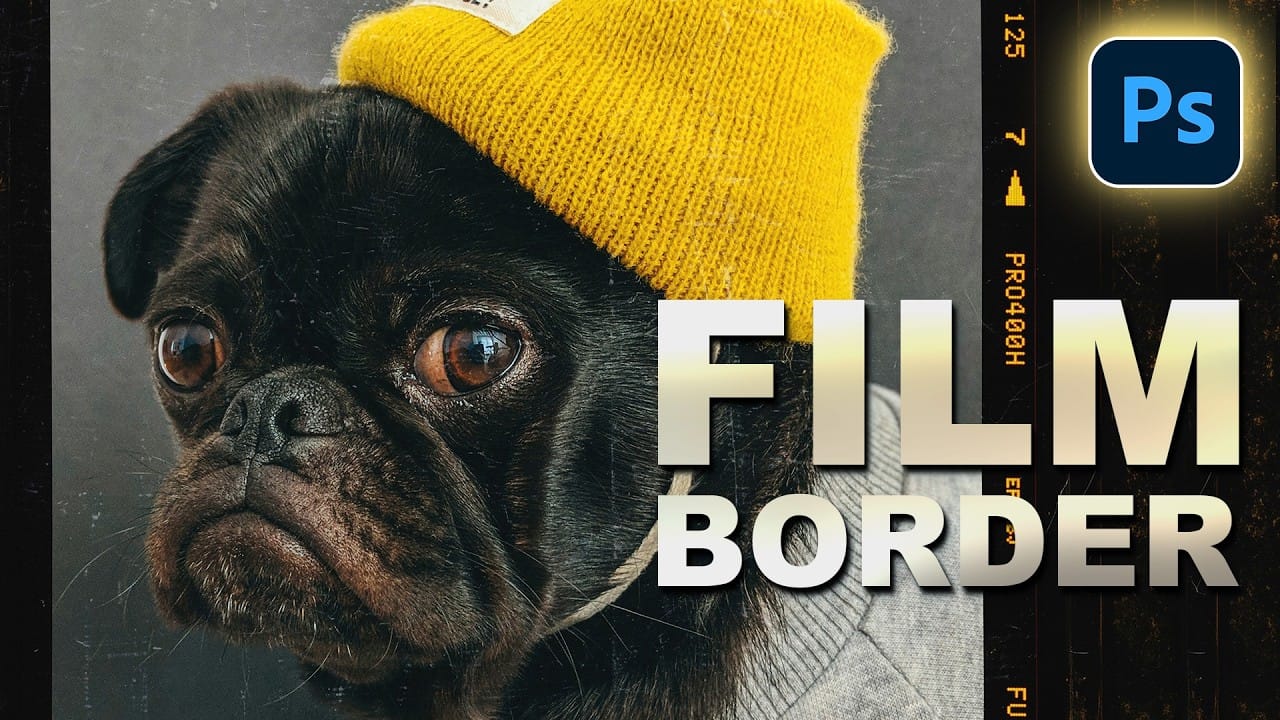
How to Add a Film Border to Any Image in Photoshop

How to Add a Film Border to Any Image in Photoshop

Film borders add instant vintage character to digital photos, recreating the nostalgic feel of analog photography. This technique combines layer masking, texture overlays, and strategic positioning to seamlessly frame your images with realistic film edges that look naturally weathered and imperfect. Watch the Video Practical Tips These essential techniques will Read the full article here: […]
Read more: How to Add a Film Border to Any Image in Photoshop
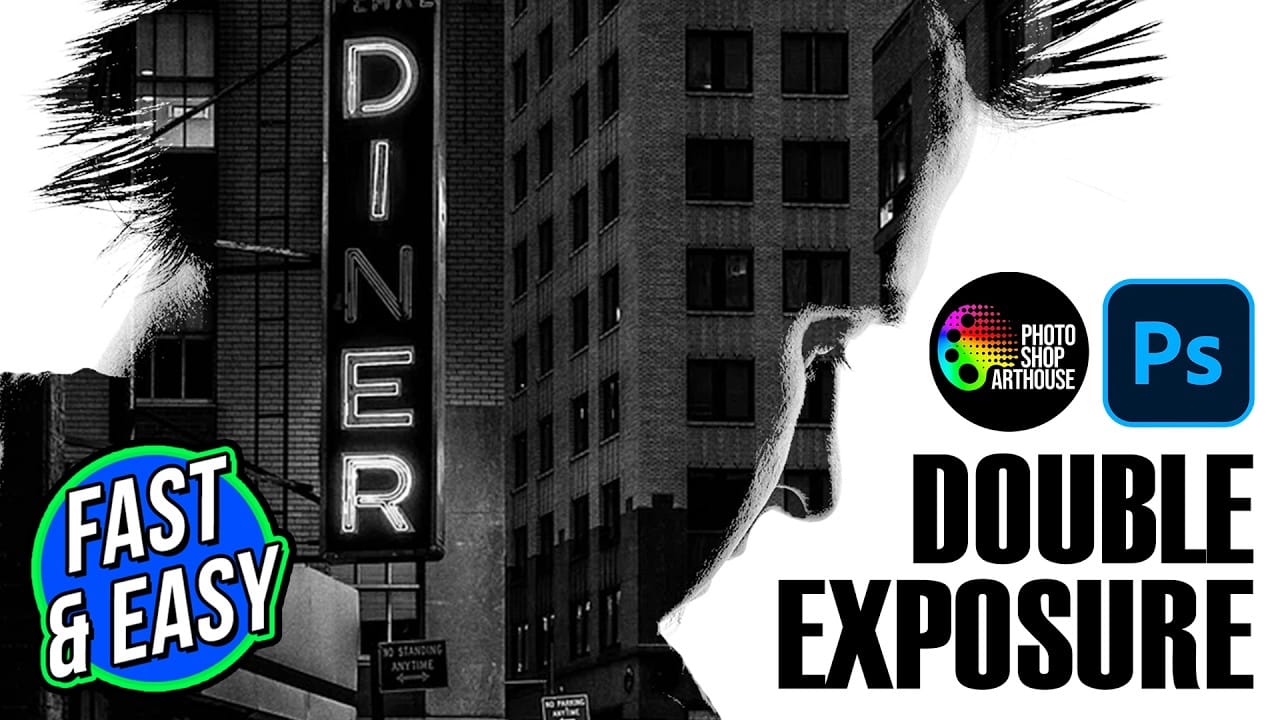
How to Create Double Exposure Portraits in Photoshop

How to Create Double Exposure Portraits in Photoshop

Double exposure portraits blend two images into one artistic composition, creating striking visuals where a silhouette merges with landscapes, textures, or abstract elements. This technique transforms ordinary portraits into compelling artwork by layering the second image inside the dark areas of your subject. The process relies on high contrast between Read the full article here: […]

Read more: How to Create Double Exposure Portraits in Photoshop
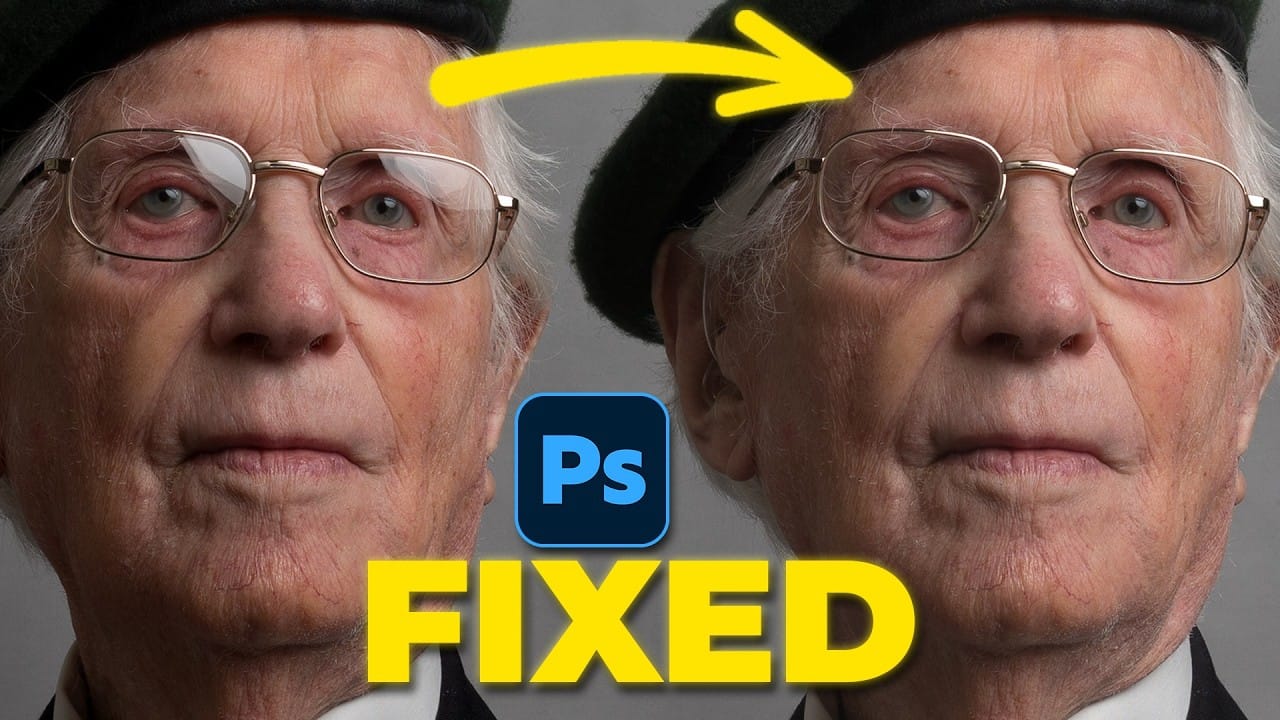
How to Remove Glasses Reflections with Firefly Image Model 5 in Photoshop

How to Remove Glasses Reflections with Firefly Image Model 5 in Photoshop

Glasses reflections can ruin otherwise perfect portraits, obscuring your subject's eyes and creating distracting bright spots. While traditional AI models can remove these reflections, they often alter facial features and frame details in the process. Photoshop's new Firefly Image Model 5 changes this by preserving facial Read the full article here: How to Remove Glasses […]

Read more: How to Remove Glasses Reflections with Firefly Image Model 5 in Photoshop
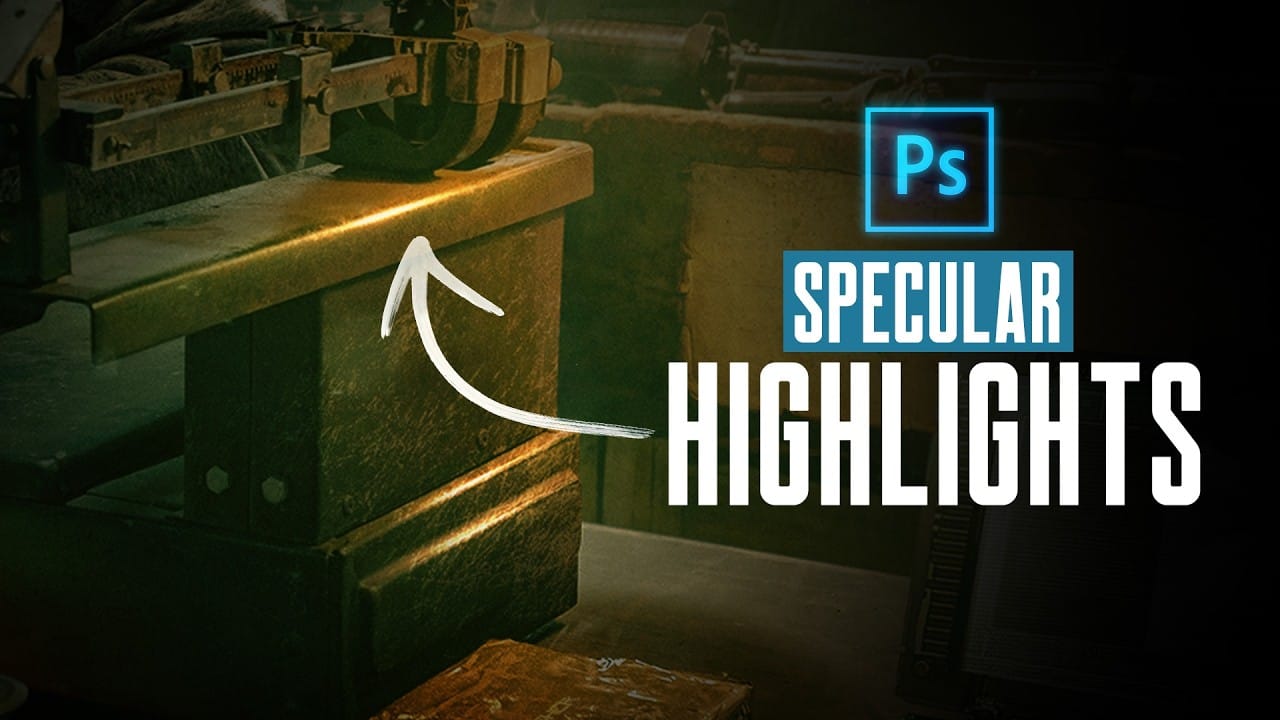
How to Create Realistic Specular Highlights Using Basic Brush Techniques

How to Create Realistic Specular Highlights Using Basic Brush Techniques

Specular highlights bring objects to life by simulating how light reflects off surfaces. These bright spots of reflected light add dimension and realism to your digital artwork, making flat surfaces appear three-dimensional and convincing. This technique uses simple brush strokes combined with strategic blending modes to create professional-looking highlights that Read the full article here: […]

Read more: How to Create Realistic Specular Highlights Using Basic Brush Techniques
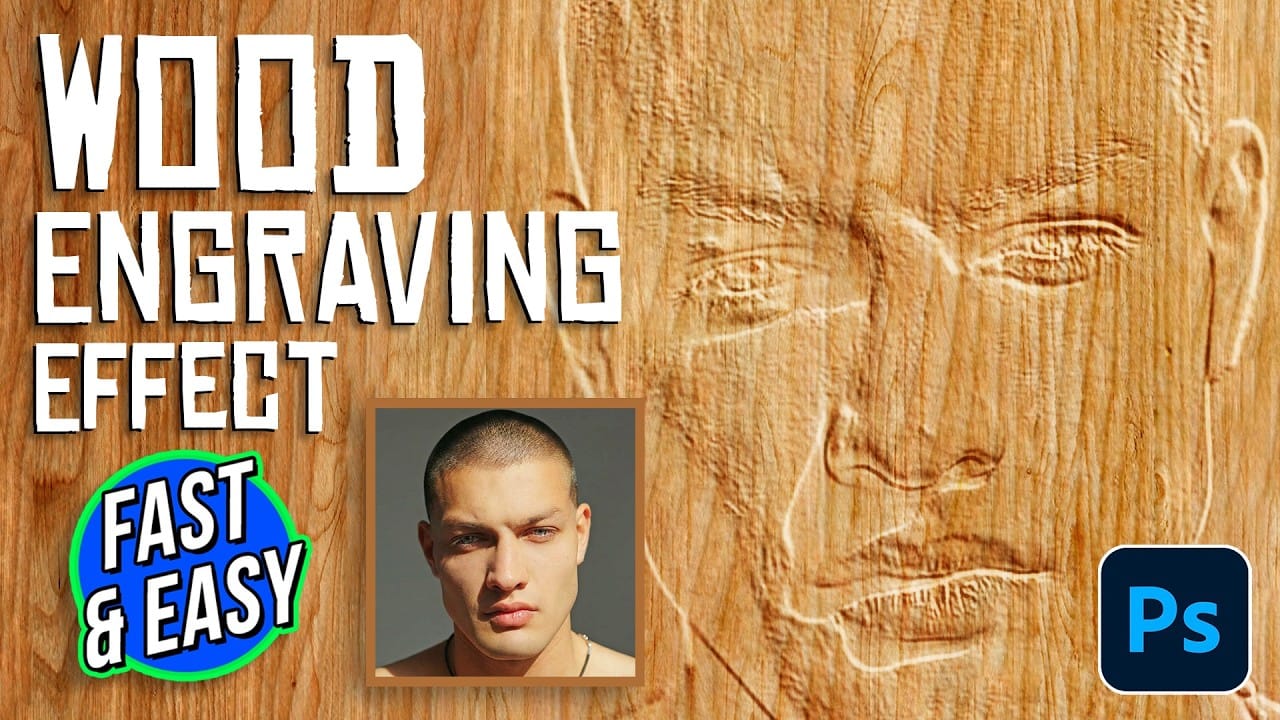
How to Create a Wood Engraving Effect from Photos in Photoshop

How to Create a Wood Engraving Effect from Photos in Photoshop

Wood engravings capture the timeless aesthetic of traditional printmaking, transforming ordinary photographs into artwork that resembles hand-carved illustrations. This technique combines the rustic charm of wood textures with the precise detail of engraved lines, creating images that feel both historical and artistic. The process uses non-destructive editing methods and smart Read the full article here: […]

Read more: How to Create a Wood Engraving Effect from Photos in Photoshop
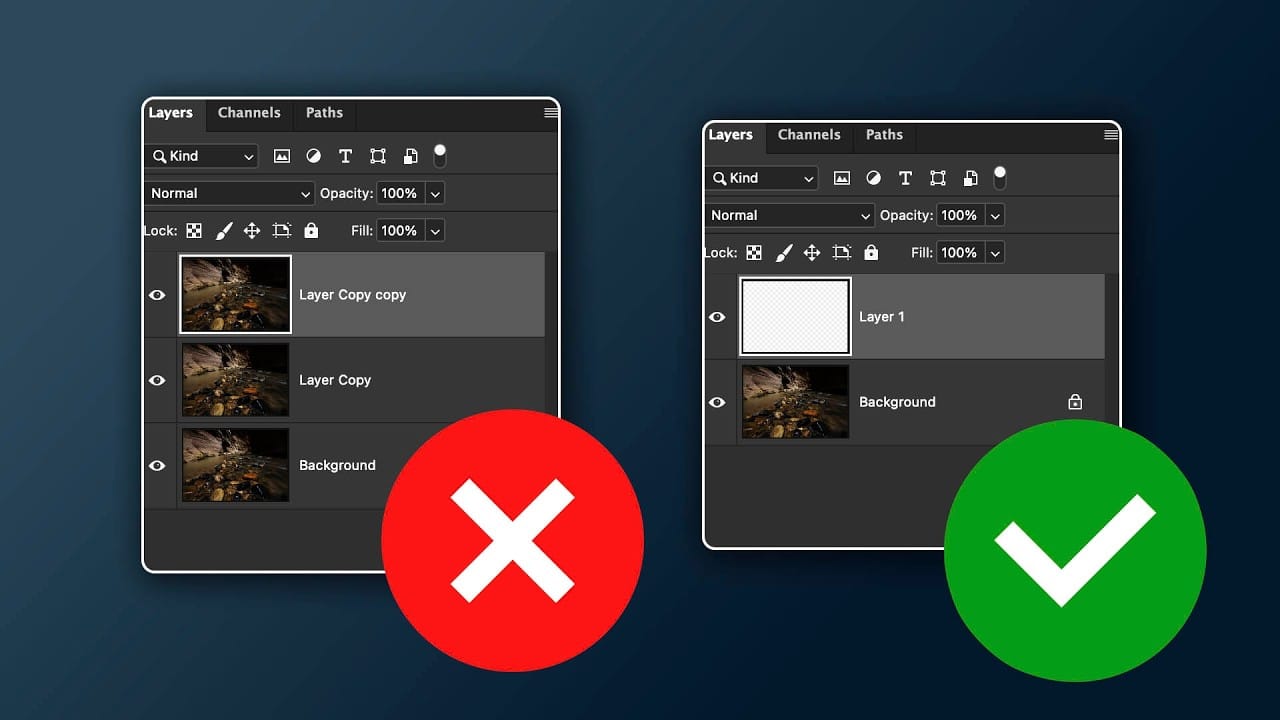
When to Skip Layer Duplication in Modern Photoshop Workflows

When to Skip Layer Duplication in Modern Photoshop Workflows

The old advice to always duplicate layers when editing in Photoshop stems from earlier versions that lacked today's powerful tools. Modern Photoshop workflows often make layer duplication unnecessary, especially for common tasks like object removal, sky replacement, and background changes. Understanding when to skip this step saves storage Read the full article here: When to […]

Read more: When to Skip Layer Duplication in Modern Photoshop Workflows
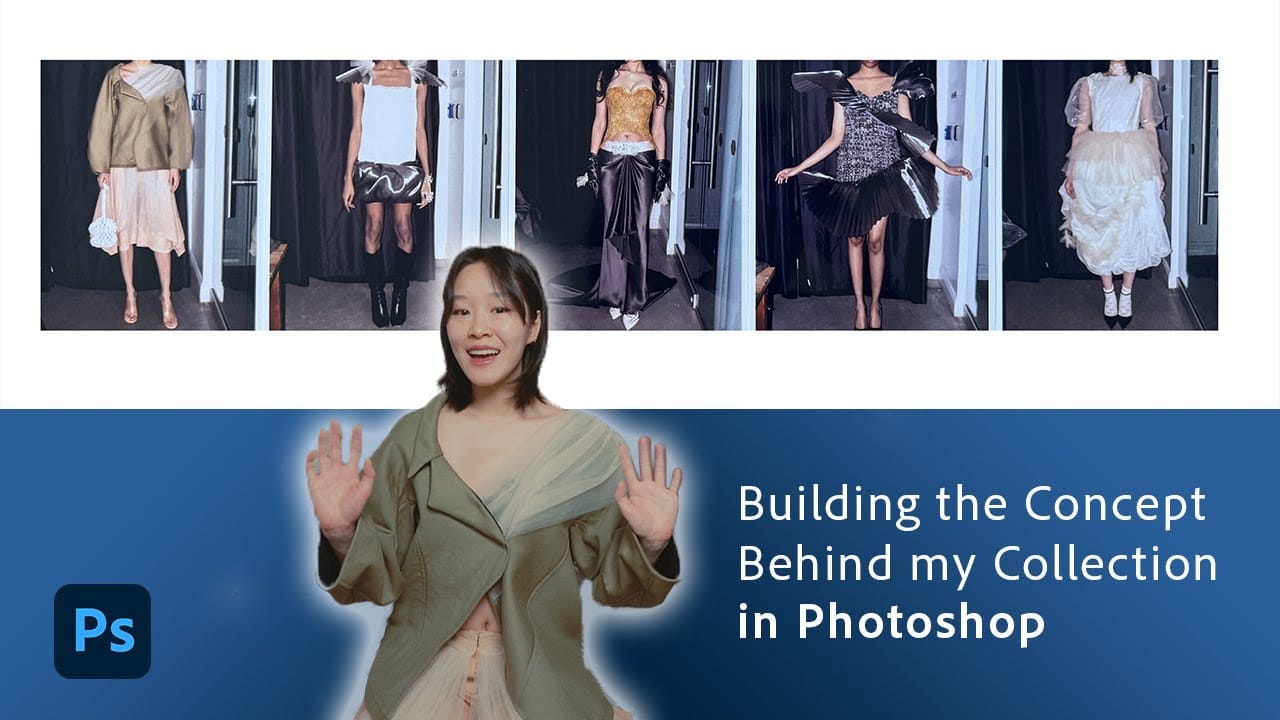
Create Fashion Mood Boards for Runway Collections in Photoshop

Create Fashion Mood Boards for Runway Collections in Photoshop

Fashion designer Evi Schaw demonstrates how mood boards serve as the creative foundation for runway collections, transforming scattered inspiration into focused design direction. Working with vintage bridal materials and personal fabric collections, she shows how to reimagine traditional elements into contemporary fashion concepts using precise selection tools and layering techniques. Read the full article here: […]

Read more: Create Fashion Mood Boards for Runway Collections in Photoshop
Why Testing Your Thumbnails Across Generations Improves Video Performance

Why Testing Your Thumbnails Across Generations Improves Video Performance

The best thumbnail designs make sense to everyone, not just your target audience. When you create thumbnails that only speak to your specific niche or generation, you limit your video's potential reach and engagement. Testing your thumbnails with people from different age groups reveals clarity issues you might Read the full article here: Why Testing […]

Read more: Why Testing Your Thumbnails Across Generations Improves Video Performance