Schenectady Photographic Society

Menu

photoshop-roadmap

Alien Organics: 8 Abstract Neon Texture Backgrounds

Alien Organics: 8 Abstract Neon Texture Backgrounds

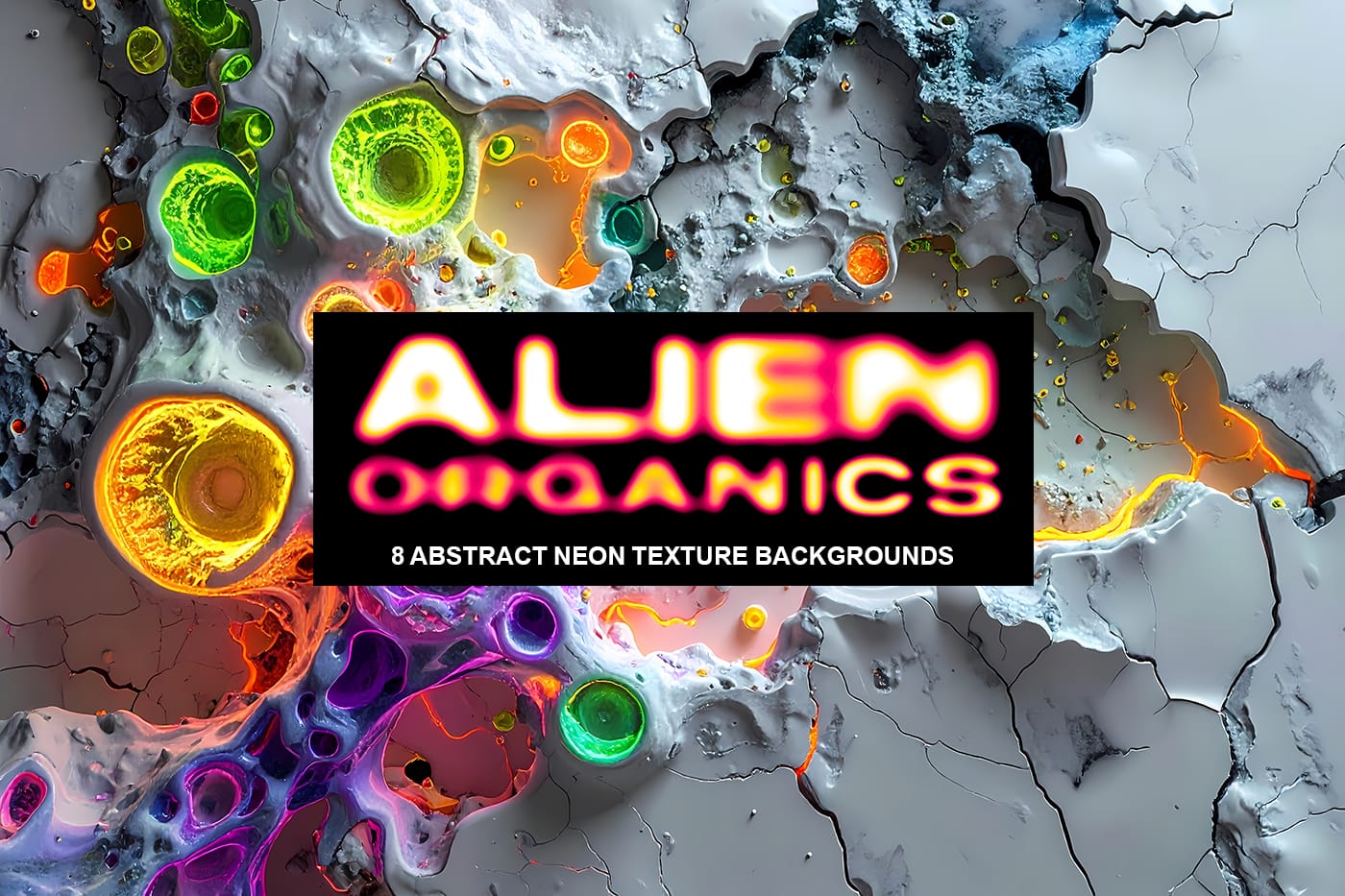
Alien Organics is a collection of 8 free bold, high-contrast abstract neon texture backgrounds inspired by futuristic bio-forms and cracked ceramic surfaces. Each design blends glowing organic growth patterns with fractured matte-white textures, creating a strong contrast between smooth synthetic color and raw broken structure. Electric pink, acid green, ultraviolet, Read the full article here: […]
Read more: Alien Organics: 8 Abstract Neon Texture Backgrounds
Ink Marks: 15 Grunge Ink Splatter Photoshop Brushes

Ink Marks: 15 Grunge Ink Splatter Photoshop Brushes

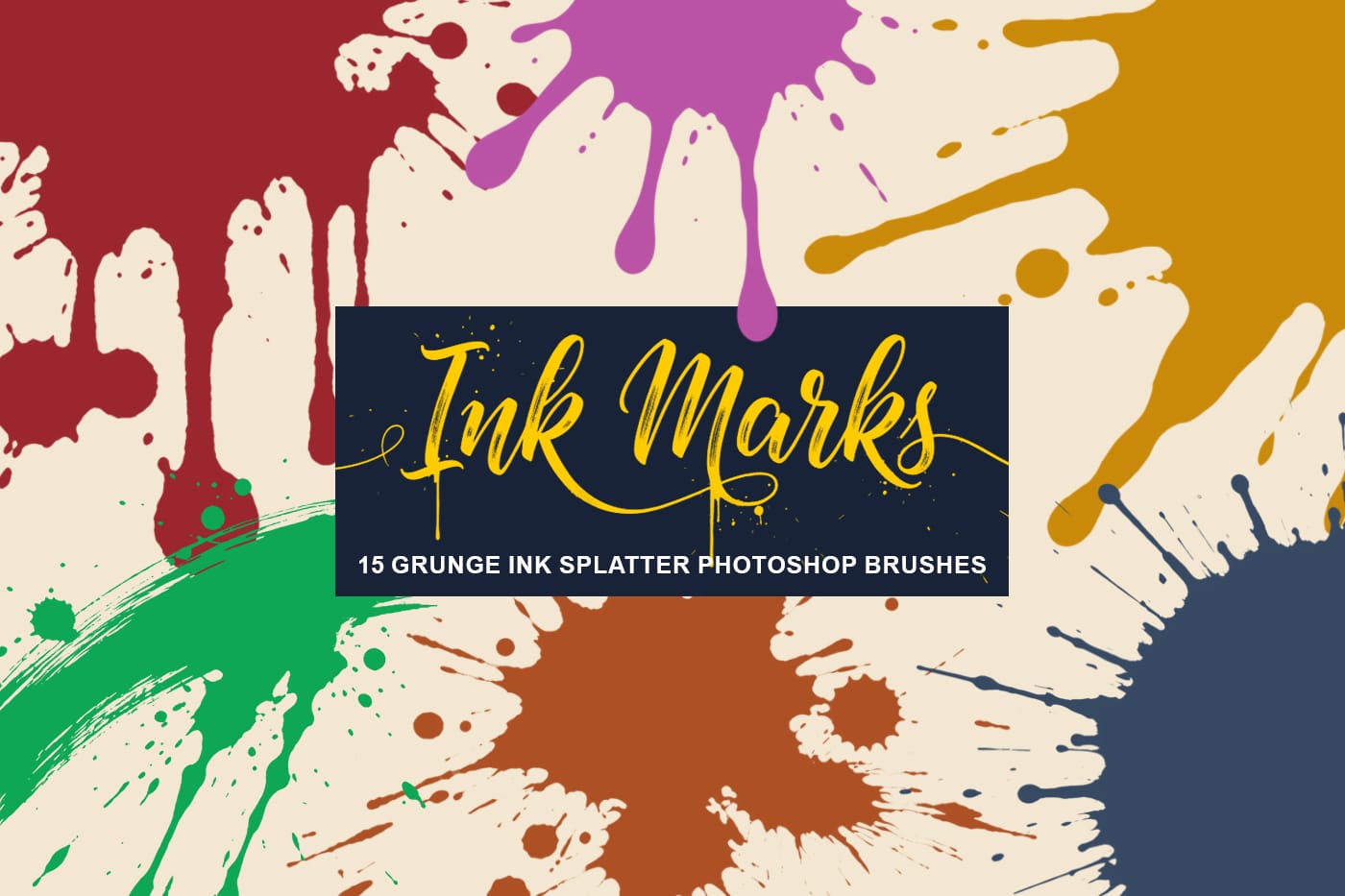
Add bold texture and natural ink splatter details to your designs with this set of AI-generated, high-resolution ink splatter brushes for Photoshop. INK Marks gives you messy splashes, drips, and organic ink marks that help you create expressive layouts, posters, covers, social graphics, and digital artwork faster. These brushes were Read the full article here: […]

Read more: Ink Marks: 15 Grunge Ink Splatter Photoshop Brushes
How to Create Custom Keyboard Shortcuts in Photoshop

How to Create Custom Keyboard Shortcuts in Photoshop

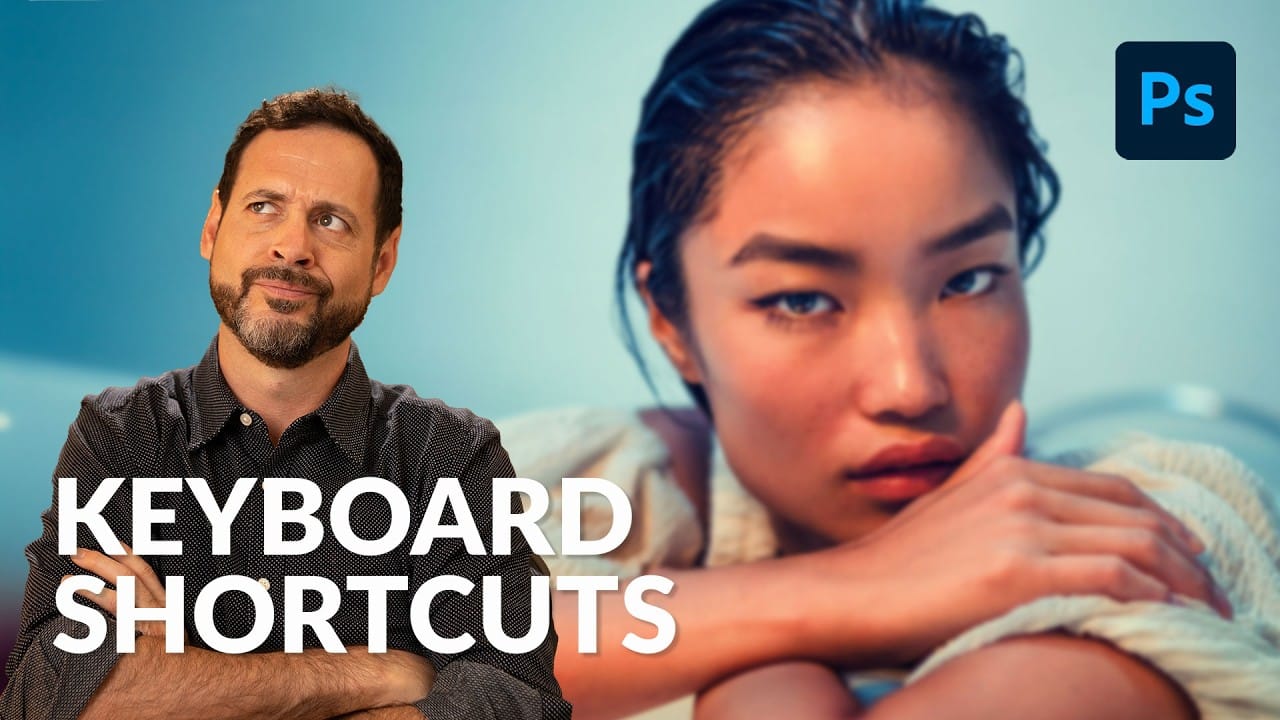
Many essential Photoshop functions surprisingly lack default keyboard shortcuts, forcing you to navigate through menus repeatedly for common tasks like creating smart objects or layer masks. Learning to create custom shortcuts transforms your workflow by giving you instant access to the tools you use most. This comprehensive guide walks you Read the full article here: […]

Read more: How to Create Custom Keyboard Shortcuts in Photoshop
How to Convert a Portrait Photo into a Black and White Logo Design

How to Convert a Portrait Photo into a Black and White Logo Design

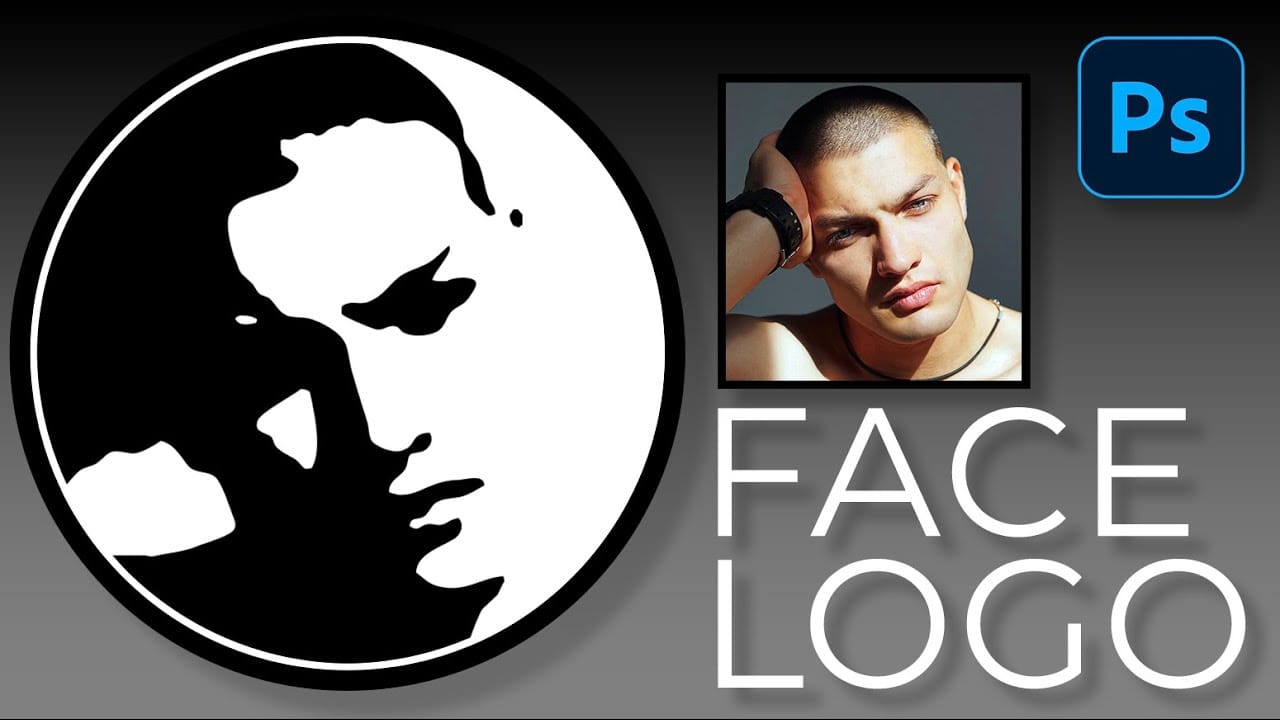
Portrait photos can be transformed into bold, graphic logos with the right combination of filters and adjustments. This technique uses Gaussian blur and threshold adjustments to convert photographs into high-contrast black and white designs suitable for branding, badges, or stamps. The process involves subject isolation, smart filtering, and precise path Read the full article here: […]

Read more: How to Convert a Portrait Photo into a Black and White Logo Design
How to Create Sharp Halftone Effects in Photoshop

How to Create Sharp Halftone Effects in Photoshop

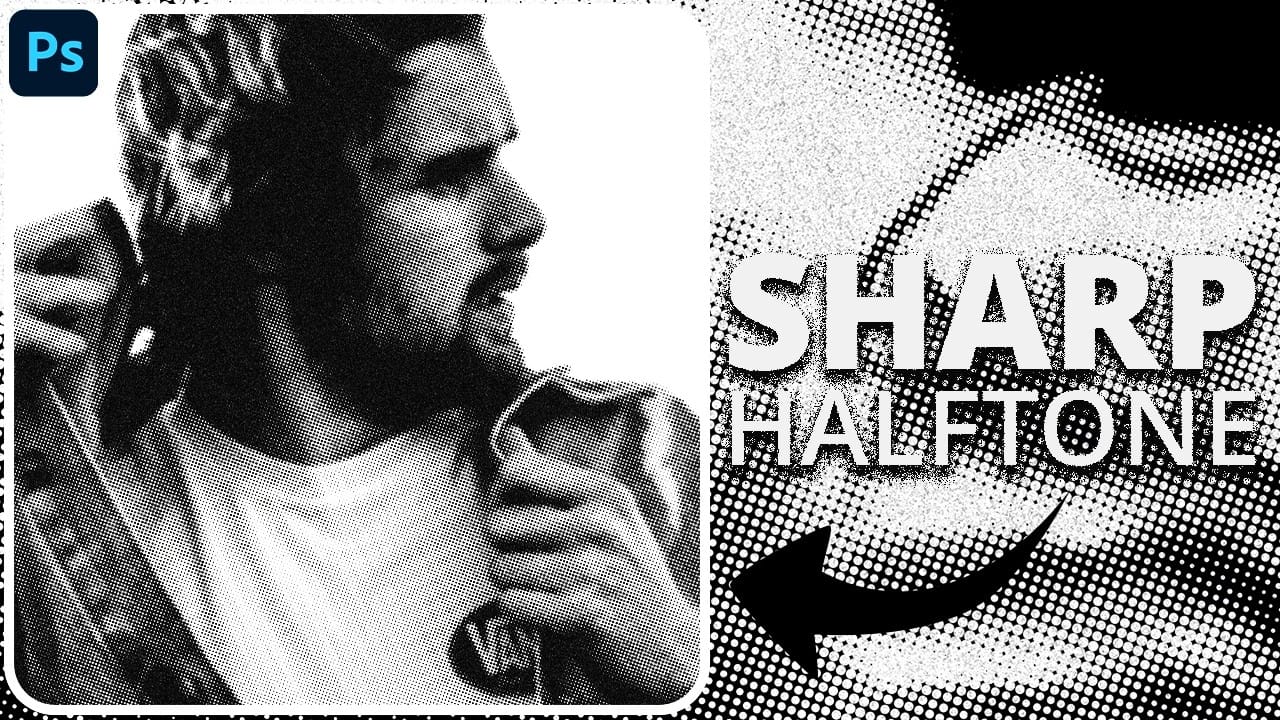
Traditional halftone effects in print media created depth through visible dot patterns that gave images character and texture. While Photoshop's built-in Filter Gallery offers a quick halftone option, it produces blurry results that lack the crisp definition of professional halftone work. This technique uses the Color Halftone filter Read the full article here: How to […]

Read more: How to Create Sharp Halftone Effects in Photoshop
Create a Sci-Fi Hologram Effect in Photoshop

Create a Sci-Fi Hologram Effect in Photoshop

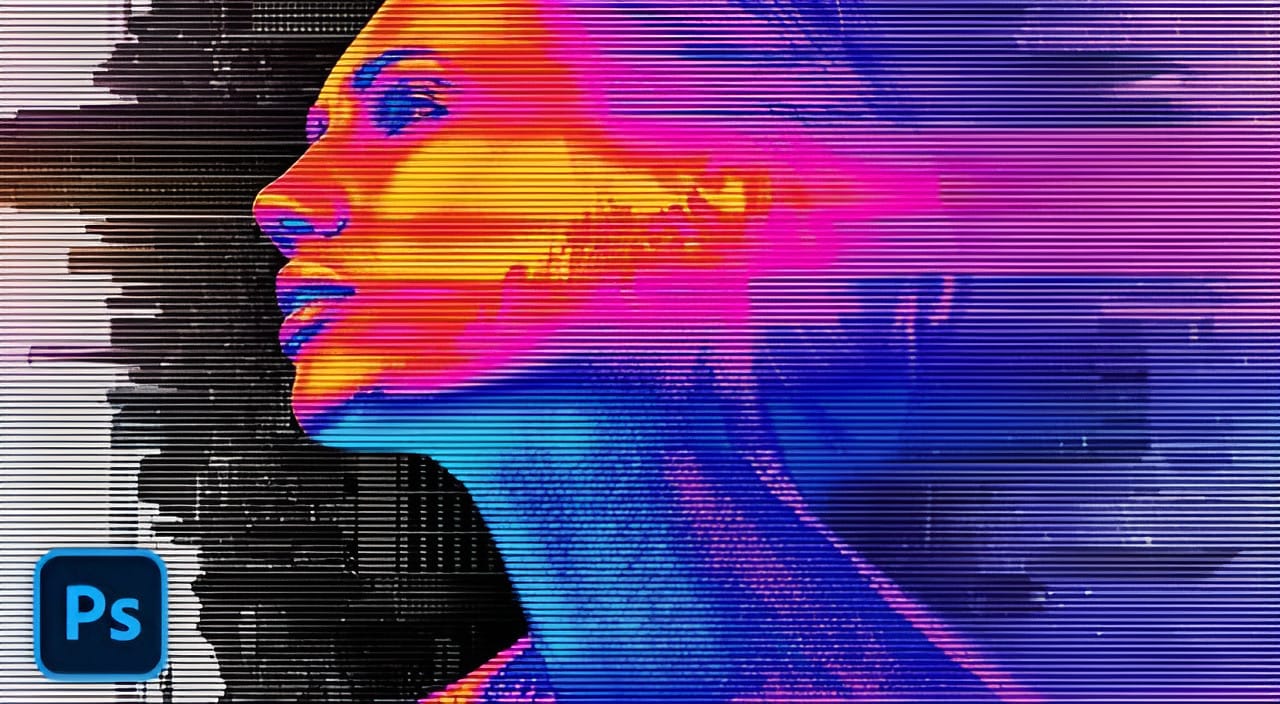
Transform ordinary portraits into futuristic holographic projections with this sci-fi effect technique. The process combines motion blur, gradient mapping, and scan line patterns to create the distinctive translucent appearance of holographic displays. This method keeps your subject vibrant and colorful while converting the background to black and white, emphasizing the Read the full article here: […]

Read more: Create a Sci-Fi Hologram Effect in Photoshop
Photoshop's Generative Fill Gets Major Upgrade: New Model Comparison and Quality Test

Photoshop's Generative Fill Gets Major Upgrade: New Model Comparison and Quality Test

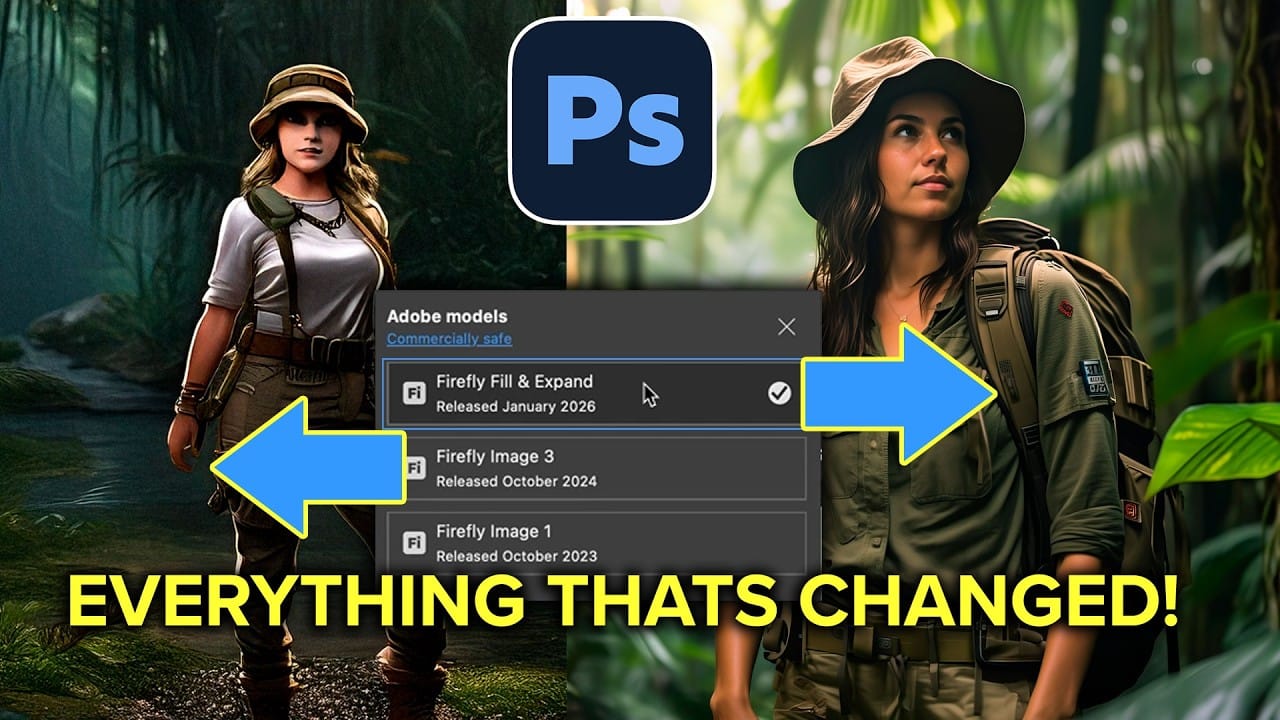
Adobe's latest Generative Fill update brings the new Firefly Fill and Expand model with double the resolution and dramatically improved quality for generating people, hands, and complex objects. The upgrade moves from 1024×1024 to 2048×2048 pixel output, allowing for larger selections without quality loss. This comprehensive comparison tests Read the full article here: Photoshop's Generative […]

Read more: Photoshop's Generative Fill Gets Major Upgrade: New Model Comparison and Quality Test