Schenectady Photographic Society

Menu

photoshop-roadmap

How to Create a Custom Chain Brush in Photoshop

How to Create a Custom Chain Brush in Photoshop

Custom chain brushes unlock creative possibilities for digital artwork, fantasy scenes, and decorative designs. This technique transforms a basic chain image into a seamless, paintable brush that automatically links segments together as you draw. The process combines image preparation, background removal, and precise brush settings to create a tool that Read the full article here: […]

Read more: How to Create a Custom Chain Brush in Photoshop
Using Gemini 3 Nano Banana Pro for AI Photo Restoration in Photoshop

Using Gemini 3 Nano Banana Pro for AI Photo Restoration in Photoshop

Old photographs tell stories, but damage from age, fading, and color casts can make them difficult to appreciate. While traditional photo restoration requires advanced skills and hours of manual work, new AI models are changing the game. The key is finding one that repairs damage without changing how people actually Read the full article here: […]

Read more: Using Gemini 3 Nano Banana Pro for AI Photo Restoration in Photoshop
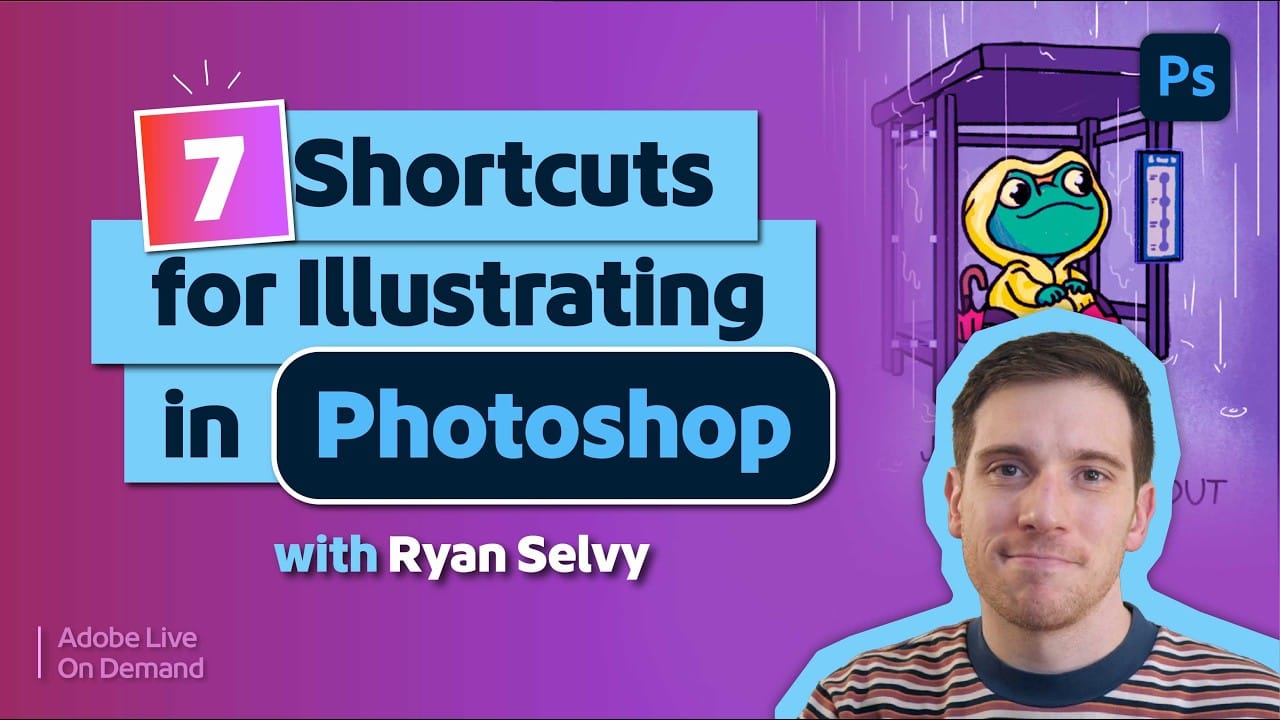
7 Essential Photoshop Shortcuts for Digital Illustrators

7 Essential Photoshop Shortcuts for Digital Illustrators

Digital illustration in Photoshop becomes significantly faster when you master the right shortcuts and viewing techniques. The biggest challenge illustrators face is objectively evaluating their own work—spotting errors that would be obvious in someone else's art. These seven shortcuts focus on two key areas: seeing your work Read the full article here: 7 Essential Photoshop […]

Read more: 7 Essential Photoshop Shortcuts for Digital Illustrators
10 Great Sites for Free Stock Photos (That Don't Look Like Stock)

10 Great Sites for Free Stock Photos (That Don't Look Like Stock)

The world of free stock photography has changed a lot over the last decade. It used to be ruled by a few big platforms filled with low-resolution, overly polished commercial shots. Today, the real problem isn’t finding images—it’s cutting through the noise. For Photoshop users, AI-generated content Read the full article here: 10 Great Sites […]

Read more: 10 Great Sites for Free Stock Photos (That Don't Look Like Stock)
When to Use Saturation vs Vibrance for Better Color Enhancement

When to Use Saturation vs Vibrance for Better Color Enhancement

While vibrance gets praised for being "gentler" than saturation, the reality is more nuanced. Saturation works like a universal volume knob, boosting all colors equally, while vibrance acts like a smart equalizer, selectively enhancing less saturated areas first. Understanding when each approach serves your creative vision makes the Read the full article here: When to […]

Read more: When to Use Saturation vs Vibrance for Better Color Enhancement
New This Week in Photoshop Roadmap — Feb 11, 2026

New This Week in Photoshop Roadmap — Feb 11, 2026

This week’s Photoshop Roadmap roundup focuses on creative control and polished edits. You’ll learn how to check your Generative Fill credit balance, create realistic depth blur effects, and build dark, moody wildlife edits with stronger atmosphere and contrast. There’s also practical color and compositing training, including three Read the full article here: New This Week […]

Read more: New This Week in Photoshop Roadmap — Feb 11, 2026
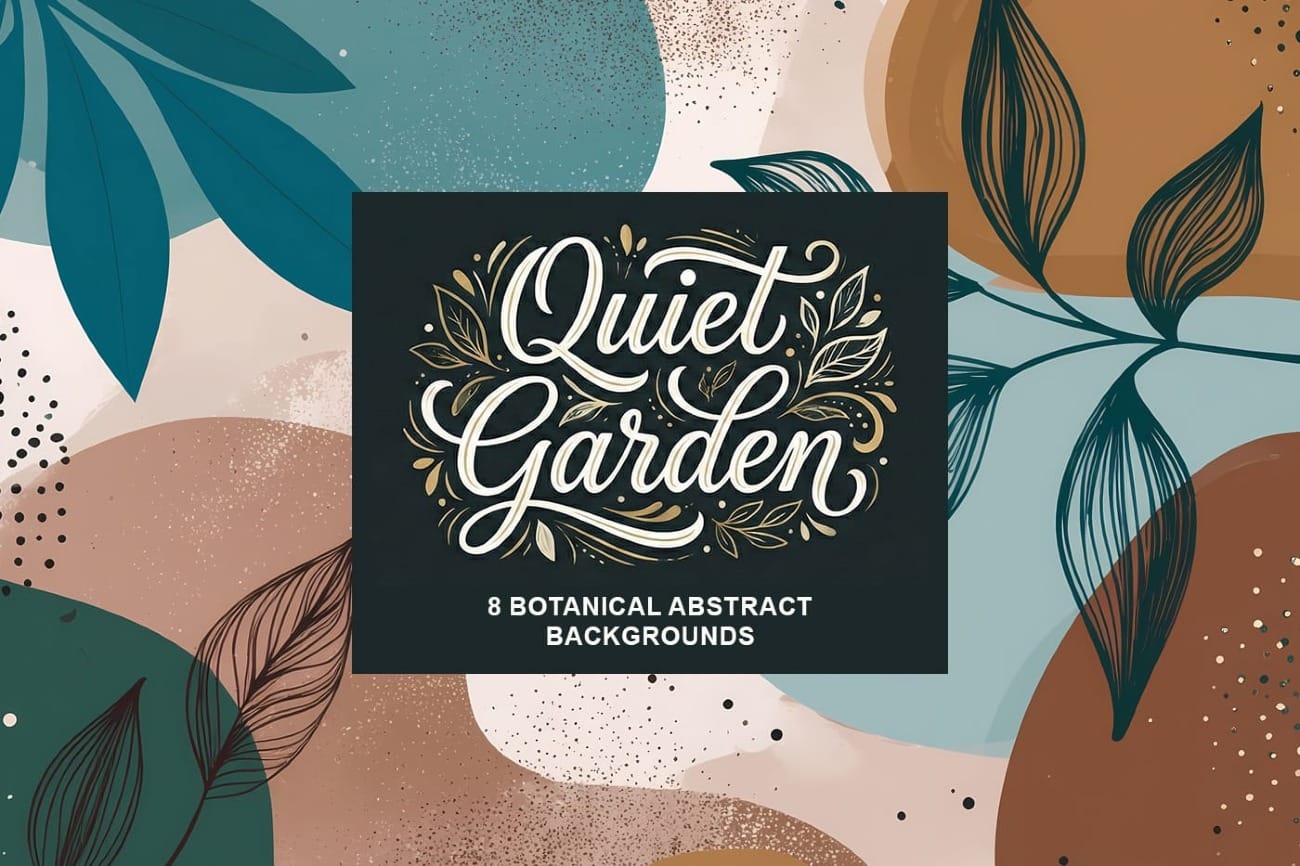
Quiet Garden: 8 Botanical Abstract Bacgkrounds

Quiet Garden: 8 Botanical Abstract Bacgkrounds

Quiet Garden is a collection of warm, textured botanical abstract, ai-generated, Free background papers inspired by calm natural forms and modern decorative design. Each piece blends simplified leaf illustrations with soft organic shapes, layered paint washes, delicate speckles, and subtle line details that give the artwork depth and elegance. The Read the full article here: […]

Read more: Quiet Garden: 8 Botanical Abstract Bacgkrounds
How to Check Your Generative Fill Credit Balance in Photoshop

How to Check Your Generative Fill Credit Balance in Photoshop

Keeping track of your AI credit usage becomes essential when working with premium generative features. Understanding your remaining balance helps you budget your edits and avoid unexpected interruptions during important projects. The credit system divides features into standard tools (like basic generative fill) that don't consume credits, and Read the full article here: How to […]

Read more: How to Check Your Generative Fill Credit Balance in Photoshop