Schenectady Photographic Society

Menu

photoshop-roadmap

Folk Garden: 8 Free Decorative Abstract Folk Backgrounds

Folk Garden: 8 Free Decorative Abstract Folk Backgrounds

Folk Garden is a collection of symbolic AI-generated abstract background papers inspired by folk-style decoration and handcrafted design. Each piece features simplified floral and geometric motifs, framed panels, and rhythmic compositions, brought together with warm color palettes and a carefully textured, hand-made feel. The layered textures, subtle grain, and painted Read the full article here: […]


Read more: Folk Garden: 8 Free Decorative Abstract Folk Backgrounds
New This Week in Photoshop Roadmap — Feb 4, 2026

New This Week in Photoshop Roadmap — Feb 4, 2026

This week’s Photoshop Roadmap roundup focuses on faster workflows and cleaner results. The tutorials cover practical edits like creating glow motion effects with gradient maps, changing object colors using Hue/Saturation, and using reference images to guide Generative Fill. You’ll also find useful fixes and retouching techniques, including Read the full article here: New This Week […]

Read more: New This Week in Photoshop Roadmap — Feb 4, 2026
Create a Distorted Wave Glitch Effect in Photoshop

Create a Distorted Wave Glitch Effect in Photoshop

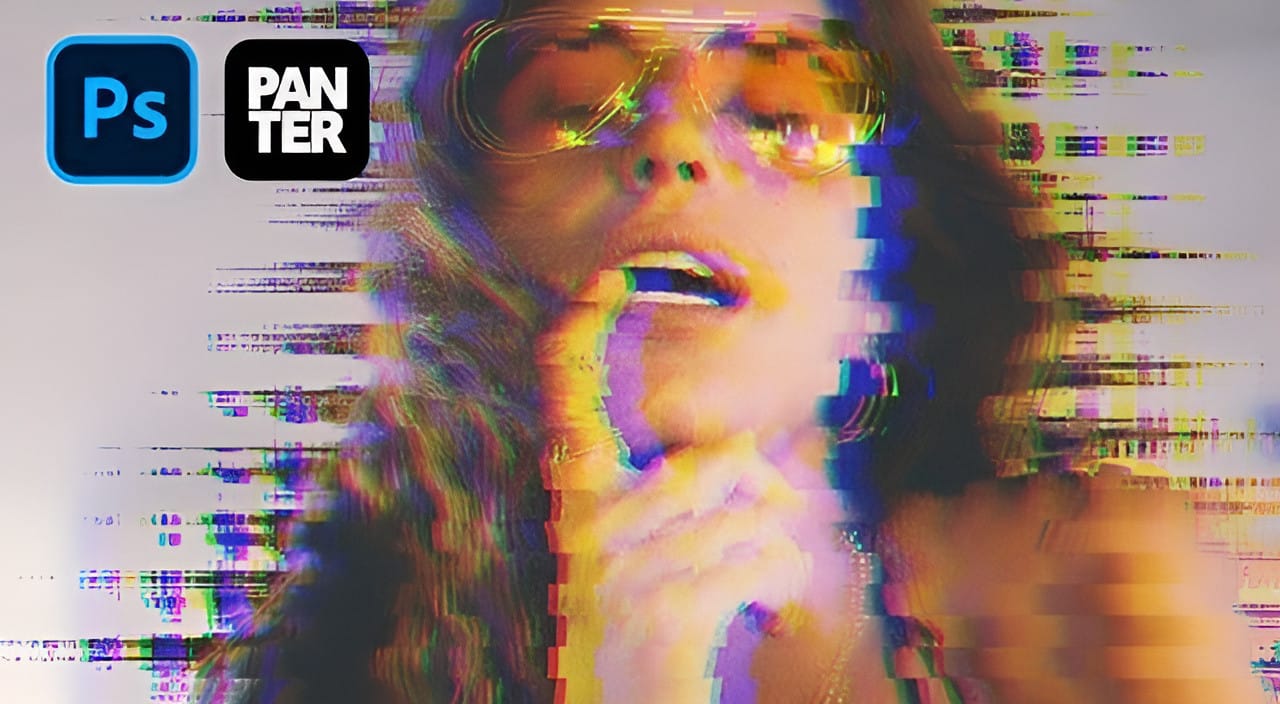
Digital distortion effects transform ordinary portraits into striking visual art by warping reality through deliberate technical manipulation. This technique uses multiple wave filters layered together to create increasingly complex distortions, while selective masking preserves important facial features from becoming completely unrecognizable. Watch the Video Practical Tips Master the wave distortion Read the full article here: […]

Read more: Create a Distorted Wave Glitch Effect in Photoshop
Photoshop January 2026 Update: 5 New Features Including Grain and Clarity Adjustment Layers

Photoshop January 2026 Update: 5 New Features Including Grain and Clarity Adjustment Layers

Photoshop's January 2026 update brings five significant features that streamline common editing tasks. The highlight is new adjustment layers for grain and clarity effects, eliminating the need to work in Camera Raw for these adjustments. The update also introduces an improved generative AI model with higher resolution output Read the full article here: Photoshop January […]

Read more: Photoshop January 2026 Update: 5 New Features Including Grain and Clarity Adjustment Layers
How to Create Glow Motion Effects with Gradient Maps in Photoshop

How to Create Glow Motion Effects with Gradient Maps in Photoshop

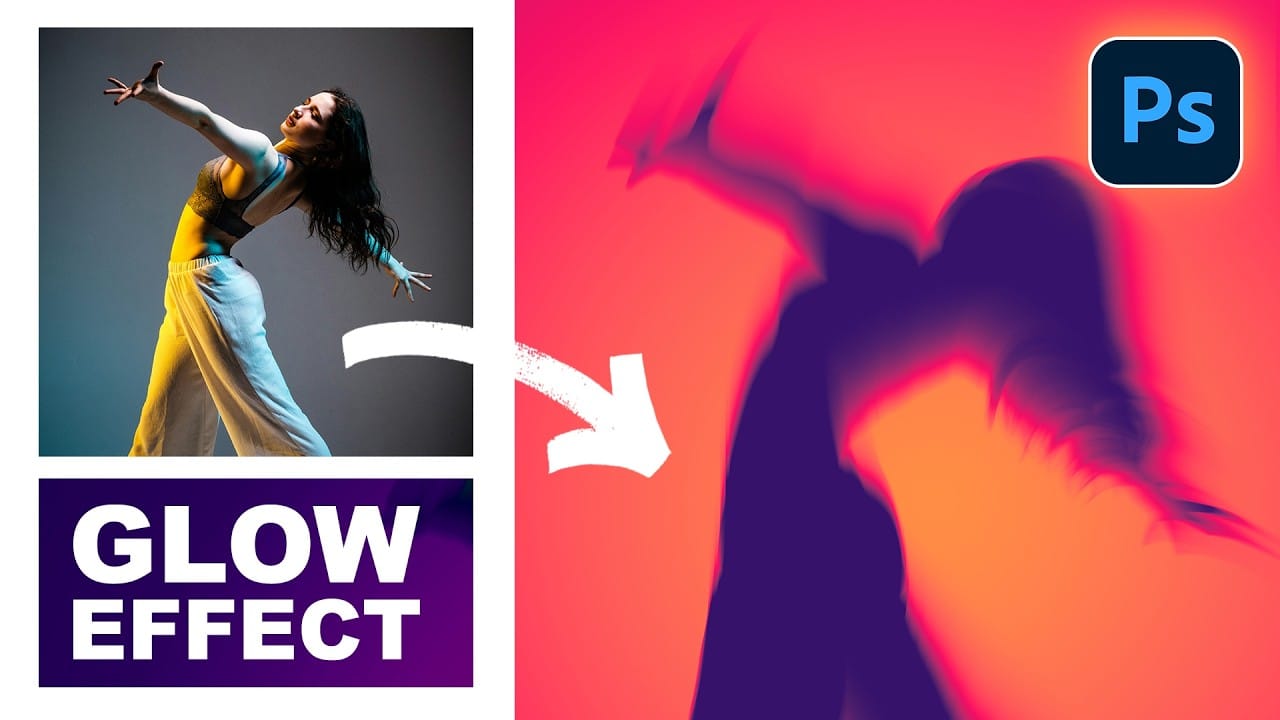
Motion blur combined with colorful gradients creates striking visual effects that transform ordinary photos into dynamic, cinematic images. This technique uses gradient maps to automatically color light and dark values, producing flowing color transitions that follow the movement of your subject. The process involves subject isolation, strategic gradient placement, path Read the full article here: […]

Read more: How to Create Glow Motion Effects with Gradient Maps in Photoshop
How to Use Reference Images with Generative Fill in Photoshop

How to Use Reference Images with Generative Fill in Photoshop

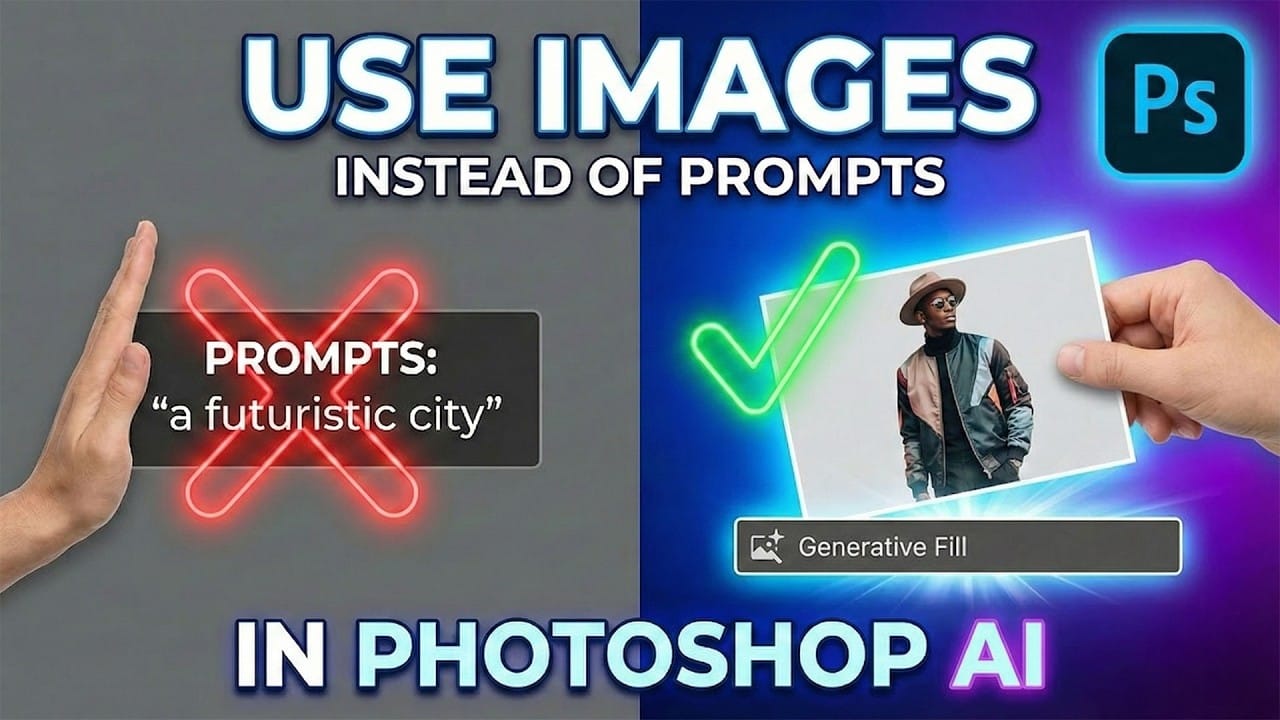
Reference images revolutionize how Generative Fill works, letting you guide AI with actual photos instead of text prompts. This feature enables precise clothing swaps, object replacements, and realistic additions by showing the AI exactly what you want rather than describing it. The technique works with everything from custom t-shirts and Read the full article here: […]
Read more: How to Use Reference Images with Generative Fill in Photoshop
How to Remove Eye Bags Using Dodge and Burn in Photoshop

How to Remove Eye Bags Using Dodge and Burn in Photoshop

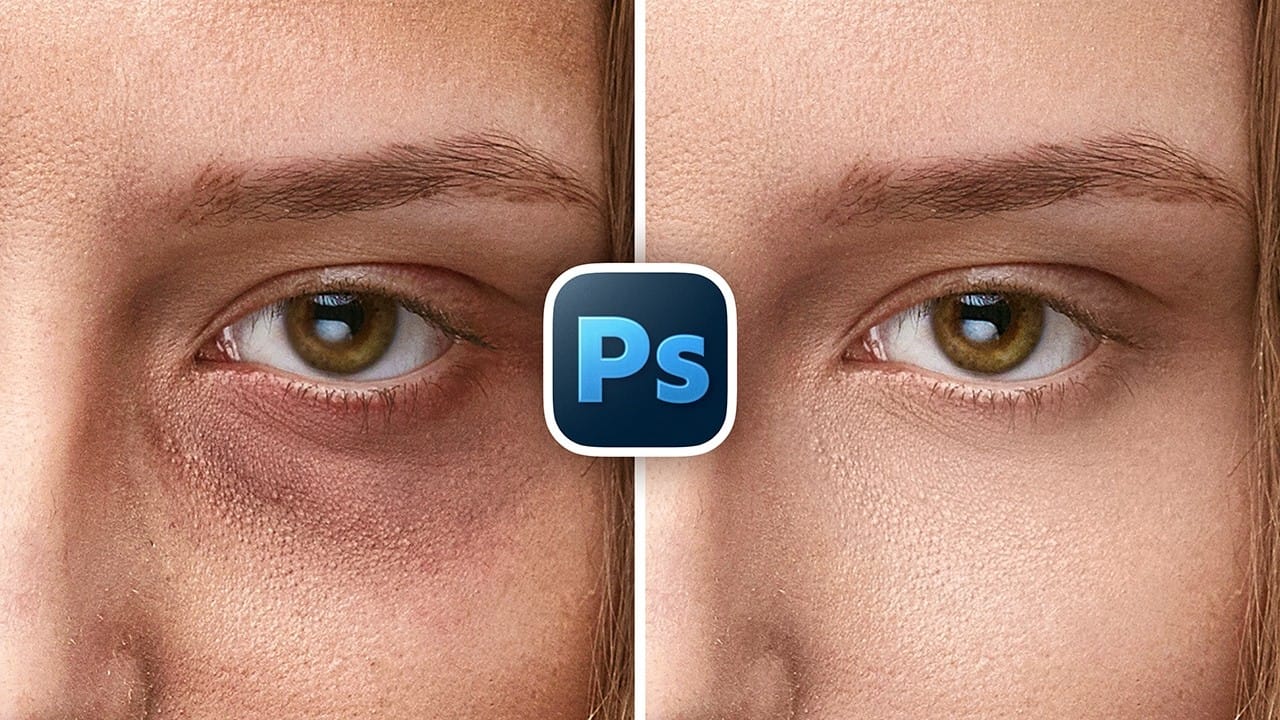
Eye bags can dramatically age a portrait, making subjects appear tired or unhealthy. Traditional removal methods often destroy skin texture or create unnatural results that look obviously retouched. This professional dodge and burn technique removes even severe eye bags while preserving every detail of natural skin texture. The method uses Read the full article here: […]

Read more: How to Remove Eye Bags Using Dodge and Burn in Photoshop