
Schenectady Photographic Society

Menu

photoshop-roadmap

How to Create Realistic Depth Blur Effects in Photoshop

How to Create Realistic Depth Blur Effects in Photoshop

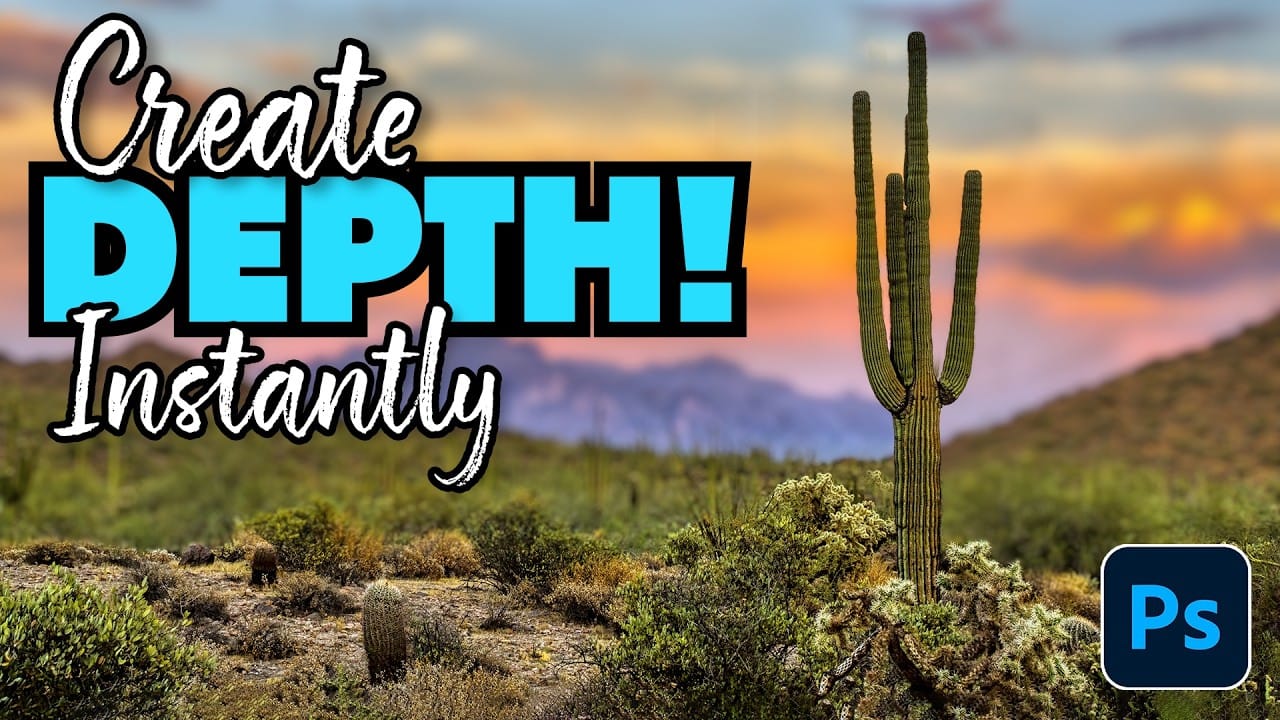
Creating professional depth of field effects can transform flat images into dynamic photographs with natural-looking focus transitions. Two powerful methods in Photoshop offer different advantages: Neural Filters provide automated depth detection with atmospheric effects like haze, while Camera Raw Filter delivers precise manual control with customizable bokeh shapes. Both techniques Read the full article here: […]

Read more: How to Create Realistic Depth Blur Effects in Photoshop
Three Professional Methods to Fix White Balance in Photoshop

Three Professional Methods to Fix White Balance in Photoshop

Color casts can ruin even the best photographs, making whites appear yellow, blue, or green instead of neutral. Poor white balance destroys the natural look of your images and creates an unprofessional appearance that's immediately noticeable to viewers. These three techniques provide increasingly precise control over white balance Read the full article here: Three Professional […]

Read more: Three Professional Methods to Fix White Balance in Photoshop
Creating Dark Moody Wildlife Photo Edits in Photoshop

Creating Dark Moody Wildlife Photo Edits in Photoshop

Dark, moody wildlife photography transforms ordinary animal portraits into dramatic, atmospheric pieces that capture the mystery and power of nature. This editing approach combines strategic lighting placement, careful color grading, and atmospheric effects to create compelling images that draw viewers into the scene. The workflow begins with essential noise reduction Read the full article here: […]

Read more: Creating Dark Moody Wildlife Photo Edits in Photoshop
How to Create Professional Photo Composites in Photoshop

How to Create Professional Photo Composites in Photoshop

Creating compelling photo composites requires more than simply placing images together. This comprehensive tutorial demonstrates how to blend multiple elements seamlessly, from matching lighting and color to painting realistic shadows and highlights. The project showcases a dramatic scene inspired by Stranger Things, combining buildings, characters, and atmospheric effects with precise Read the full article here: […]

Read more: How to Create Professional Photo Composites in Photoshop
How to Create High-Converting YouTube Thumbnails with AI and Photoshop

How to Create High-Converting YouTube Thumbnails with AI and Photoshop

YouTube thumbnails serve as the first handshake between your content and potential viewers. A well-crafted thumbnail can mean the difference between a scroll-past and a click, directly impacting your video's success regardless of content quality. This comprehensive workflow combines AI image generation with traditional design principles to create Read the full article here: How to […]

Read more: How to Create High-Converting YouTube Thumbnails with AI and Photoshop
Essential Photo Compositing Tips for Better Image Blending

Essential Photo Compositing Tips for Better Image Blending

Professional photo compositing requires more than just combining images—it demands understanding how light, perspective, and color work together. These fundamental techniques separate amateur collages from convincing, professional-quality composites that tell compelling visual stories. Mastering composition rules, shadow behavior, and color matching creates seamless blends that viewers accept as natural. Read the full article here: Essential […]

Read more: Essential Photo Compositing Tips for Better Image Blending
Using Clarity and Dehaze for Natural Depth in Images

Using Clarity and Dehaze for Natural Depth in Images

Photoshop's new Clarity and Dehaze adjustment layers offer precise control over image depth, but they're often misused to create harsh, over-processed effects. Understanding how these tools work at different frequency levels helps you enhance natural atmospheric perspective instead of destroying it. Clarity affects microcontrast in small Read the full article here: Using Clarity and Dehaze […]

Read more: Using Clarity and Dehaze for Natural Depth in Images
Add Realistic Film Grain in Photoshop Using the New Adjustment Layer

Add Realistic Film Grain in Photoshop Using the New Adjustment Layer

Film grain adds authentic character to digital images, recreating the organic texture that made analog photography compelling. The new grain adjustment layer in Photoshop 27.3 brings this classic effect directly into your workflow, eliminating the need to work in Camera Raw. Understanding how grain actually worked in film photography Read the full article here: Add […]

Read more: Add Realistic Film Grain in Photoshop Using the New Adjustment Layer