Schenectady Photographic Society

Menu

photoshop-roadmap

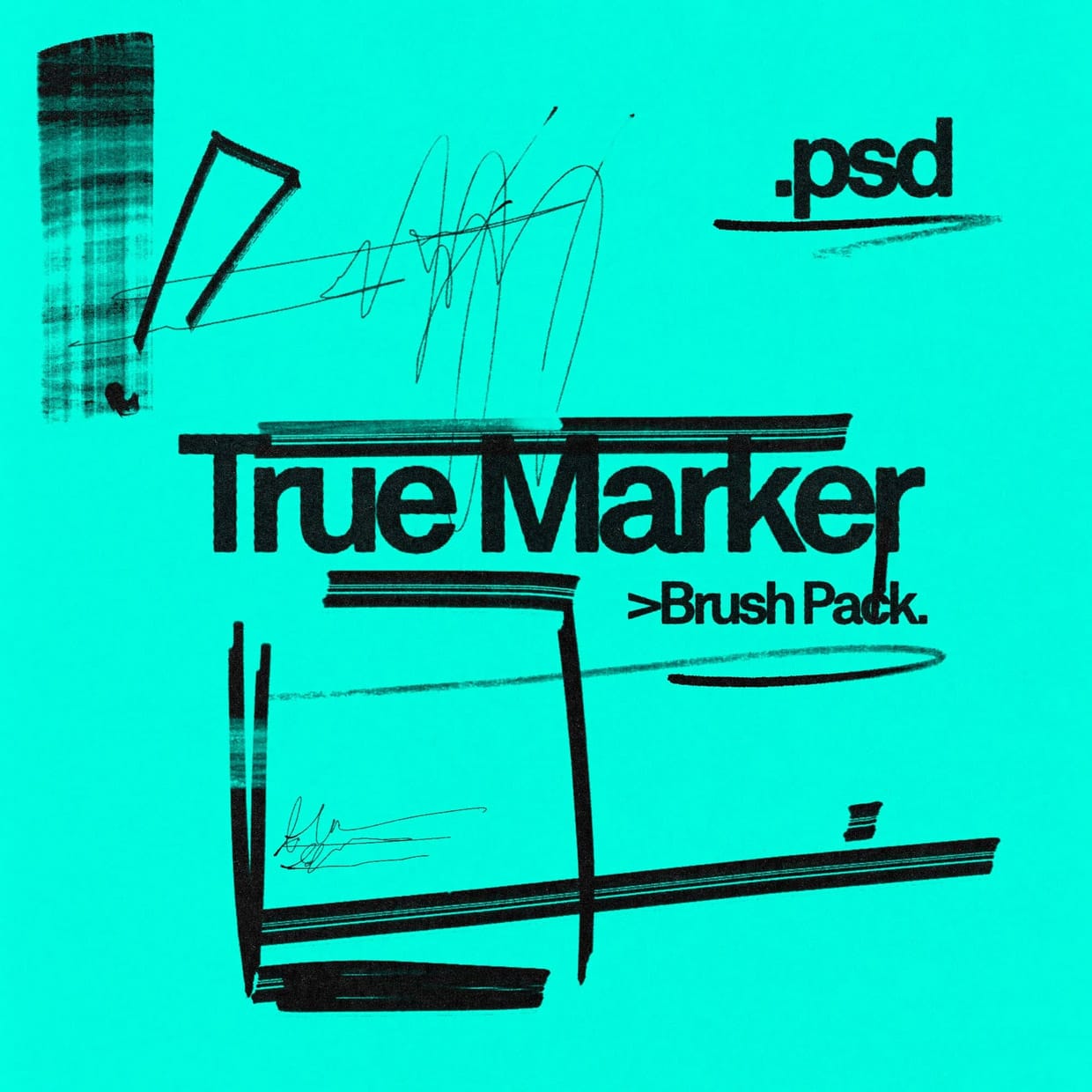
Free True Marker Photoshop Brushes

Free True Marker Photoshop Brushes

The True Marker Brush Pack for Photoshop is a practical addition for anyone looking to enhance their digital artwork. It offers four different marker-style brushes that provide a range of effects, from fine details to bold strokes. Each brush is designed to feel natural, closely imitating the look and flow of real markers, which can […]

Read more: Free True Marker Photoshop Brushes
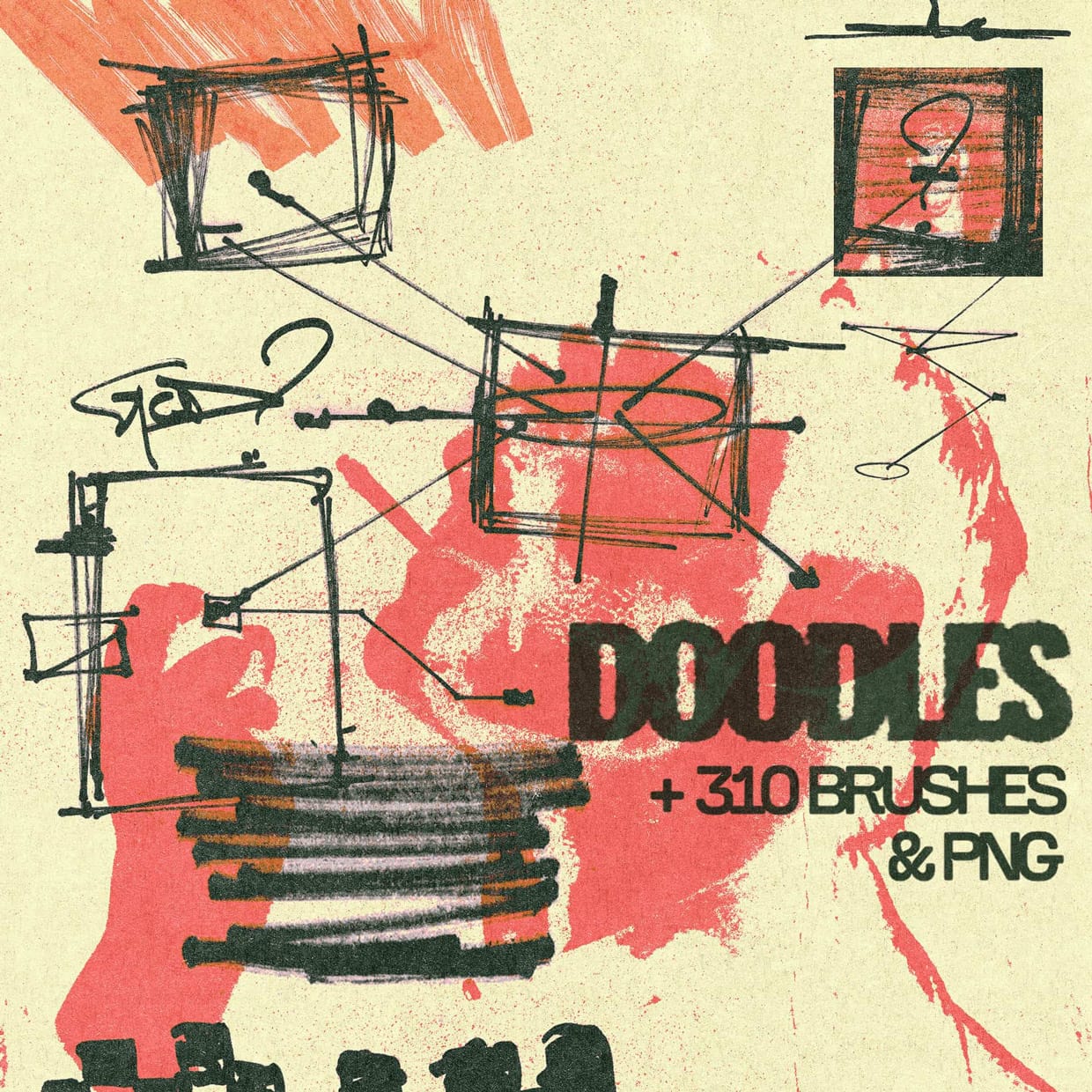
Free Doodle Elements Photoshop Brushes

Free Doodle Elements Photoshop Brushes

This pack offers a large collection of over 300 hand-drawn elements that bring personality and charm to any project. You will find a variety of doodles, arrows, lines, and scratches that add a natural, handmade feel to your designs. Everything is ready to use, including brush files compatible with Adobe Photoshop, making the process smooth […]

Read more: Free Doodle Elements Photoshop Brushes
Photoshop Roadmap Weekly #12

Photoshop Roadmap Weekly #12

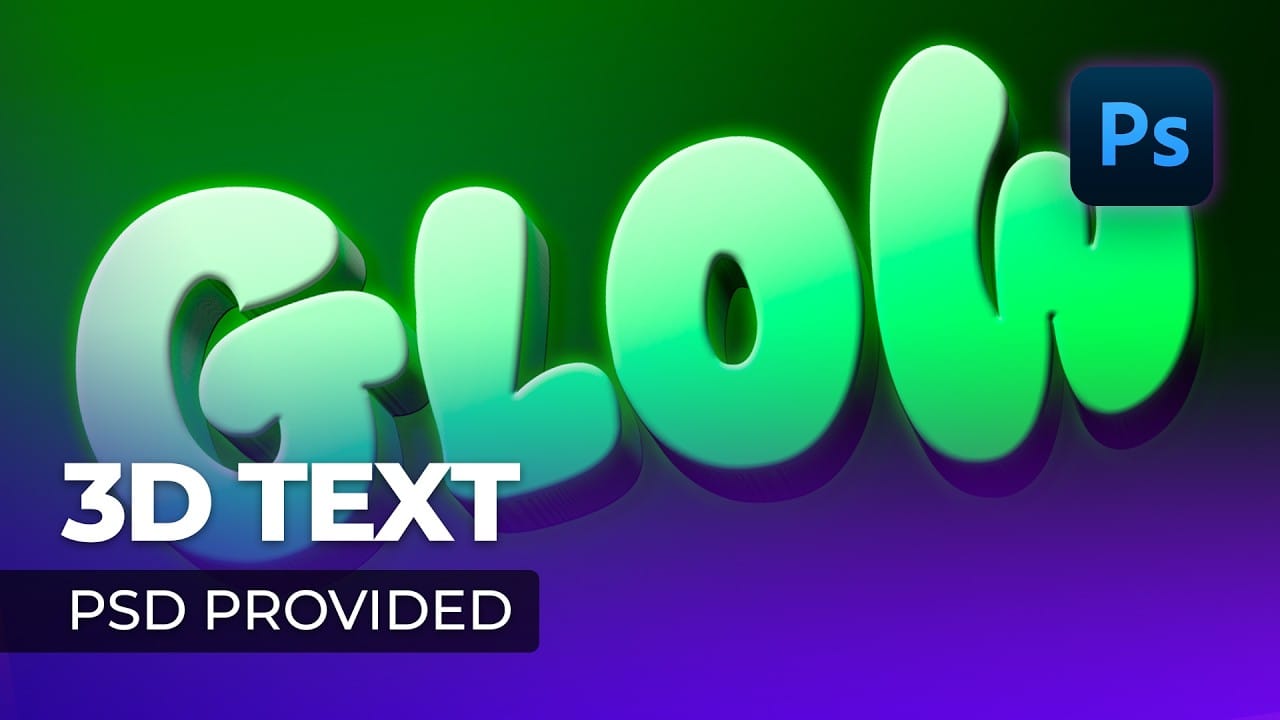
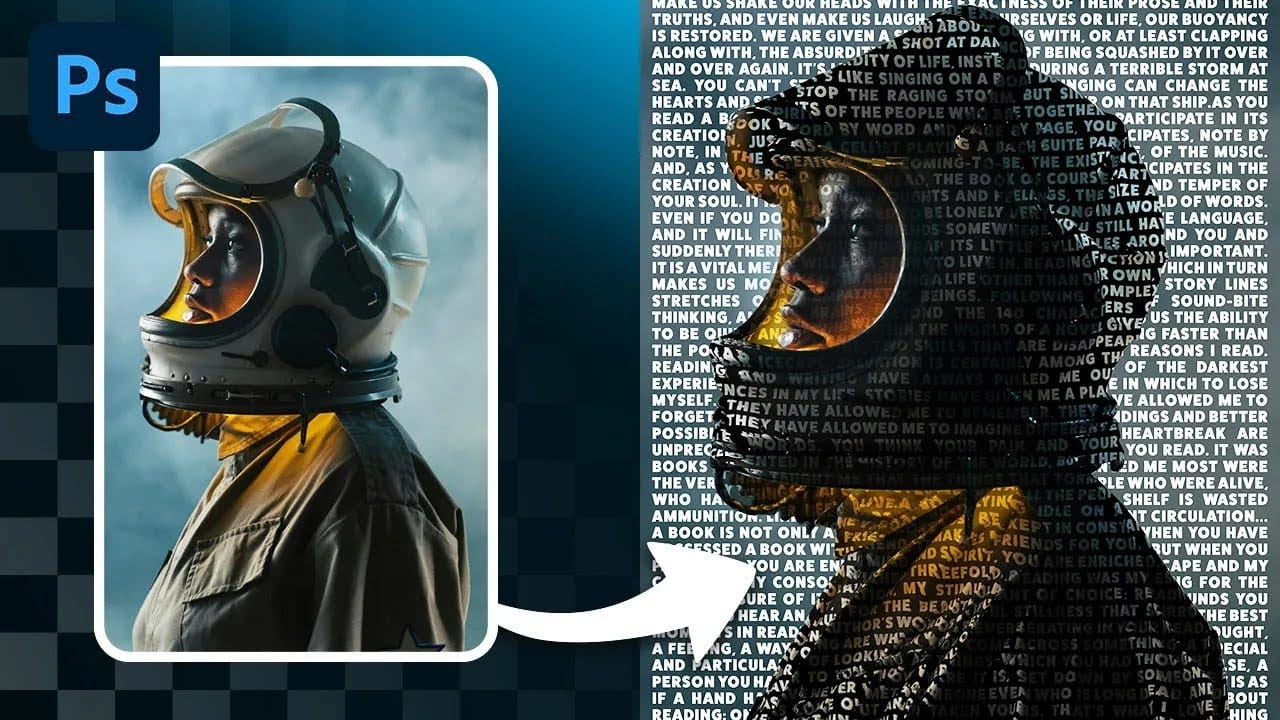
This week, Colin Smith from Photoshop Cafe introduces a powerful new Photoshop tool that makes changing colors easier than ever. We’ll also explore which traditional Photoshop tools have been replaced by AI, plus dive into tutorials on creating halftone textures, glowing text effects, applying graphics to images, and even removing people from photos. And don’t […]

Read more: Photoshop Roadmap Weekly #12
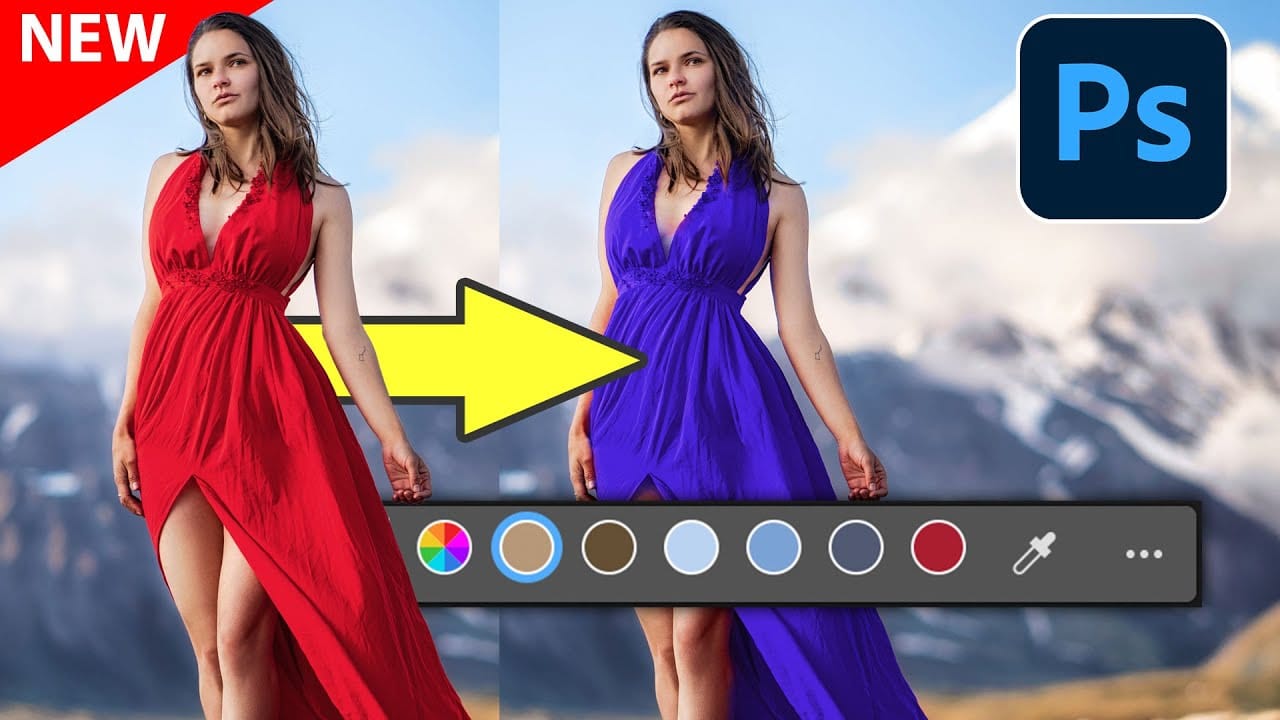
New Photoshop Feature for Changing Colors

New Photoshop Feature for Changing Colors

Photoshop has introduced a new feature, the Adjust Color tool, designed to make changing colors in your images easier and more effective. This tool simplifies color adjustments, providing better control over hues and saturation while ensuring consistent results across various photos. Whether you're fine-tuning a specific tone or completely shifting colors, this feature offers precision […]

Read more: New Photoshop Feature for Changing Colors