Schenectady Photographic Society

Menu

photoshop-roadmap

Ultimate Halftone Effect in Photoshop

Ultimate Halftone Effect in Photoshop

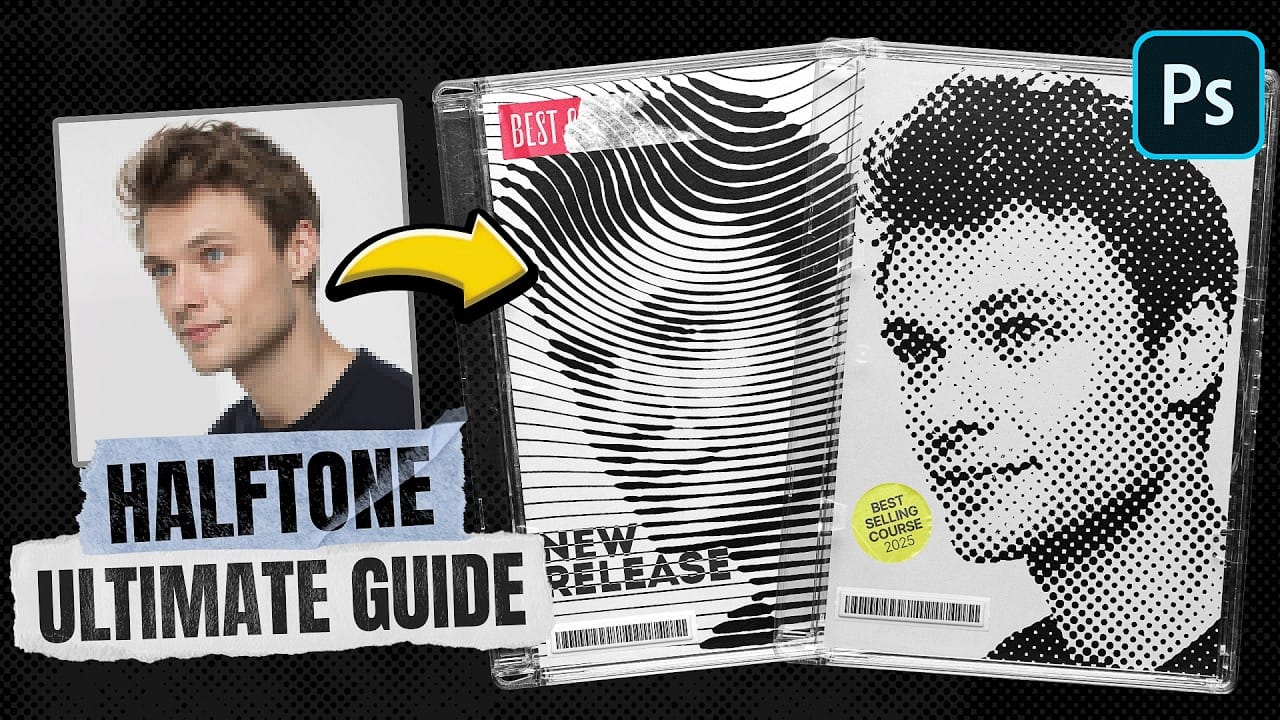
Learn how to create stunning halftone effects in Photoshop step by step with this comprehensive tutorial. Whether it’s a classic black-and-white halftone, a vibrant color halftone, or even a smooth gradient halftone, this guide will teach you everything you need to know. You’ll explore how to use the halftone filter, create custom patterns, and precisely […]

Read more: Ultimate Halftone Effect in Photoshop
Photoshop auto masks, new feature no one is talking about

Photoshop auto masks, new feature no one is talking about

Photoshop has introduced a powerful new feature: AI-driven auto masks. This update takes the hassle out of making precise selections, saving you time and effort. Instead of manually refining edges or using traditional tools, the AI can now identify and mask elements of an image with greater accuracy. Colin Smith provides an insightful comparison between […]

Read more: Photoshop auto masks, new feature no one is talking about
Designing a Magazine Cover in Photoshop

Designing a Magazine Cover in Photoshop

This tutorial guides you through creating a professional magazine cover using Photoshop. Whether you're working on a school project, personal portfolio, or design for publication, it breaks down the steps to make the process clear and approachable. You’ll explore tools to align your text, work with layers, adjust images, and apply the right effects to […]

Read more: Designing a Magazine Cover in Photoshop
7 Photoshop Tools Replaced by AI: Are They Still Relevant?

7 Photoshop Tools Replaced by AI: Are They Still Relevant?

Photoshop continues to push boundaries with advanced tools like Distraction Removal, the Remove Tool, Generative Expand, Super Resolution, and AI Denoise. These features bring new possibilities to photo editing, making complex tasks faster and easier. However, classic tools such as Content-Aware Fill, Clone Stamp, Spot Healing, Dodge & Burn, and Sharpening are far from obsolete. […]

Read more: 7 Photoshop Tools Replaced by AI: Are They Still Relevant?
How to Remove People From Photos in Photoshop: Easy and Advanced Methods

How to Remove People From Photos in Photoshop: Easy and Advanced Methods

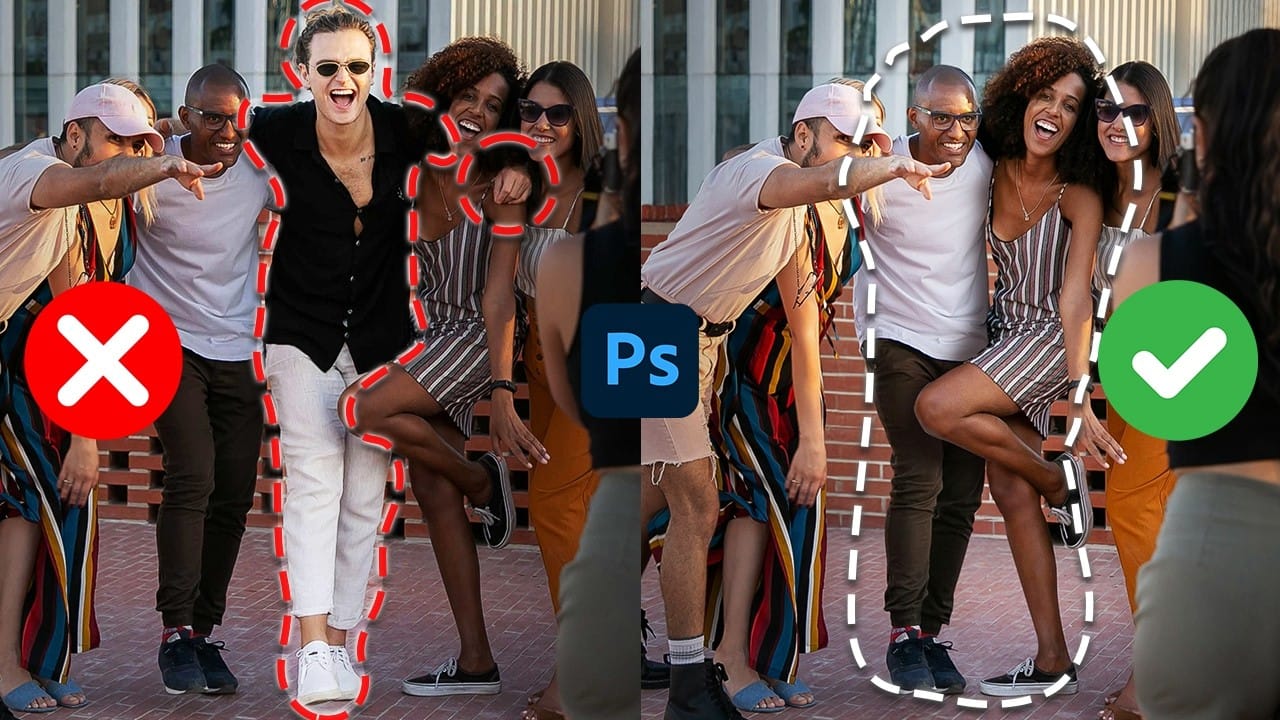
This Photoshop tutorial teaches you two effective ways to remove people from your photos, no matter the situation. For quick edits, you'll explore how the Remove Tool works to erase subjects easily. For more detailed adjustments, you'll use Generative Fill to handle complex edits, such as restoring missing parts of the background. The guide also […]

Read more: How to Remove People From Photos in Photoshop: Easy and Advanced Methods
Photoshop Roadmap Weekly #11

Photoshop Roadmap Weekly #11

This week, discover Phlearn's complete guide to using Smart Objects in Photoshop, along with advanced tips on dither patterns, object reflections, layer masks, photo collages, and more. Don’t miss out on the free liquid paint backgrounds and grunge rusty textures to enhance your creative projects. Amazing! Editor's Picks Understanding the basics of Photoshop Smart Objects […]

Read more: Photoshop Roadmap Weekly #11
Color Tides: 5 Free Liquid Paint High-Resolution Backgrounds

Color Tides: 5 Free Liquid Paint High-Resolution Backgrounds

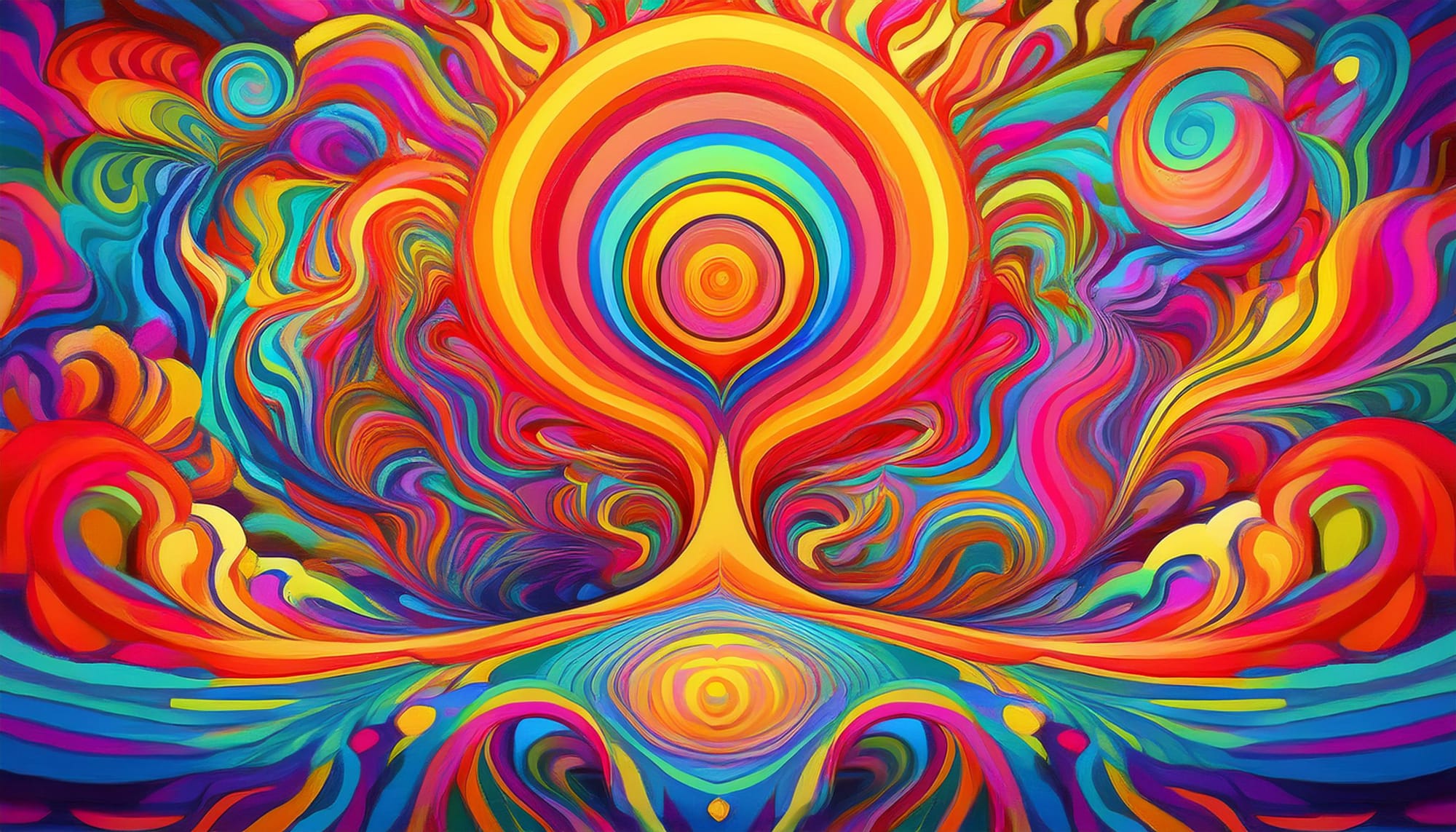
Introducing Color Tides, a set of 5 free high-resolution liquid paint backgrounds designed to bring a sense of flow, vibrancy, and elegance to your creative projects. These stunning, AI-generated visuals showcase the dynamic beauty of liquid paint blending into mesmerizing patterns and ripples. Each image is provided in JPG format at 4096 x 3073px, making […]

Read more: Color Tides: 5 Free Liquid Paint High-Resolution Backgrounds