Schenectady Photographic Society

Menu

Photoshop Tutorials

How to Paint Realistic Jewelry on Portraits in Photoshop

How to Paint Realistic Jewelry on Portraits in Photoshop

Adding painted jewelry to portraits transforms ordinary photos into fantasy portraits with ornate accessories that never existed. This digital painting technique uses careful layering, proper lighting, and realistic shadows to create convincing rings, earrings, and decorative headpieces. The method combines basic brush work with advanced blending techniques to build up Read the full article here: […]
Read more: How to Paint Realistic Jewelry on Portraits in Photoshop
How to Sharpen Images Using the High Pass Filter in Photoshop

How to Sharpen Images Using the High Pass Filter in Photoshop

The High Pass filter method remains one of the most versatile sharpening techniques in Photoshop, offering precise control over which image areas receive enhancement. This non-destructive approach works by identifying edge details and allowing you to selectively apply sharpening exactly where it's needed most. Unlike automated sharpening tools, Read the full article here: How to […]

Read more: How to Sharpen Images Using the High Pass Filter in Photoshop
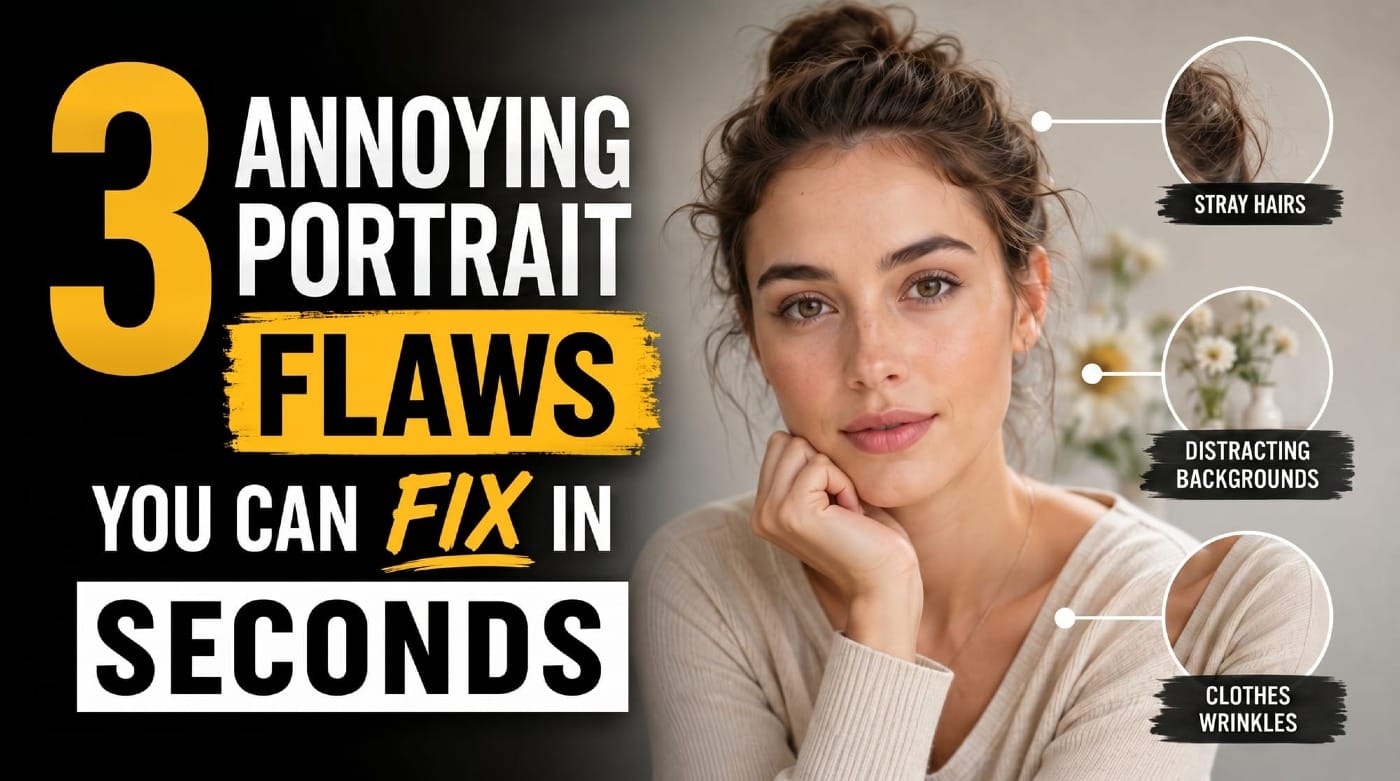
Fast Portrait Retouching: Remove Stray Hairs, Clothing Wrinkles, and Fix Backgrounds

Fast Portrait Retouching: Remove Stray Hairs, Clothing Wrinkles, and Fix Backgrounds

Every portrait photographer knows the feeling: you've captured a beautiful shot, but stray hairs, wrinkled clothing, and messy backgrounds turn editing into hours of tedious work. These common retouching challenges can drain your time and energy, especially when dealing with high-volume projects or tight deadlines. This tutorial demonstrates Read the full article here: Fast Portrait […]

Read more: Fast Portrait Retouching: Remove Stray Hairs, Clothing Wrinkles, and Fix Backgrounds
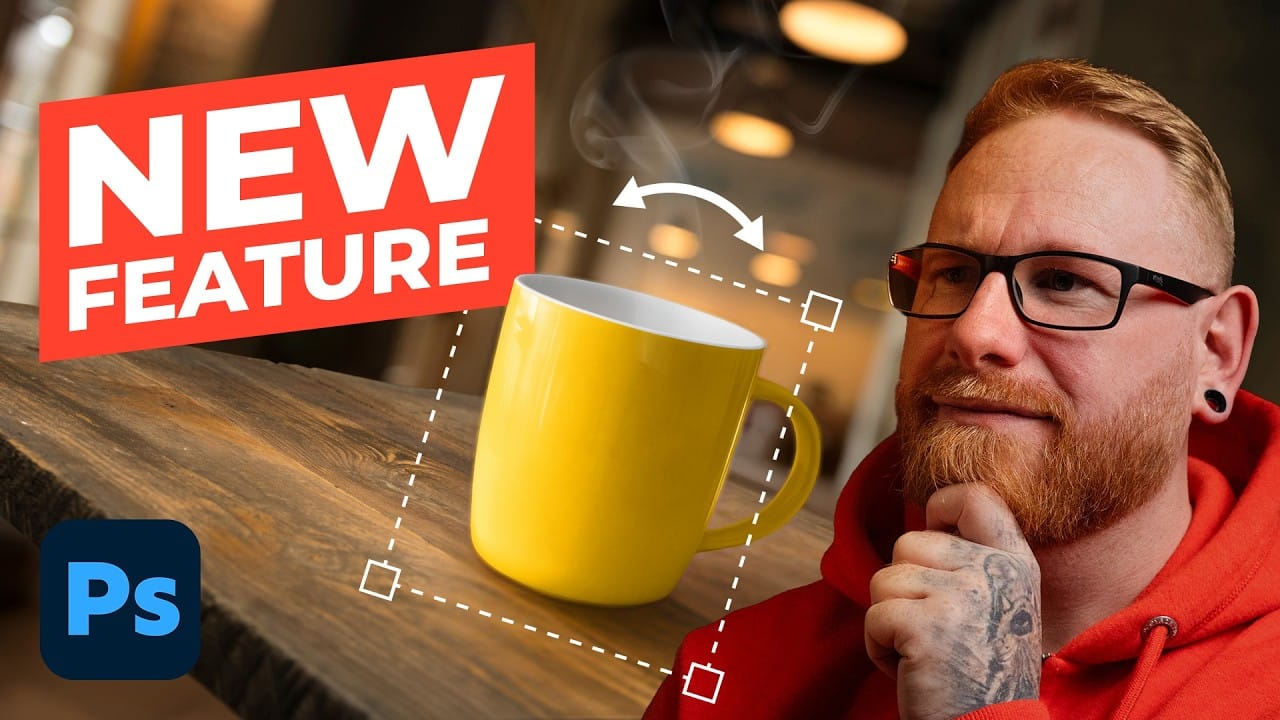
How to Use the New Rotate Object Feature in Photoshop Beta

How to Use the New Rotate Object Feature in Photoshop Beta

Photoshop's latest beta introduces a revolutionary feature that transforms flat 2D images into rotatable 3D objects. The new Rotate Object tool uses generative AI to create new angles and perspectives from a single image, then seamlessly composites them into scenes with realistic lighting and shadows. This breakthrough feature Read the full article here: How to […]

Read more: How to Use the New Rotate Object Feature in Photoshop Beta
Essential New Photoshop Features for Professional Retouchers with Lisa Carney

Essential New Photoshop Features for Professional Retouchers with Lisa Carney

Professional retoucher Lisa Carney demonstrates the latest Photoshop features that streamline common editing tasks without the flashy headlines. These updates focus on practical workflow improvements—from automated distraction removal to intelligent layer cleanup—that save significant time on real projects. The session covers reflection removal, object rotation with 3D positioning, Read the full article here: Essential New […]

Read more: Essential New Photoshop Features for Professional Retouchers with Lisa Carney
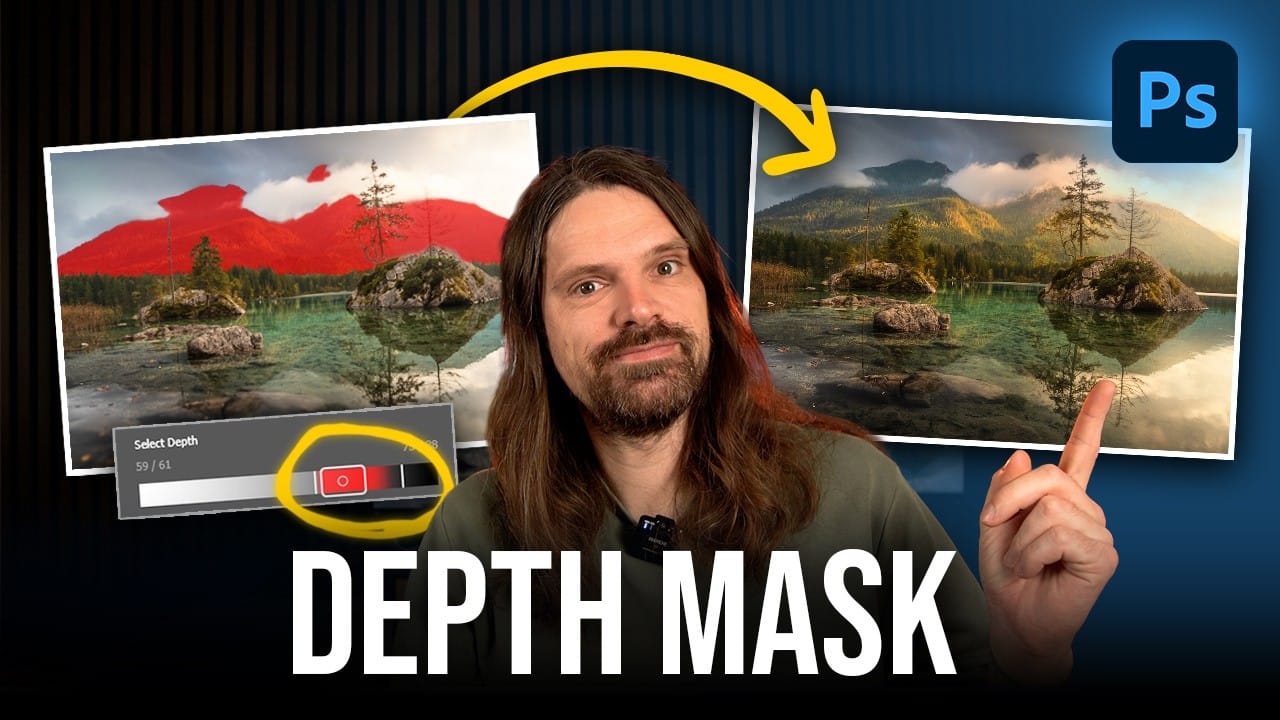
How to Use the New Depth Mask in Adobe Camera Raw for Landscape Photography

How to Use the New Depth Mask in Adobe Camera Raw for Landscape Photography

Adobe's latest Camera Raw update introduces a powerful depth mask that works with any image, not just smartphone photos with depth data. This new masking tool analyzes distance information in your photos to create precise selections based on how far objects are from the camera. The depth mask Read the full article here: How to […]

Read more: How to Use the New Depth Mask in Adobe Camera Raw for Landscape Photography
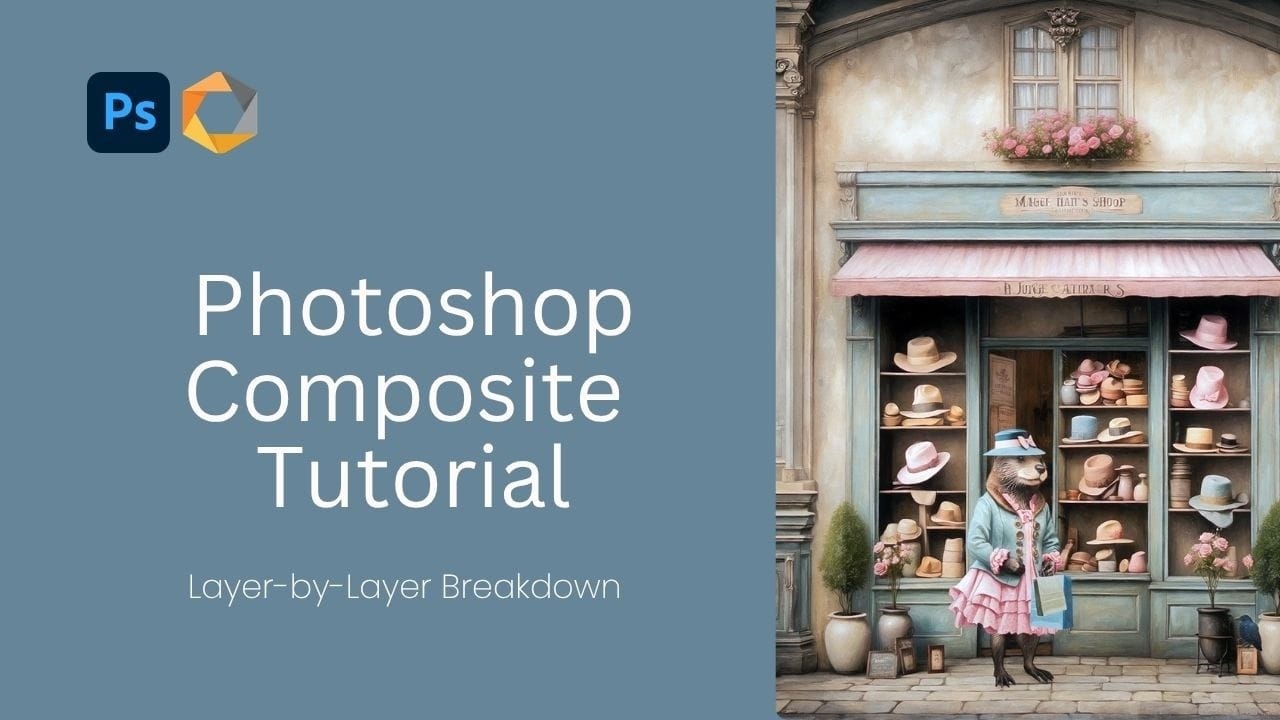
Creating Whimsical AI Composites with New Photoshop Tools

Creating Whimsical AI Composites with New Photoshop Tools

AI-generated imagery becomes truly compelling when combined with traditional compositing techniques. This behind-the-scenes look explores how to transform AI-created elements into cohesive, whimsical scenes using both classic methods and Photoshop's newest features. The tutorial demonstrates a complete workflow from background extension to character integration, showcasing how multiple adjustment Read the full article here: Creating Whimsical […]

Read more: Creating Whimsical AI Composites with New Photoshop Tools