Schenectady Photographic Society

Menu

Photoshop Tutorials

Building Complex Composites Using Generative Fill and Layer Blending

Building Complex Composites Using Generative Fill and Layer Blending

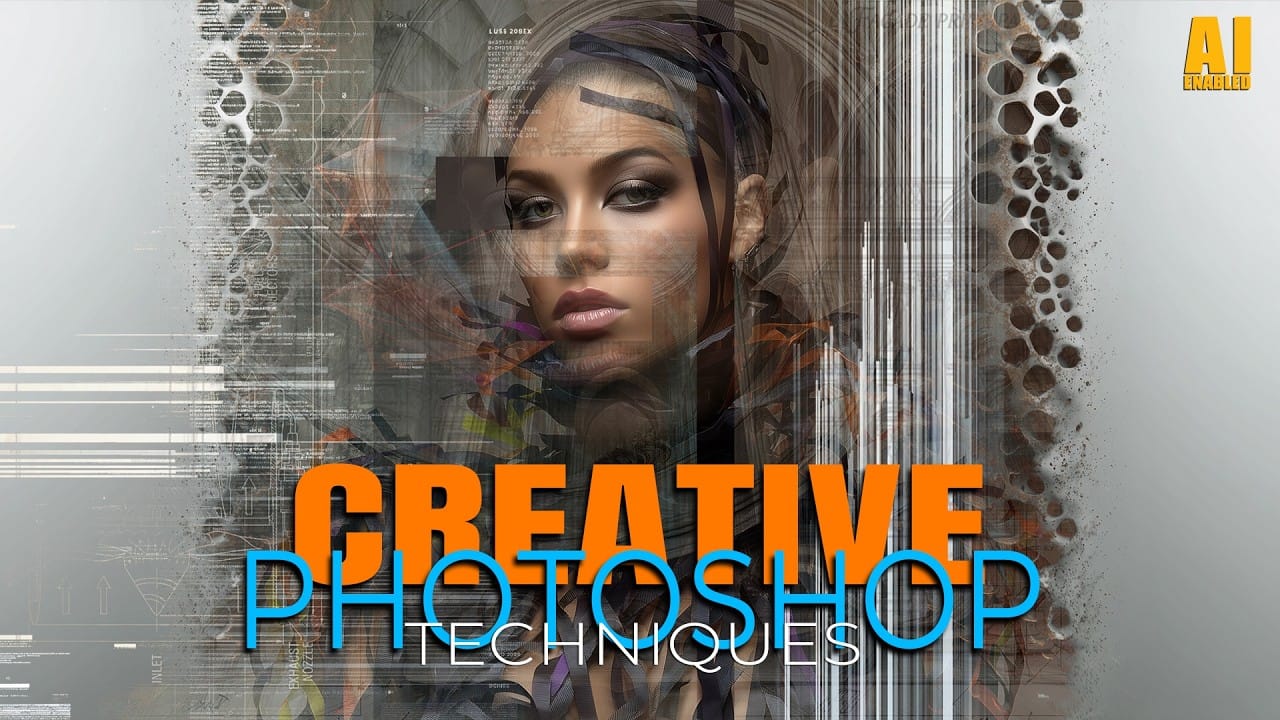
Complex surreal composites require more than just combining random images. The key to professional results lies in systematic layering, consistent masking techniques, and building a reusable library of generated elements. This approach transforms scattered AI-generated content into cohesive artistic visions. The tutorial demonstrates how to deconstruct an existing composite to Read the full article here: […]
Read more: Building Complex Composites Using Generative Fill and Layer Blending
How to Add Any Face to Mount Rushmore Using Photoshop and AI

How to Add Any Face to Mount Rushmore Using Photoshop and AI

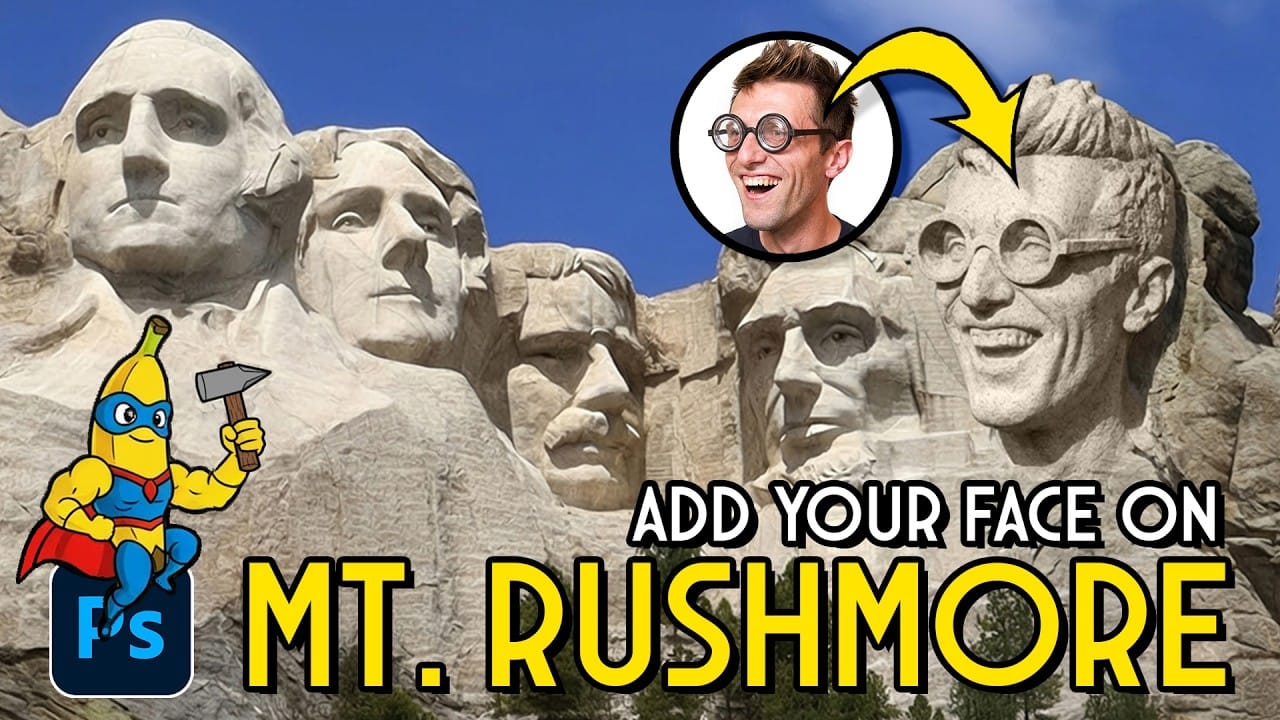
Adding faces to Mount Rushmore creates striking digital art that combines portrait photography with AI-powered stone carving effects. This technique uses generative AI to transform any portrait into a realistic granite sculpture that matches the lighting, texture, and monumental style of the famous presidential memorial. The process combines traditional selection Read the full article here: […]

Read more: How to Add Any Face to Mount Rushmore Using Photoshop and AI
Concept Development and Mood Boarding with Firefly Boards for Fashion Design

Concept Development and Mood Boarding with Firefly Boards for Fashion Design

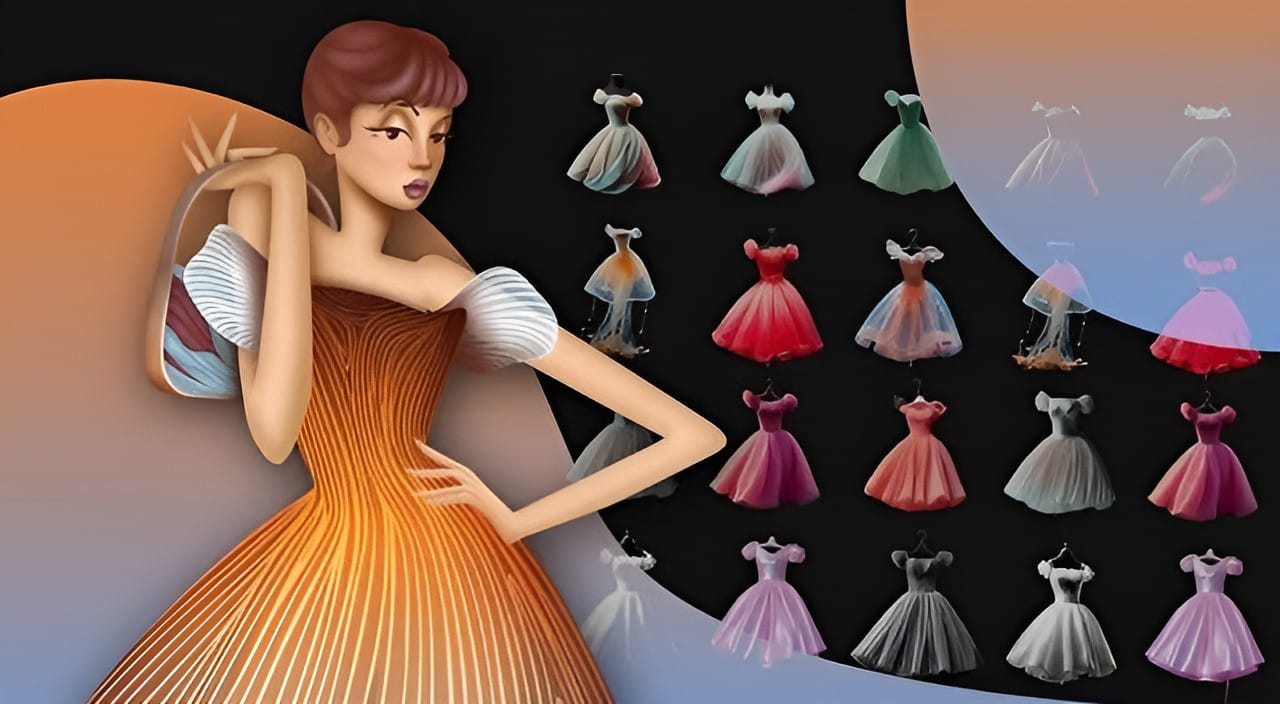
Fashion design concept development traditionally requires gathering inspiration from multiple sources, creating mood boards, and iterating through ideas before presenting to clients. Firefly Boards streamlines this entire workflow into a single workspace where you can source inspiration, generate new variations through AI remixing, and organize final concepts into professional presentations. Read the full article here: […]

Read more: Concept Development and Mood Boarding with Firefly Boards for Fashion Design
How to Use Photoshop Channels for Precision Masking and Natural Selections

How to Use Photoshop Channels for Precision Masking and Natural Selections

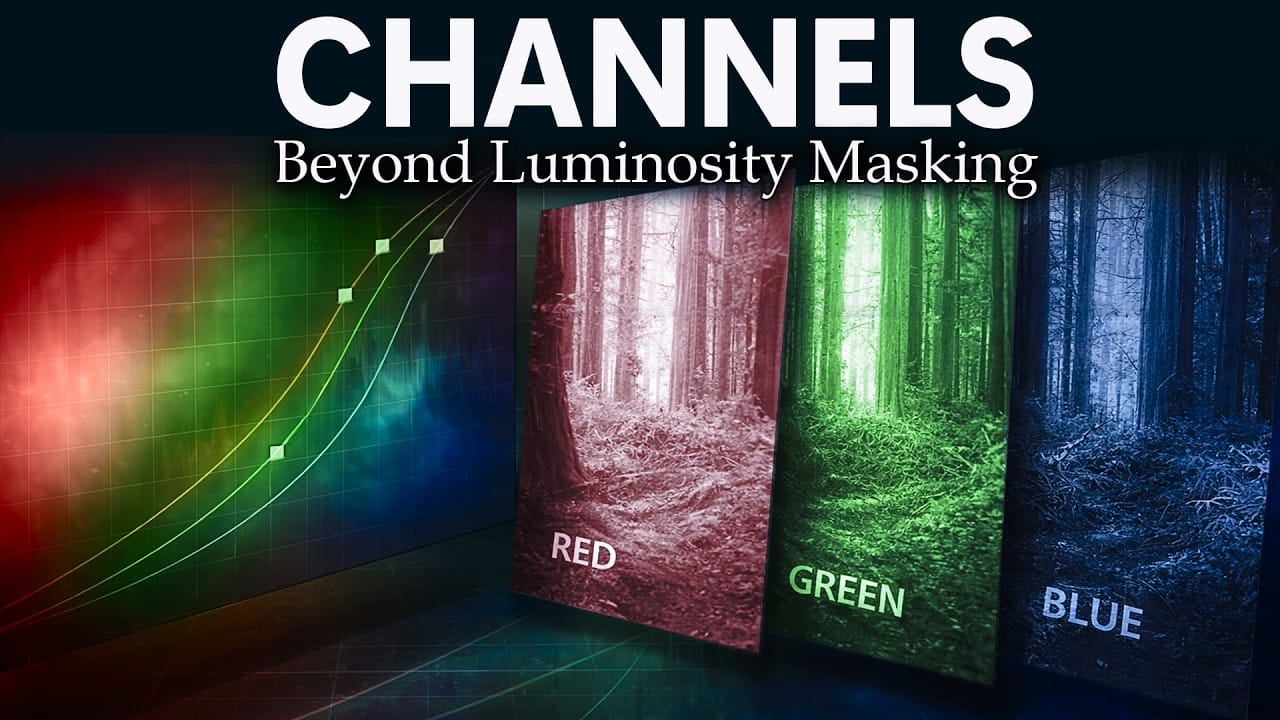
Most photographers avoid channels because they seem technical and intimidating. The breakthrough happens when you stop thinking of channels as red, green, and blue data and start seeing them as mask maps that reveal natural separation points in your images. This approach transforms rough, scissors-cut selections into smooth, believable masks Read the full article here: […]

Read more: How to Use Photoshop Channels for Precision Masking and Natural Selections
How to Use the New Color, Clarity, Dehaze, and Grain Adjustment Layers in Photoshop

How to Use the New Color, Clarity, Dehaze, and Grain Adjustment Layers in Photoshop

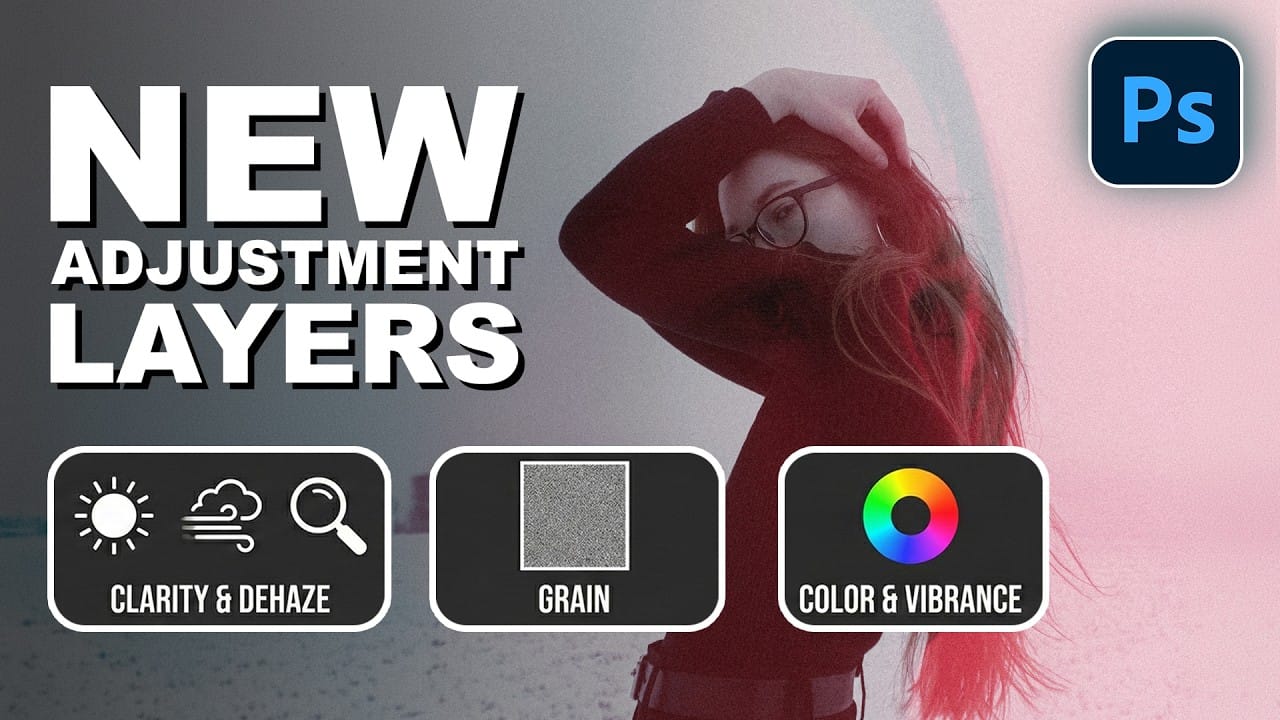
Three powerful new adjustment layers bring Camera Raw's most popular tools directly into your layers panel. Color and Vibrance, Clarity and Dehaze, and Grain adjustments now work as standard adjustment layers with full masking capabilities and non-destructive editing. These tools eliminate the need for smart objects when applying Read the full article here: How to […]

Read more: How to Use the New Color, Clarity, Dehaze, and Grain Adjustment Layers in Photoshop
How to Apply Patterns and Tattoos to Skin in Photoshop

How to Apply Patterns and Tattoos to Skin in Photoshop

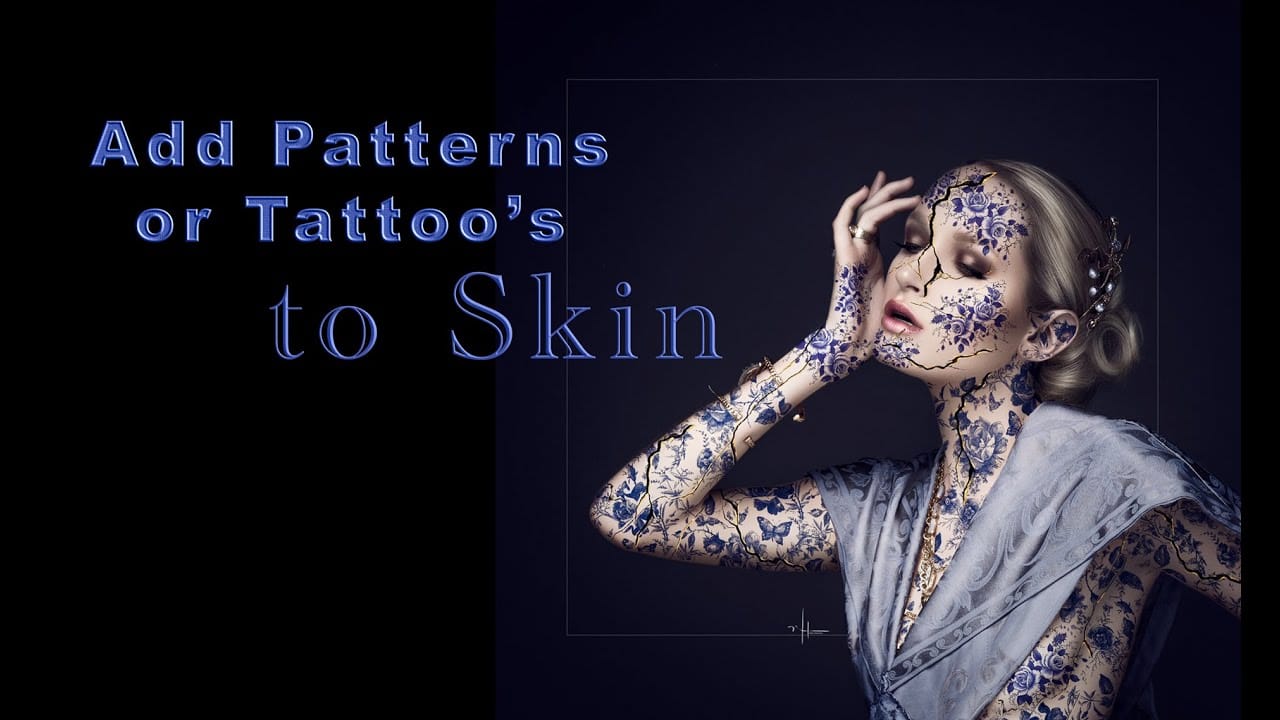
Creating realistic skin patterns and tattoos requires more than simply overlaying images onto photographs. The key lies in using proper blending techniques and layer settings to make decorative elements appear naturally integrated with skin texture. This technique works for everything from Japanese kintsugi-inspired cracks to floral tattoo designs, transforming flat Read the full article here: […]

Read more: How to Apply Patterns and Tattoos to Skin in Photoshop