Schenectady Photographic Society

Menu

Photoshop Tutorials

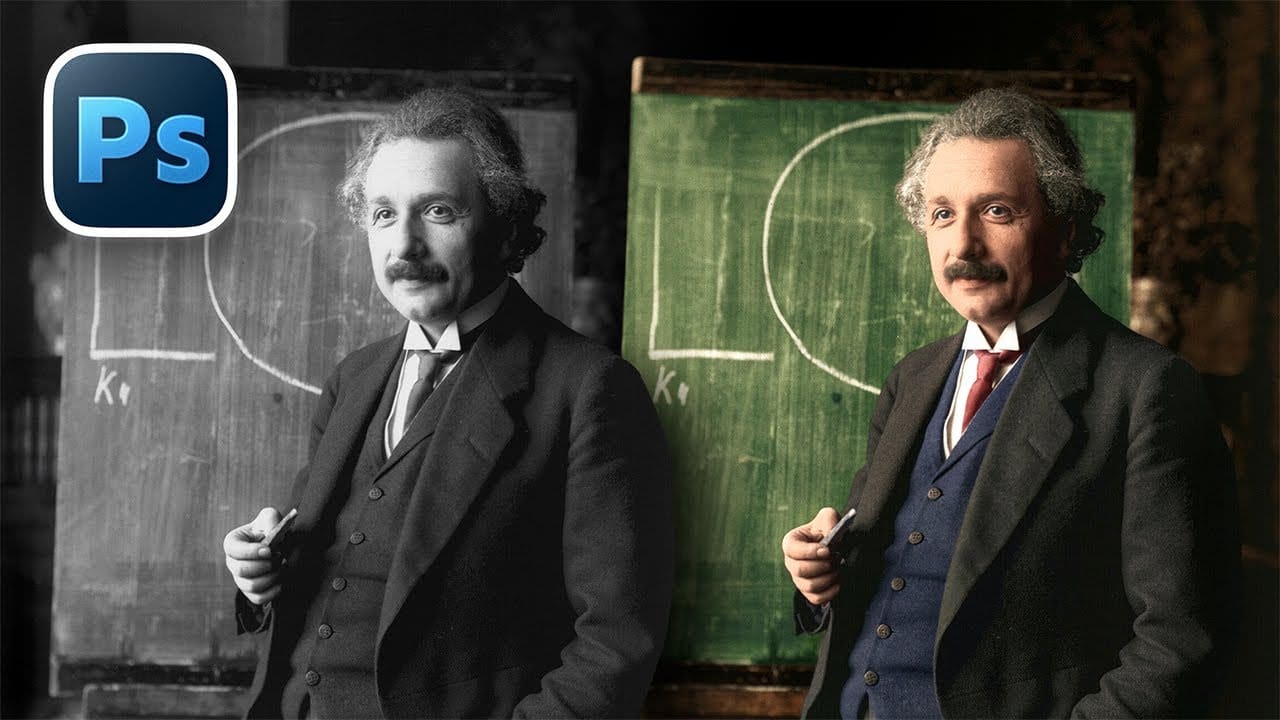
How to Colorize Black and White Photos in Photoshop Without AI

How to Colorize Black and White Photos in Photoshop Without AI

Transforming black and white photographs into vibrant color images requires precision and technique to achieve natural-looking results. This manual colorization method preserves image quality while giving you complete control over every color choice, avoiding the unpredictable results that AI tools often produce. The non-destructive workflow shown here maintains the original Read the full article here: […]
Read more: How to Colorize Black and White Photos in Photoshop Without AI
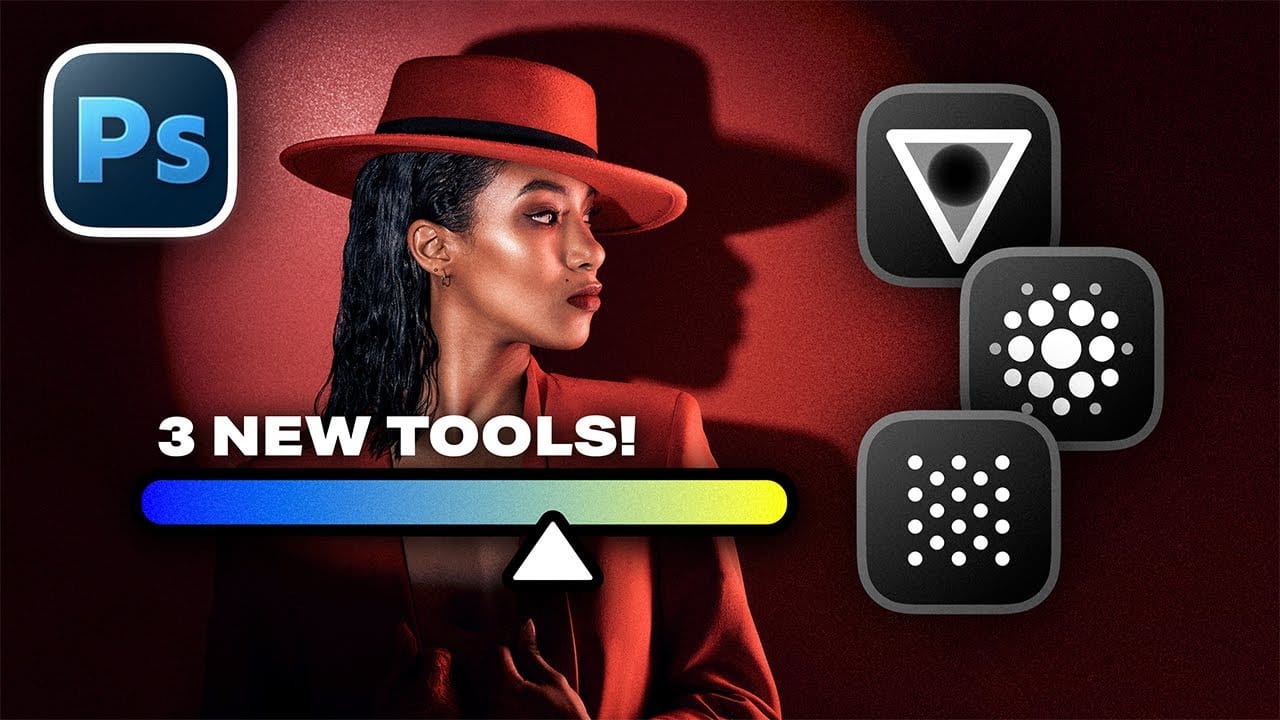
New Camera Raw Adjustment Layers in Photoshop: Color Grading, Clarity, and Grain

New Camera Raw Adjustment Layers in Photoshop: Color Grading, Clarity, and Grain

Working with multiple layers in Photoshop traditionally required complex workarounds to apply Camera Raw adjustments. The old process involved merging layers, converting to smart objects, and losing the flexibility that makes adjustment layers so powerful. Three new adjustment layers bring Camera Raw's most useful tools directly into your Read the full article here: New Camera […]

Read more: New Camera Raw Adjustment Layers in Photoshop: Color Grading, Clarity, and Grain
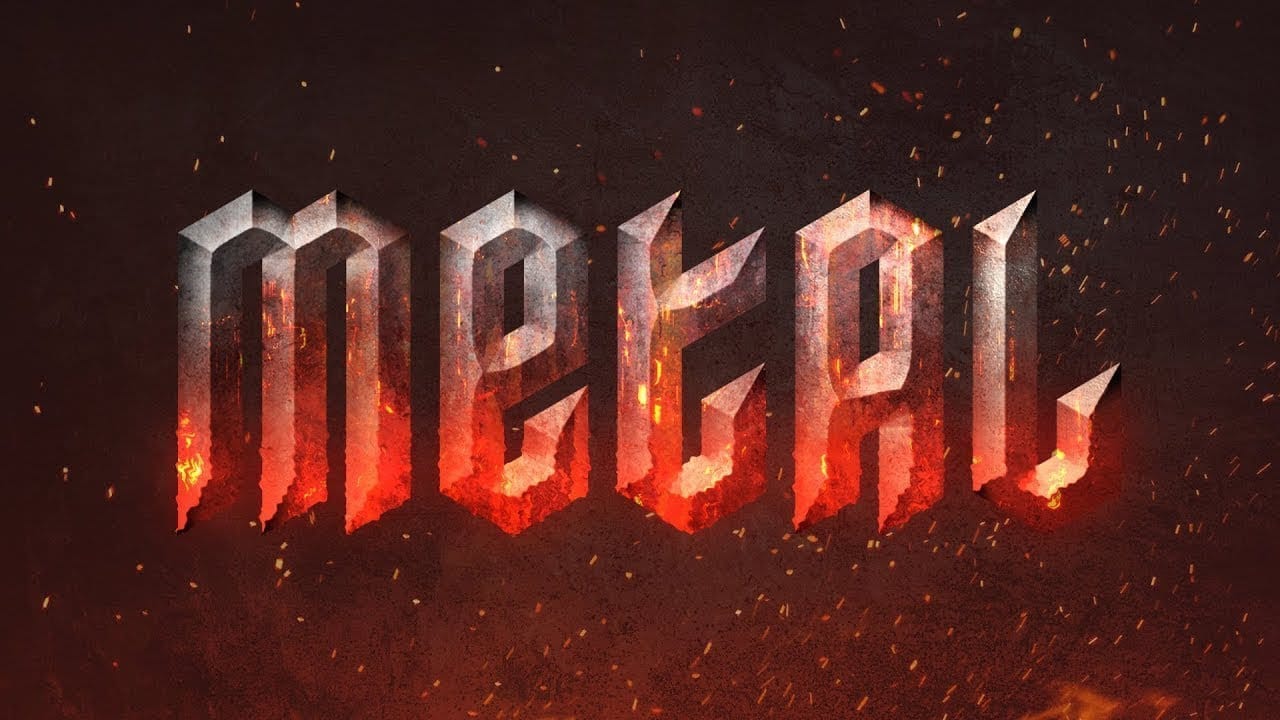
How to Create a Molten Metal Text Effect in Photoshop

How to Create a Molten Metal Text Effect in Photoshop

Molten metal text effects transform ordinary typography into blazing, dimensional masterpieces that appear to glow with intense heat. This technique combines strategic layer styles, textural overlays, and color grading to simulate the appearance of scorching hot metal with fiery edges and realistic surface details. The process builds layers of metallic Read the full article here: […]

Read more: How to Create a Molten Metal Text Effect in Photoshop
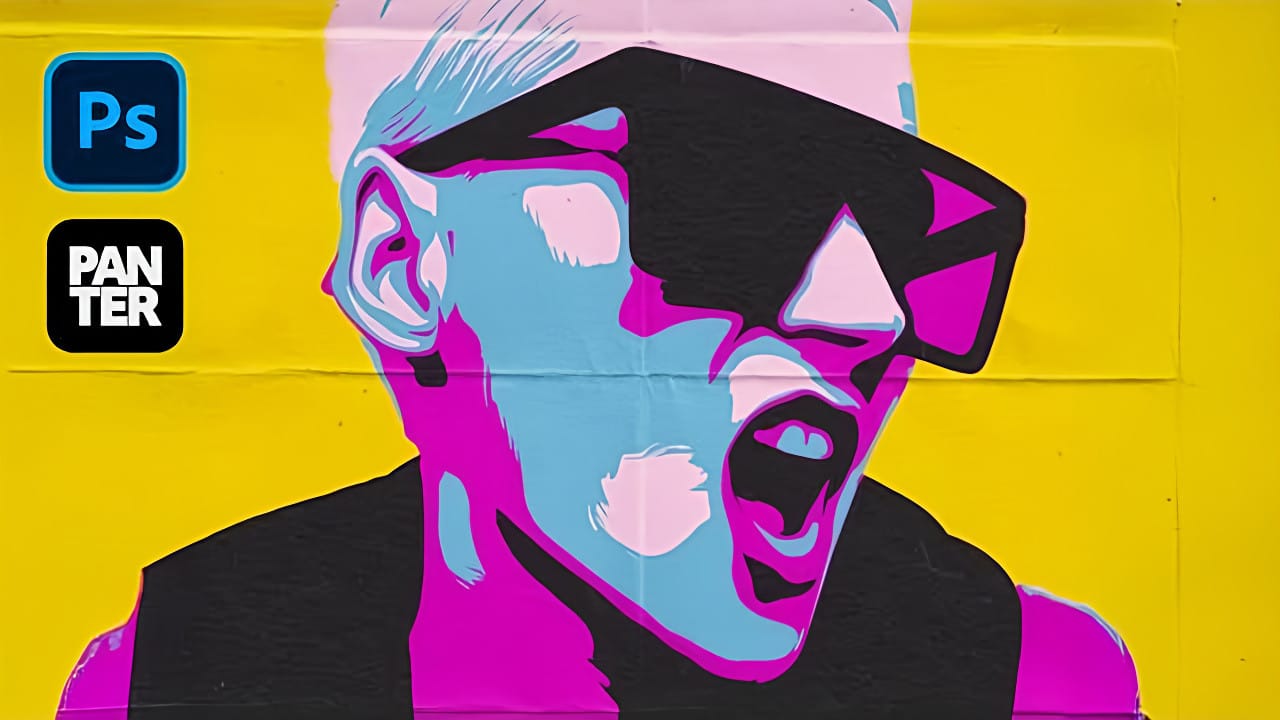
Create a Pop Art Stencil Effect from Photos in Photoshop

Create a Pop Art Stencil Effect from Photos in Photoshop

Pop art transforms ordinary portraits into bold, graphic statements using simplified colors and high contrast. This distinctive style, popularized by artists like Andy Warhol, reduces complex images to their essential elements while maintaining visual impact through strategic color choices. The stencil approach creates clean separations between color areas, producing artwork Read the full article here: […]

Read more: Create a Pop Art Stencil Effect from Photos in Photoshop
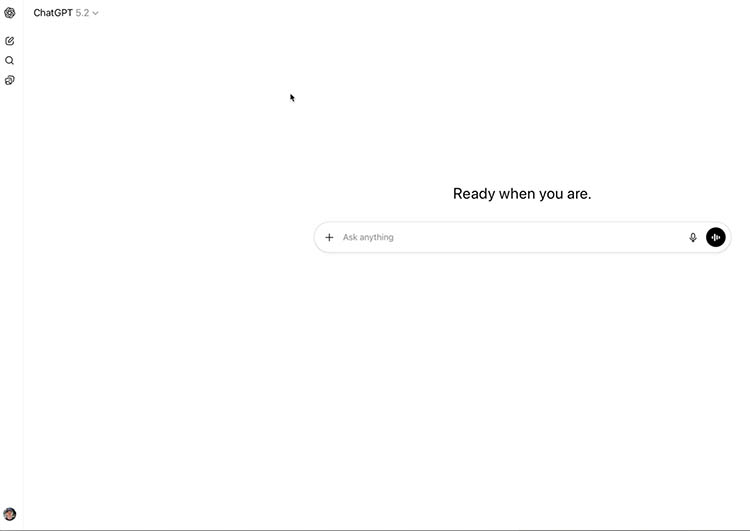
How to Use Photoshop Inside ChatGPT

How to Use Photoshop Inside ChatGPT

Using Photoshop Inside ChatGPT: Setup, Workflow, and Real Limitations You can now use Adobe Photoshop inside ChatGPT. In this tutorial, I’ll show you how to connect it, how to run real edits, and what it can’t do yet—so you know when it’s worth using versus just opening Photoshop normally. One big thing to be aware […]

Read more: How to Use Photoshop Inside ChatGPT
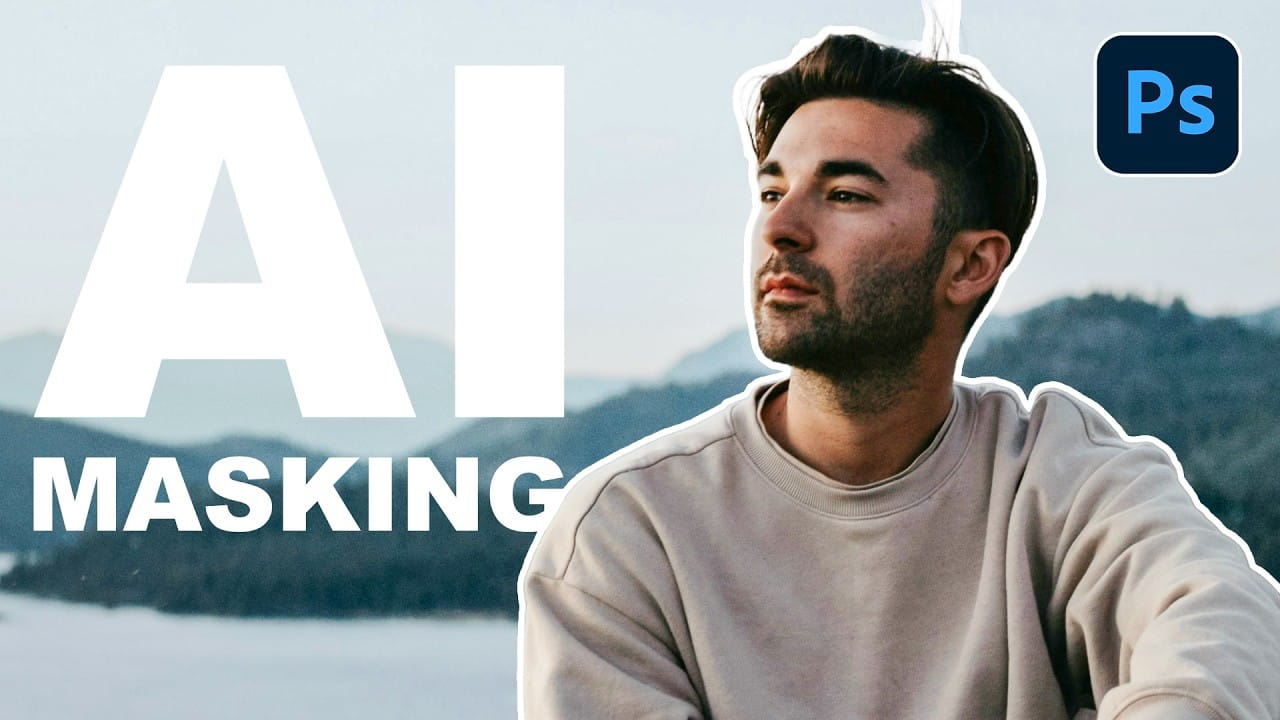
How to Use AI Masking in Adobe Camera Raw for Professional Photo Editing

How to Use AI Masking in Adobe Camera Raw for Professional Photo Editing

Adobe Camera Raw's AI masking tools automatically detect subjects, backgrounds, skies, and landscapes, letting you make precise adjustments to specific areas of your photos. These intelligent masks eliminate the need for manual selection work, while allowing you to combine and refine them for complete creative control. The technique Read the full article here: How to […]

Read more: How to Use AI Masking in Adobe Camera Raw for Professional Photo Editing
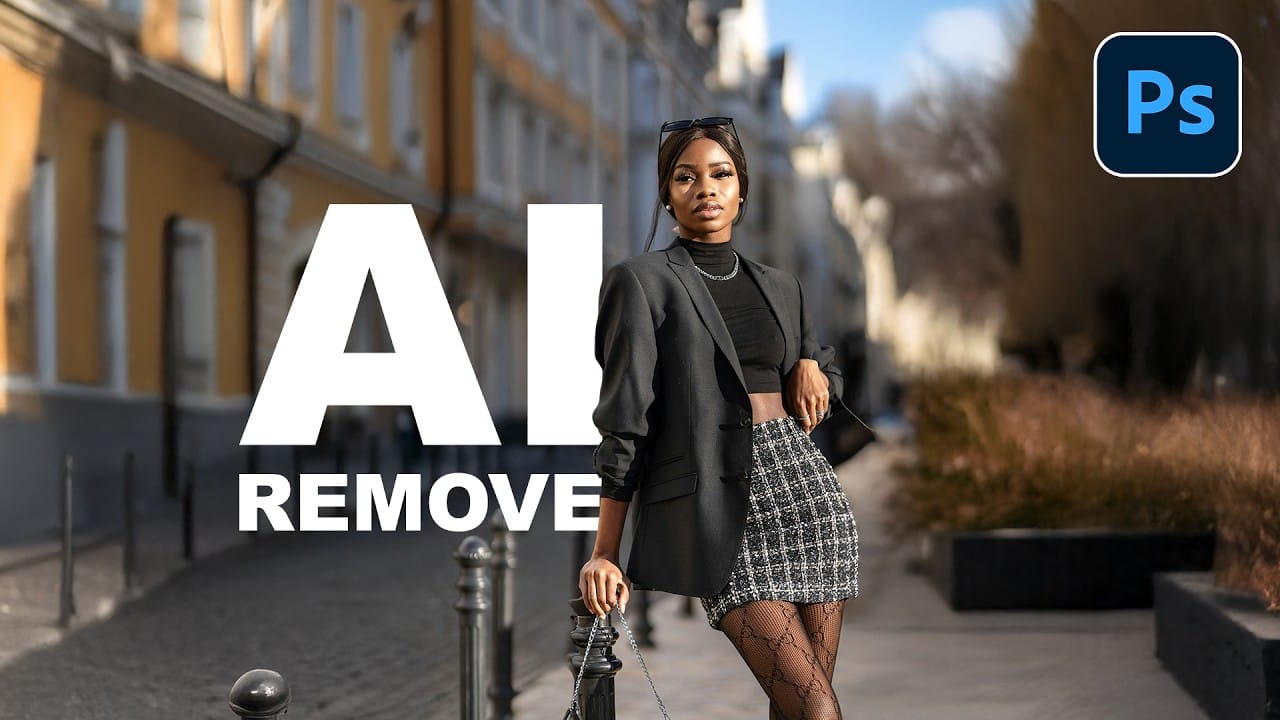
How to Remove Objects from Photos Using AI Tools in Photoshop

How to Remove Objects from Photos Using AI Tools in Photoshop

Photoshop's AI-powered object removal tools can eliminate unwanted distractions from your photos with minimal effort. The Remove Tool and Generative Fill feature automated detection for common distractions like people and wires, plus manual painting options for custom removals. These tools work on separate layers, preserving your original image Read the full article here: How to […]

Read more: How to Remove Objects from Photos Using AI Tools in Photoshop