
Schenectady Photographic Society

Menu

Photoshop Tutorials

Essential Guide to Generative Fill: Remove, Add, and Replace Objects in Photos

Essential Guide to Generative Fill: Remove, Add, and Replace Objects in Photos

Generative Fill has transformed how photographers handle object removal, additions, and replacements in their images. This comprehensive tutorial demonstrates four practical applications using real examples—from cleaning up unwanted graffiti to adding garden gnomes and creating custom sunflower boots. You'll learn to work with both Adobe's Read the full article here: Essential Guide to Generative Fill: […]

Read more: Essential Guide to Generative Fill: Remove, Add, and Replace Objects in Photos
How to Create WPAP Pop Art Portraits Using Nano Banana in Photoshop

How to Create WPAP Pop Art Portraits Using Nano Banana in Photoshop

WPAP (Wedha's Pop Art Portrait) transforms ordinary photos into striking geometric art with sharp lines and vibrant contrasting colors. This Indonesian art style, created by Wedha Abdul Rasyid in the 1990s, features cubist-inspired deconstructions that turn portraits into dynamic visual statements. Using Google's Nano Banana AI Read the full article here: How to Create WPAP […]

Read more: How to Create WPAP Pop Art Portraits Using Nano Banana in Photoshop
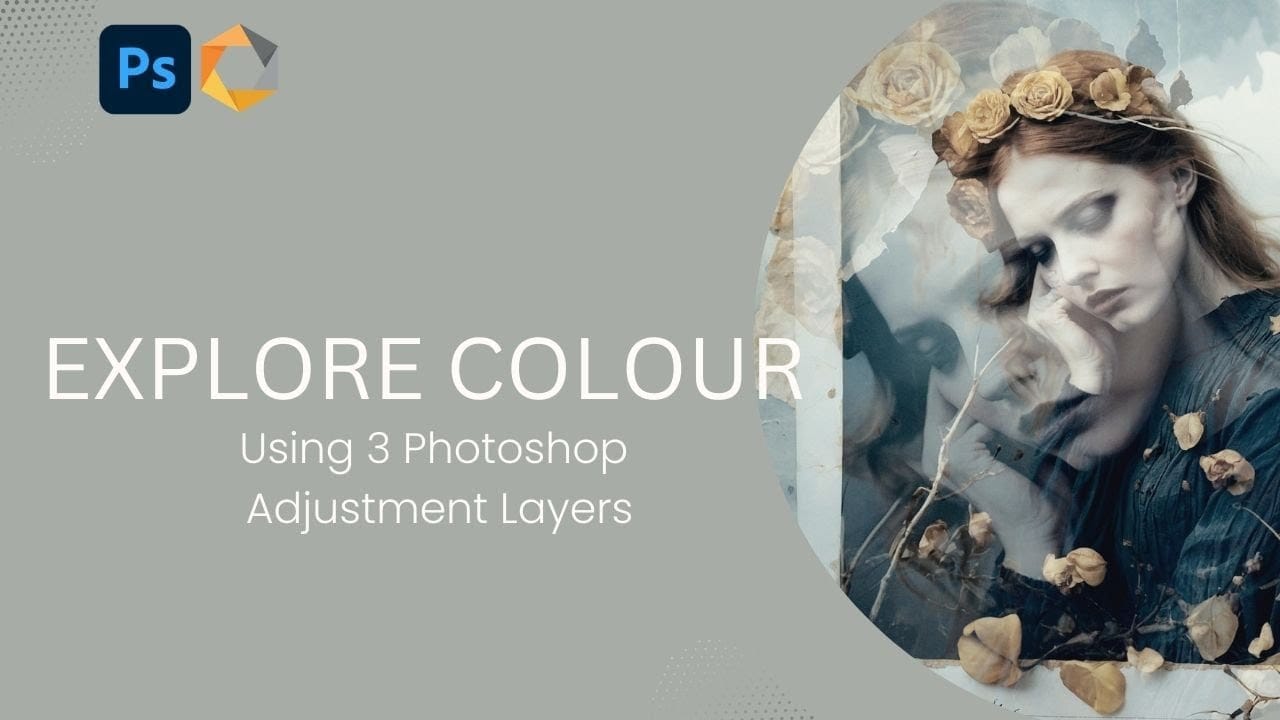
Creating Vintage Color Effects with Three Adjustment Layers in Photoshop

Creating Vintage Color Effects with Three Adjustment Layers in Photoshop

Introduction Transform any image into a vintage masterpiece using just three simple Photoshop adjustment layers. This creative approach demonstrates how to achieve rich, emotive color tones through strategic use of levels, photo filters, and black and white adjustments. Learn how to balance complementary colors, develop your color eye, and create Read the full article here: […]

Read more: Creating Vintage Color Effects with Three Adjustment Layers in Photoshop
Create Colorful and Decorative Christmas Text Effects in Photoshop

Create Colorful and Decorative Christmas Text Effects in Photoshop

This collection of colorful Christmas text effects tutorials in Photoshop offers a fun way to spread holiday cheer. You can create eye-catching designs that convey your affection for family and friends with just a few simple steps. Each tutorial is laid out in a clear, step-by-step format, making it accessible Read the full article here: […]

Read more: Create Colorful and Decorative Christmas Text Effects in Photoshop
How to Use Photoshop's Match Color Tool for Consistent Image Tones

How to Use Photoshop's Match Color Tool for Consistent Image Tones

Color consistency between images can make or break a professional composition. When combining photos from different sources, lighting conditions and camera settings create jarring color mismatches that immediately reveal the edit. Photoshop's Match Color tool provides a direct solution, automatically analyzing and transferring the color characteristics from one Read the full article here: How to […]

Read more: How to Use Photoshop's Match Color Tool for Consistent Image Tones
How to Build an Element Library for Faster Photoshop Composites

How to Build an Element Library for Faster Photoshop Composites

Creating Photoshop composites becomes much smoother when you have pre-cut elements ready to use. Building a collection of inspiring images and cutting them out ahead of time eliminates the tedious prep work. This approach lets you jump straight into the creative process when inspiration strikes, rather than stopping to hunt Read the full article here: […]

Read more: How to Build an Element Library for Faster Photoshop Composites