Schenectady Photographic Society

Menu

Photoshop Tutorials

7 Photoshop Tools Replaced by AI: Are They Still Relevant?

7 Photoshop Tools Replaced by AI: Are They Still Relevant?

Photoshop continues to push boundaries with advanced tools like Distraction Removal, the Remove Tool, Generative Expand, Super Resolution, and AI Denoise. These features bring new possibilities to photo editing, making complex tasks faster and easier. However, classic tools such as Content-Aware Fill, Clone Stamp, Spot Healing, Dodge & Burn, and Sharpening are far from obsolete. […]
Read more: 7 Photoshop Tools Replaced by AI: Are They Still Relevant?
How to Remove People From Photos in Photoshop: Easy and Advanced Methods

How to Remove People From Photos in Photoshop: Easy and Advanced Methods

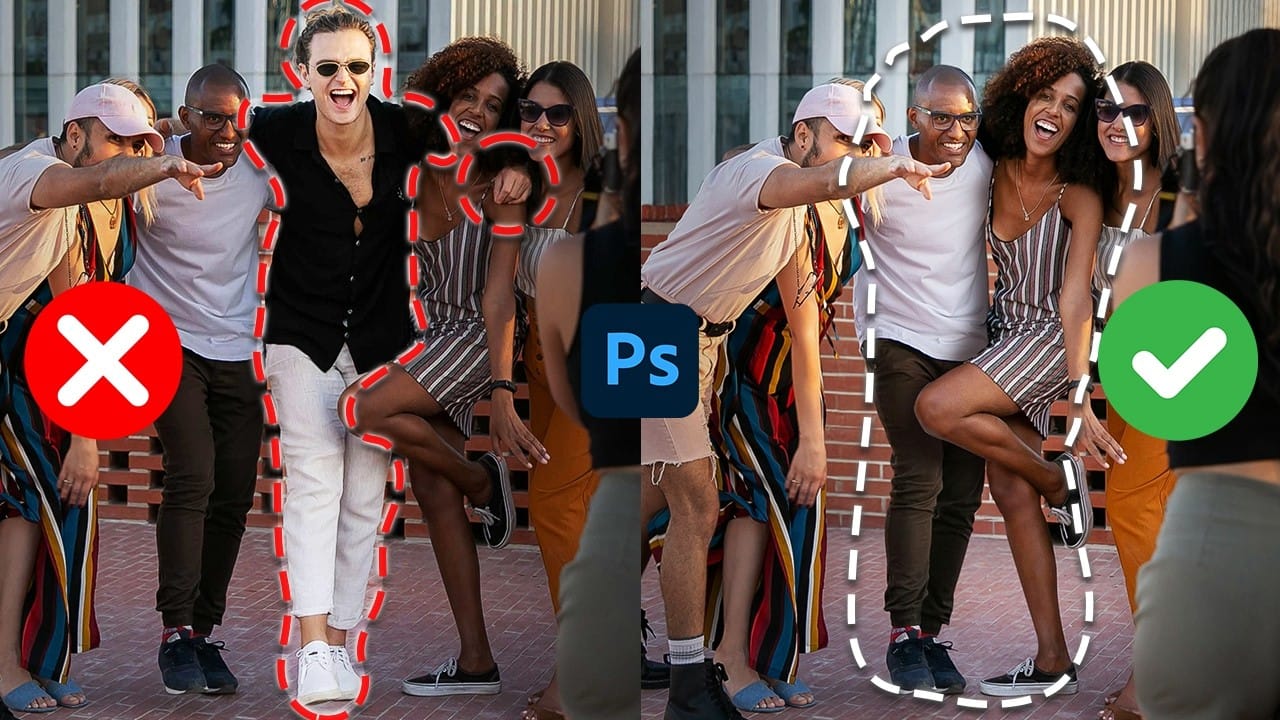
This Photoshop tutorial teaches you two effective ways to remove people from your photos, no matter the situation. For quick edits, you'll explore how the Remove Tool works to erase subjects easily. For more detailed adjustments, you'll use Generative Fill to handle complex edits, such as restoring missing parts of the background. The guide also […]

Read more: How to Remove People From Photos in Photoshop: Easy and Advanced Methods
Creating a Nebula and Planet Scene in Photoshop: Step-by-Step Tutorial

Creating a Nebula and Planet Scene in Photoshop: Step-by-Step Tutorial

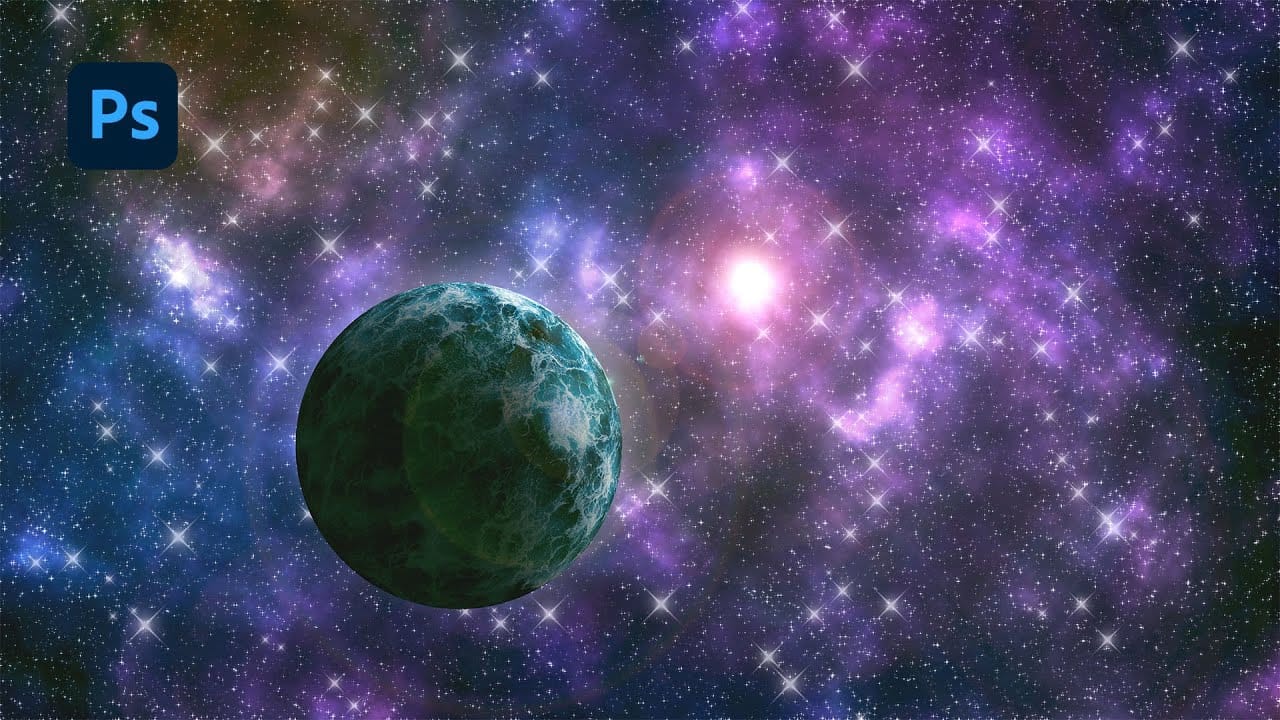
In this tutorial, you will learn how to use Photoshop to create a breathtaking nebula and planet scene from scratch. It walks you through a step-by-step process to design a detailed outer space composition. With techniques like blending modes, smart objects, and advanced brushes, it’s suitable for both beginners and experienced users looking to improve […]

Read more: Creating a Nebula and Planet Scene in Photoshop: Step-by-Step Tutorial
Create a Professional Color Grade in 90 Seconds in Photoshop

Create a Professional Color Grade in 90 Seconds in Photoshop

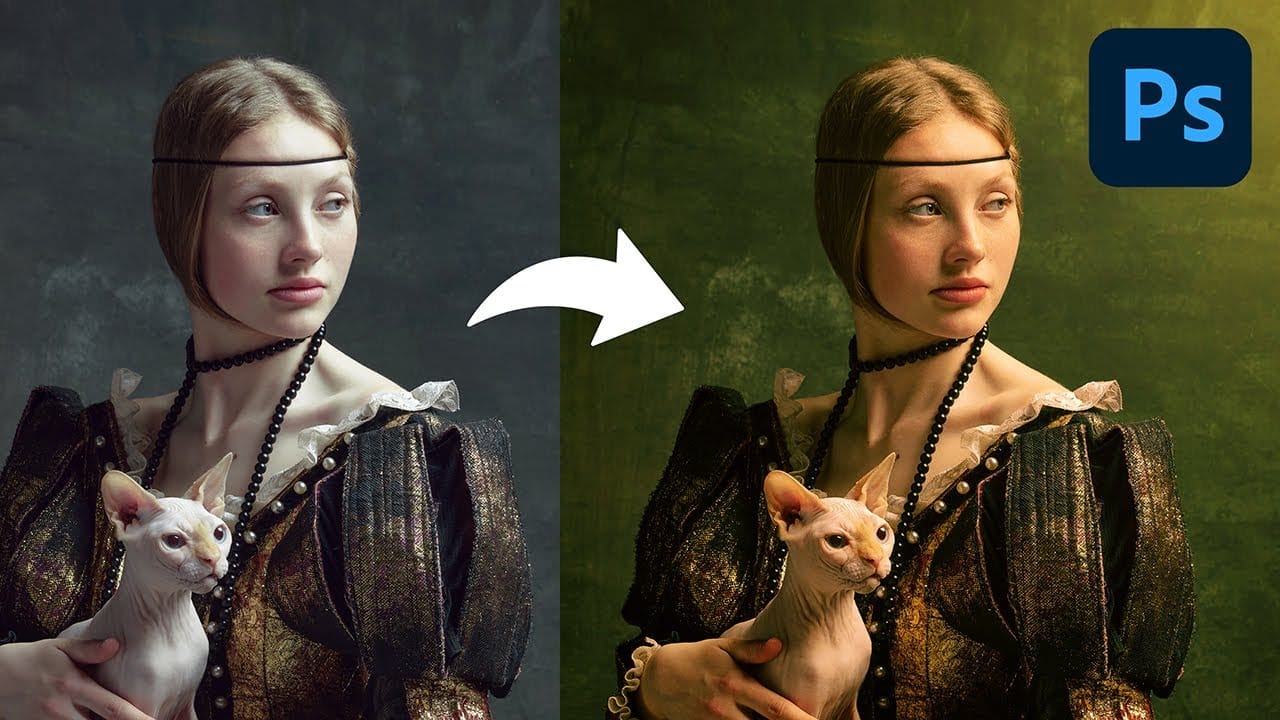
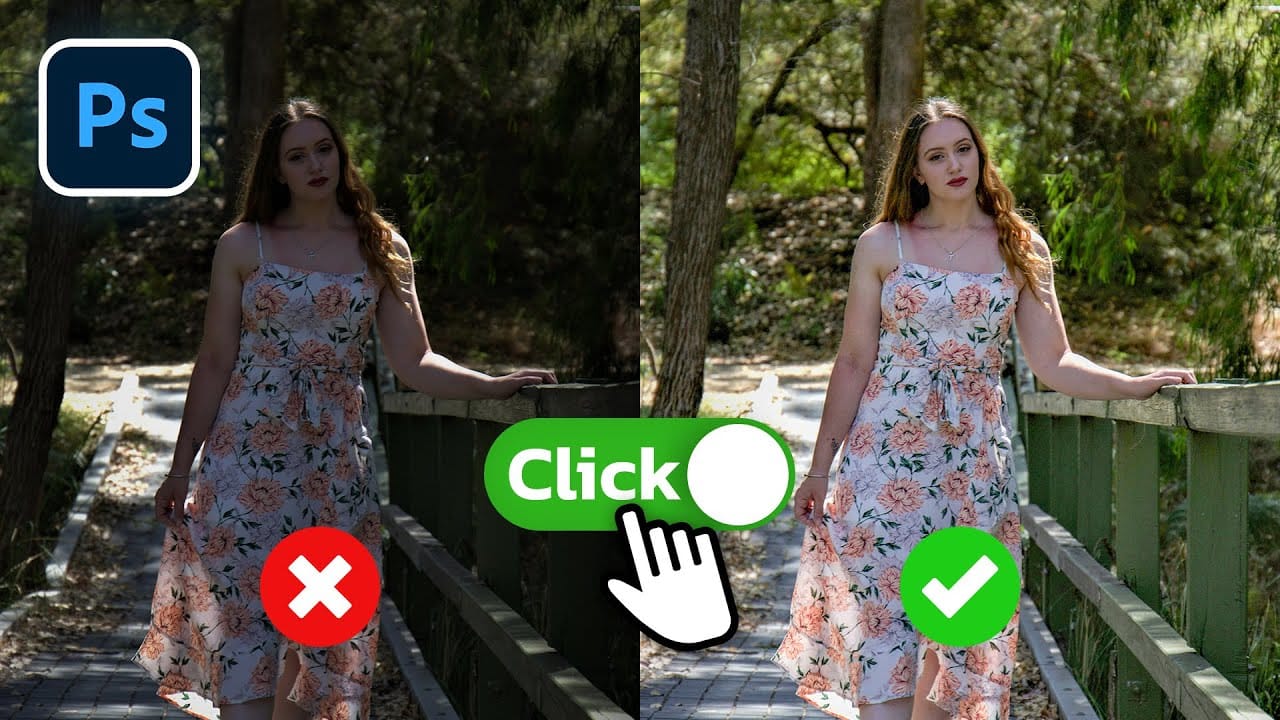
This tutorial shows you how to achieve professional color grading in Photoshop quickly and efficiently. In just 90 seconds, you can transform your images with a cinematic tone using straightforward tools available in the Camera Raw filter. You’ll learn simple tricks that save time while delivering striking results. The step-by-step process ensures you're not overwhelmed, […]

Read more: Create a Professional Color Grade in 90 Seconds in Photoshop
Understanding the basics of Photoshop Smart Objects

Understanding the basics of Photoshop Smart Objects

Smart Objects in Photoshop offer a non-destructive approach to image editing, a concept every designer should understand. This method allows you to alter layers, be it scaling, rotating, or applying filters, without permanently affecting the original image data. Your edits remain flexible. This is advantageous because you can always go back and modify or remove […]

Read more: Understanding the basics of Photoshop Smart Objects