Schenectady Photographic Society

Menu

Photoshop Tutorials

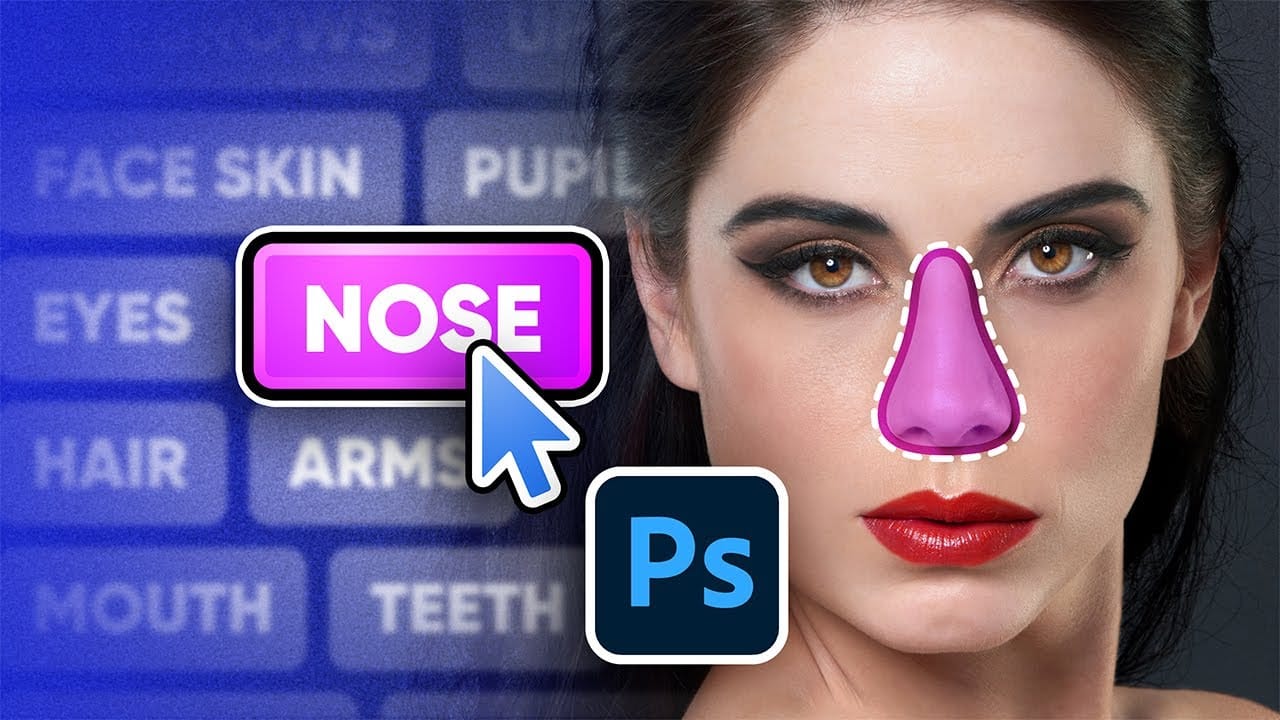
New Select Body Parts Feature in Photoshop

New Select Body Parts Feature in Photoshop

Photoshop Beta's latest update introduces an exciting feature called "Select People," which simplifies the selection process in the Object Selection Tool. With this update, you can effortlessly select specific attributes like eyes, skin, hair, and clothing with just one click, making your editing tasks quicker and more efficient. This tutorial walks you through the new […]

Read more: New Select Body Parts Feature in Photoshop
Easily Create 3D Text in Photoshop

Easily Create 3D Text in Photoshop

This Photoshop tutorial guides you through the process of creating striking 3D text effects with ease. You will learn step by step how to achieve a bold, three-dimensional look starting from text duplication. Using essential shortcuts like Command + Option + Shift + T on Mac or Control + Alt + Shift + T on […]

Read more: Easily Create 3D Text in Photoshop
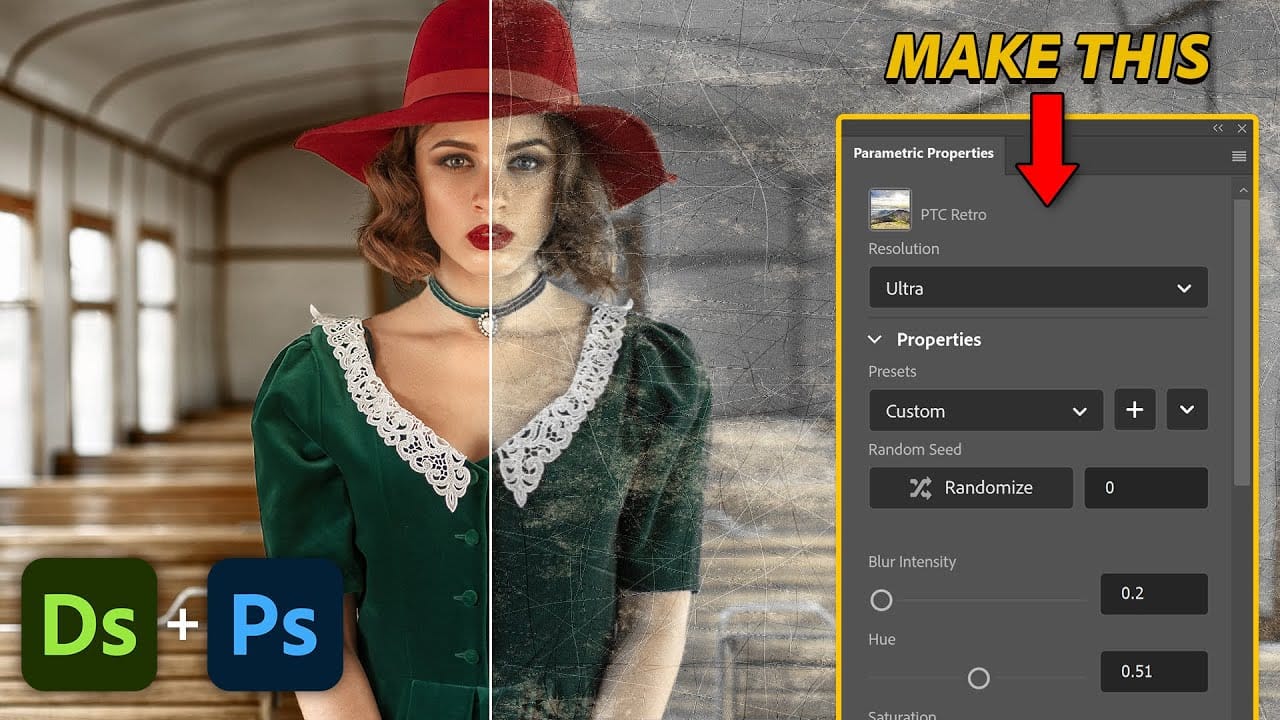
Create Custom Photoshop Parametric Filters with Substance Designer

Create Custom Photoshop Parametric Filters with Substance Designer

This tutorial guides you through the process of creating custom Photoshop Parametric Filters using Adobe Substance Designer. It aims to empower you with the skills needed to harness this powerful tool for your creative projects. You will begin with a basic example, which is ideal for grasping the fundamentals of Substance Designer. This initial exercise […]

Read more: Create Custom Photoshop Parametric Filters with Substance Designer
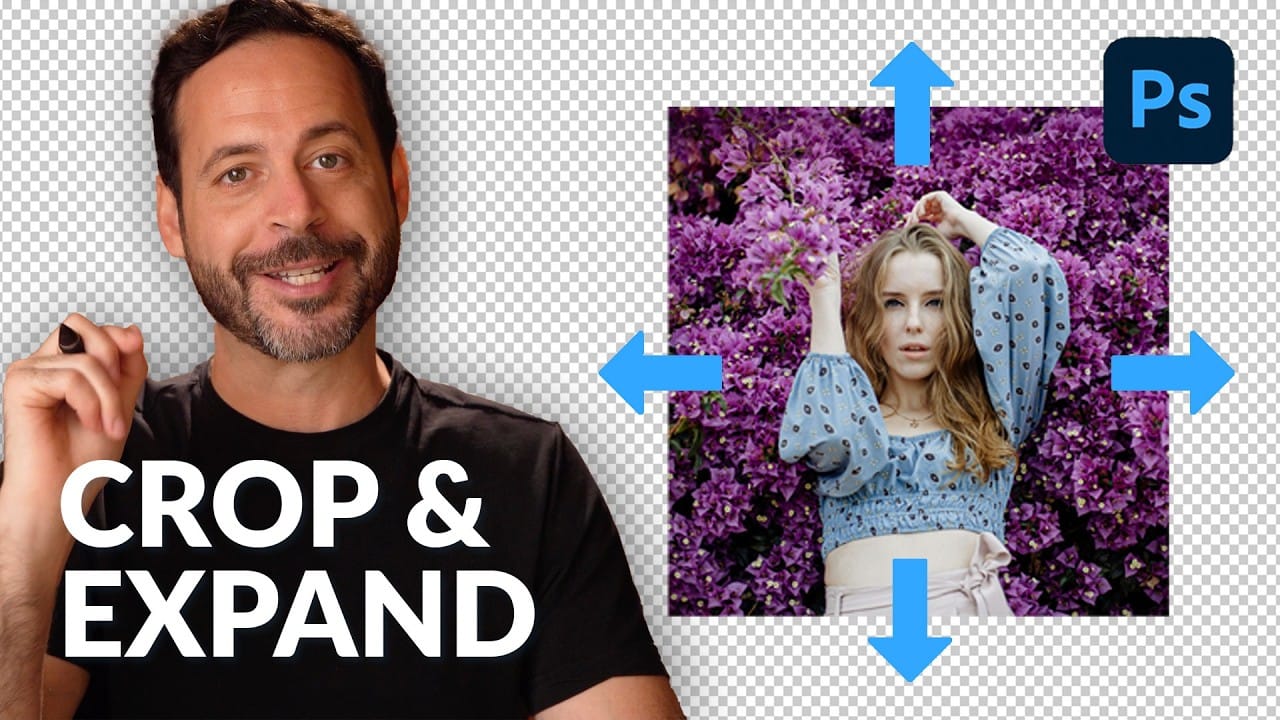
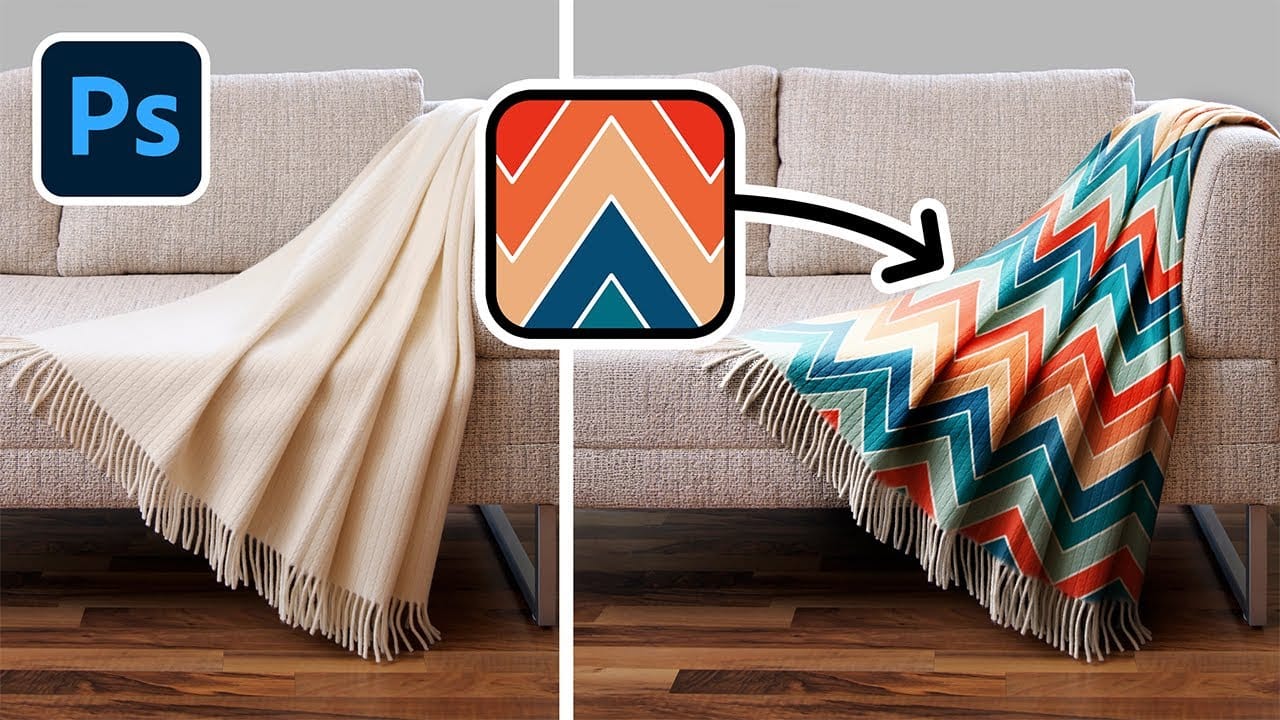
Add Patterns to Any Fabric in Photoshop

Add Patterns to Any Fabric in Photoshop

This tutorial focuses on how to effortlessly apply and replace patterns on a variety of fabrics using Photoshop. Whether you're working with clothes, drapes, or t-shirts, this guide shows you the techniques needed to achieve realistic results. You will learn how to create and expand your patterns before shaping them to fit your fabric. The […]

Read more: Add Patterns to Any Fabric in Photoshop
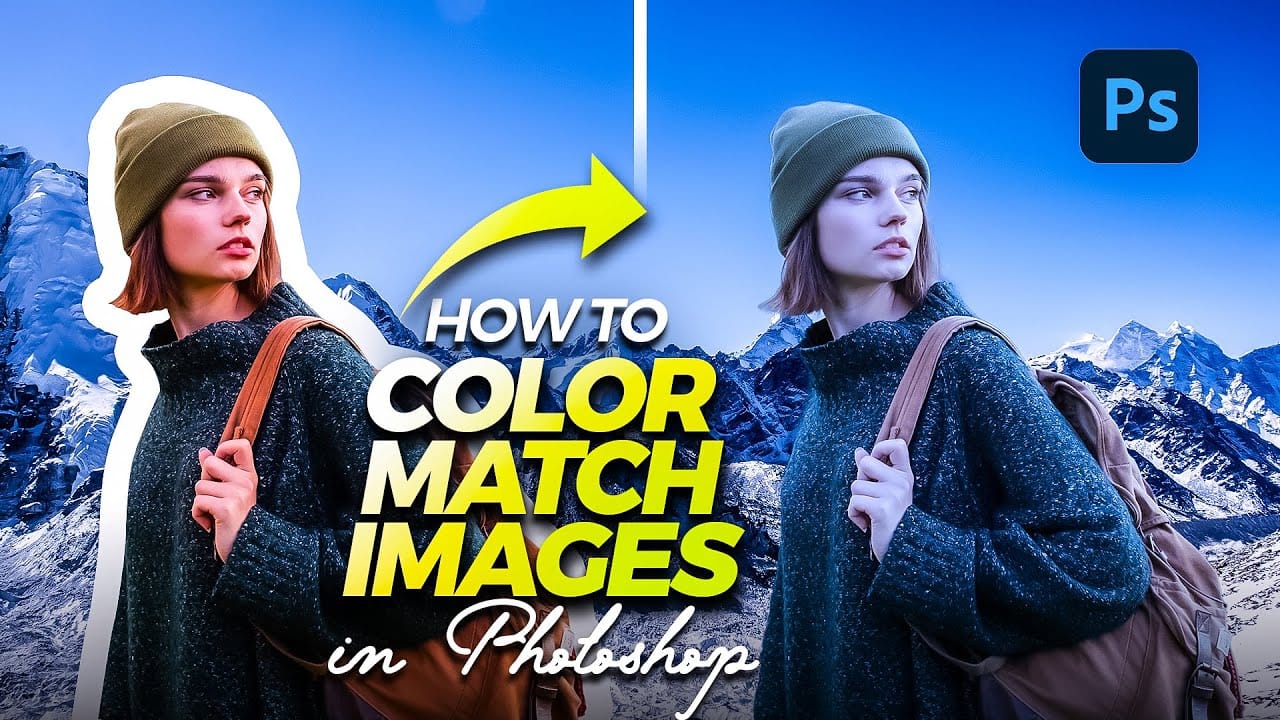
Quick and Easy Method for Color Matching Images in Photoshop

Quick and Easy Method for Color Matching Images in Photoshop

This tutorial provides a straightforward approach for color matching images in Photoshop. With easy-to-follow steps, you will discover effective techniques to achieve a cohesive look for your images. You will learn how to blend colors seamlessly, ensuring that different elements within your project work well together. The tutorial highlights essential tools available in Photoshop, allowing […]

Read more: Quick and Easy Method for Color Matching Images in Photoshop