Schenectady Photographic Society

Menu

Photoshop Tutorials

Can AI Retouch Better Than You? Let’s find out.

Can AI Retouch Better Than You? Let’s find out.

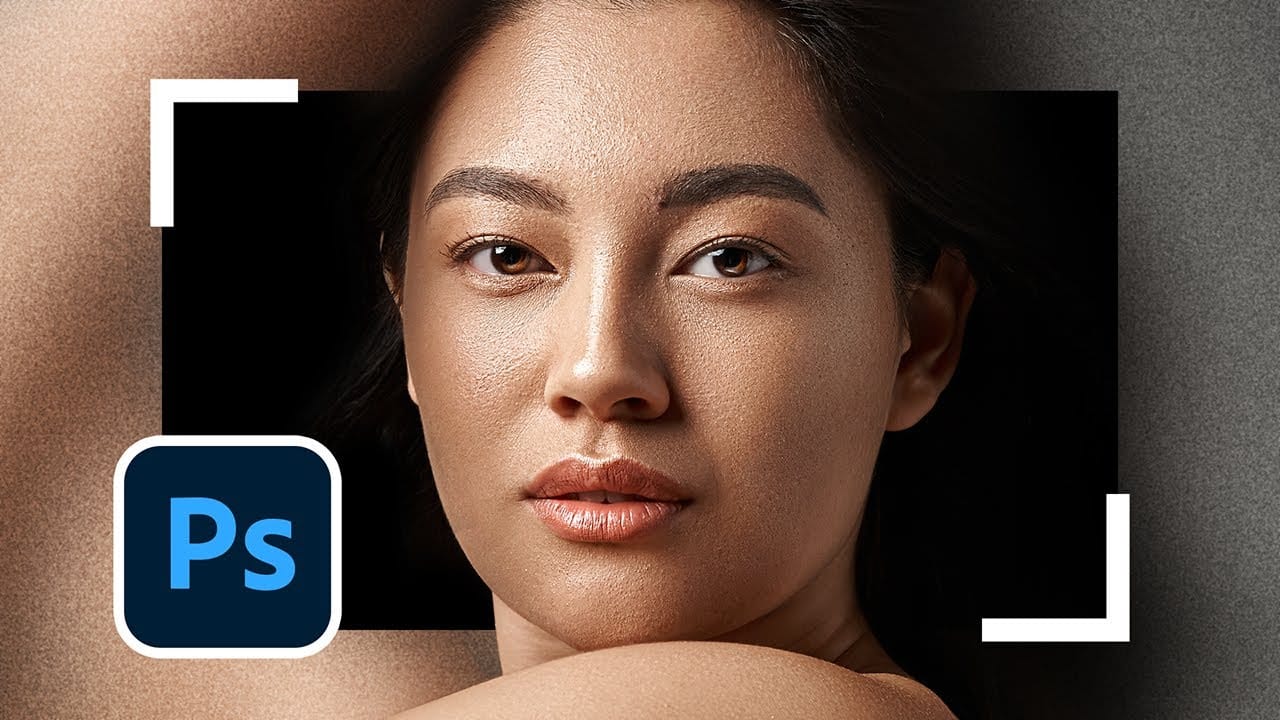
This video provides a comprehensive comparison between traditional retouching methods and modern AI-assisted techniques. You will see how professional editors use Photoshop to enhance images, contrasting this with the automated processes offered by AI applications. The focus is on whether AI can match the quality of human artistry. The presentation walks you through various retouching […]
Read more: Can AI Retouch Better Than You? Let’s find out.
Change the Colors of Objects and Backgrounds with Photoshop on the Web

Change the Colors of Objects and Backgrounds with Photoshop on the Web

Transforming basic paper backdrops into limitless creative opportunities is more achievable than you might think. With @ruthiesmagicalcamera, this tutorial guides you through the process using Photoshop on the web, ensuring that you can follow along seamlessly. In this lesson, you will explore various techniques to enhance your images. Gain a clear understanding of selection tools […]

Read more: Change the Colors of Objects and Backgrounds with Photoshop on the Web
Remove All Distractions From a Photo in One Click using Adobe Photoshop

Remove All Distractions From a Photo in One Click using Adobe Photoshop

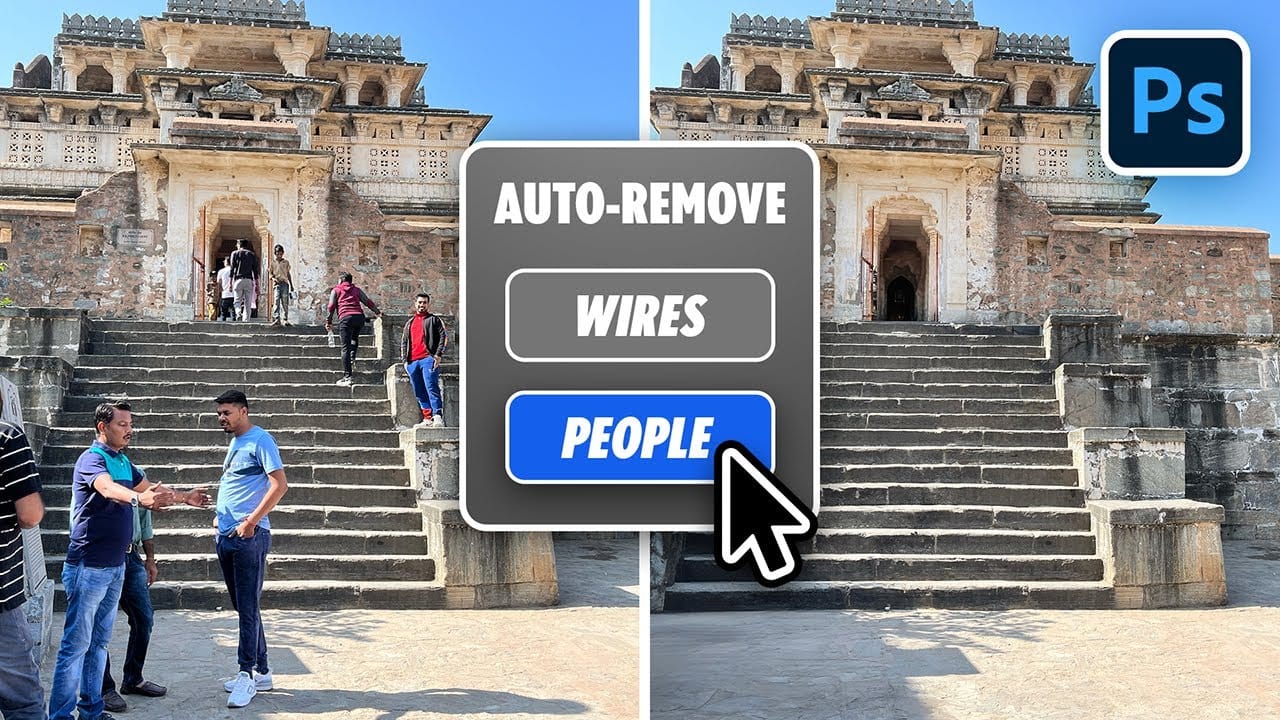
This tutorial by PiXimperfect introduces an impressive new feature in Adobe Photoshop Beta that simplifies photo editing. By utilizing the updated Remove Tool, users can effortlessly eliminate distractions from their images with just one click. The tutorial highlights how this feature can efficiently remove unwanted elements such as people, power lines, and various other distractions […]

Read more: Remove All Distractions From a Photo in One Click using Adobe Photoshop
Unleash the Beast: Optimizing Photoshop Performance for a Smoother Workflow

Unleash the Beast: Optimizing Photoshop Performance for a Smoother Workflow

Photoshop is the undisputed king of digital image manipulation. A powerful tool capable of bringing even the most ambitious creative visions to life. However, as our projects grow and files get larger, even the most powerful computers can struggle. Slow loading times, laggy brushes, and the spinning beach ball can kill our creativity and halt […]

Read more: Unleash the Beast: Optimizing Photoshop Performance for a Smoother Workflow
How to Create a Carousel for Social Media in Photoshop

How to Create a Carousel for Social Media in Photoshop

In this Photoshop tutorial by Aaron Nace from Phlearn, you will learn effective techniques for blending graphics with portraits. The tutorial introduces the Super Zoom feature, which allows you to upscale graphics without sacrificing resolution. This feature is particularly useful when you want to enhance images without losing quality. Additionally, you will explore how to […]

Read more: How to Create a Carousel for Social Media in Photoshop
Edit With Me Series: Typography Poster with Adobe Photoshop

Edit With Me Series: Typography Poster with Adobe Photoshop

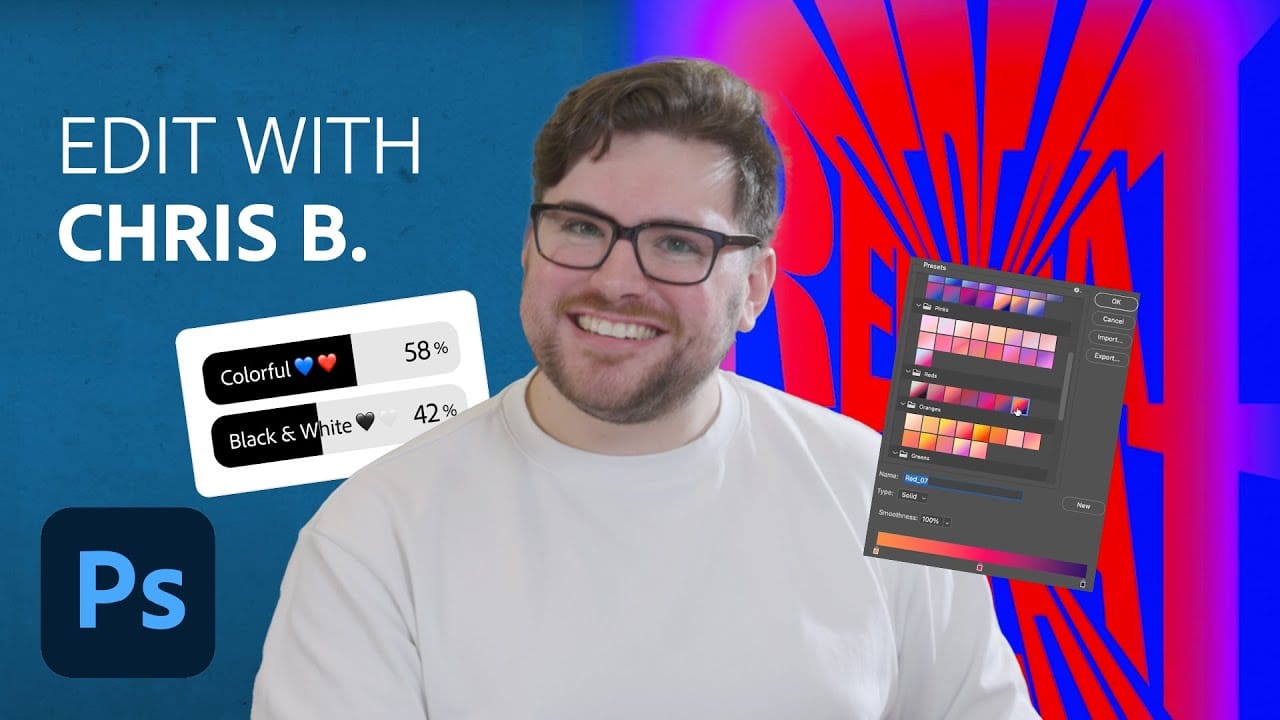
In this engaging presentation, Chris Bartoldus from Adobe Brand Studio takes the reins of Photoshop’s Instagram account to create a unique typographic poster. His work is significantly influenced by the preferences of followers, who vote on crucial design elements such as height, weight, and color. The behind-the-scenes video provides an insightful look into Chris’s creative […]

Read more: Edit With Me Series: Typography Poster with Adobe Photoshop