Schenectady Photographic Society

Menu

Photoshop

How to Transform Photos into Digital Paintings Using Photoshop Brushes

How to Transform Photos into Digital Paintings Using Photoshop Brushes

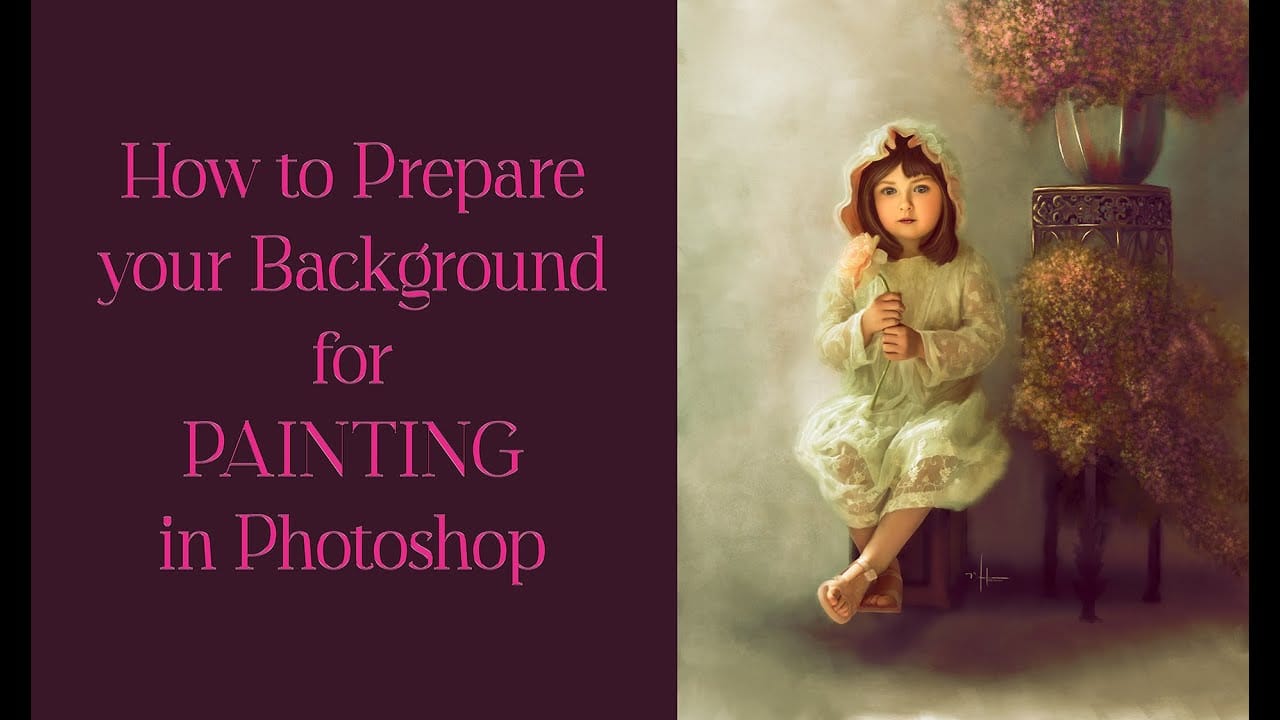
Busy backgrounds and photographic detail can overwhelm your artistic vision. This technique shows how to prepare photos for digital painting by strategically overpainting backgrounds and replacing photographic elements with painterly textures. The approach combines subject isolation, textured brush work, and color sampling to create a foundation that bridges photography and Read the full article here: […]

Read more: How to Transform Photos into Digital Paintings Using Photoshop Brushes
Complete Guide to Digital Photo Compositing in Photoshop

Complete Guide to Digital Photo Compositing in Photoshop

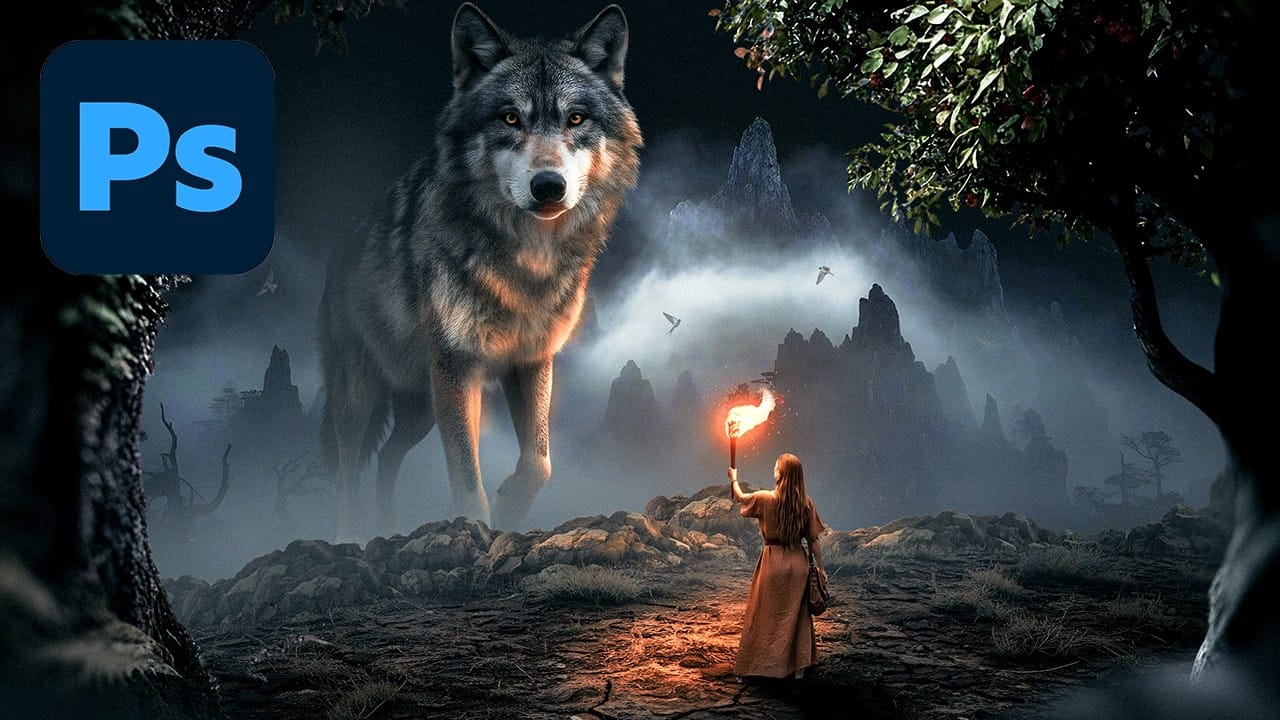
Creating fantasy digital artwork requires mastering the art of photo compositing, where multiple elements come together to form a cohesive scene. This comprehensive tutorial demonstrates how to build a dramatic composition featuring a wolf and human figure in a mystical nighttime setting. The process covers every aspect of professional compositing, Read the full article here: […]

Read more: Complete Guide to Digital Photo Compositing in Photoshop
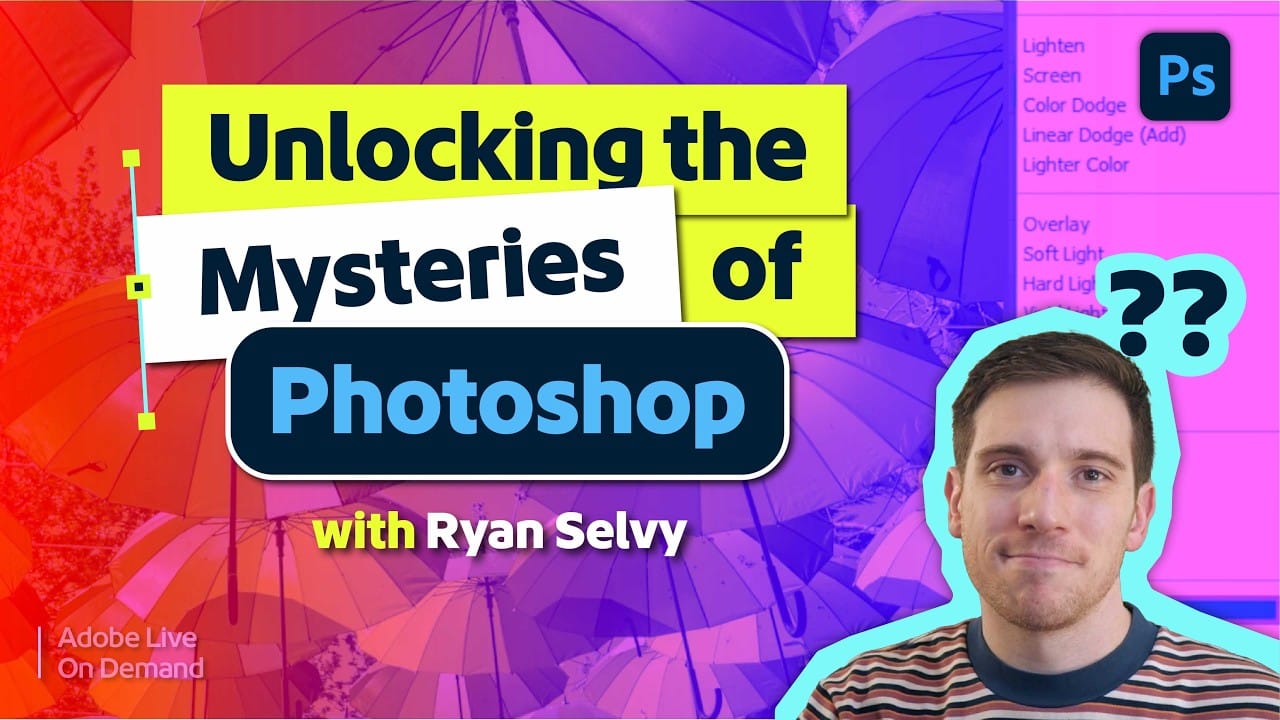
Understanding Blend Modes, Curves, Channels, and Fill vs Opacity in Photoshop

Understanding Blend Modes, Curves, Channels, and Fill vs Opacity in Photoshop

Most users cycle through blend modes randomly or avoid the curves panel entirely, missing out on precise control over their edits. These fundamental tools become intuitive once you understand the logic behind their organization and function. This tutorial breaks down four essential concepts that separate casual users from confident editors: Read the full article here: […]

Read more: Understanding Blend Modes, Curves, Channels, and Fill vs Opacity in Photoshop
Complete Visual Storytelling Workflow Using Adobe Firefly Boards and Video Editor

Complete Visual Storytelling Workflow Using Adobe Firefly Boards and Video Editor

Visual storytelling transforms abstract ideas into compelling narratives through a structured workflow from initial concept to finished video. Adobe Firefly Boards provides an integrated workspace where you can generate story concepts, create detailed storyboards, and produce animated video sequences without switching between multiple applications. This comprehensive approach demonstrates how generative Read the full article here: […]

Read more: Complete Visual Storytelling Workflow Using Adobe Firefly Boards and Video Editor
Text to Image with Adobe Firefly: Complete Workflow Guide

Text to Image with Adobe Firefly: Complete Workflow Guide

Text to Image generation transforms simple descriptions into high-quality visuals through AI-powered tools. This workflow combines creative prompting with precise controls to produce everything from initial concepts to production-ready assets. The process requires both technical understanding and creative decision-making. Success comes from iterative refinement, strategic prompt construction, and knowing how Read the full article here: […]

Read more: Text to Image with Adobe Firefly: Complete Workflow Guide
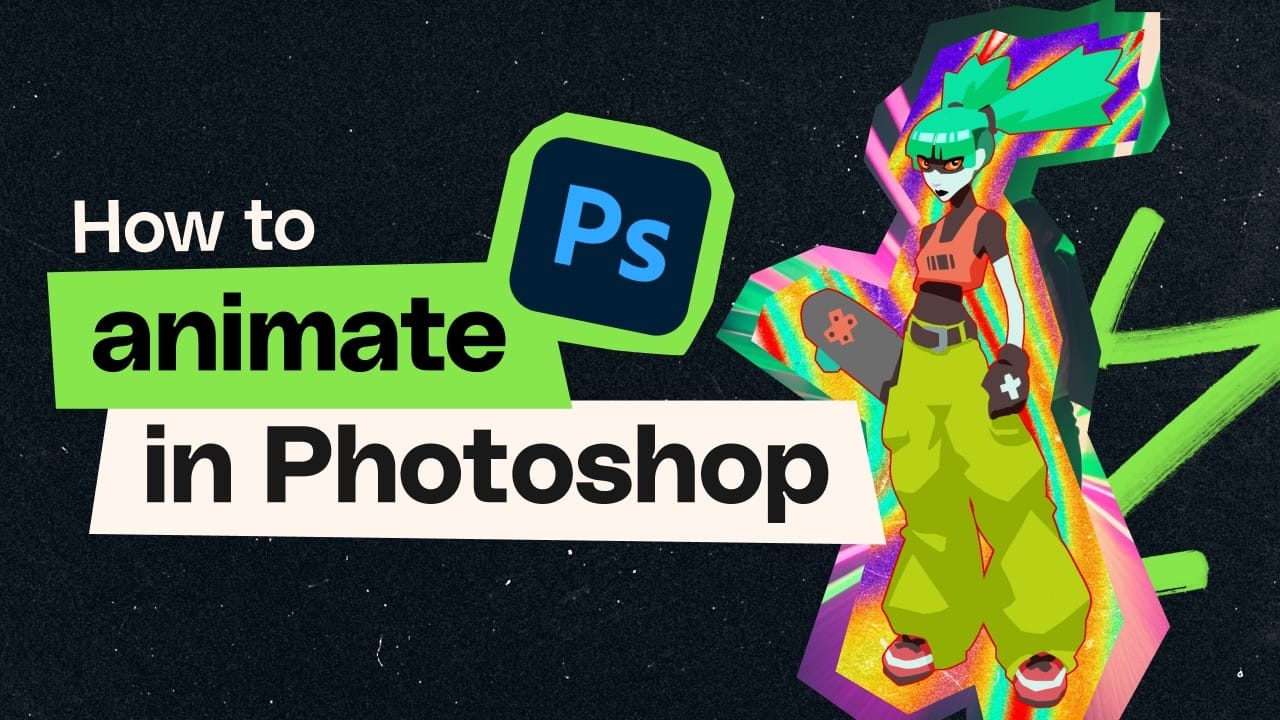
How to Create Frame-by-Frame Animation in Photoshop

How to Create Frame-by-Frame Animation in Photoshop

Frame-by-frame animation in Photoshop transforms static illustrations into dynamic looping sequences through hand-drawn motion. This technique combines traditional animation principles with digital drawing tools, creating smooth character movement using keyframes, in-betweens, and motion blur effects. The process begins with building a simple skeleton armature to map out primary motion, then Read the full article here: […]

Read more: How to Create Frame-by-Frame Animation in Photoshop
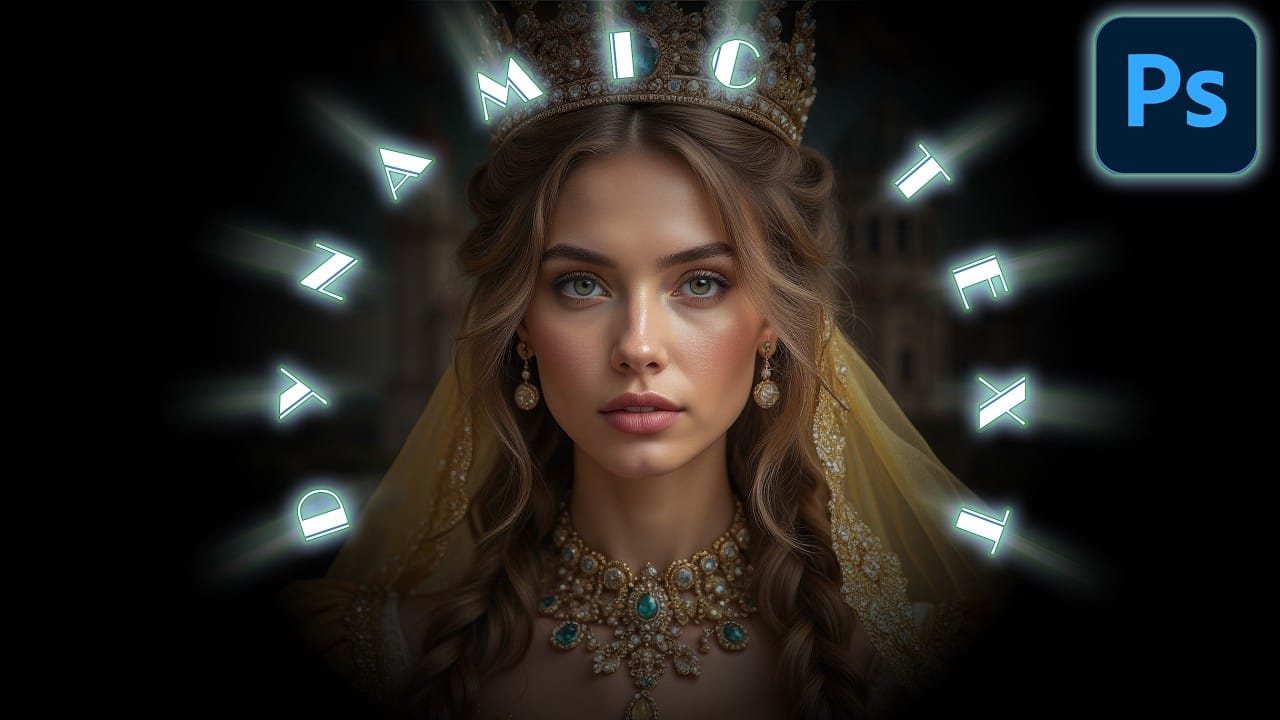
How to Create Curved Text in Photoshop Using the New Dynamic Text Tool

How to Create Curved Text in Photoshop Using the New Dynamic Text Tool

Creating curved text in Photoshop has traditionally required complex workarounds that often distorted the letters. The new Dynamic Text tool in Photoshop Beta changes this completely, allowing you to place text on arches, circles, and custom curves while maintaining perfect letter shapes. This tool offers three main options: arch, circle, Read the full article here: […]

Read more: How to Create Curved Text in Photoshop Using the New Dynamic Text Tool