Schenectady Photographic Society

Menu

Photoshop

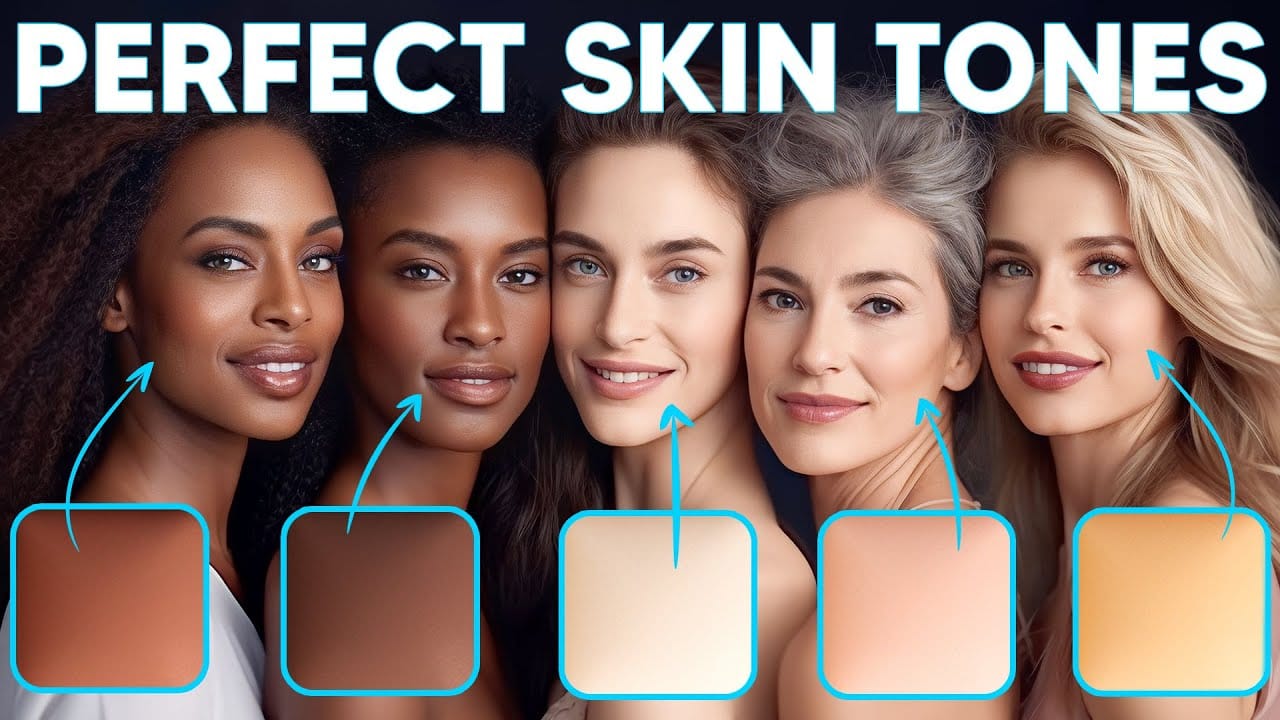
How to Enhance Skin Tones Using Gradients in Photoshop

How to Enhance Skin Tones Using Gradients in Photoshop

Skin tones often appear washed out or lifeless in photographs due to challenging lighting conditions or camera settings. This gradient-based technique brings vibrancy back to portraits while creating natural-looking dimensional highlights that draw the viewer's eye to key facial features. The method uses Color Range selections combined with Read the full article here: How to […]

Read more: How to Enhance Skin Tones Using Gradients in Photoshop
7 Signs You're a Photoshop Pro – Skill Assessment Guide

7 Signs You're a Photoshop Pro – Skill Assessment Guide

Professional Photoshop mastery isn't about memorizing every menu or filter. It's about developing efficient workflows, understanding core concepts, and building muscle memory for essential techniques. Real pros focus on the right tools for their specific needs rather than trying to learn everything. This comprehensive assessment covers Read the full article here: 7 Signs You're a […]

Read more: 7 Signs You're a Photoshop Pro – Skill Assessment Guide
How to Use Generative Upscale with Multiple AI Models in Photoshop

How to Use Generative Upscale with Multiple AI Models in Photoshop

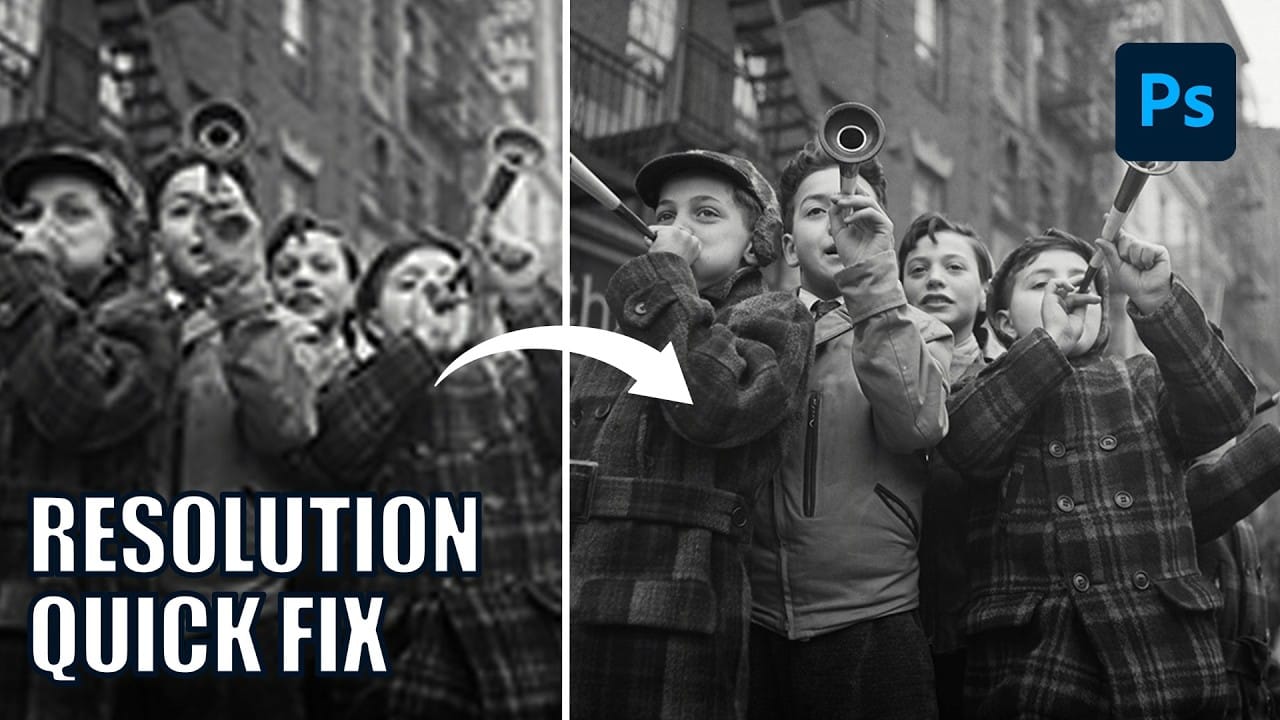
Pixelated vintage photos and low-resolution images no longer need to stay small. Photoshop's Generative Upscale feature now offers multiple AI models to enlarge images up to 4x their original size while adding remarkable detail and clarity. This new feature includes three distinct AI models—Adobe's Firefly Read the full article here: How to Use Generative Upscale […]

Read more: How to Use Generative Upscale with Multiple AI Models in Photoshop
Create a Pointillism Effect in Photoshop

Create a Pointillism Effect in Photoshop

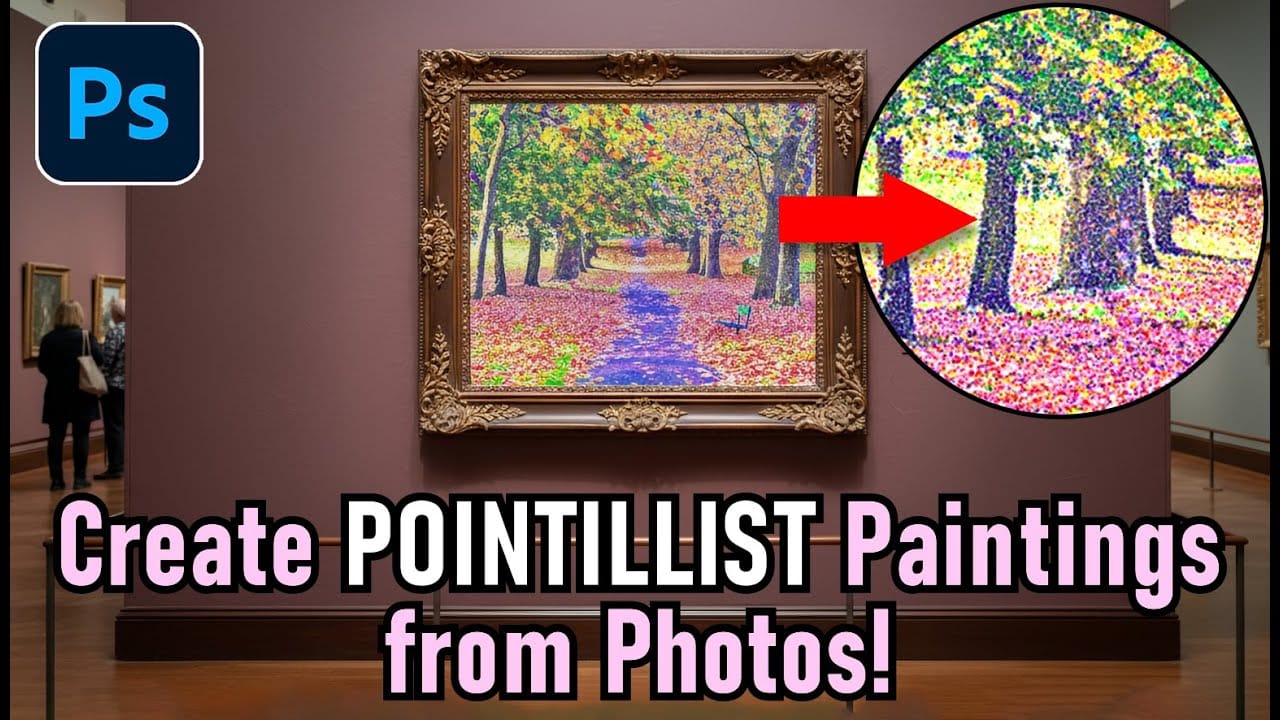
Pointillism, the late 19th-century painting technique that uses small dots of color to form images, creates a distinctive artistic look where colors blend optically when viewed from a distance. This digital recreation technique transforms ordinary photographs into artwork that mimics the style of masters like Paul Signac. The process combines Read the full article here: […]

Read more: Create a Pointillism Effect in Photoshop
How to Convert WebP to JPEG in Bulk Using Image Processor

How to Convert WebP to JPEG in Bulk Using Image Processor

Converting large folders of WebP images to JPEG format can be time-consuming when done manually. Image Processor provides an efficient solution for batch conversion, automatically handling multiple files while maintaining quality settings and organization. This method works with any image format conversion and creates organized output folders, making it ideal Read the full article here: […]

Read more: How to Convert WebP to JPEG in Bulk Using Image Processor
How to Use Generative Credits in Adobe Creative Cloud: Standard vs Premium Features

How to Use Generative Credits in Adobe Creative Cloud: Standard vs Premium Features

Adobe's generative AI features transform how creatives work, but understanding which tools consume credits can save you time and budget frustration. The credit system divides features into standard and premium tiers, with different consumption rates based on processing complexity. Knowing the difference between assistive AI tools that cost Read the full article here: How to […]
Read more: How to Use Generative Credits in Adobe Creative Cloud: Standard vs Premium Features
How to Create Realistic Car Reflections in Photoshop Using Manual and AI Methods

How to Create Realistic Car Reflections in Photoshop Using Manual and AI Methods

Car photography looks dramatically more compelling when there's a wet road reflection beneath the vehicle. When the pavement is dry and you don't have water available during the shoot, you can create convincing reflections in post-production. This tutorial demonstrates both traditional manual techniques and modern AI-powered Read the full article here: How to Create Realistic […]

Read more: How to Create Realistic Car Reflections in Photoshop Using Manual and AI Methods
My Top 10 Favorite Photoshop Tips

My Top 10 Favorite Photoshop Tips

If there’s one thing I love about Photoshop, it’s this: no matter how long you’ve been using it, there’s always something hiding in there that makes you say, “How did I not know that?!” In this class, I’m sharing 10 of my all-time favorite Photoshop tips. These aren’t complicated, head-scratching techniques. They’re the smart, practical […]

Read more: My Top 10 Favorite Photoshop Tips