
Schenectady Photographic Society

Menu

Photoshop

How to Use Photoshop's AI Sharpen Filter and When It's Worth the Cost

How to Use Photoshop's AI Sharpen Filter and When It's Worth the Cost

Photoshop's new AI Sharpen filter promises one-click sharpening powered by advanced algorithms. This tool uses technology from Topaz Labs to enhance image details without manual adjustments, but it comes with a significant cost in credits. Understanding when to use this automated approach versus traditional methods like the High Read the full article here: How to […]
Read more: How to Use Photoshop's AI Sharpen Filter and When It's Worth the Cost
How to Use Harmonize and Generative Upscale Tools in Photoshop

How to Use Harmonize and Generative Upscale Tools in Photoshop

Creating realistic photo composites requires matching lighting and color between different images—a traditionally time-consuming process. Two new AI-powered tools in Photoshop solve these challenges: Harmonize automatically adjusts lighting and shadows to blend subjects seamlessly into backgrounds, while Generative Upscale enlarges small images without losing detail. These tools work together Read the full article here: How […]

Read more: How to Use Harmonize and Generative Upscale Tools in Photoshop
How to Create Convincing Scale Effects in Photoshop Composites

How to Create Convincing Scale Effects in Photoshop Composites

Creating believable scale effects requires more than simply resizing objects—it demands understanding how light, perspective, and atmospheric conditions change with distance. When tiny subjects appear massive or giant objects seem miniature, viewers should feel the illusion is completely natural. This technique combines careful attention to lighting consistency, depth cues, Read the full article here: How […]

Read more: How to Create Convincing Scale Effects in Photoshop Composites
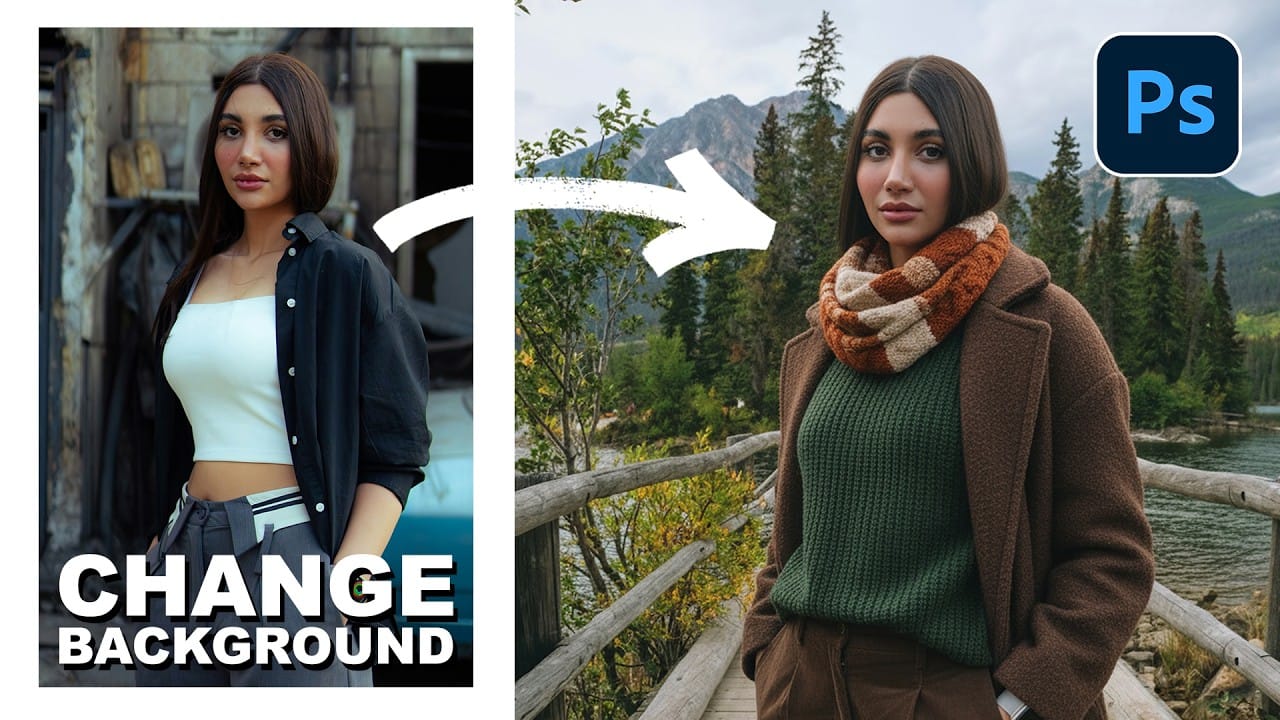
How to Use Nano Banana Pro in Photoshop for Background Replacement and Scene Changes

How to Use Nano Banana Pro in Photoshop for Background Replacement and Scene Changes

Nano Banana Pro transforms how you place subjects into new environments in Photoshop. This advanced AI model maintains perfect subject likeness while seamlessly integrating them into any background you can imagine. The tool excels at matching lighting, preserving facial features, and even adapting clothing to complement new scenes, all through Read the full article here: […]

Read more: How to Use Nano Banana Pro in Photoshop for Background Replacement and Scene Changes
How to Restore Old Photos Using AI and Photoshop While Preserving Original Details

How to Restore Old Photos Using AI and Photoshop While Preserving Original Details

Traditional AI photo restoration tools often change facial features, alter poses, or distort important details when enhancing old photographs. This hybrid workflow combines AI enhancement with precise manual alignment techniques to restore vintage images while keeping every original detail intact. The method uses strategic cropping, AI processing with specific prompts, Read the full article here: […]

Read more: How to Restore Old Photos Using AI and Photoshop While Preserving Original Details
How to Create Fake Long Exposure Effects Using Radial Blur in Photoshop

How to Create Fake Long Exposure Effects Using Radial Blur in Photoshop

Long exposure photography creates ethereal, dreamy images with flowing cloud movement and soft pastel tones. This technique shows how to recreate that coveted look digitally using radial blur filters, transforming static landscape photos into dynamic compositions with realistic motion blur effects. The process combines careful raw processing to achieve pastel Read the full article here: […]

Read more: How to Create Fake Long Exposure Effects Using Radial Blur in Photoshop