Schenectady Photographic Society

Menu

Photoshop

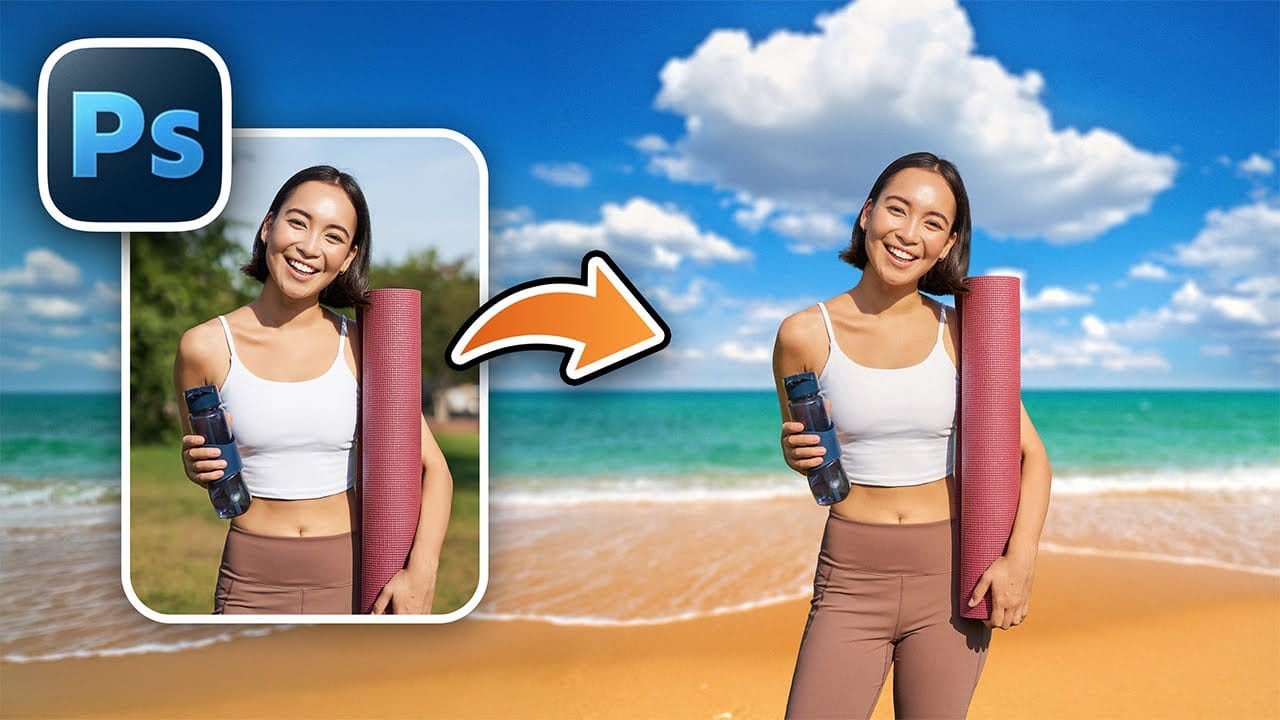
How to Change Backgrounds and Match Lighting in Photoshop

How to Change Backgrounds and Match Lighting in Photoshop

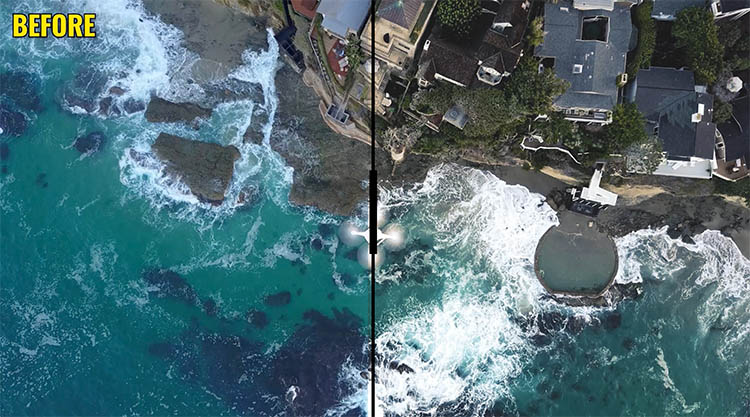
Creating seamless background replacements requires more than just cutting out your subject. The real challenge lies in making the new composition look natural through proper lighting, color matching, and depth of field consistency. Modern Photoshop tools have simplified this process significantly, allowing you to achieve professional results with automated background Read the full article here: […]

Read more: How to Change Backgrounds and Match Lighting in Photoshop
How to Create a Colorful Aura Effect for Portraits in Photoshop

How to Create a Colorful Aura Effect for Portraits in Photoshop

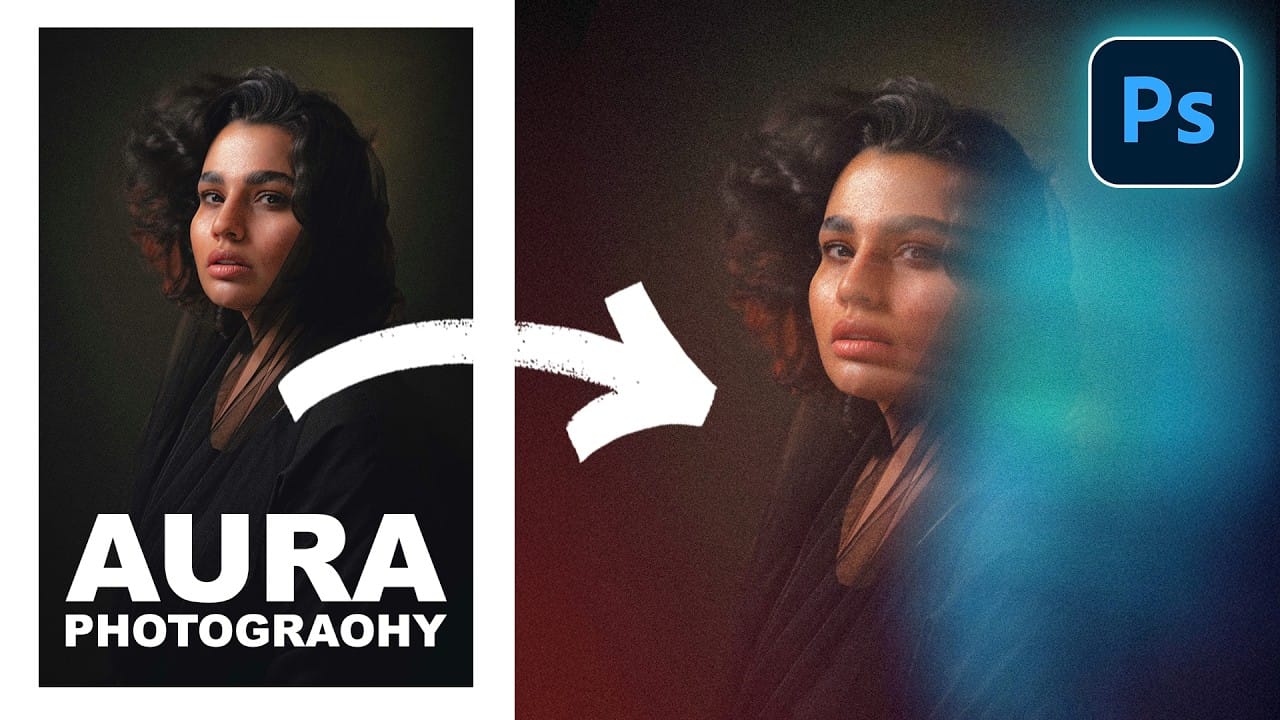
Portrait photography becomes truly captivating when enhanced with atmospheric effects that draw the viewer's eye. The colorful aura effect transforms ordinary portraits into striking visual statements by surrounding the subject with ethereal, glowing light that feels both magical and professional. This technique works best with portraits shot against Read the full article here: How to […]
Read more: How to Create a Colorful Aura Effect for Portraits in Photoshop
How to Blur Backgrounds in Photoshop with Precision and Speed

How to Blur Backgrounds in Photoshop with Precision and Speed

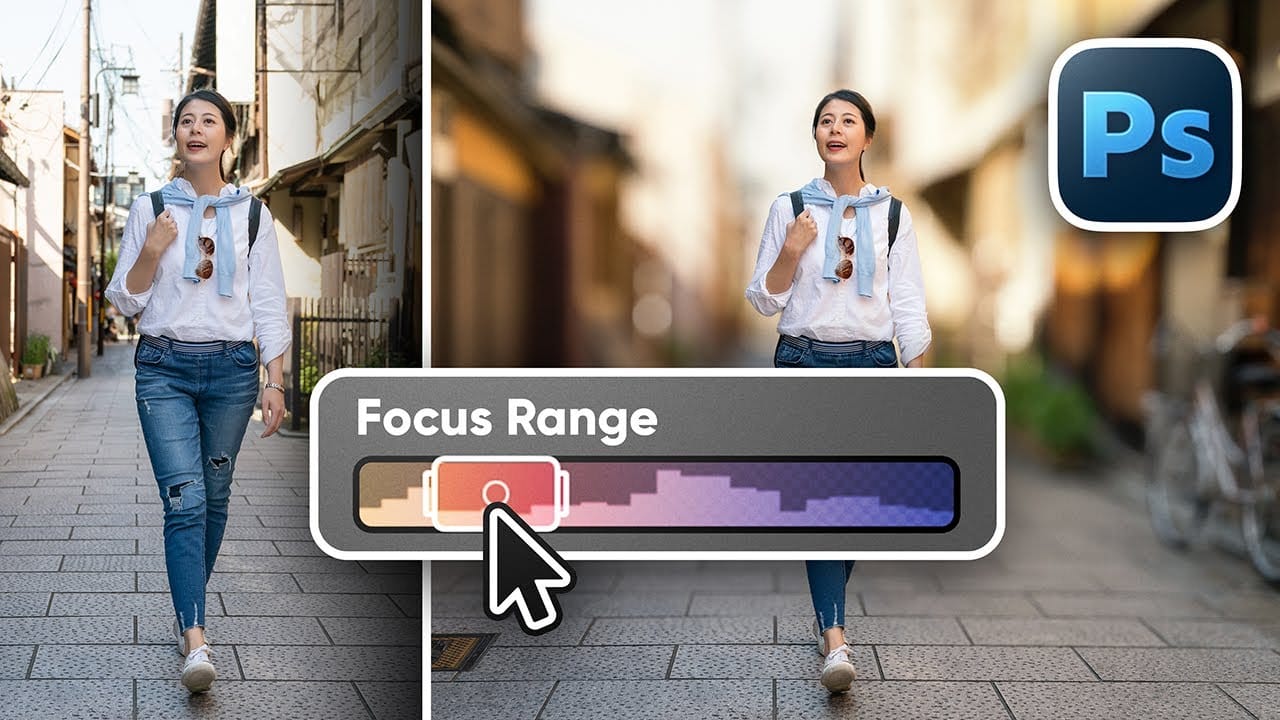
Creating professional-looking background blur can transform ordinary photos into stunning portraits with proper depth of field. The key lies in combining the right selection techniques with blur filters to achieve natural-looking results that rival expensive camera lenses. This approach focuses on precision and speed, ensuring your subject remains sharp while Read the full article here: […]

Read more: How to Blur Backgrounds in Photoshop with Precision and Speed
Pro-Level Post for iPhone Shots with Ramtin Kazemi

Pro-Level Post for iPhone Shots with Ramtin Kazemi

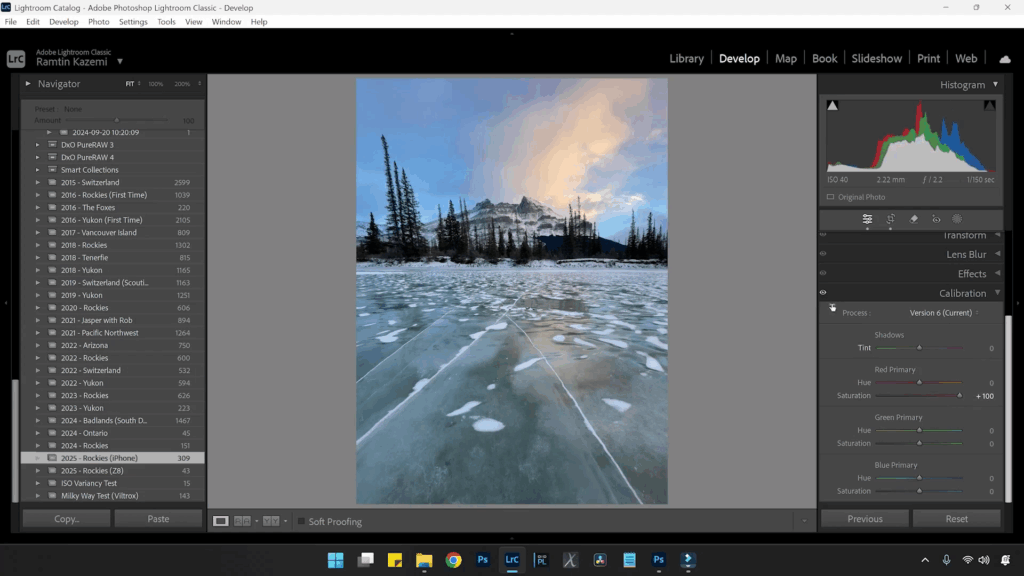
Advanced Editing in Lightroom & Photoshop This tutorial comes straight from photographer Ramtin Kazemi’s class “Capturing Landscapes: Post-Processing with Style” from last year’s iPhone Photography Conference. In this excerpt, he digs into just how far today’s iPhone files can be pushed in post — and spoiler alert: it’s way further than most people think. If […]

Read more: Pro-Level Post for iPhone Shots with Ramtin Kazemi
Create a Liquid Gel Logo Effect in Photoshop

Create a Liquid Gel Logo Effect in Photoshop

Liquid gel effects transform flat logos into dimensional, glossy designs that appear to bubble and flow. This technique uses multiple layer styles and strategic duplication to build depth, creating surfaces that catch light like thick, viscous liquid. The method combines gradient overlays, bevel effects, and inner glows across several duplicated Read the full article here: […]

Read more: Create a Liquid Gel Logo Effect in Photoshop