Schenectady Photographic Society

Menu

Photoshop

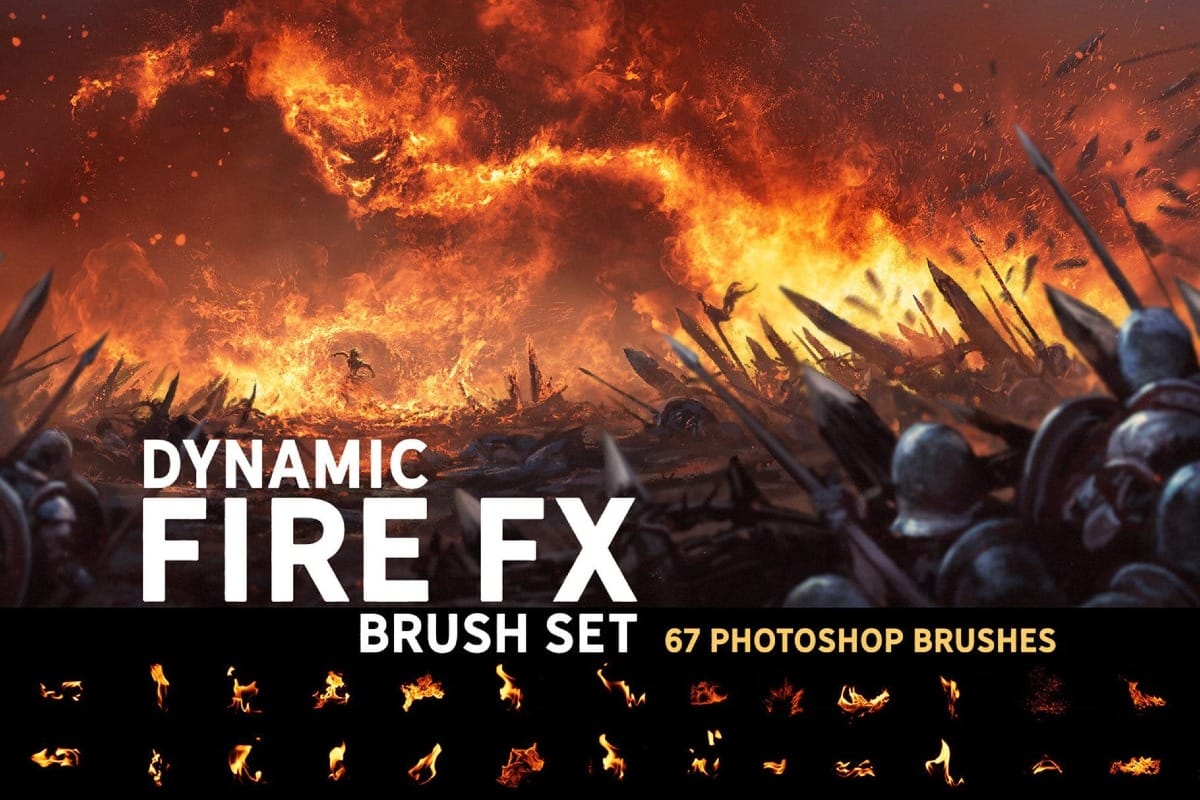
Sloppy Painter: 170+ Handmade Texture Brushes for Photoshop

Sloppy Painter: 170+ Handmade Texture Brushes for Photoshop

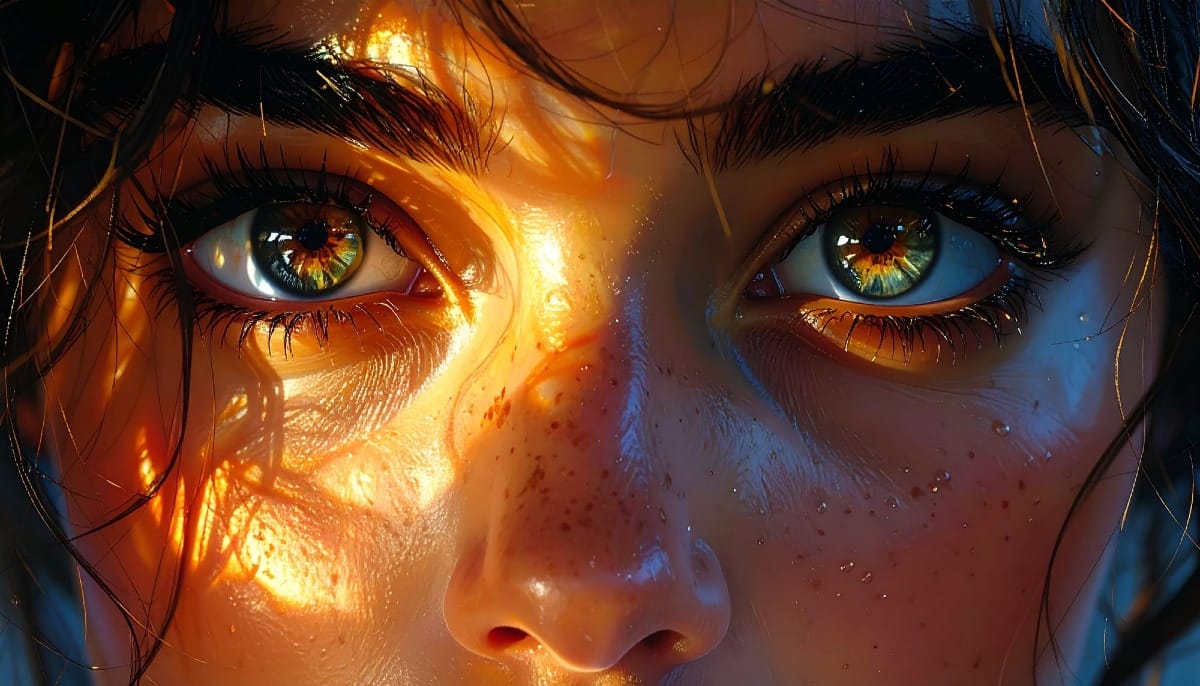
The Sloppy Painter Photoshop Brushes set is a large, texture-rich collection made for designers and artists who want a more organic, imperfect look in their work. With over 170 high-resolution brushes, this set is built around real, handmade materials rather than clean digital shapes. Every brush was created from real Read the full article here: […]

Read more: Sloppy Painter: 170+ Handmade Texture Brushes for Photoshop
How to Use Photoshop Inside ChatGPT

How to Use Photoshop Inside ChatGPT

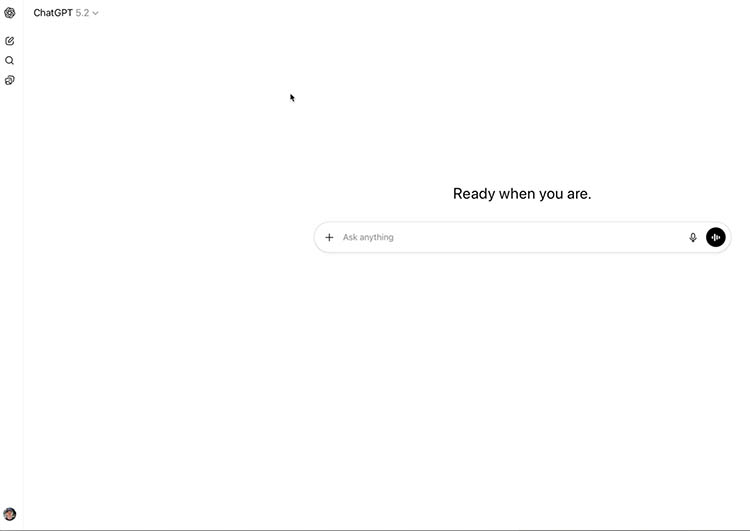
Using Photoshop Inside ChatGPT: Setup, Workflow, and Real Limitations You can now use Adobe Photoshop inside ChatGPT. In this tutorial, I’ll show you how to connect it, how to run real edits, and what it can’t do yet—so you know when it’s worth using versus just opening Photoshop normally. One big thing to be aware […]

Read more: How to Use Photoshop Inside ChatGPT
How to Use AI Masking in Adobe Camera Raw for Professional Photo Editing

How to Use AI Masking in Adobe Camera Raw for Professional Photo Editing

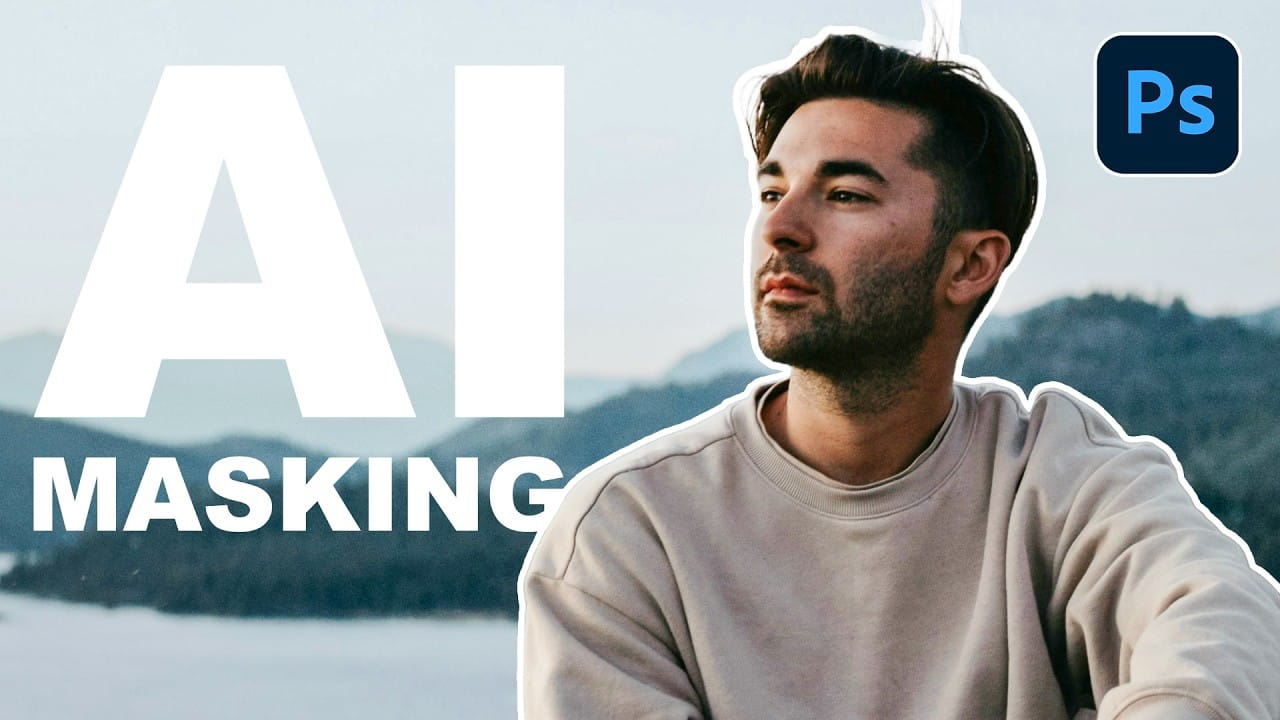
Adobe Camera Raw's AI masking tools automatically detect subjects, backgrounds, skies, and landscapes, letting you make precise adjustments to specific areas of your photos. These intelligent masks eliminate the need for manual selection work, while allowing you to combine and refine them for complete creative control. The technique Read the full article here: How to […]

Read more: How to Use AI Masking in Adobe Camera Raw for Professional Photo Editing
How to Remove Objects from Photos Using AI Tools in Photoshop

How to Remove Objects from Photos Using AI Tools in Photoshop

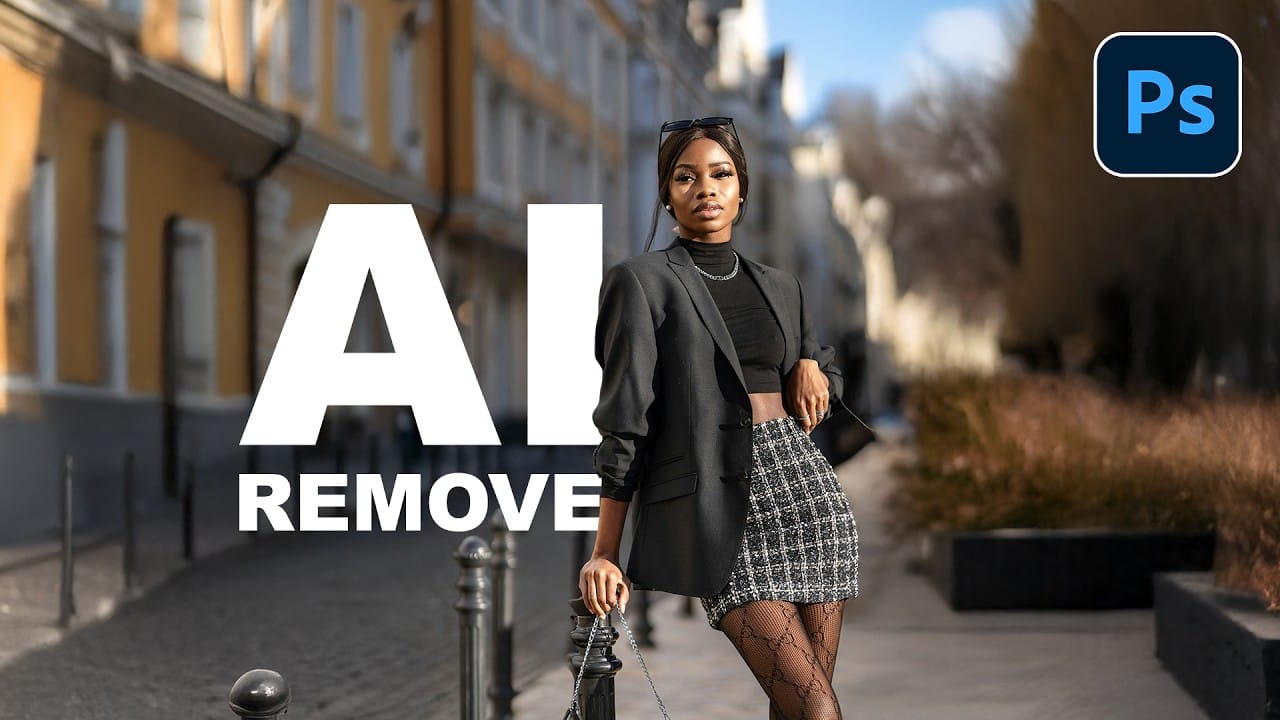
Photoshop's AI-powered object removal tools can eliminate unwanted distractions from your photos with minimal effort. The Remove Tool and Generative Fill feature automated detection for common distractions like people and wires, plus manual painting options for custom removals. These tools work on separate layers, preserving your original image Read the full article here: How to […]

Read more: How to Remove Objects from Photos Using AI Tools in Photoshop
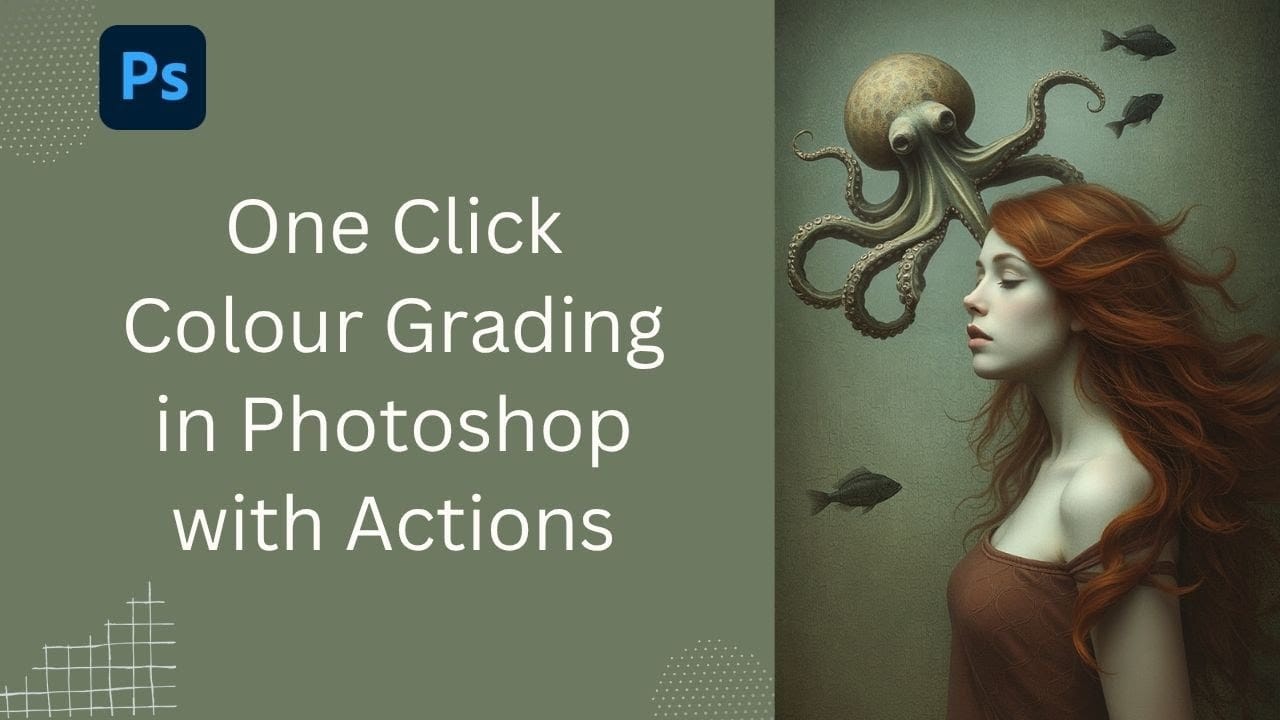
Speed Up Your Color Grading Workflow with Photoshop Actions

Speed Up Your Color Grading Workflow with Photoshop Actions

Color grading can transform your images, but manually adjusting curves and levels for every photo takes time. Photoshop actions offer a faster approach by applying professional color treatments with a single click. This workflow uses pre-built actions, tints, and LUTs to achieve various moods and styles instantly, letting you layer Read the full article here: […]

Read more: Speed Up Your Color Grading Workflow with Photoshop Actions