
Schenectady Photographic Society

Menu

Photoshop

7 Essential Tips for Speed Painting in Digital Art

7 Essential Tips for Speed Painting in Digital Art

Speed painting isn't just about working faster—it's about eliminating friction from your creative process. These seven techniques help you get ideas onto canvas quickly without getting bogged down in unnecessary decisions or premature details. Whether you're exploring concepts for professional work or personal Read the full article here: 7 Essential Tips for Speed Painting in […]

Read more: 7 Essential Tips for Speed Painting in Digital Art
Professional Color Grading Techniques in Photoshop

Professional Color Grading Techniques in Photoshop

Color grading transforms ordinary photos into compelling images with professional mood and atmosphere. These non-destructive techniques let you adjust tones, enhance specific colors, and create cinematic looks while preserving your original image data. Master these four essential color grading methods to develop a consistent editing workflow that elevates your photography. Read the full article here: […]

Read more: Professional Color Grading Techniques in Photoshop
How to Save Cut-Out Elements with Transparent Backgrounds in Photoshop

How to Save Cut-Out Elements with Transparent Backgrounds in Photoshop

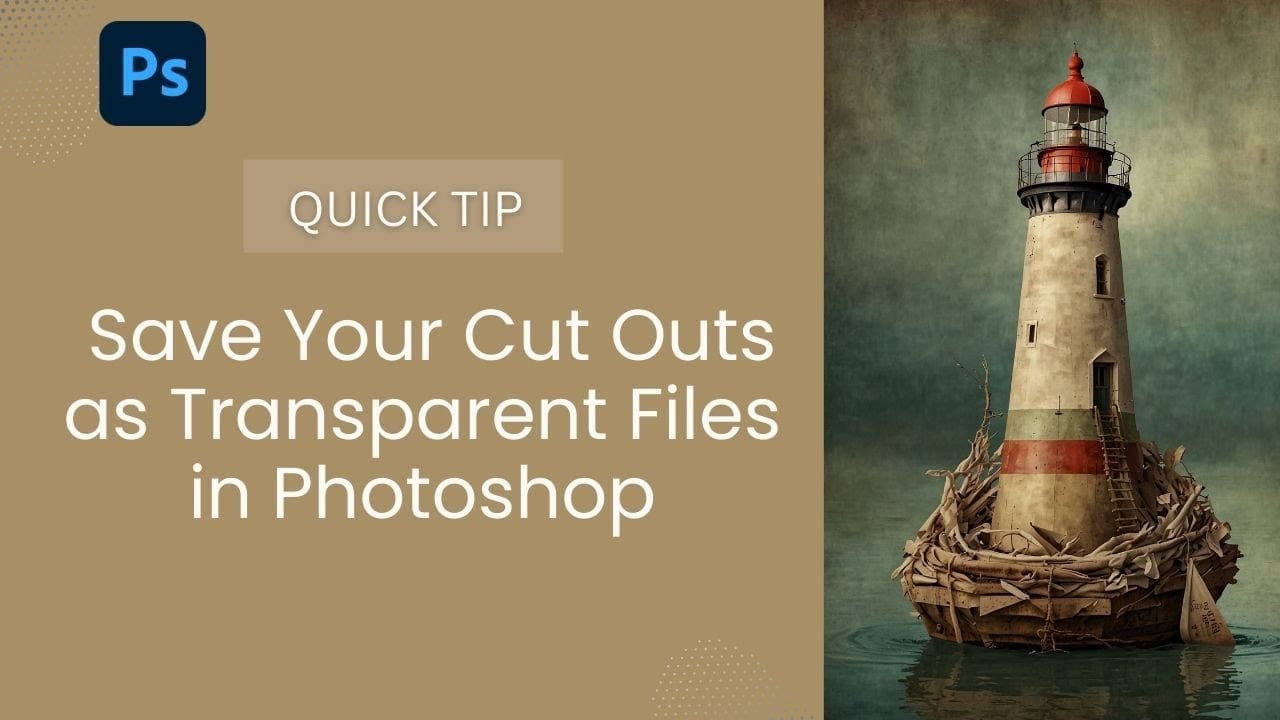
Creating seamless photo composites requires properly saving cut-out elements with transparent backgrounds. Whether you're extracting people, objects, or other elements for later use, the file format you choose determines how easily you can place these elements into new scenes. Two main approaches work best: saving as PSD files Read the full article here: How to […]

Read more: How to Save Cut-Out Elements with Transparent Backgrounds in Photoshop
How to Create Product Mockups Using New Generative Fill Partner Models in Photoshop

How to Create Product Mockups Using New Generative Fill Partner Models in Photoshop

Low-quality product photos from clients can make creating professional mockups challenging. With Photoshop's new Generative Fill partner models, you can transform rough sample images into polished product mockups in minutes rather than hours. This workflow demonstrates how Nano Banana and Flux Context Pro streamline the entire process from Read the full article here: How to […]

Read more: How to Create Product Mockups Using New Generative Fill Partner Models in Photoshop
How to Color Grade Without Oversaturating Skin Tones Using Camera Raw

How to Color Grade Without Oversaturating Skin Tones Using Camera Raw

Professional color grading often creates a dilemma: boosting vibrant colors while keeping skin tones natural. Traditional saturation adjustments can make portraits look overprocessed, turning skin an unflattering orange or magenta. This technique uses Camera Raw's masking tools to selectively enhance background colors while protecting skin tones, creating vibrant Read the full article here: How to […]

Read more: How to Color Grade Without Oversaturating Skin Tones Using Camera Raw
How to Create Typographic Portraits Using AI in Photoshop with Gemini 3

How to Create Typographic Portraits Using AI in Photoshop with Gemini 3

Typographic portraits transform ordinary photos into striking vector-style graphics where flowing text wraps naturally around facial contours and features. This AI-powered technique uses two strategic prompts to first create a high-contrast version of your portrait, then fills it with customizable text that follows the curves and shadows of the face. Read the full article here: […]

Read more: How to Create Typographic Portraits Using AI in Photoshop with Gemini 3
Create Elegant Christmas Lettering for Your Holiday Designs With Photoshop and Nano Banana

Create Elegant Christmas Lettering for Your Holiday Designs With Photoshop and Nano Banana

Most of us aren’t lettering artists, and creating ornamental text for holiday designs can be tough. The usual alternative is browsing through marketplaces, hoping to find the perfect style—only to discover it’s pricey, locked behind a subscription, or bundled with things we don’t need. Free decorative Read the full article here: Create Elegant Christmas Lettering […]

Read more: Create Elegant Christmas Lettering for Your Holiday Designs With Photoshop and Nano Banana
Holiday Splendor: 16 Decorative Christmas Frames and Card Designs

Holiday Splendor: 16 Decorative Christmas Frames and Card Designs

Holiday Splendor is a free collection of 16 beautifully crafted Christmas frames and card layouts, created with high-quality AI generation and refined for clarity and detail. This set brings together rich seasonal ornamentation, layered textures, and clean decorative borders in a polished 4:3 format. Each design features a clear Read the full article here: Holiday […]

Read more: Holiday Splendor: 16 Decorative Christmas Frames and Card Designs