Schenectady Photographic Society

Menu

Photoshop

Essential Guide to Generative Fill: Remove, Add, and Replace Objects in Photos

Essential Guide to Generative Fill: Remove, Add, and Replace Objects in Photos

Generative Fill has transformed how photographers handle object removal, additions, and replacements in their images. This comprehensive tutorial demonstrates four practical applications using real examples—from cleaning up unwanted graffiti to adding garden gnomes and creating custom sunflower boots. You'll learn to work with both Adobe's Read the full article here: Essential Guide to Generative Fill: […]

Read more: Essential Guide to Generative Fill: Remove, Add, and Replace Objects in Photos
Glitch Chaos: 3 Free Distorted Pixel Noise CRT Signal Backgrounds

Glitch Chaos: 3 Free Distorted Pixel Noise CRT Signal Backgrounds

Glitch Chaos: 3 Free Distorted CRT Signal Backgrounds is a small sample pack featuring three high-resolution CRT glitch textures taken from the full Glitch Chaos — 10 Corrupted CRT Signal Backgrounds collection. This free pack gives you a clear preview of the overall style, pixel noise patterns, analog distortion, and signal Read the full article […]

Read more: Glitch Chaos: 3 Free Distorted Pixel Noise CRT Signal Backgrounds
How to Create WPAP Pop Art Portraits Using Nano Banana in Photoshop

How to Create WPAP Pop Art Portraits Using Nano Banana in Photoshop

WPAP (Wedha's Pop Art Portrait) transforms ordinary photos into striking geometric art with sharp lines and vibrant contrasting colors. This Indonesian art style, created by Wedha Abdul Rasyid in the 1990s, features cubist-inspired deconstructions that turn portraits into dynamic visual statements. Using Google's Nano Banana AI Read the full article here: How to Create WPAP […]

Read more: How to Create WPAP Pop Art Portraits Using Nano Banana in Photoshop
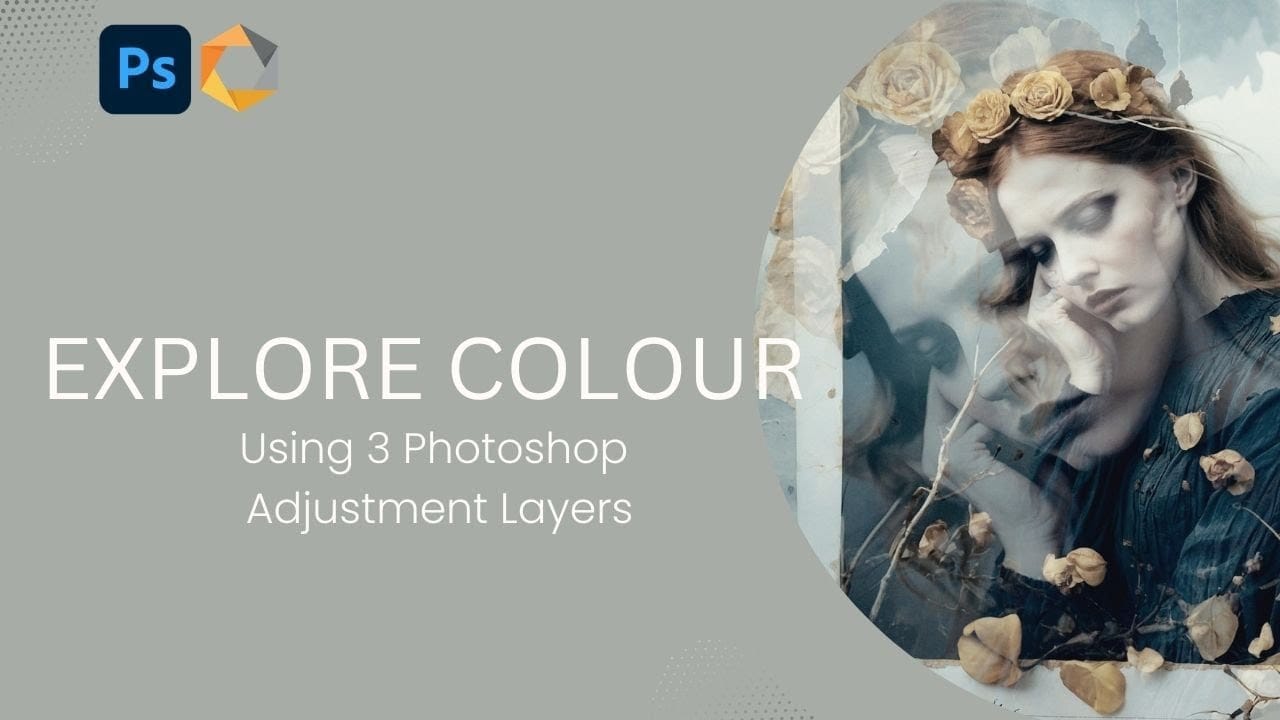
Creating Vintage Color Effects with Three Adjustment Layers in Photoshop

Creating Vintage Color Effects with Three Adjustment Layers in Photoshop

Introduction Transform any image into a vintage masterpiece using just three simple Photoshop adjustment layers. This creative approach demonstrates how to achieve rich, emotive color tones through strategic use of levels, photo filters, and black and white adjustments. Learn how to balance complementary colors, develop your color eye, and create Read the full article here: […]

Read more: Creating Vintage Color Effects with Three Adjustment Layers in Photoshop
Shadow Marks: 15 Free Dry Brushstrokes Photoshop Brushes

Shadow Marks: 15 Free Dry Brushstrokes Photoshop Brushes

Shadow Marks is a set of 15 high-resolution dry brushstroke Photoshop brushes designed to bring bold texture, movement, and contrast to modern digital artwork. Each brush was created from AI-generated texture sources and carefully refined to deliver organic ink and paint effects that feel natural, expressive, and easy to use Read the full article here: […]

Read more: Shadow Marks: 15 Free Dry Brushstrokes Photoshop Brushes
Join Scott & Erik LIVE This Cyber Monday

Join Scott & Erik LIVE This Cyber Monday

Cyber Monday is going to be BIG this year — and we’re kicking it off with a special live webcast hosted by Scott Kelby and Erik Kuna!  Monday, December 1, 2025 11:00 AM ET Streaming on Facebook, YouTube, and the KelbyOne Members Site Scott and Erik will be walking through everything happening right now at KelbyOne — including an inside […]

Read more: Join Scott & Erik LIVE This Cyber Monday