Schenectady Photographic Society

Menu

Photoshop

Create Colorful and Decorative Christmas Text Effects in Photoshop

Create Colorful and Decorative Christmas Text Effects in Photoshop

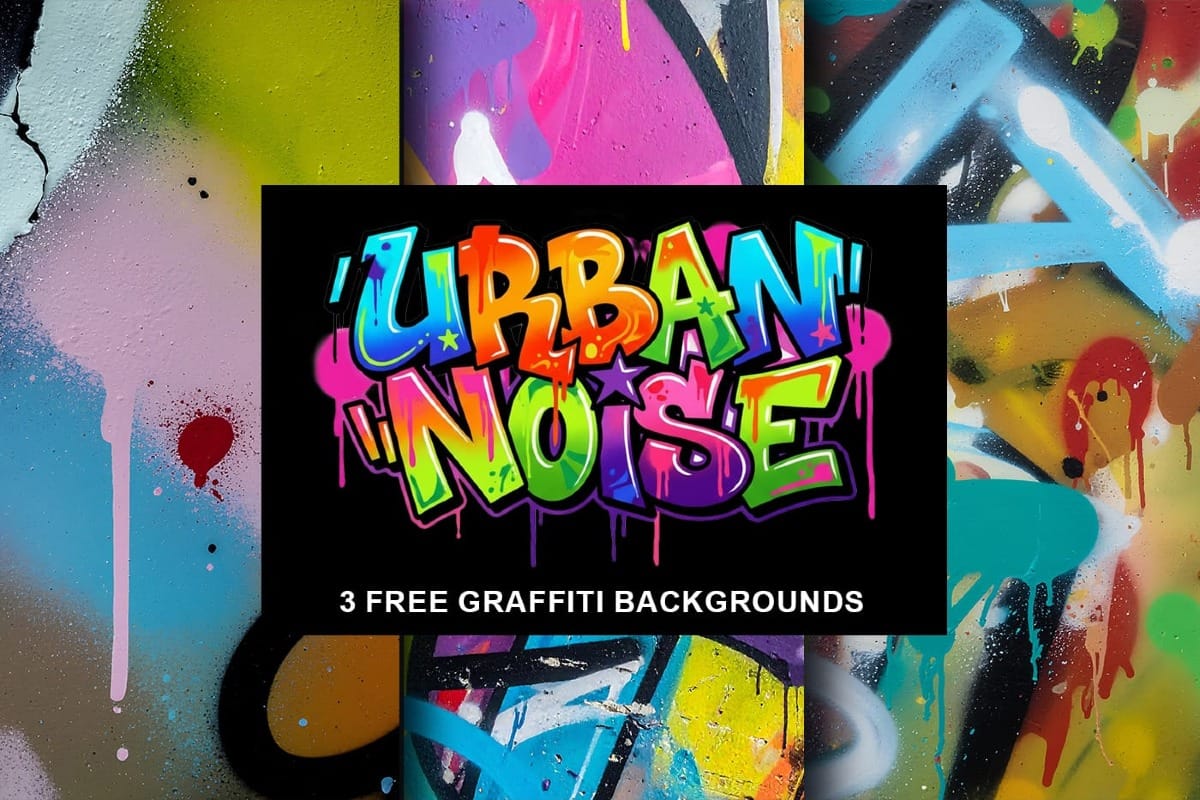
This collection of colorful Christmas text effects tutorials in Photoshop offers a fun way to spread holiday cheer. You can create eye-catching designs that convey your affection for family and friends with just a few simple steps. Each tutorial is laid out in a clear, step-by-step format, making it accessible Read the full article here: […]
Read more: Create Colorful and Decorative Christmas Text Effects in Photoshop
How to Use Photoshop's Match Color Tool for Consistent Image Tones

How to Use Photoshop's Match Color Tool for Consistent Image Tones

Color consistency between images can make or break a professional composition. When combining photos from different sources, lighting conditions and camera settings create jarring color mismatches that immediately reveal the edit. Photoshop's Match Color tool provides a direct solution, automatically analyzing and transferring the color characteristics from one Read the full article here: How to […]

Read more: How to Use Photoshop's Match Color Tool for Consistent Image Tones
How to Build an Element Library for Faster Photoshop Composites

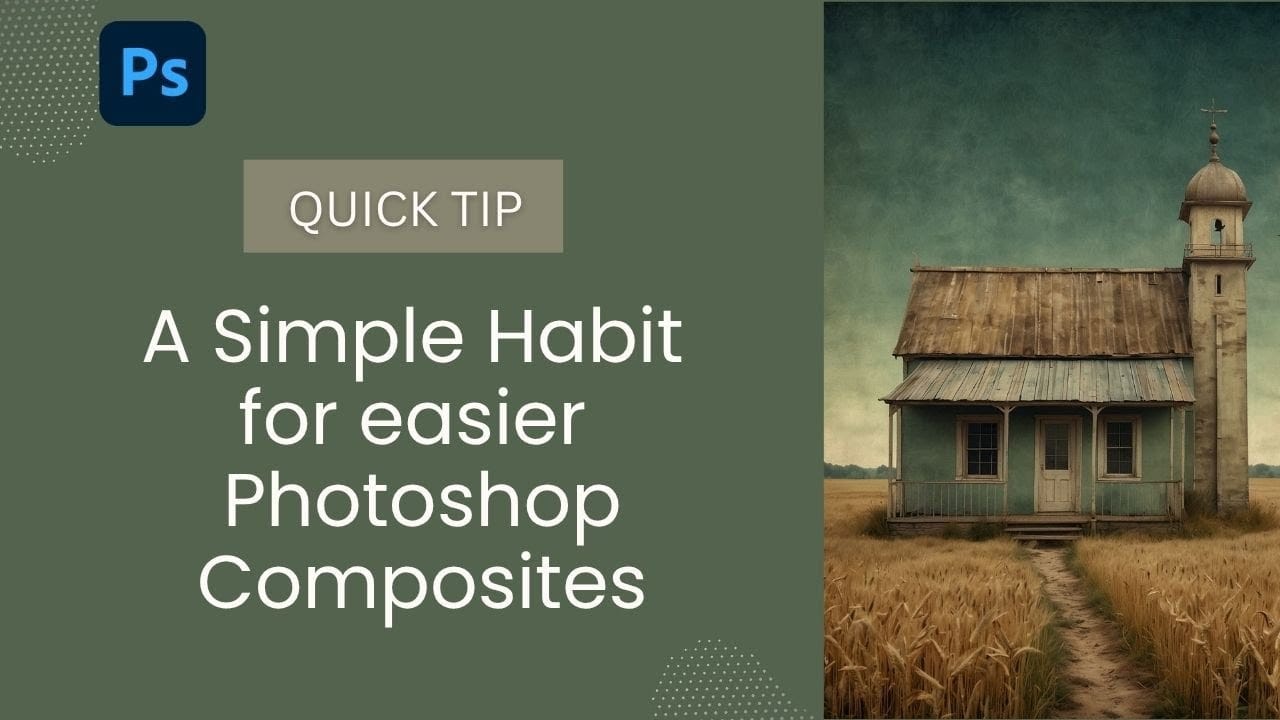
How to Build an Element Library for Faster Photoshop Composites

Creating Photoshop composites becomes much smoother when you have pre-cut elements ready to use. Building a collection of inspiring images and cutting them out ahead of time eliminates the tedious prep work. This approach lets you jump straight into the creative process when inspiration strikes, rather than stopping to hunt Read the full article here: […]

Read more: How to Build an Element Library for Faster Photoshop Composites
How to Replace Any Sky in Photoshop Using Selection Tools and Color Adjustments

How to Replace Any Sky in Photoshop Using Selection Tools and Color Adjustments

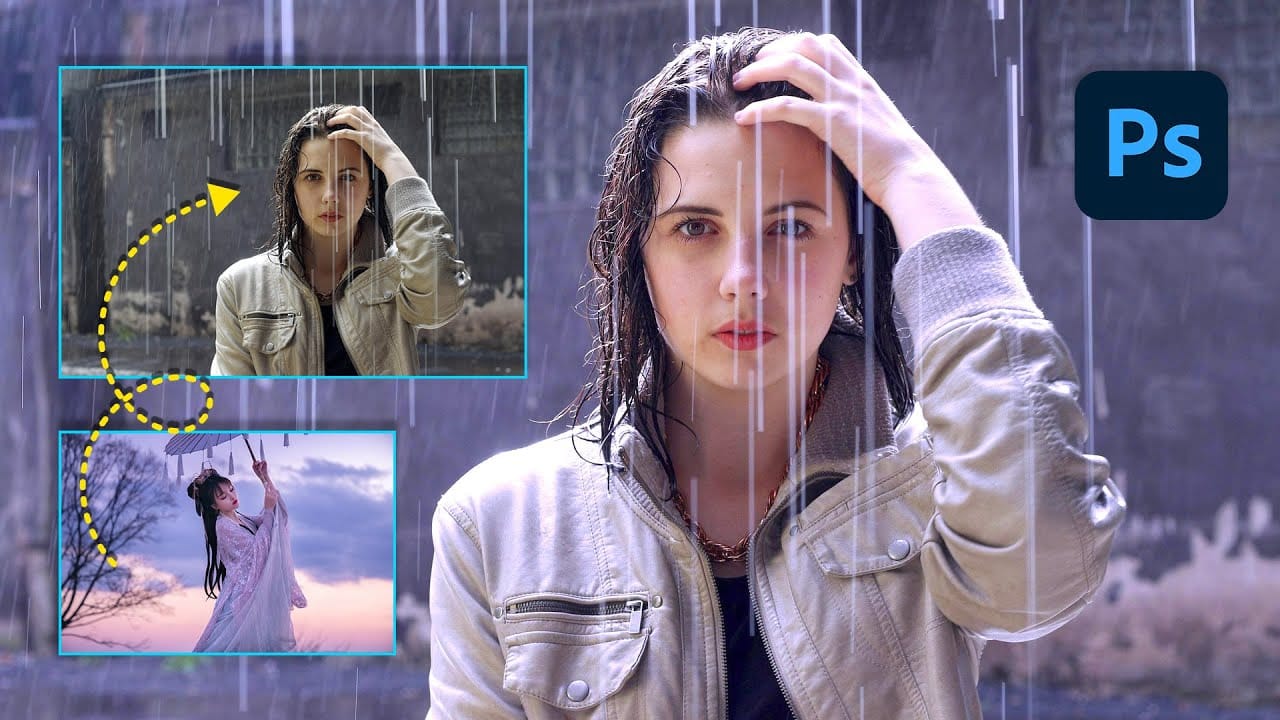
A dull, overexposed sky can drain the life from an otherwise compelling photograph. Sky replacement transforms flat images into dramatic scenes that capture attention and convey mood. This tutorial demonstrates the complete process of replacing skies in Photoshop using built-in selection tools, smart objects, and color matching techniques for natural-looking Read the full article here: […]

Read more: How to Replace Any Sky in Photoshop Using Selection Tools and Color Adjustments
How to Use Gemini 3 Nano Banana Pro in Photoshop for Advanced AI Editing

How to Use Gemini 3 Nano Banana Pro in Photoshop for Advanced AI Editing

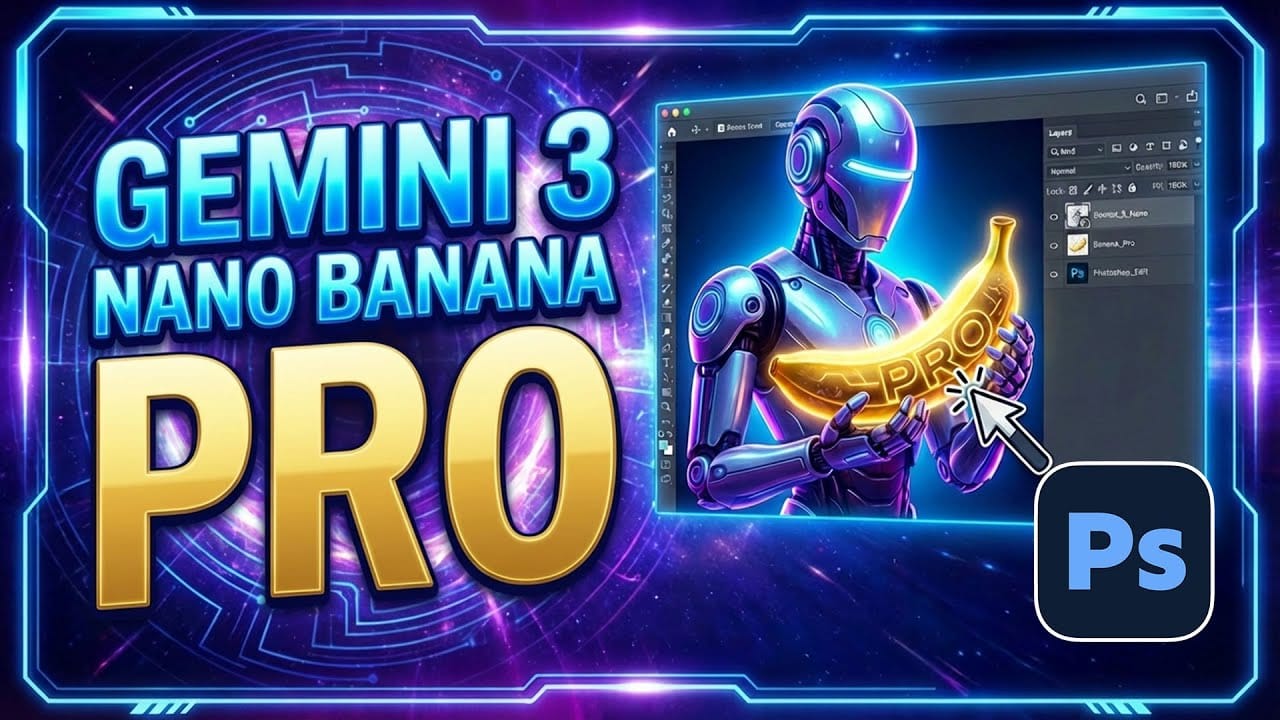
Google's Gemini 3 Nano Banana Pro brings powerful AI capabilities to Photoshop with features like focus shifting, text recognition, and 4K resolution support. Adobe integrated this advanced model immediately upon release. The tool excels at maintaining context while transforming images, creating storyboards, and generating realistic text replacements with Read the full article here: How to […]

Read more: How to Use Gemini 3 Nano Banana Pro in Photoshop for Advanced AI Editing
How to Create Custom Moon Brushes in Photoshop

How to Create Custom Moon Brushes in Photoshop

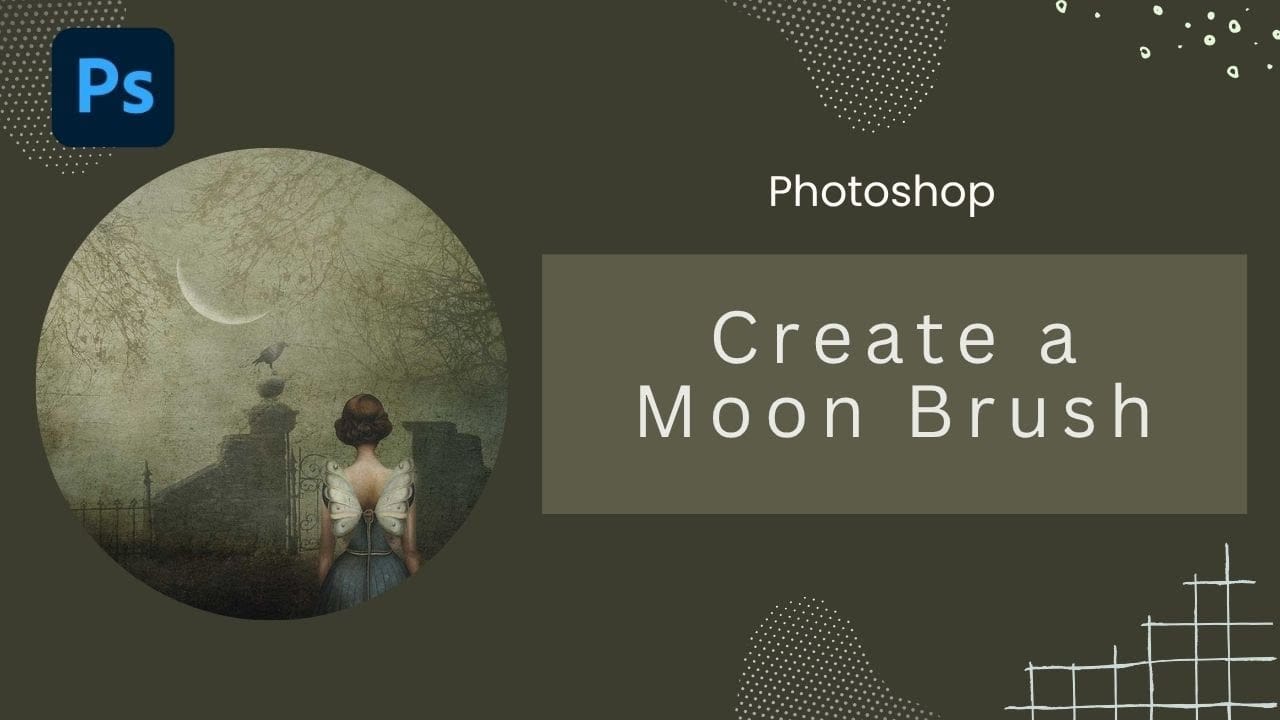
Custom brushes unlock creative possibilities that standard Photoshop tools can't match. Moon brushes add dramatic celestial elements to composite images and fantasy scenes. This technique transforms moon photographs into reusable brush presets through proper selection, masking, and sizing adjustments. Watch the Tutorial Essential Tips for Creating Moon Brushes Read the full article here: How to […]

Read more: How to Create Custom Moon Brushes in Photoshop
Photoshop Clone Stamp Tool: Remove Objects Without Using AI Credits

Photoshop Clone Stamp Tool: Remove Objects Without Using AI Credits

AI tools in Photoshop consume generative credits and may flag your images as artificially generated. The clone stamp tool offers a cost-free alternative for removing unwanted objects while maintaining complete control over your edits. This traditional technique works perfectly for simple removals like cracks, blemishes, and small objects without requiring Read the full article here: […]

Read more: Photoshop Clone Stamp Tool: Remove Objects Without Using AI Credits