Schenectady Photographic Society

Menu

Photoshop

8 Crazy and Unusual Photoshop Effects That Will Make You Say “What the…?!”

8 Crazy and Unusual Photoshop Effects That Will Make You Say “What the…?!”

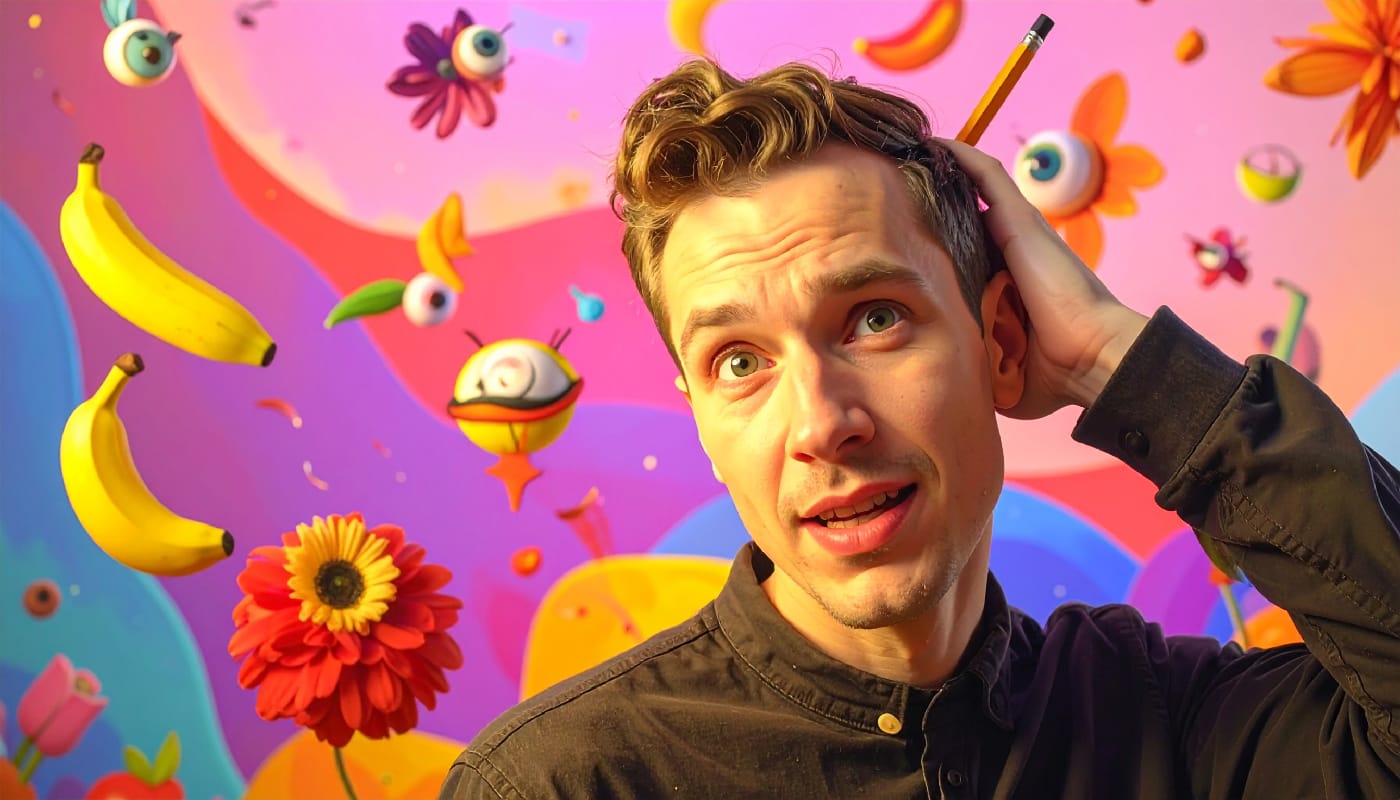
You know that feeling when you see an image and your brain just… stops for a second? Not because it's beautiful or well-composed. Because it's weird. Because someone's face is splitting open with flowers pouring out, or a city is curled into a tiny Read the full article here: 8 Crazy and Unusual Photoshop Effects […]
Read more: 8 Crazy and Unusual Photoshop Effects That Will Make You Say “What the…?!”
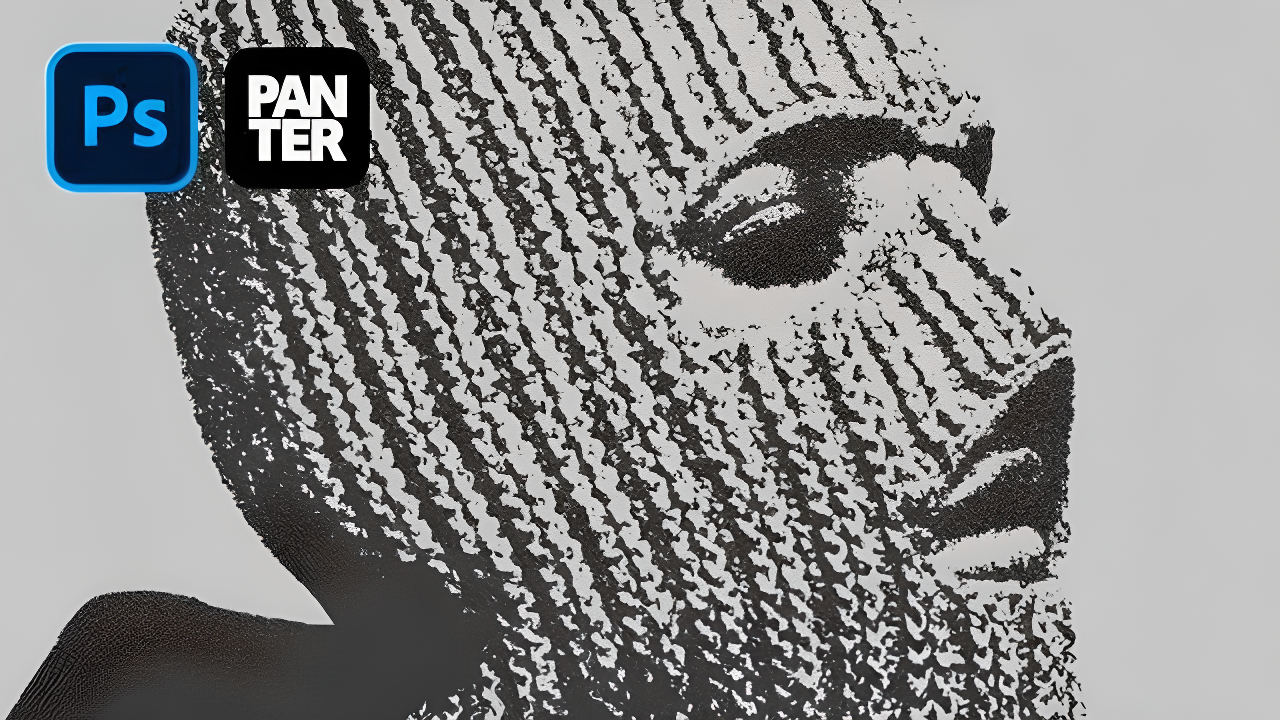
How to Create a Photocopy Pop Art Effect in Photoshop

How to Create a Photocopy Pop Art Effect in Photoshop

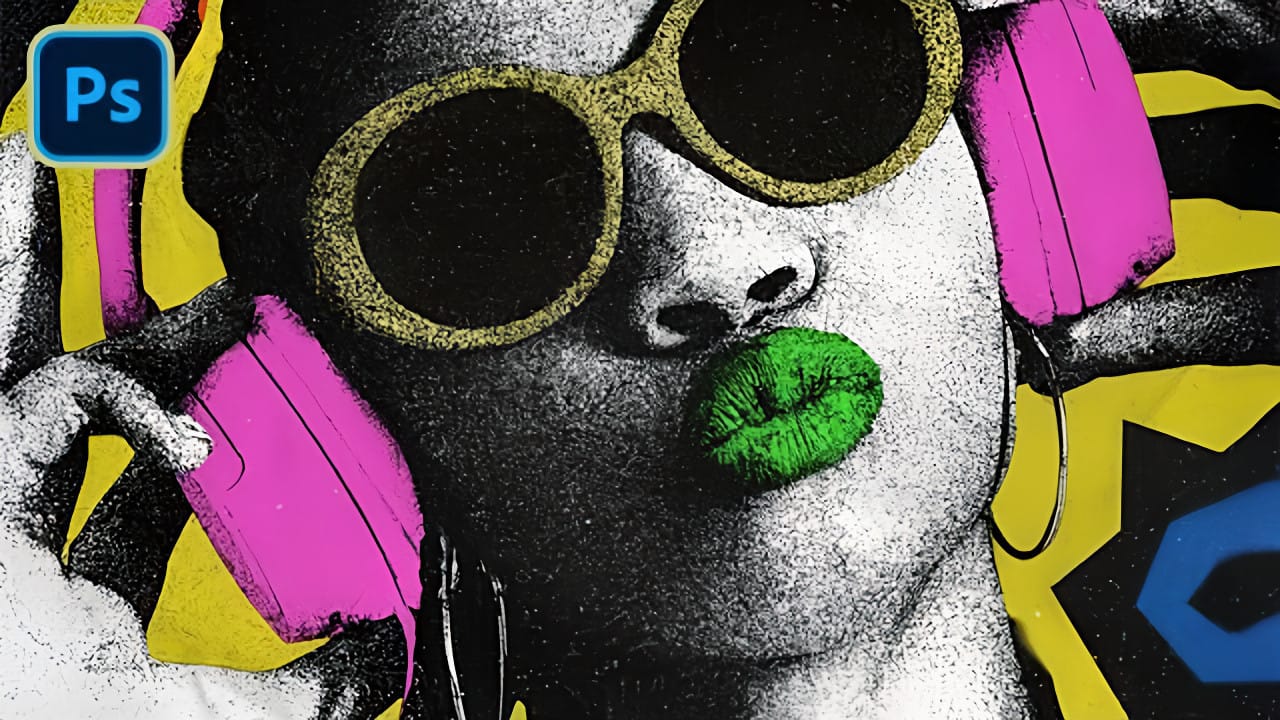
Vintage photocopy aesthetics bring a distinctive grittiness that transforms ordinary portraits into striking graphic art. The rough textures, high contrast, and bold color blocking characteristic of this style echo the experimental printing techniques that defined underground art movements and zine culture. This tutorial demonstrates a complete workflow for achieving an Read the full article here: […]

Read more: How to Create a Photocopy Pop Art Effect in Photoshop
Create Underground Grunge Photo Effects in Photoshop

Create Underground Grunge Photo Effects in Photoshop

Underground grunge aesthetics bring raw, rebellious energy to portrait photography through distressed textures and gritty visual noise. The weathered, industrial look captures the essence of street culture and alternative art movements. This technique transforms clean portraits into compelling grunge artwork using Photoshop's noise filters, blur effects, and blend Read the full article here: Create Underground […]

Read more: Create Underground Grunge Photo Effects in Photoshop
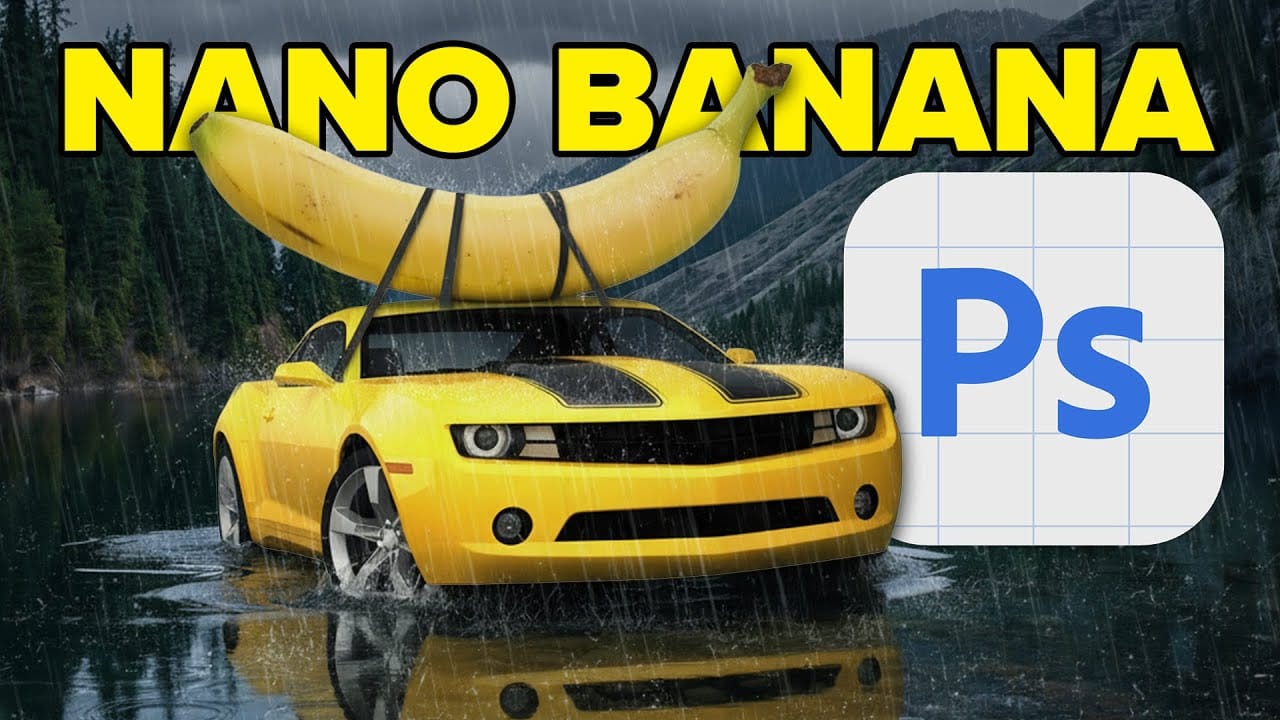
Photoshop Beta: How to Use Google's Nano Banana AI for Advanced Image Editing

Photoshop Beta: How to Use Google's Nano Banana AI for Advanced Image Editing

Google's Nano Banana AI model now integrates directly into Photoshop Beta, offering superior detail preservation and more realistic results than Adobe's Firefly. This powerful generative fill tool excels at maintaining subject likeness while transforming backgrounds, clothing, and entire scenes. The integration brings professional-grade AI editing capabilities Read the full article here: Photoshop Beta: How to […]

Read more: Photoshop Beta: How to Use Google's Nano Banana AI for Advanced Image Editing
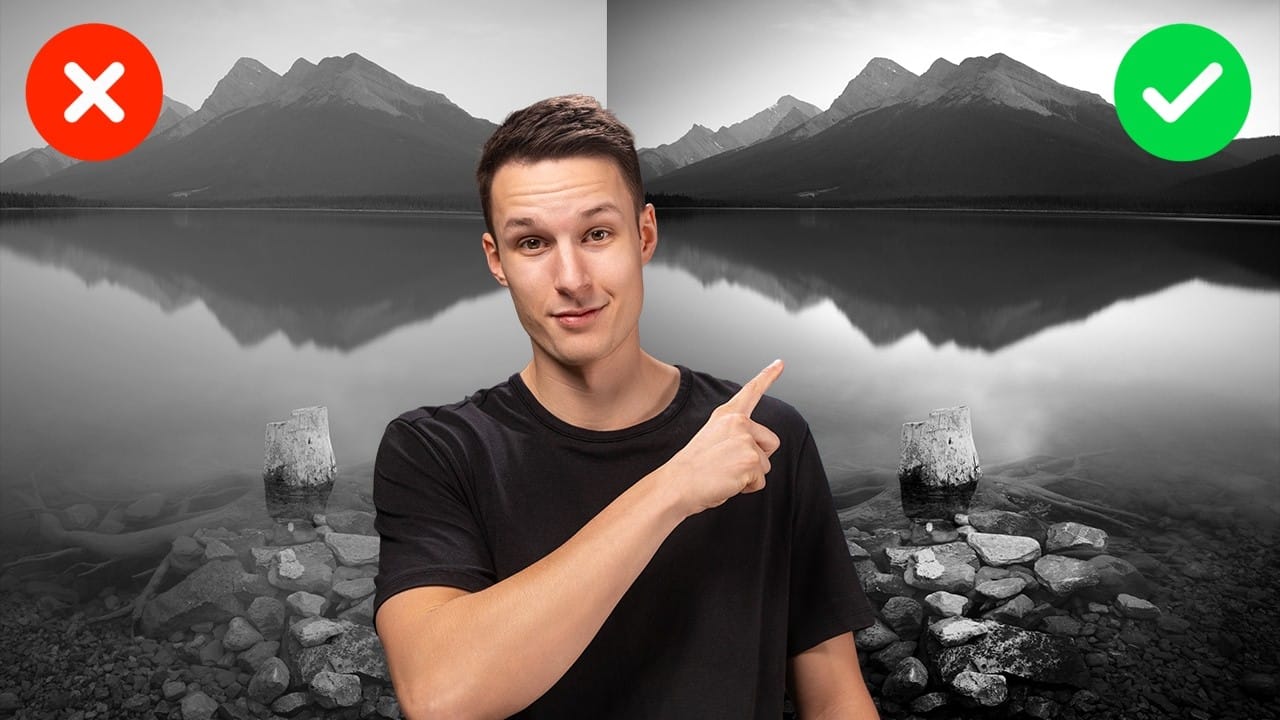
Advanced Black and White Photo Editing with Selective Masking in Photoshop

Advanced Black and White Photo Editing with Selective Masking in Photoshop

Most black and white conversions fall flat because they rely on simple global adjustments that treat the entire image uniformly. Professional-level dramatic black and white photos require selective contrast adjustments that target specific areas like skies, foregrounds, and tonal ranges independently. This approach transforms ordinary monochrome images into compelling, high-contrast Read the full article here: […]

Read more: Advanced Black and White Photo Editing with Selective Masking in Photoshop
Create an Epic Knight vs Dragon Scene in Photoshop

Create an Epic Knight vs Dragon Scene in Photoshop

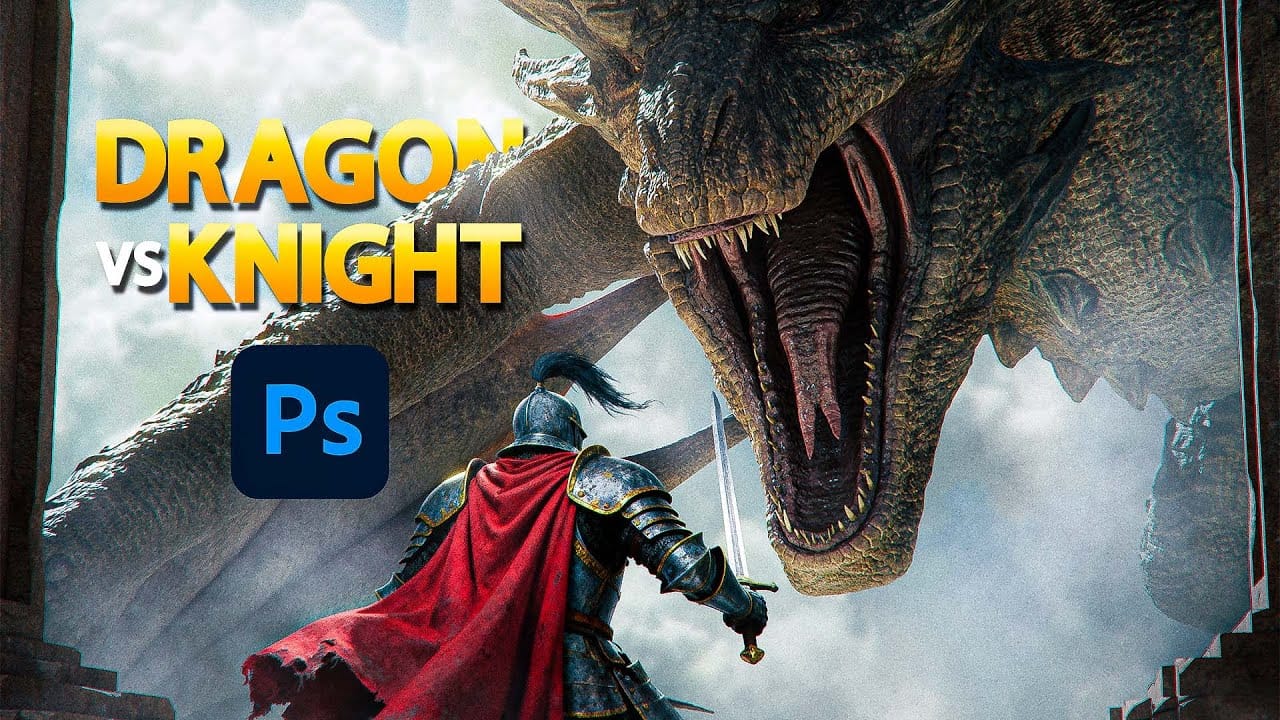
Epic fantasy scenes capture the imagination through dramatic confrontations between legendary figures. This tutorial transforms simple photographs into a cinematic knight versus dragon battle scene. You'll learn professional photo manipulation techniques including subject extraction, lighting adjustments, atmospheric effects, and color grading to create compelling fantasy artwork. Watch the Read the full article here: Create an […]

Read more: Create an Epic Knight vs Dragon Scene in Photoshop