Schenectady Photographic Society

Menu

Photoshop

50+ Nano Banana Uses in Photoshop Beta for Advanced Image Editing

50+ Nano Banana Uses in Photoshop Beta for Advanced Image Editing

Google's Nano Banana AI model now integrates directly into Photoshop Beta, bringing powerful generative capabilities to image editing. The tool excels at maintaining subject likeness while transforming backgrounds, clothing, and entire scenes with simple text prompts. This integration offers professional-grade AI editing within Photoshop's familiar interface, Read the full article here: 50+ Nano Banana Uses […]

Read more: 50+ Nano Banana Uses in Photoshop Beta for Advanced Image Editing
How to Remove Objects from Photos Using Photoshop's Remove Tool and Clean Plate Technique

How to Remove Objects from Photos Using Photoshop's Remove Tool and Clean Plate Technique

Professional photo editing often requires removing unwanted objects while maintaining natural-looking results. The challenge lies in creating seamless edges and realistic backgrounds, especially around complex subjects like hair or intricate details. This tutorial demonstrates both basic object removal using Photoshop's Remove Tool and an advanced "clean plate& Read the full article here: How to Remove […]

Read more: How to Remove Objects from Photos Using Photoshop's Remove Tool and Clean Plate Technique
How to Create Custom Textures in Photoshop Using Brushes

How to Create Custom Textures in Photoshop Using Brushes

Custom textures add depth and character to photos without relying on expensive texture packs. This technique uses specialized Photoshop brushes and blending modes to create unique overlay textures from scratch. The process combines multiple layers, color variations, and finishing filters to produce professional-quality textures that work perfectly for photo blending Read the full article here: […]

Read more: How to Create Custom Textures in Photoshop Using Brushes
Create a Grungy Glow Text Effect in Photoshop

Create a Grungy Glow Text Effect in Photoshop

Grungy glow effects transform ordinary typography into edgy, atmospheric designs that capture raw urban energy. This technique combines multiple drop shadows with textural overlays to create depth and visual impact. The video demonstrates a complete workflow for building layered glow effects and applying grunge textures that give text a weathered, Read the full article here: […]

Read more: Create a Grungy Glow Text Effect in Photoshop
How to Add Realistic Murals to Angled Walls in Photos

How to Add Realistic Murals to Angled Walls in Photos

Wall murals can transform any space, but adding them convincingly to angled walls in photos requires precise perspective matching. The key lies in creating realistic depth and natural blending that makes the artwork appear genuinely painted on the surface. This technique uses smart objects and perspective warping to achieve professional Read the full article here: […]

Read more: How to Add Realistic Murals to Angled Walls in Photos
Flux Kontext Pro vs Nano Banana: Comparing Photoshop's AI Models for Realistic Image Generation

Flux Kontext Pro vs Nano Banana: Comparing Photoshop's AI Models for Realistic Image Generation

Photoshop Beta now includes two powerful AI partner models that handle image generation differently. Flux Kontext Pro excels at creating realistic, detailed results while maintaining original photo elements, making it ideal for natural-looking edits. This comparison reveals when to choose Flux over the popular Nano Banana model for your creative Read the full article here: […]

Read more: Flux Kontext Pro vs Nano Banana: Comparing Photoshop's AI Models for Realistic Image Generation
How to Create Glowing YouTube Thumbnails in Photoshop

How to Create Glowing YouTube Thumbnails in Photoshop

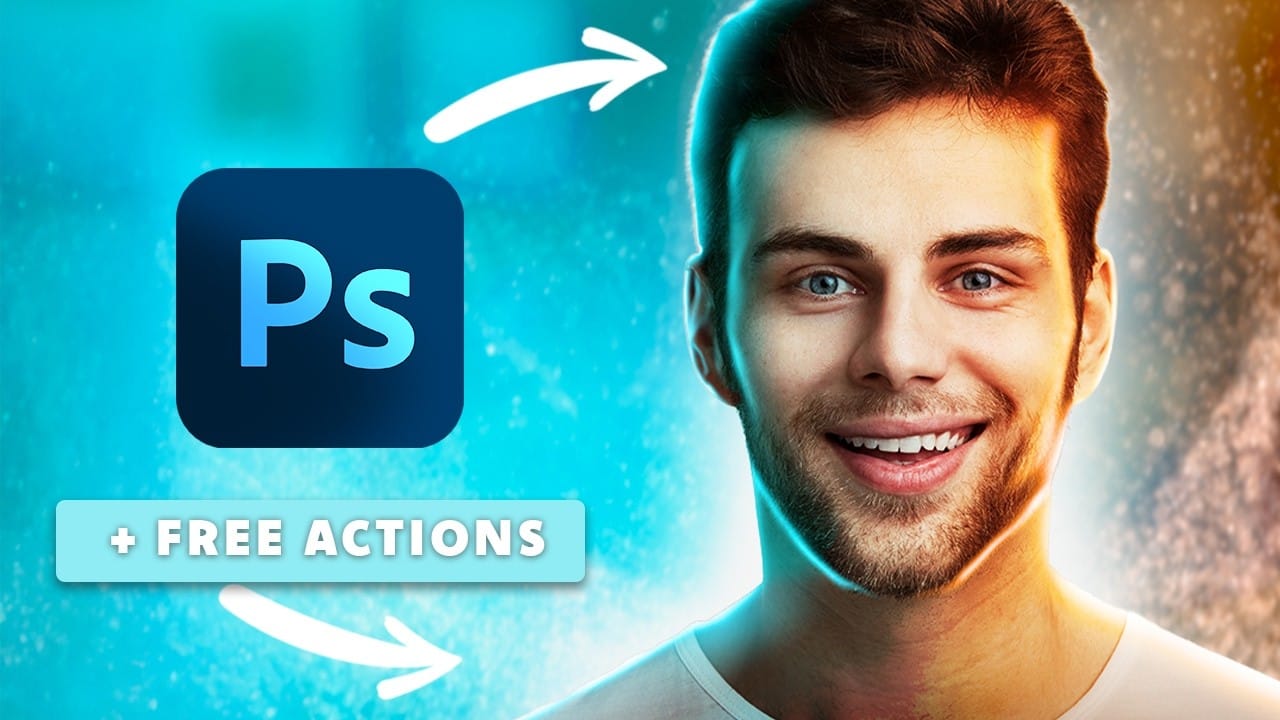
YouTube thumbnails compete for attention in crowded video grids, where bright, eye-catching designs make the difference between clicks and scrolls. Glowing effects transform ordinary portraits into luminous, professional thumbnails that stand out immediately. This tutorial shows how to add realistic rim lighting, colored gradients, and glowing highlights to create thumbnails Read the full article here: […]

Read more: How to Create Glowing YouTube Thumbnails in Photoshop
Velvet Ruins: 23 Gothic & Grunge Free Stamp Brushes for Photoshop

Velvet Ruins: 23 Gothic & Grunge Free Stamp Brushes for Photoshop

Velvet Ruins is a hauntingly beautiful collection of 23 grunge and gothic Photoshop stamp brushes, created using AI technology for intricate detail and originality. Inspired by decayed elegance and dark romance, this set blends roses, skulls, clocks, and ornate relics to evoke the poetry of time and impermanence. Perfect for Read the full article here: […]

Read more: Velvet Ruins: 23 Gothic & Grunge Free Stamp Brushes for Photoshop