Schenectady Photographic Society

Menu

Photoshop

How to Create a Daguerreotype Photo Effect in Photoshop

How to Create a Daguerreotype Photo Effect in Photoshop

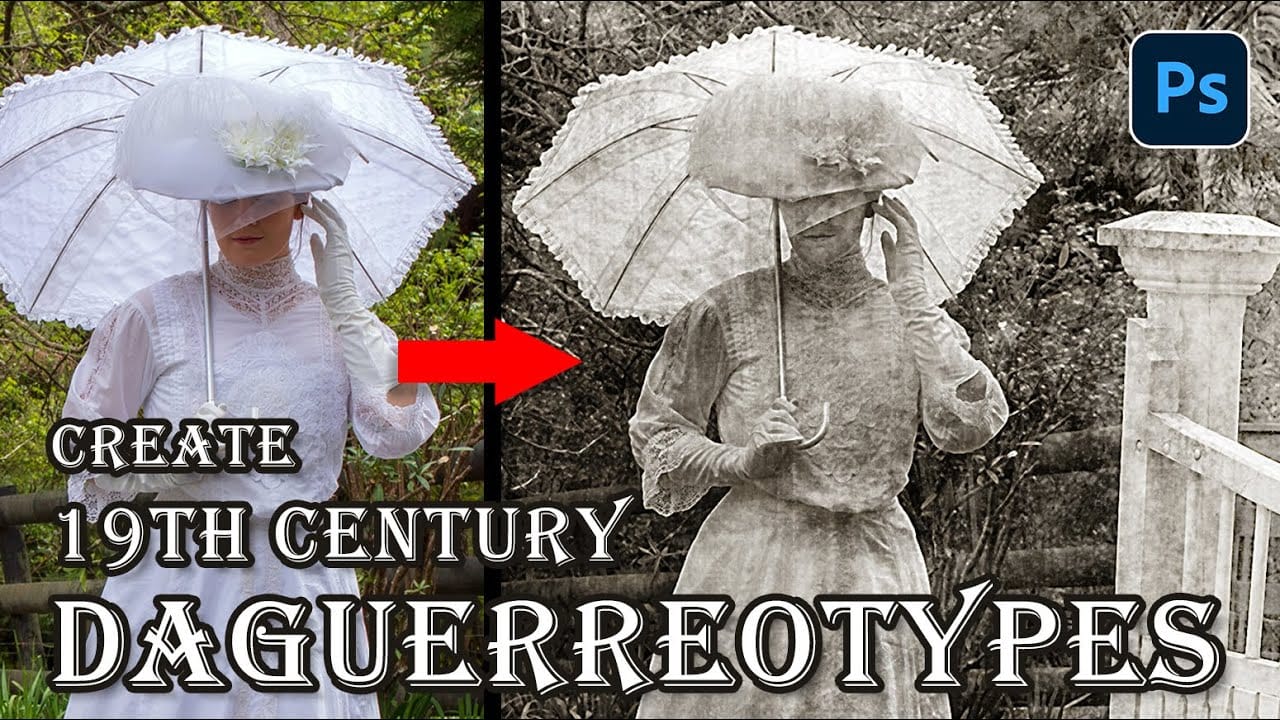
The mirror-like daguerreotypes of the 1840s and 1850s represent photography's earliest commercial success, capturing portraits with an ethereal quality unmatched by modern digital images. These delicate silver-plated photographs developed a distinctive aesthetic through their unique chemistry and fragile surfaces that scratched easily from dust, fingerprints, and handling. This Read the full article here: How to […]
Read more: How to Create a Daguerreotype Photo Effect in Photoshop
How to Create Realistic Crop Circles in Photoshop

How to Create Realistic Crop Circles in Photoshop

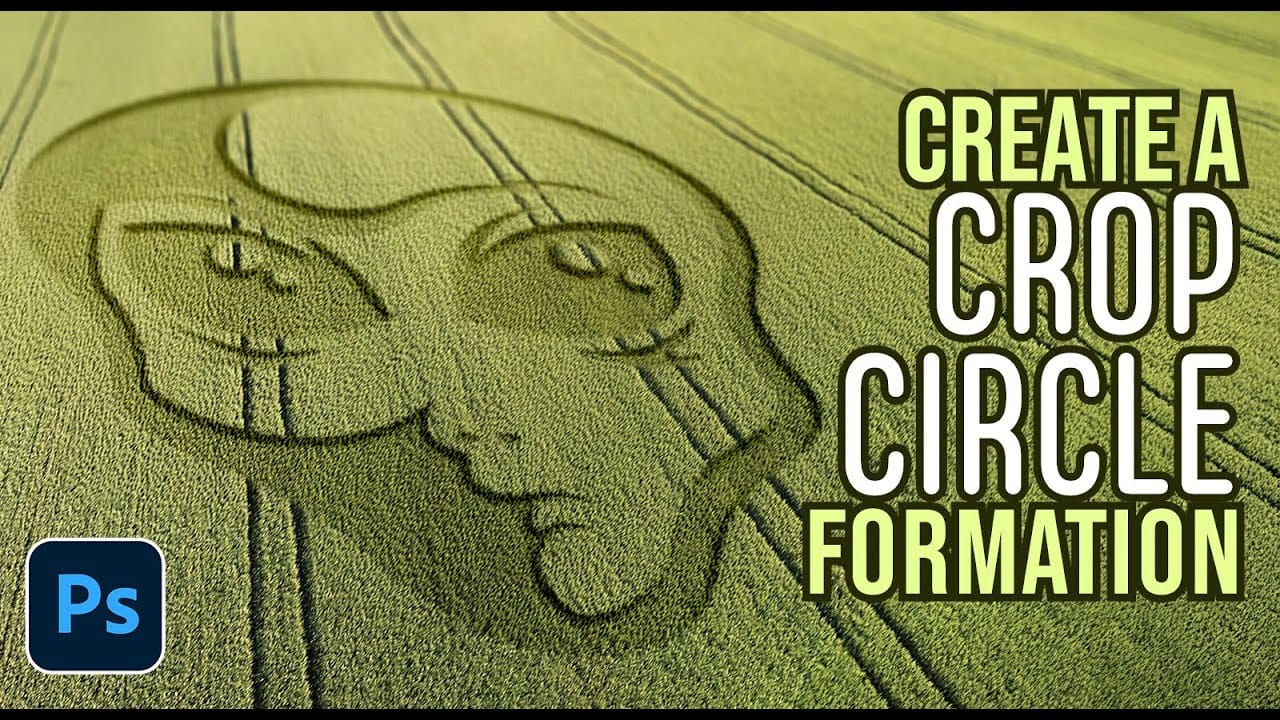
Ancient mysteries meet modern design in the world of crop circles. These intricate patterns carved into fields have captured imaginations for decades, inspiring countless theories about their origins. The geometric precision and otherworldly appearance of crop circles make them compelling subjects for digital art projects. This tutorial demonstrates how to Read the full article here: […]

Read more: How to Create Realistic Crop Circles in Photoshop
How to Add Dramatic Sunrays and Sunbeams to Photos in Photoshop

How to Add Dramatic Sunrays and Sunbeams to Photos in Photoshop

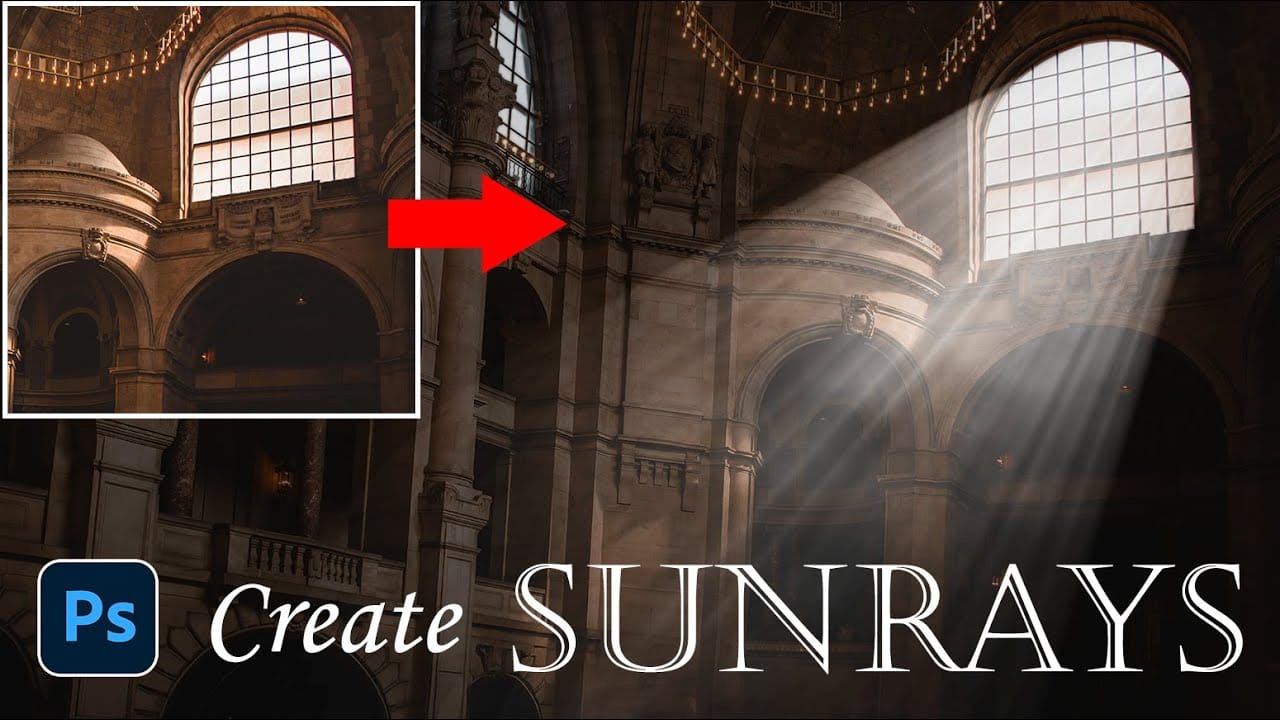
Sunrays streaming through windows create some of photography's most captivating moments. Natural sunbeams add drama, warmth, and visual interest that can transform an ordinary interior scene into something magical. This tutorial demonstrates how to recreate those stunning light effects in Photoshop using selection techniques, radial blur, and layer Read the full article here: How to […]
Read more: How to Add Dramatic Sunrays and Sunbeams to Photos in Photoshop
Creating AI-Enhanced Autumn Fantasy Images in Photoshop

Creating AI-Enhanced Autumn Fantasy Images in Photoshop

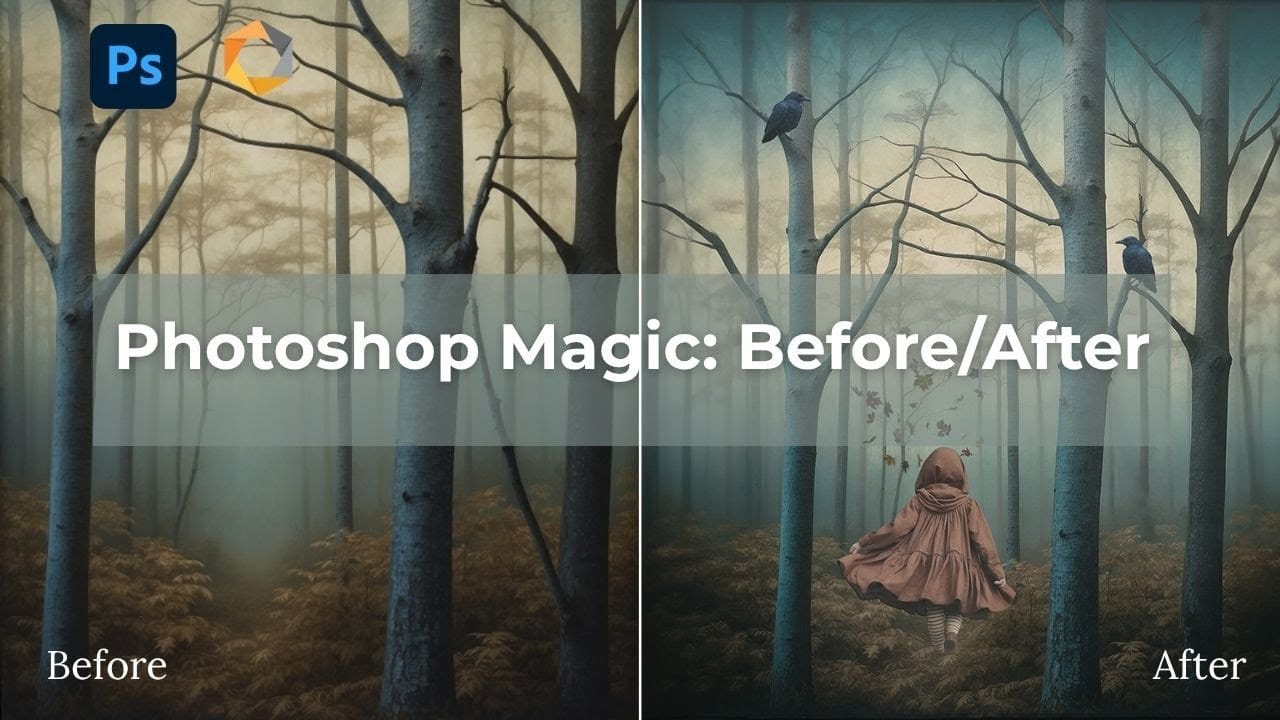
Fantasy imagery comes alive when artificial intelligence meets traditional photo manipulation techniques. AI-generated backgrounds provide the perfect foundation for creating moody, atmospheric scenes that would be difficult or impossible to capture with a camera alone. This approach combines the creative potential of AI image generation with Photoshop's precise Read the full article here: Creating AI-Enhanced […]

Read more: Creating AI-Enhanced Autumn Fantasy Images in Photoshop
Create Motion Blur Text Effect in Photoshop with Path Blur

Create Motion Blur Text Effect in Photoshop with Path Blur

Motion blur transforms static typography into dynamic visual elements that appear to race across the screen. This effect creates the illusion of speed and movement, perfect for sports graphics, action posters, and modern designs. The technique combines Photoshop's Path Blur filter with strategic layering and color gradients to Read the full article here: Create Motion […]

Read more: Create Motion Blur Text Effect in Photoshop with Path Blur
How to Create a Hologram Text Effect in Photoshop

How to Create a Hologram Text Effect in Photoshop

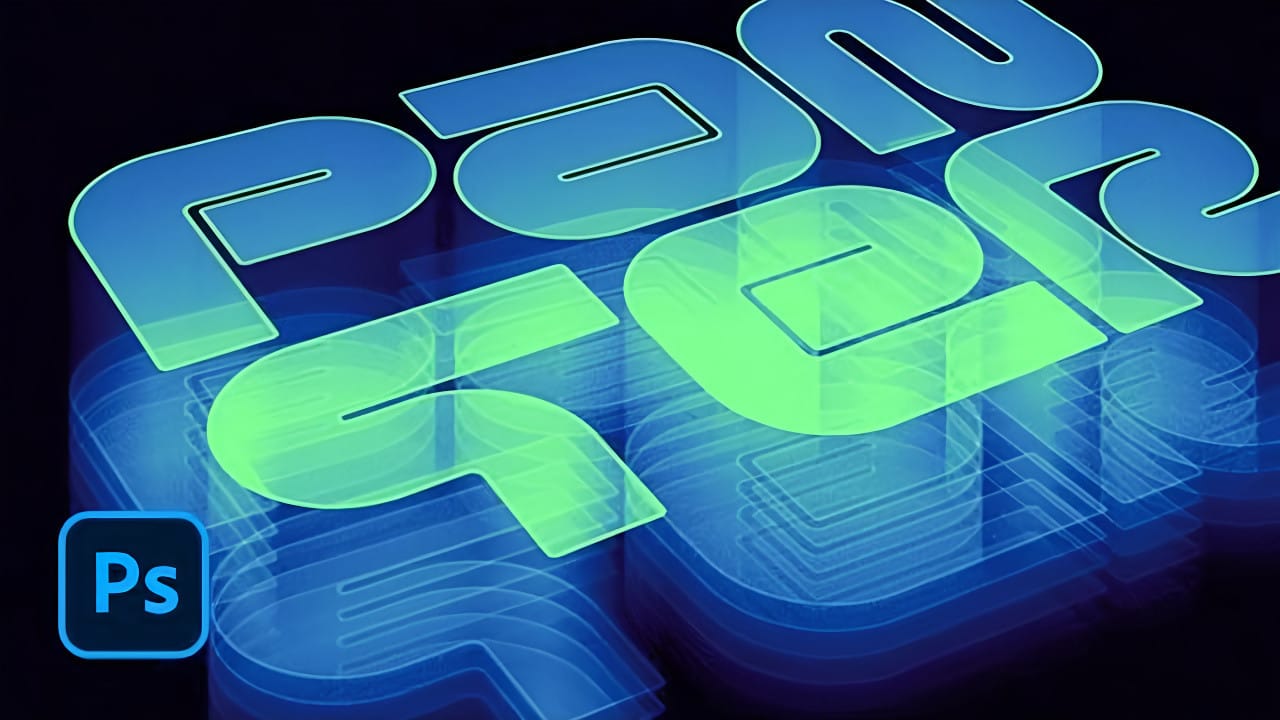
Holographic effects bring futuristic appeal to text designs with their distinctive translucent appearance and rainbow color shifts. This tutorial demonstrates creating convincing hologram text using perspective distortion, layer opacity adjustments, and gradient mapping techniques. The process combines 3D extrusion with motion blur and color gradients to achieve the signature holographic Read the full article here: […]

Read more: How to Create a Hologram Text Effect in Photoshop
Photoshop Selection Tools: Quick Methods for Better Cutouts

Photoshop Selection Tools: Quick Methods for Better Cutouts

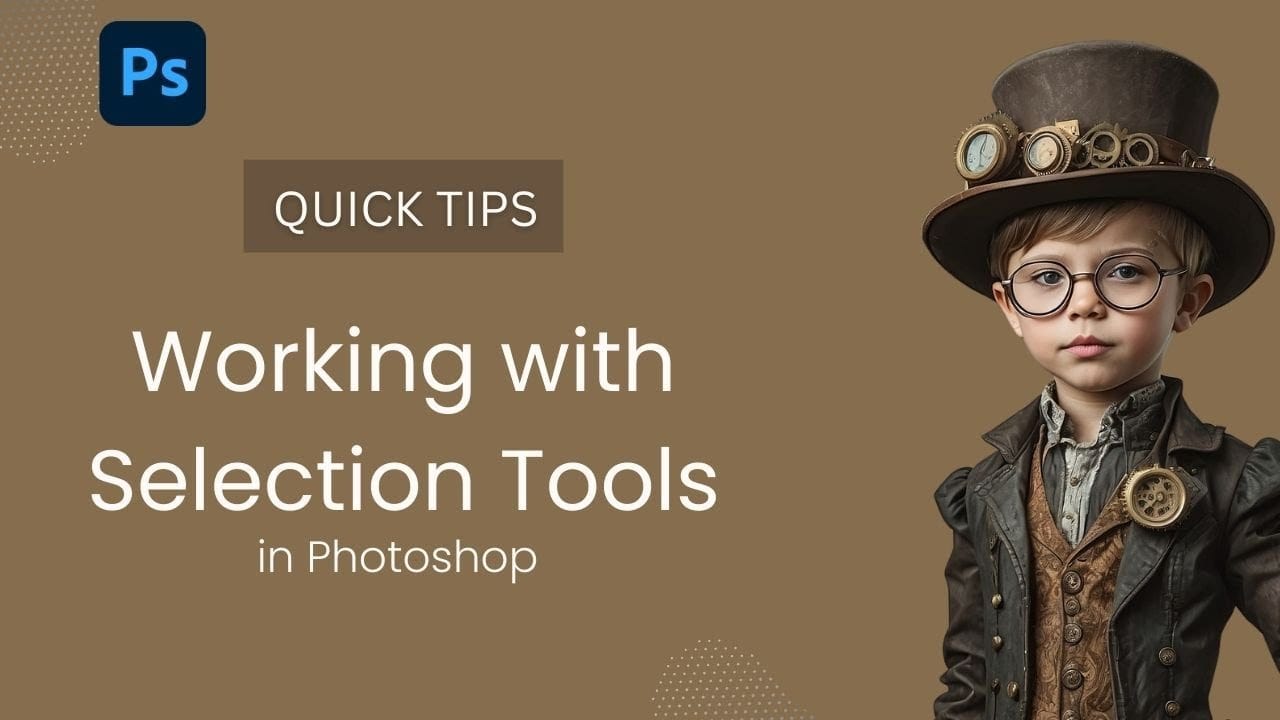
Clean cutouts and precise selections form the foundation of professional composite work in Photoshop. The difference between amateur and polished results often comes down to mastering the right selection techniques for each situation. Sandra demonstrates several quick selection methods that can streamline your workflow and improve your results. These techniques Read the full article here: […]

Read more: Photoshop Selection Tools: Quick Methods for Better Cutouts
How to Create a Professional Thriller Book Cover in Photoshop

How to Create a Professional Thriller Book Cover in Photoshop

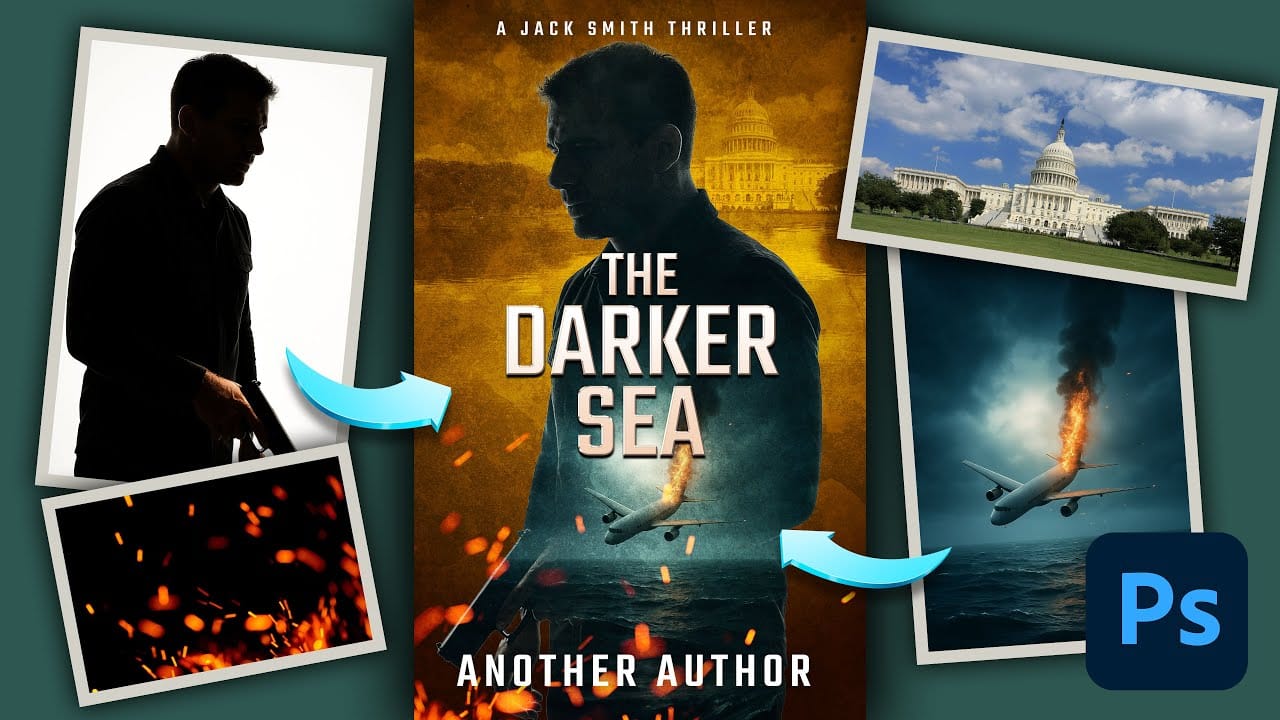
Effective book cover design combines visual storytelling with technical precision to capture a reader's attention in seconds. Thriller covers rely on atmospheric elements, dramatic lighting, and compelling typography to convey suspense and intrigue. This tutorial demonstrates the complete process of recreating a professional thriller book cover using fundamental Read the full article here: How to […]

Read more: How to Create a Professional Thriller Book Cover in Photoshop