Schenectady Photographic Society

Menu

Photoshop

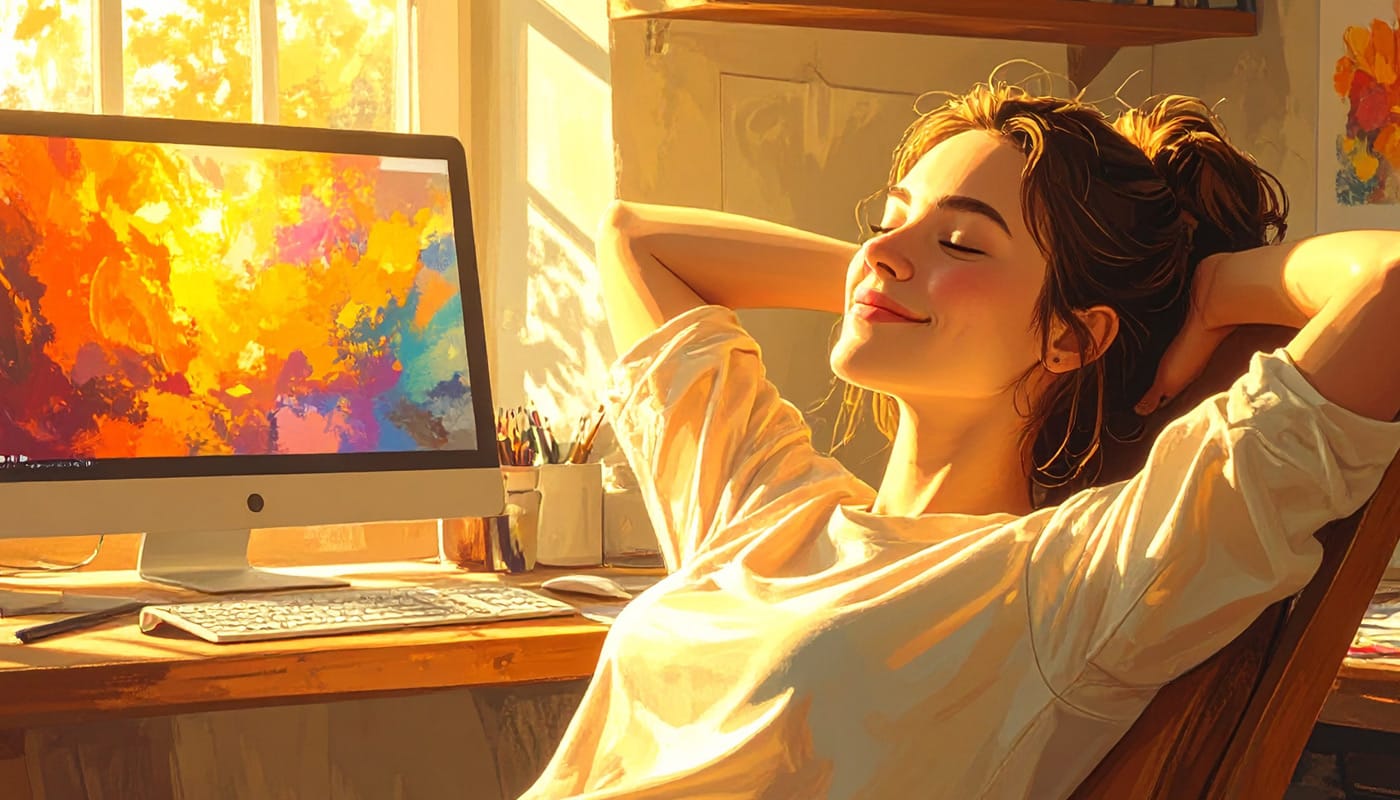
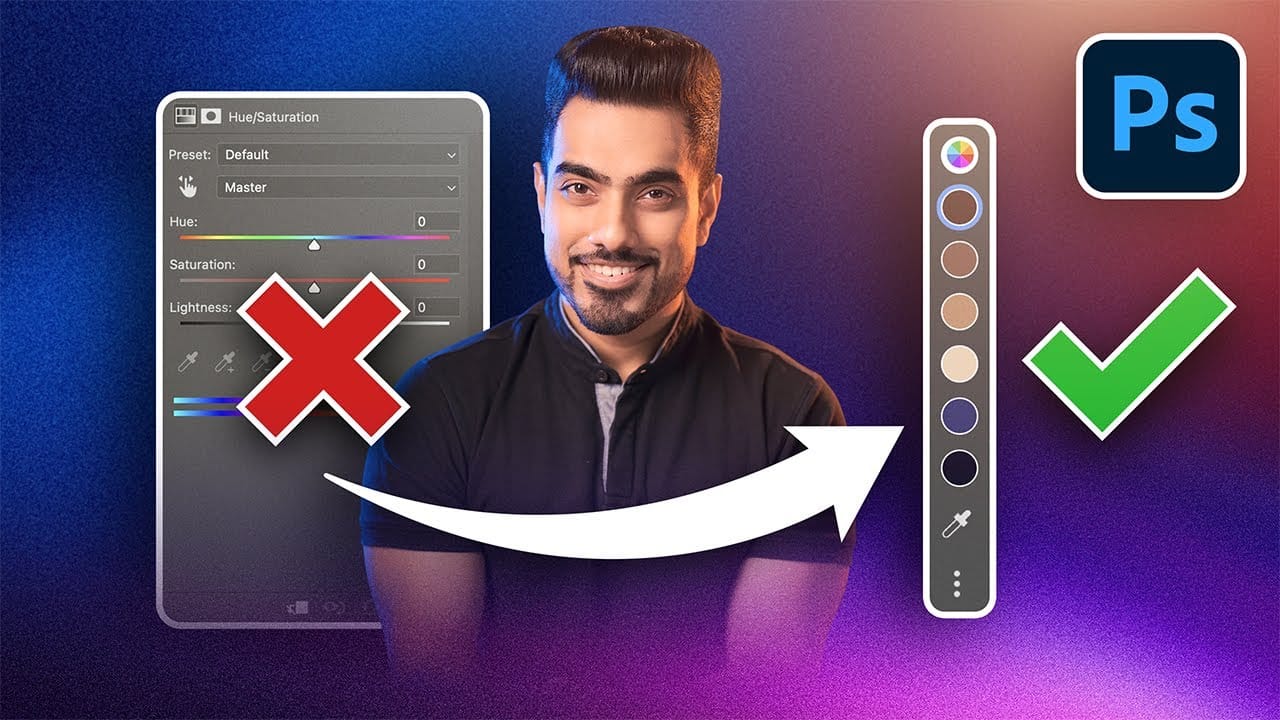
Photoshop's New Adjust Colors Feature vs Traditional Hue/Saturation

Photoshop's New Adjust Colors Feature vs Traditional Hue/Saturation

Color adjustments just became dramatically simpler in Photoshop. The new Adjust Colors feature automatically detects the six most prominent colors in any image, letting you target and modify specific hues with a single click. No more guessing which color range to select or struggling with imprecise selections. This intuitive approach Read the full article here: […]

Read more: Photoshop's New Adjust Colors Feature vs Traditional Hue/Saturation
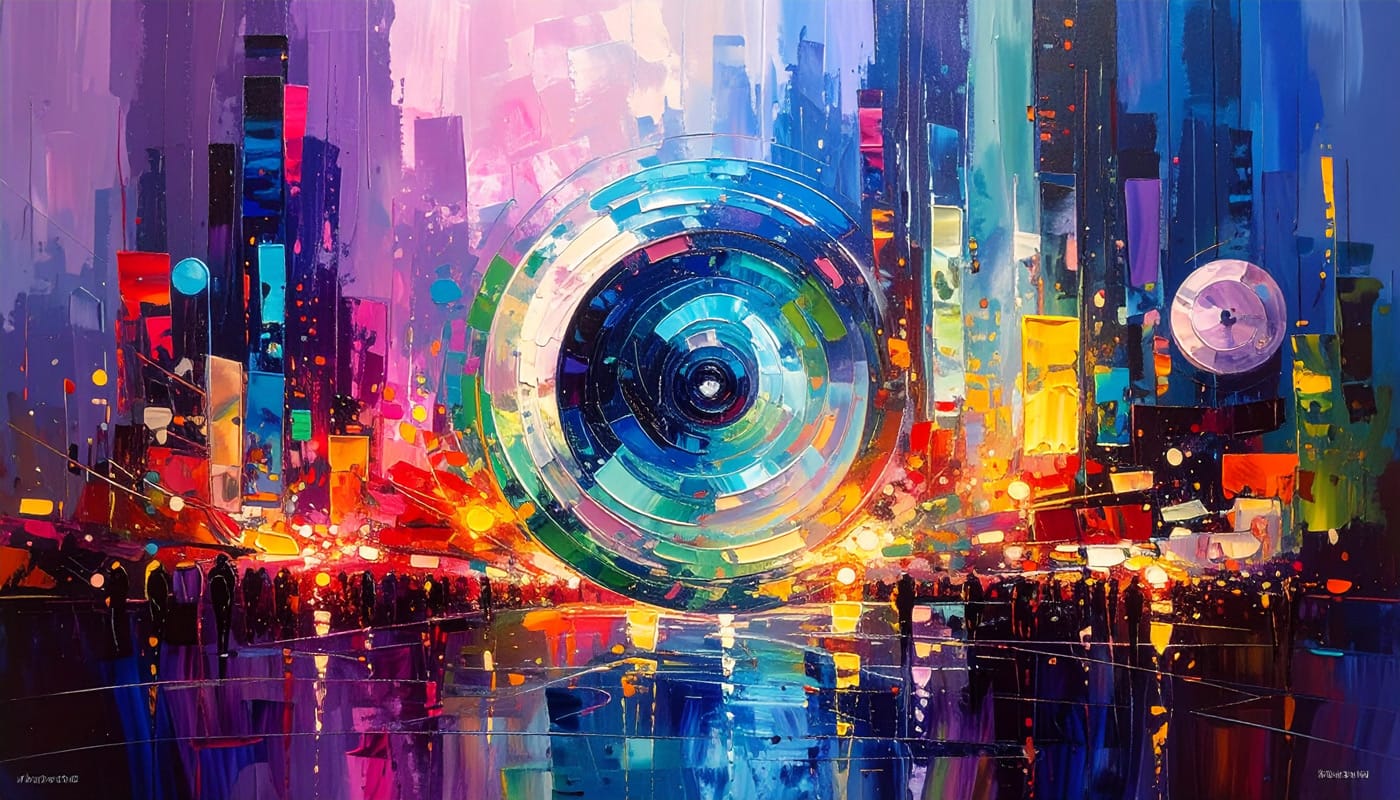
How to Create Realistic Water Droplets on Glass in Photoshop

How to Create Realistic Water Droplets on Glass in Photoshop

Water droplets on glass create one of the most captivating visual effects in photography and digital art. The interplay of refraction, reflection, and transparency transforms ordinary scenes into atmospheric masterpieces that draw viewers into the story. This comprehensive tutorial demonstrates how to recreate this cinematic effect using photographic textures, blend Read the full article here: […]

Read more: How to Create Realistic Water Droplets on Glass in Photoshop
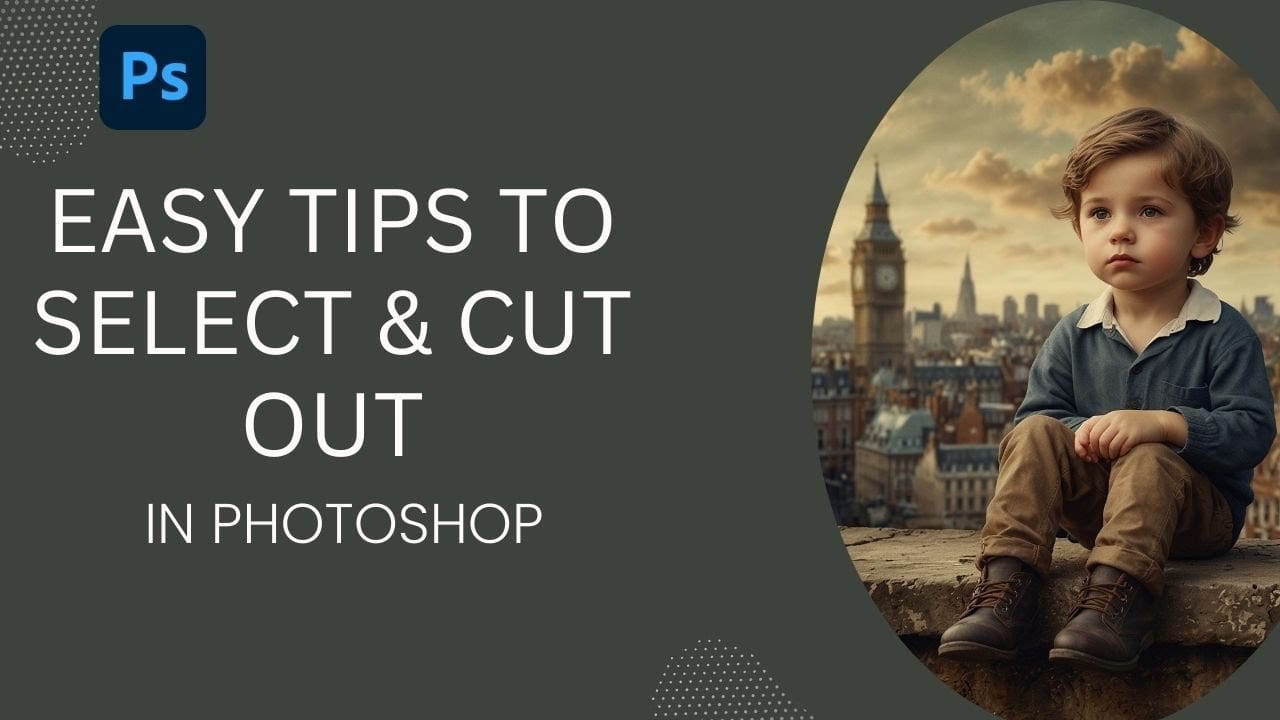
How to Cut Out Objects from Backgrounds in Photoshop

How to Cut Out Objects from Backgrounds in Photoshop

Perfect cutouts can transform ordinary photos into stunning composites. Photoshop's automated tools have revolutionized background removal, making complex selections accessible to photographers at any skill level. This tutorial demonstrates a practical approach to object extraction that balances speed with quality, perfect for creating composite images where elements need Read the full article here: How to […]

Read more: How to Cut Out Objects from Backgrounds in Photoshop
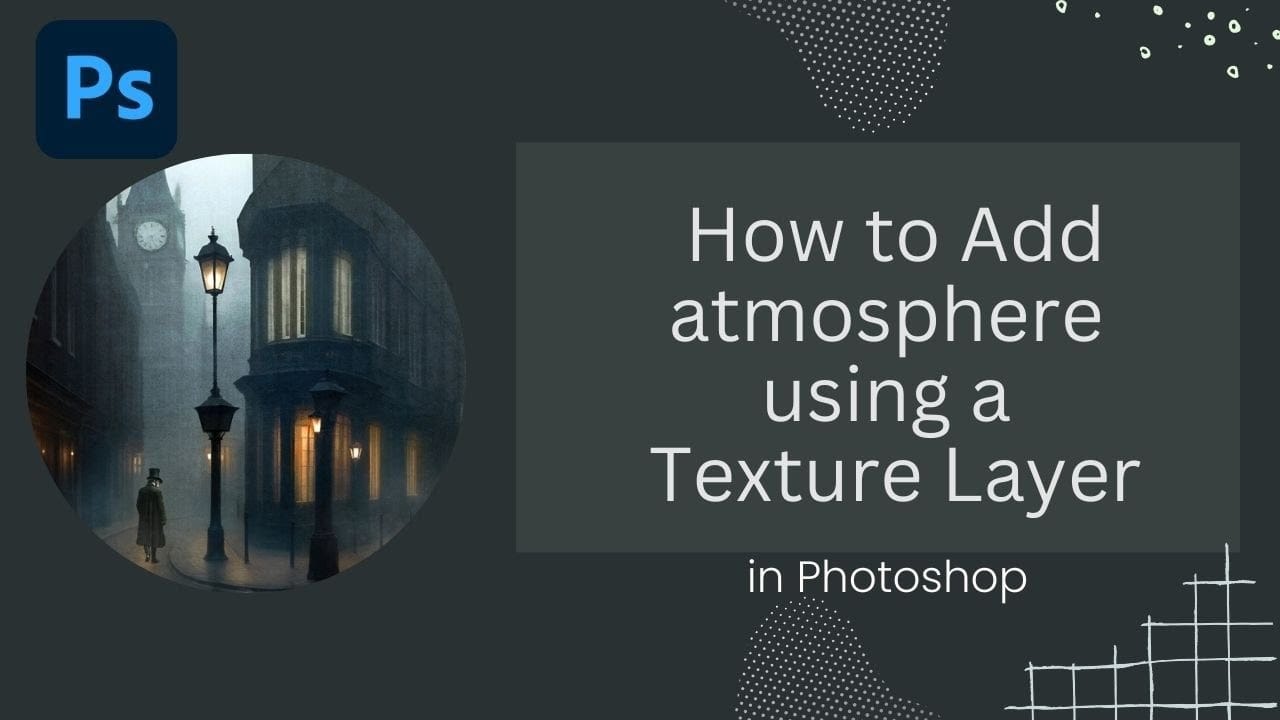
How to Add Atmospheric Effects to Images Using Texture Layers in Photoshop

How to Add Atmospheric Effects to Images Using Texture Layers in Photoshop

Victorian London streets shrouded in fog create an unmistakable mood that transforms ordinary scenes into cinematic masterpieces. The interplay of light, shadow, and atmospheric haze gives images the kind of depth and character that draws viewers into another world. This video demonstrates how texture layers can become powerful tools for Read the full article here: […]

Read more: How to Add Atmospheric Effects to Images Using Texture Layers in Photoshop
Luminar Neo Fall Upgrade 2025: A Giant Leap Toward Cross-Platform Creativity

Luminar Neo Fall Upgrade 2025: A Giant Leap Toward Cross-Platform Creativity

Skylum is raising the bar again. The Fall 2025 upgrade to Luminar Neo isn’t just another update — it’s a reimagining of what photo editing can be in a connected, multi-device world. With a massive rollout of new tools, platform expansions, and an all-new ecosystem, Luminar Neo is now primed to be more than a […]

Read more: Luminar Neo Fall Upgrade 2025: A Giant Leap Toward Cross-Platform Creativity
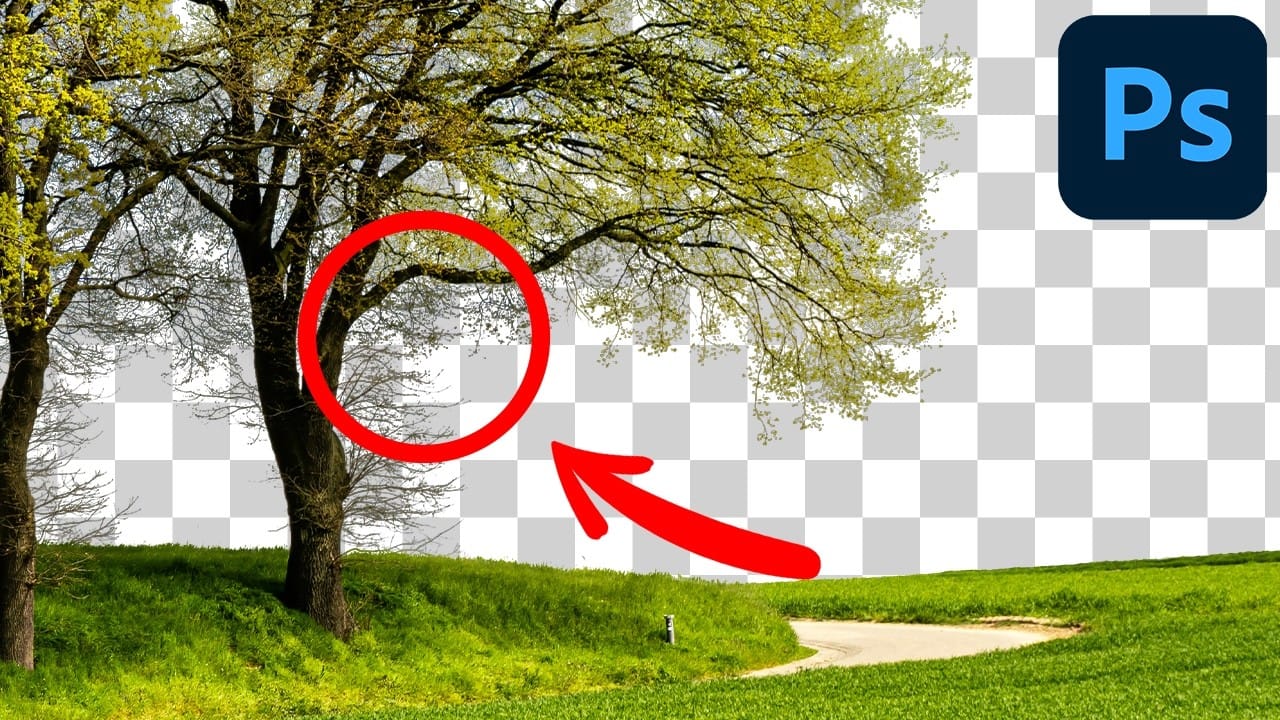
Cutting Out Complex Images in Photoshop: 3 Professional Refinement Techniques

Cutting Out Complex Images in Photoshop: 3 Professional Refinement Techniques

Complex cutouts with intricate details like tree branches or hair often suffer from visible fringing and rough edges that make them look unprofessional. These three refinement techniques transform basic channel selections into clean, realistic cutouts. Master these methods to eliminate fringing, restore natural colors, and achieve seamless integration with any Read the full article here: […]

Read more: Cutting Out Complex Images in Photoshop: 3 Professional Refinement Techniques