Schenectady Photographic Society

Menu

rss-feed

How to Remove Blemishes in Photoshop: Camera Raw vs. Generative AI

How to Remove Blemishes in Photoshop: Camera Raw vs. Generative AI

Photoshop now offers two distinct approaches to removing skin blemishes automatically. The Camera Raw Filter includes a dedicated Blemishes option that analyzes and cleans skin with a single checkbox, while Generative AI fills a face selection with clean, texture-consistent results using a simple text prompt. Each method has clear Read the full article here: How […]

Read more: How to Remove Blemishes in Photoshop: Camera Raw vs. Generative AI
Common Photoshop Compositing Mistakes and How to Fix Them

Common Photoshop Compositing Mistakes and How to Fix Them

Most compositing errors come down to a handful of repeatable problems: mismatched lighting direction, inconsistent white points, misaligned perspective, and atmosphere applied in the wrong layer order. Catching these issues early — ideally before you shoot — saves significant time in post. Watch the Video Practical Tips These corrections apply to nearly Read the full […]

Read more: Common Photoshop Compositing Mistakes and How to Fix Them
Camera Raw August 2026: AI Blemish Removal, Generative Expand, and More

Camera Raw August 2026: AI Blemish Removal, Generative Expand, and More

The August 2026 Camera Raw update adds an AI-powered blemish removal tool that handles skin imperfections automatically, treating blemishes and moles separately so editors stay in control. Alongside that, an improved Generative Expand in the crop tool and a few smaller additions round out a practical update worth knowing. Read the full article here: Camera […]

Read more: Camera Raw August 2026: AI Blemish Removal, Generative Expand, and More
9 Photoshop Tools That Still Outperform AI for Precision and Control

9 Photoshop Tools That Still Outperform AI for Precision and Control

AI generates images from descriptions, but it cannot hand you the brush. When a project demands exact colors, editable text, precise retouching, or seamless mockups, Photoshop's native tools remain the more reliable choice — not because AI is weak, but because these workflows require control that generative tools simply Read the full article here: 9 […]

Read more: 9 Photoshop Tools That Still Outperform AI for Precision and Control
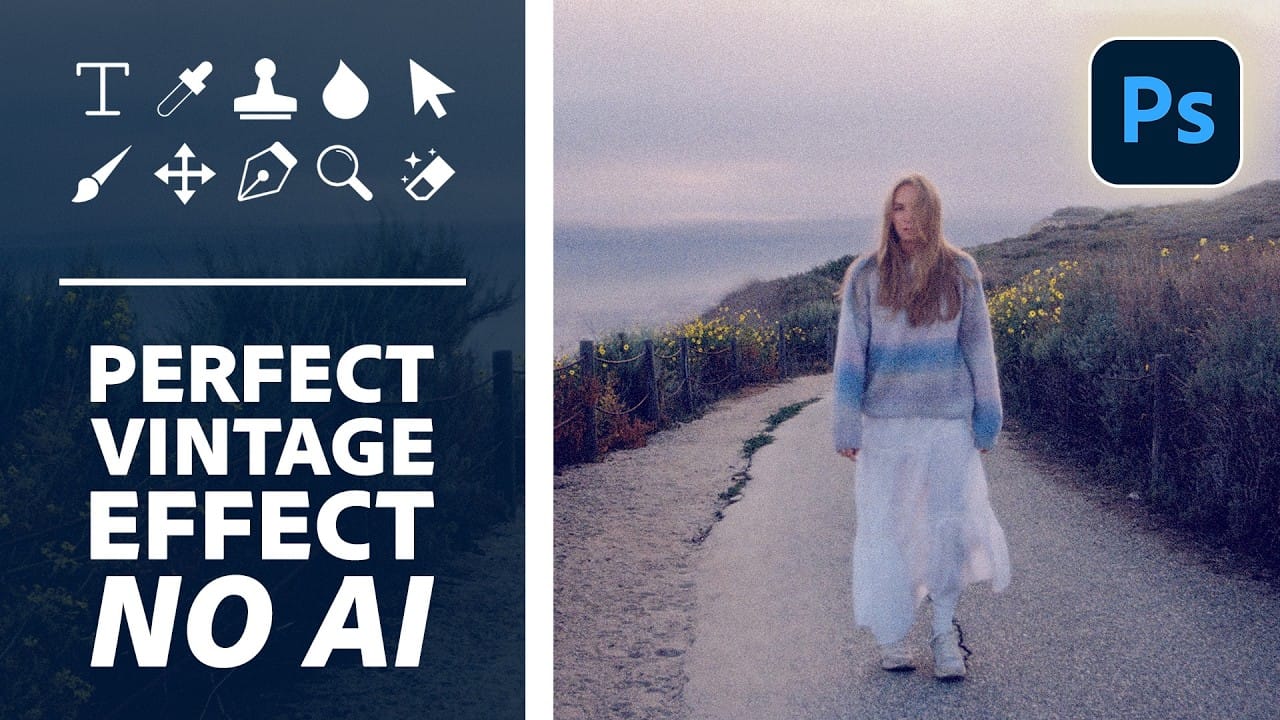
How to Create a Vintage Film Look in Photoshop Using Adjustment Layers

How to Create a Vintage Film Look in Photoshop Using Adjustment Layers

Aging a photo convincingly takes more than a preset — it requires control over highlights, color channels, and grain working together. This walkthrough covers a fully manual, non-destructive workflow for building a vintage film effect in Photoshop, using Color Range selections, Smart Filters, a Grain adjustment layer, and per-channel Read the full article here: How […]

Read more: How to Create a Vintage Film Look in Photoshop Using Adjustment Layers