Schenectady Photographic Society

Menu

rss-feed

Using Lightroom’s Eyedropper To Get Rid of That Nasty Purple/Green Fringe

Using Lightroom’s Eyedropper To Get Rid of That Nasty Purple/Green Fringe

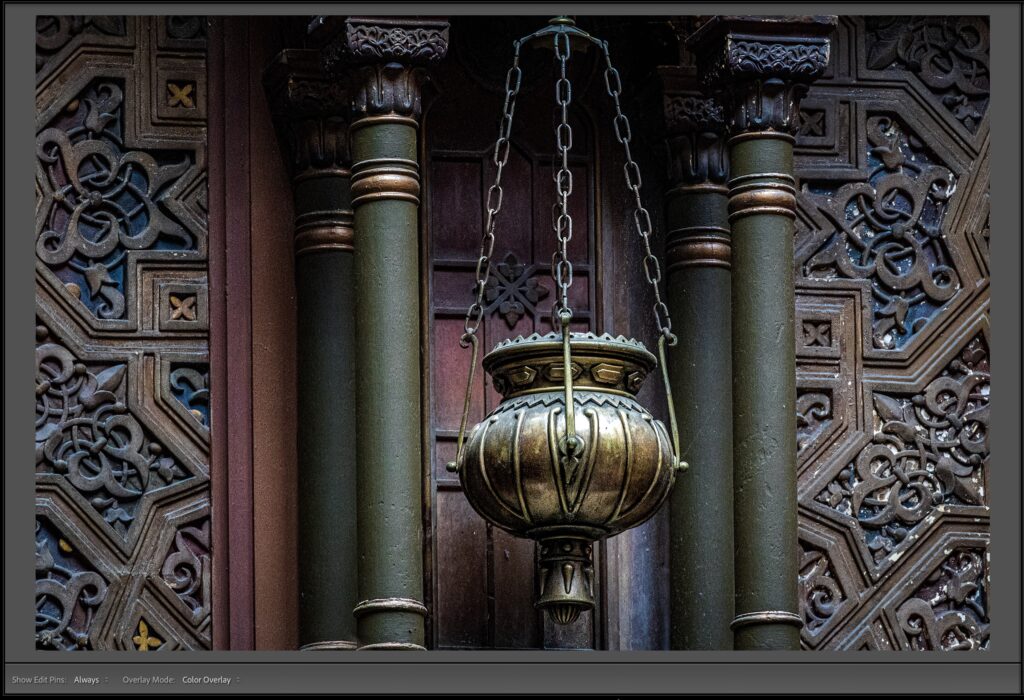
Hi, gang – if you see those nasty magenta/purple or green lines around the edges of objects in your image, more visible sometimes after some serious post-processing, here are a few methods for getting rid of that stuff fast in Lightroom Classic or ‘cloud:’ Above: Here’s the original image, and if you look along the edges […]

Read more: Using Lightroom’s Eyedropper To Get Rid of That Nasty Purple/Green Fringe
Lightroom’s Auto Mask Feature: 90% of the time, it’s awesome!

Lightroom’s Auto Mask Feature: 90% of the time, it’s awesome!

Lightroom’s masking Brush tool is incredibly useful, and its Auto Mask feature, which helps to keep you “painting inside the lines” (so to speak), makes it even more helpful as it tries to “sense” the edges of areas where you’re painting with the brush to keep you from accidentally painting over something you didn’t want to paint […]

Read more: Lightroom’s Auto Mask Feature: 90% of the time, it’s awesome!
How to get better Generative Fill results in Photoshop. 2 important tips for generative ai

How to get better Generative Fill results in Photoshop. 2 important tips for generative ai

How to get much better results with Generative Fill in Photoshop I’ve heard from some people that they are struggling to get good results in Photoshops new Generative Fill ai. Are your results looking weird like this? This is coming down to 2 main things. Selections People are using the selection tool wrong. It’s not […]

Read more: How to get better Generative Fill results in Photoshop. 2 important tips for generative ai