Schenectady Photographic Society

Menu

rss-feed

He Dumped ‘Cloud’ And Went Back To Classic. Here’s Why (and one thing that could help)

He Dumped ‘Cloud’ And Went Back To Classic. Here’s Why (and one thing that could help)

The UK’s “Digital Camera World” site is one of my favorite photography sites, and this past week I ran across this post from a Lightroom user who had switched from Classic to LR ‘cloud’ and came running back to Classic. His subhead, “Lightroom CC [cloud] just doesn’t do the right things in the right way” […]

Read more: He Dumped ‘Cloud’ And Went Back To Classic. Here’s Why (and one thing that could help)
Complete Catalog Dashboard

Complete Catalog Dashboard

I just realized that this will be my 200th post here on Lightroom Killer Tips. Wow! I’m so grateful for this opportunity to share what I’m learning about Lightroom Classic and Lightroom, and hope it is found to be helpful. Many thanks to Scott for inviting me to contribute. As I looked through past posts […]

Read more: Complete Catalog Dashboard
How to replace the words “Adobe Photoshop Lightroom Classic” with your own logo (or text)

How to replace the words “Adobe Photoshop Lightroom Classic” with your own logo (or text)

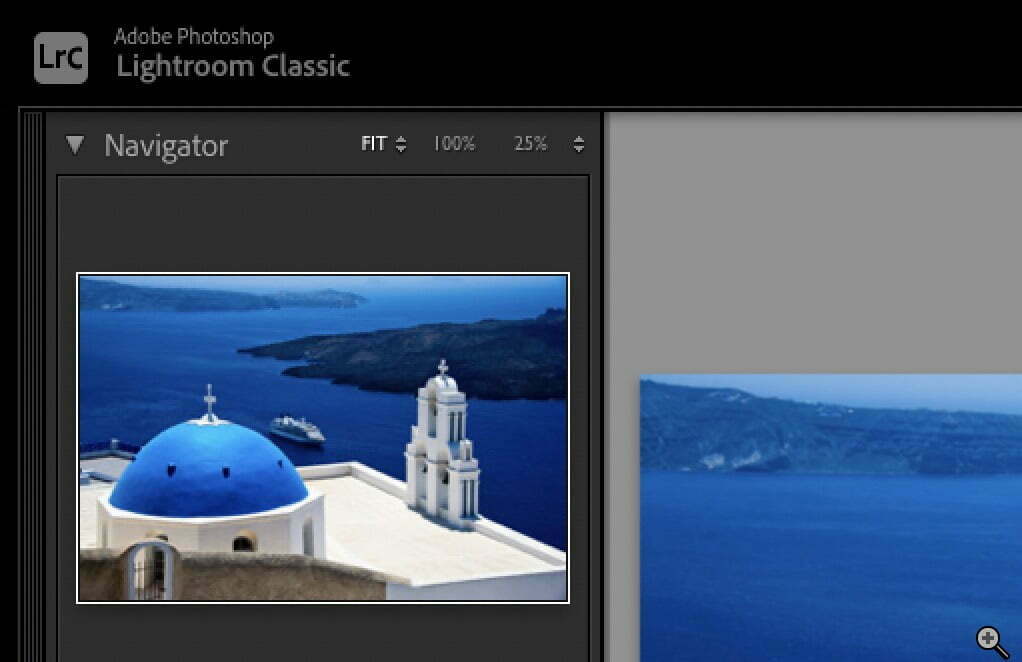
Here’s a quick way to replace the default text that appears up in the top left corner of your Lightroom Classic window with either your own custom text, or even your logo. Above: Here’s the default text. Above: Here’s changing it to your own custom text. That’s the fonts Lato Bold and Lato Light. Above: […]

Read more: How to replace the words “Adobe Photoshop Lightroom Classic” with your own logo (or text)