Schenectady Photographic Society

Menu

Text Effects

How to Create a Dark Chrome Text Effect in Photoshop Using Advanced Layer Styles

How to Create a Dark Chrome Text Effect in Photoshop Using Advanced Layer Styles

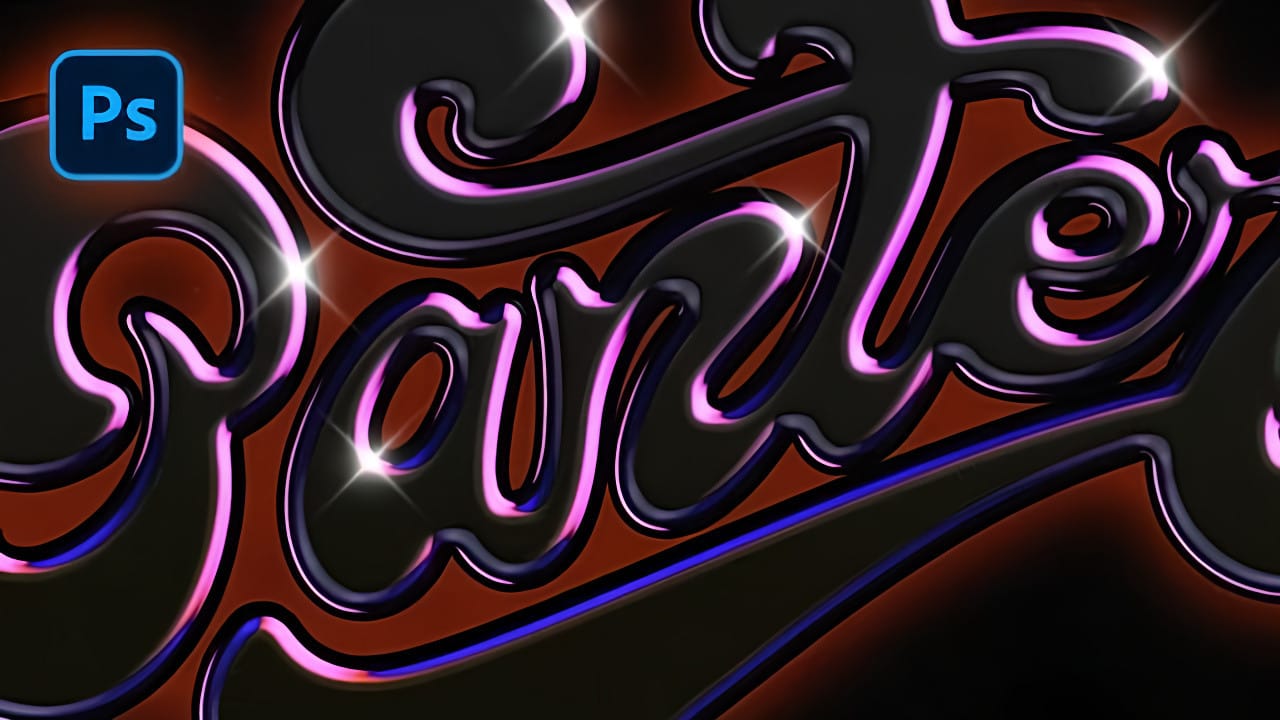
Chrome effects transform ordinary text into polished, metallic masterpieces that command attention. The reflective surfaces and dimensional depth create that premium, high-end look perfect for logos, headlines, and promotional graphics. This tutorial demonstrates a layered approach using multiple bevel and emboss effects, strategic color choices, and gradient overlays to build Read the full article here: […]
Read more: How to Create a Dark Chrome Text Effect in Photoshop Using Advanced Layer Styles
Create a Spinning Melting Fire Text Effect in Photoshop

Create a Spinning Melting Fire Text Effect in Photoshop

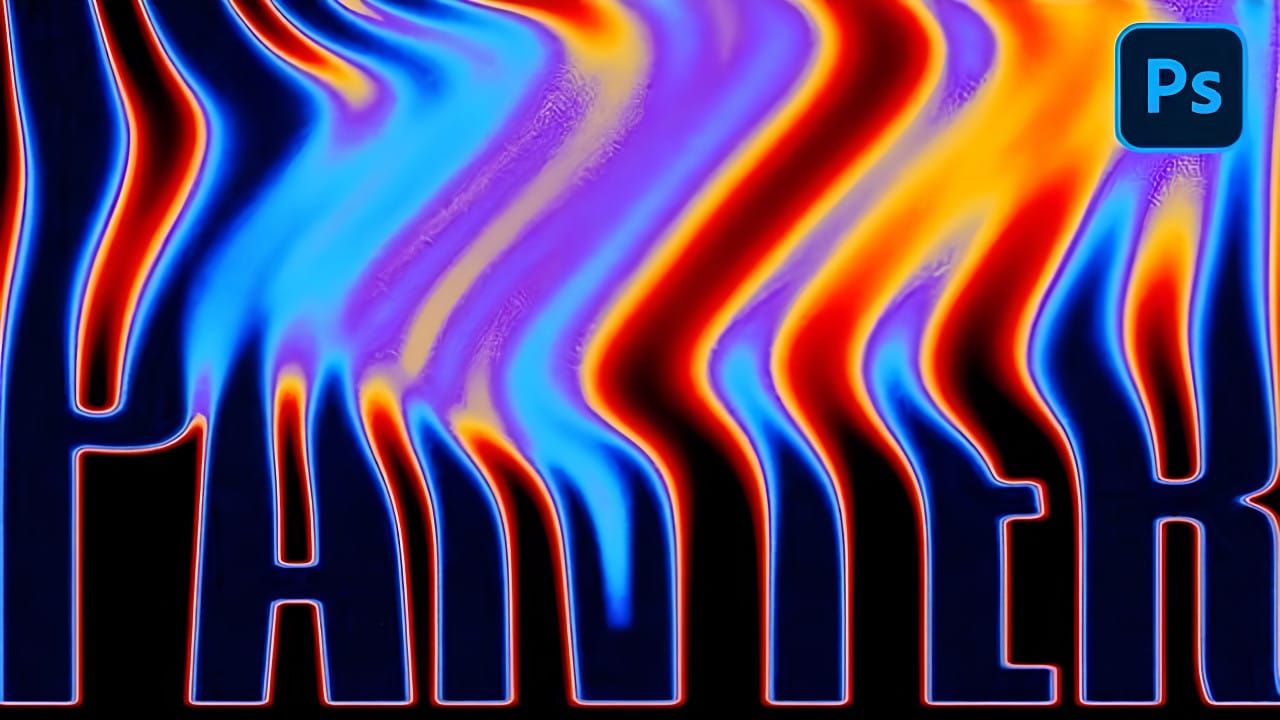
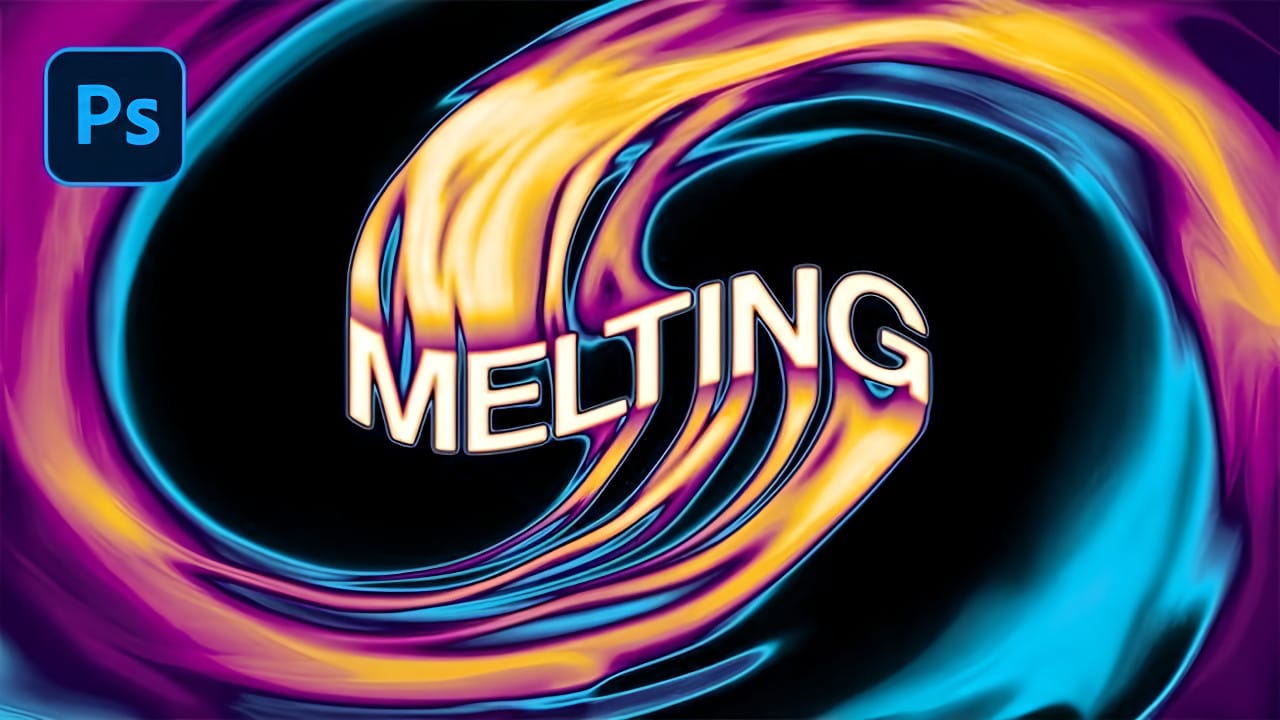
Fire effects transform ordinary text into dynamic visual statements that command attention. The melting, flowing appearance mimics liquid fire or molten metal, creating depth and movement that static text simply cannot achieve. This technique combines warping, gradient mapping, and strategic blurring to build layers of flowing color. The smudge tool Read the full article here: […]

Read more: Create a Spinning Melting Fire Text Effect in Photoshop
How to Create a Grungy Screen Print Text Effect in Photoshop

How to Create a Grungy Screen Print Text Effect in Photoshop

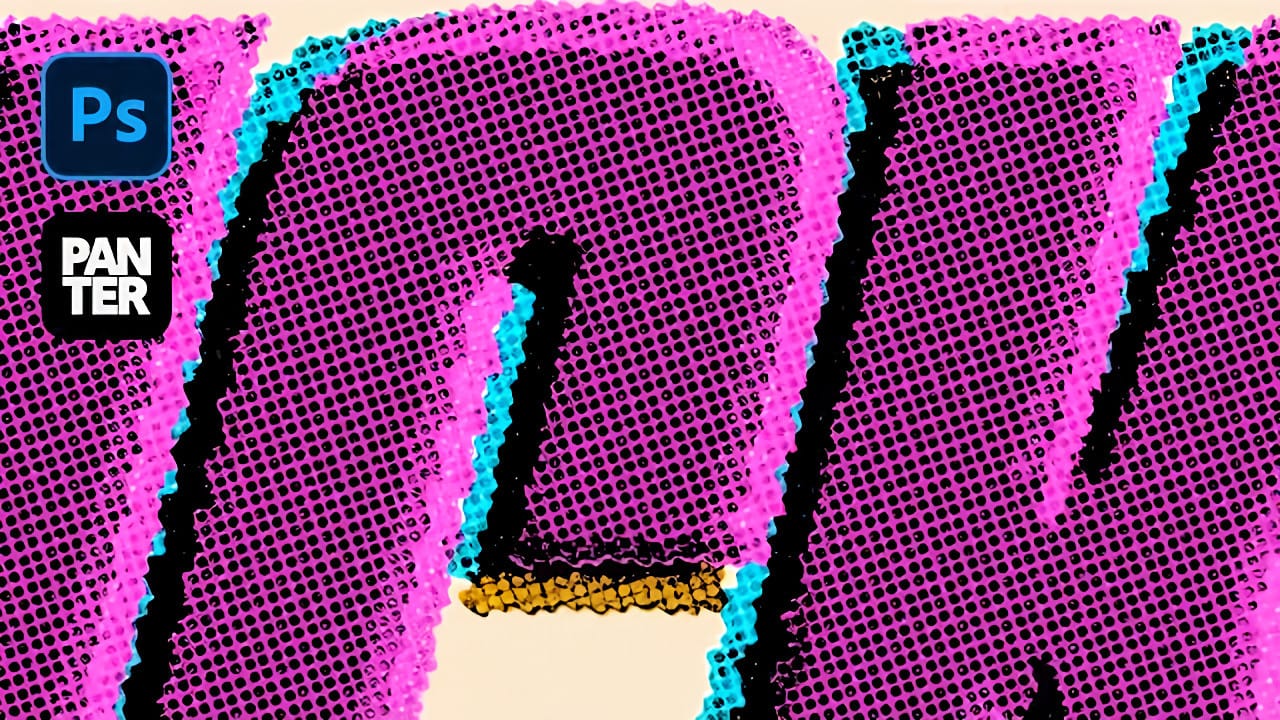
Screen printing creates distinctive textures that digital typography often lacks—rough edges, halftone dots, and color bleeding that gives text authentic character. These imperfections make designs feel handcrafted and rebellious, perfect for band merchandise, vintage posters, and streetwear graphics. This tutorial demonstrates how to recreate that gritty screen print aesthetic Read the full article here: How […]

Read more: How to Create a Grungy Screen Print Text Effect in Photoshop
Creating Cylindrical Glowing Text Effects in Photoshop

Creating Cylindrical Glowing Text Effects in Photoshop

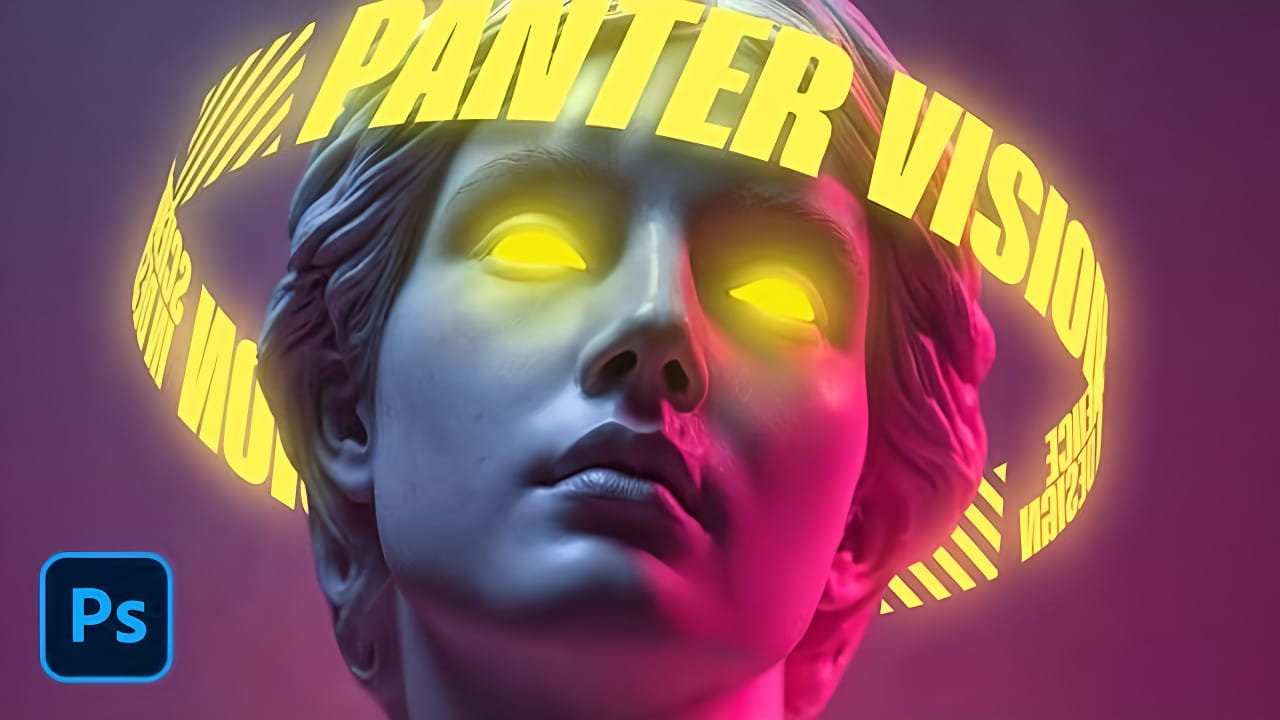
Text that curves around an invisible cylinder creates the illusion of depth and dimension that flat typography simply cannot match. The technique transforms ordinary words into dynamic visual elements that appear to wrap around three-dimensional space. This approach combines Photoshop's warp tools with strategic layer effects to build Read the full article here: Creating Cylindrical […]

Read more: Creating Cylindrical Glowing Text Effects in Photoshop
How to Create 3D Cylindrical Text Around a Model in Photoshop

How to Create 3D Cylindrical Text Around a Model in Photoshop

Wrapping text around a three-dimensional cylinder creates dynamic visual effects that make designs pop off the page. This technique transforms flat typography into engaging dimensional elements that appear to curve naturally around objects or models. The process combines Illustrator's 3D revolve capabilities with Photoshop's masking and Read the full article here: How to Create 3D […]

Read more: How to Create 3D Cylindrical Text Around a Model in Photoshop
Create a Vintage CRT Text Effect in Photoshop

Create a Vintage CRT Text Effect in Photoshop

The distinctive visual qualities of vintage CRT monitors—with their characteristic color separation, scanlines, and analog blur—have become a powerful design element in modern digital art. These old television and computer displays created a unique aesthetic through their phosphor-based technology and analog signal processing. This technique recreates that nostalgic Read the full article here: Create a […]

Read more: Create a Vintage CRT Text Effect in Photoshop
Create Fire Text with Motion Blur and Gradients in Photoshop

Create Fire Text with Motion Blur and Gradients in Photoshop

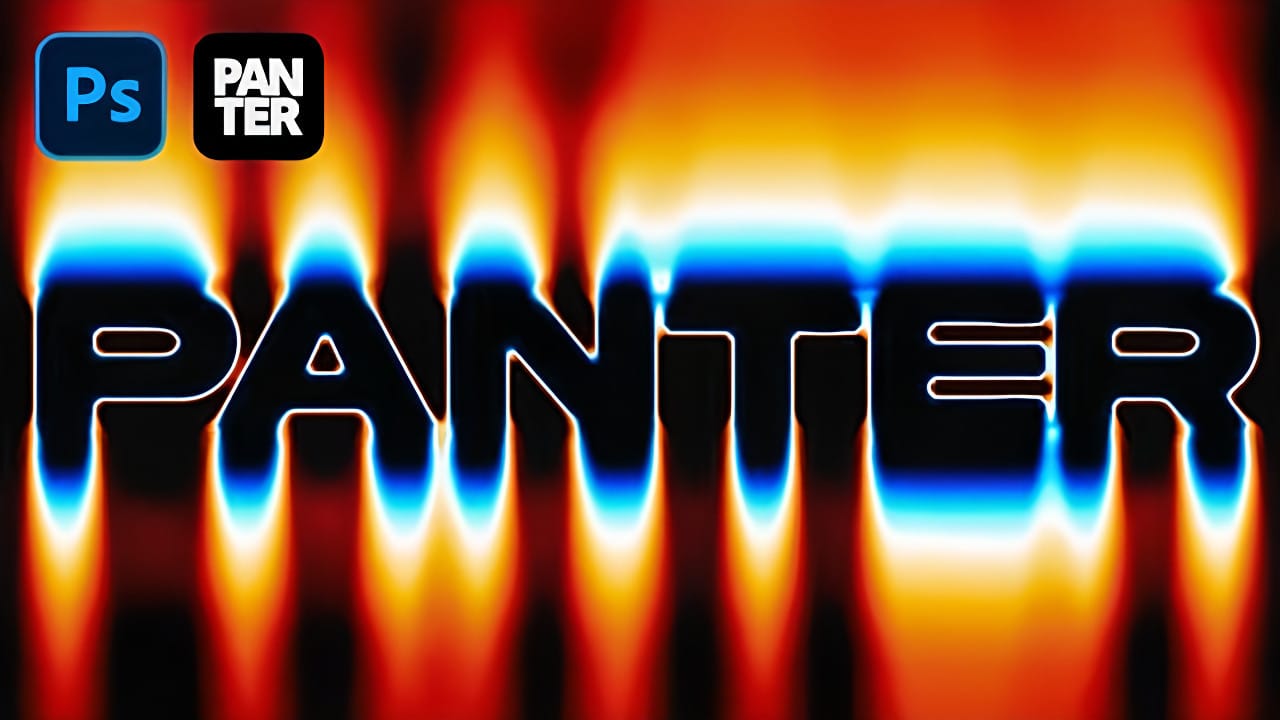
Fire text effects bring raw energy and dynamic movement to any design project. The combination of motion blur and colorful gradients creates the illusion of blazing flames trailing behind text, perfect for logos, posters, and dramatic typography. This technique transforms static lettering into something that appears to be racing across Read the full article here: […]

Read more: Create Fire Text with Motion Blur and Gradients in Photoshop