Schenectady Photographic Society

Menu

Tools and tips

5 Essential Photoshop Techniques for Digital Artists and Photographers

5 Essential Photoshop Techniques for Digital Artists and Photographers

Digital artists and photographers often find themselves repeating the same complex adjustments and effects across multiple projects. These five advanced techniques will help you work more efficiently while creating professional-quality results. From custom presets that save hours of color adjustments to hand-painted digital enhancements that set your work apart from Read the full article here: […]

Read more: 5 Essential Photoshop Techniques for Digital Artists and Photographers
How to Set Up Mouse Scroll Zoom in Photoshop for Faster Navigation

How to Set Up Mouse Scroll Zoom in Photoshop for Faster Navigation

Constantly reaching for the magnify tool or right-clicking to access zoom options disrupts your creative flow and slows down detailed work. Most users don't realize that Photoshop includes powerful scroll wheel zoom features that aren't enabled by default. These simple preference settings transform navigation into smooth, Read the full article here: How to Set Up […]

Read more: How to Set Up Mouse Scroll Zoom in Photoshop for Faster Navigation
How to Cut Out Trees Using Blend If in Photoshop

How to Cut Out Trees Using Blend If in Photoshop

Trees with complex branching patterns challenge traditional selection tools, often leaving messy edges and incomplete cutouts. The Blend If feature offers a powerful alternative for extracting trees from contrasting backgrounds by targeting specific color channels rather than attempting pixel-by-pixel selection. This technique works particularly well when trees are photographed against Read the full article here: […]

Read more: How to Cut Out Trees Using Blend If in Photoshop
Should You Use Photoshop's New AI Credit System or Stick to Traditional Tools

Should You Use Photoshop's New AI Credit System or Stick to Traditional Tools

Adobe's credit-based AI system is creating a dilemma for photographers and digital artists. With 250 monthly credits that can disappear after just a few generative fill operations, many are questioning whether these new tools are worth the investment or if traditional skills remain more valuable. This perspective from Read the full article here: Should You […]

Read more: Should You Use Photoshop's New AI Credit System or Stick to Traditional Tools
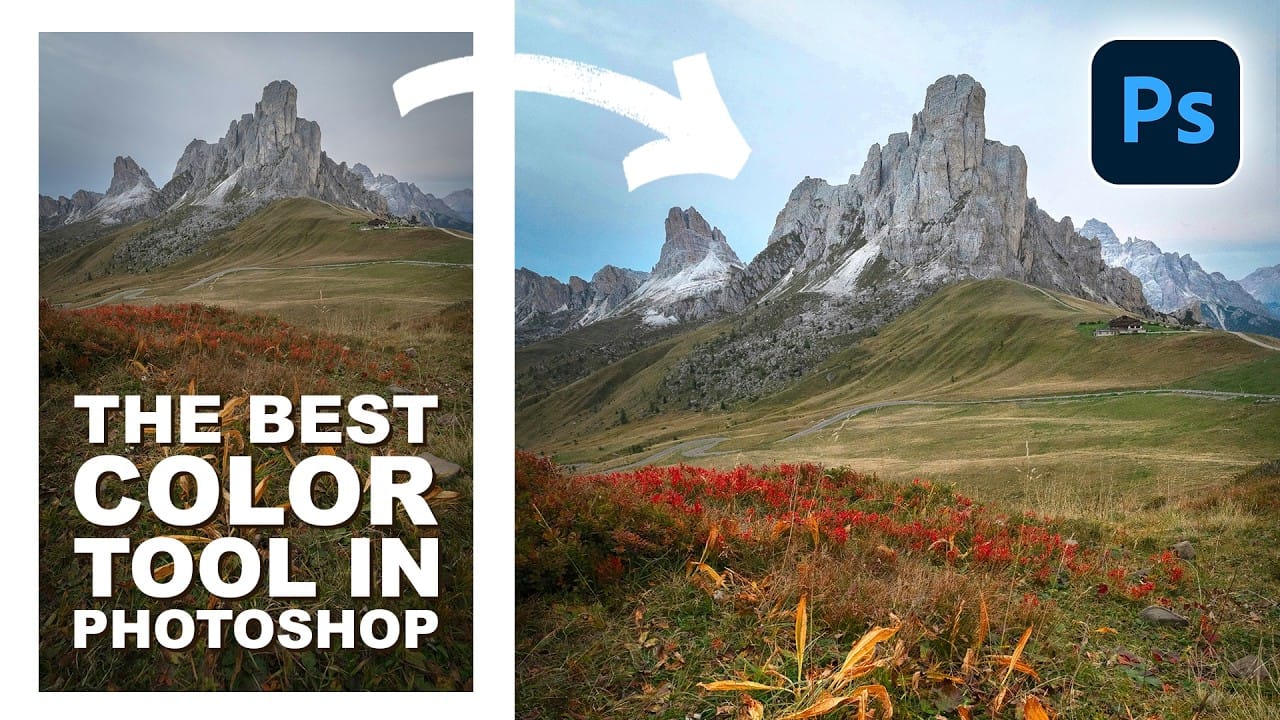
How to Use Point Color in Photoshop's Camera Raw Filter for Precise Color Adjustments

How to Use Point Color in Photoshop's Camera Raw Filter for Precise Color Adjustments

Point Color, hidden within Photoshop's Camera Raw filter, offers unprecedented control over individual colors in your images. This powerful tool lets you target specific color ranges with precision, adjusting hue, saturation, luminance, variance, and range for each selected area. Unlike traditional color adjustment methods, Point Color uses an Read the full article here: How to […]

Read more: How to Use Point Color in Photoshop's Camera Raw Filter for Precise Color Adjustments
How to Use the 3D Object Rotation Tool in Photoshop Beta

How to Use the 3D Object Rotation Tool in Photoshop Beta

Adobe's new Rotate Object feature transforms flat 2D images into interactive 3D models that can be repositioned from any angle. This AI-powered tool automatically creates cutouts, maintains original textures, and generates missing details when objects are rotated beyond their original perspective. The feature opens new possibilities for product Read the full article here: How to […]

Read more: How to Use the 3D Object Rotation Tool in Photoshop Beta