
Schenectady Photographic Society

Menu

Tools and tips

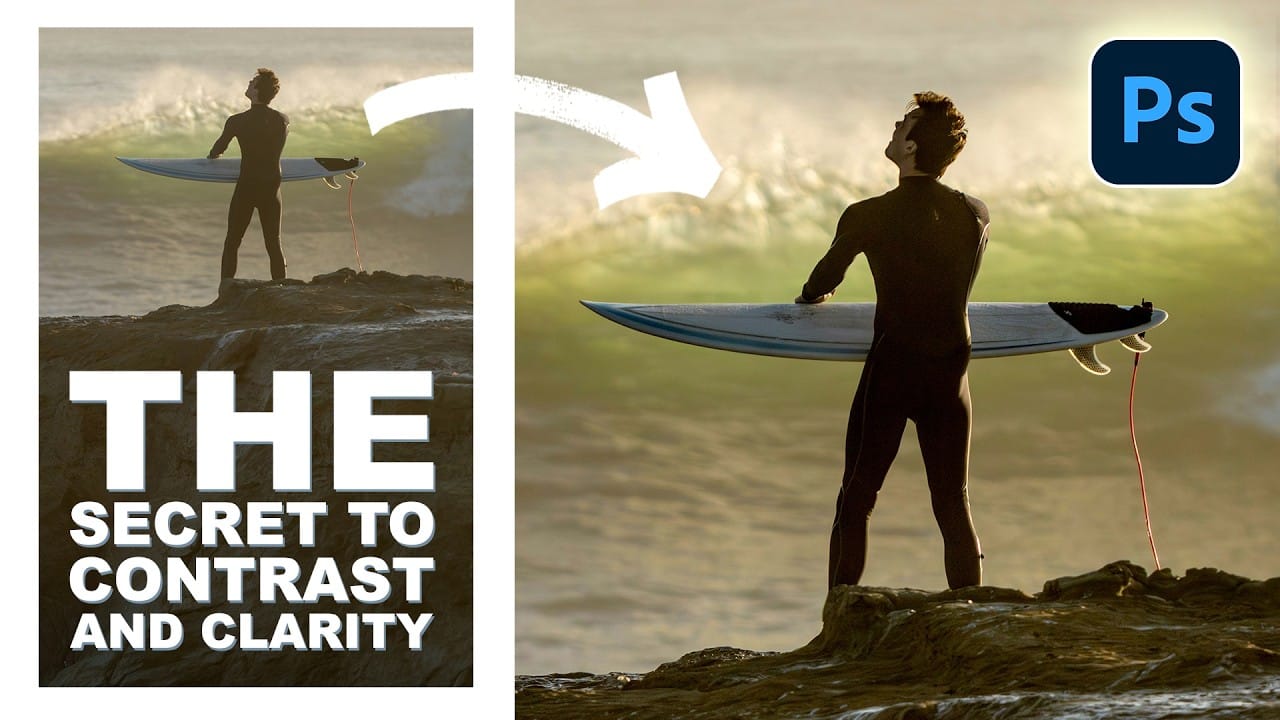
How to Add Selective Contrast and Clarity Using Camera Raw Filter

How to Add Selective Contrast and Clarity Using Camera Raw Filter

Many photos lack the visual impact they could have simply because contrast and clarity are applied uniformly across the entire image. The key to professional-looking results lies in selectively enhancing specific areas that deserve attention while leaving others untouched. This approach uses the Camera Raw filter's histogram controls Read the full article here: How to […]

Read more: How to Add Selective Contrast and Clarity Using Camera Raw Filter
Concept Development and Mood Boarding with Firefly Boards for Fashion Design

Concept Development and Mood Boarding with Firefly Boards for Fashion Design

Fashion design concept development traditionally requires gathering inspiration from multiple sources, creating mood boards, and iterating through ideas before presenting to clients. Firefly Boards streamlines this entire workflow into a single workspace where you can source inspiration, generate new variations through AI remixing, and organize final concepts into professional presentations. Read the full article here: […]

Read more: Concept Development and Mood Boarding with Firefly Boards for Fashion Design
How to Use Photoshop Channels for Precision Masking and Natural Selections

How to Use Photoshop Channels for Precision Masking and Natural Selections

Most photographers avoid channels because they seem technical and intimidating. The breakthrough happens when you stop thinking of channels as red, green, and blue data and start seeing them as mask maps that reveal natural separation points in your images. This approach transforms rough, scissors-cut selections into smooth, believable masks Read the full article here: […]

Read more: How to Use Photoshop Channels for Precision Masking and Natural Selections
How to Use the New Color, Clarity, Dehaze, and Grain Adjustment Layers in Photoshop

How to Use the New Color, Clarity, Dehaze, and Grain Adjustment Layers in Photoshop

Three powerful new adjustment layers bring Camera Raw's most popular tools directly into your layers panel. Color and Vibrance, Clarity and Dehaze, and Grain adjustments now work as standard adjustment layers with full masking capabilities and non-destructive editing. These tools eliminate the need for smart objects when applying Read the full article here: How to […]

Read more: How to Use the New Color, Clarity, Dehaze, and Grain Adjustment Layers in Photoshop
Understanding Blend Modes, Curves, Channels, and Fill vs Opacity in Photoshop

Understanding Blend Modes, Curves, Channels, and Fill vs Opacity in Photoshop

Most users cycle through blend modes randomly or avoid the curves panel entirely, missing out on precise control over their edits. These fundamental tools become intuitive once you understand the logic behind their organization and function. This tutorial breaks down four essential concepts that separate casual users from confident editors: Read the full article here: […]

Read more: Understanding Blend Modes, Curves, Channels, and Fill vs Opacity in Photoshop
Complete Visual Storytelling Workflow Using Adobe Firefly Boards and Video Editor

Complete Visual Storytelling Workflow Using Adobe Firefly Boards and Video Editor

Visual storytelling transforms abstract ideas into compelling narratives through a structured workflow from initial concept to finished video. Adobe Firefly Boards provides an integrated workspace where you can generate story concepts, create detailed storyboards, and produce animated video sequences without switching between multiple applications. This comprehensive approach demonstrates how generative Read the full article here: […]

Read more: Complete Visual Storytelling Workflow Using Adobe Firefly Boards and Video Editor
Text to Image with Adobe Firefly: Complete Workflow Guide

Text to Image with Adobe Firefly: Complete Workflow Guide

Text to Image generation transforms simple descriptions into high-quality visuals through AI-powered tools. This workflow combines creative prompting with precise controls to produce everything from initial concepts to production-ready assets. The process requires both technical understanding and creative decision-making. Success comes from iterative refinement, strategic prompt construction, and knowing how Read the full article here: […]

Read more: Text to Image with Adobe Firefly: Complete Workflow Guide